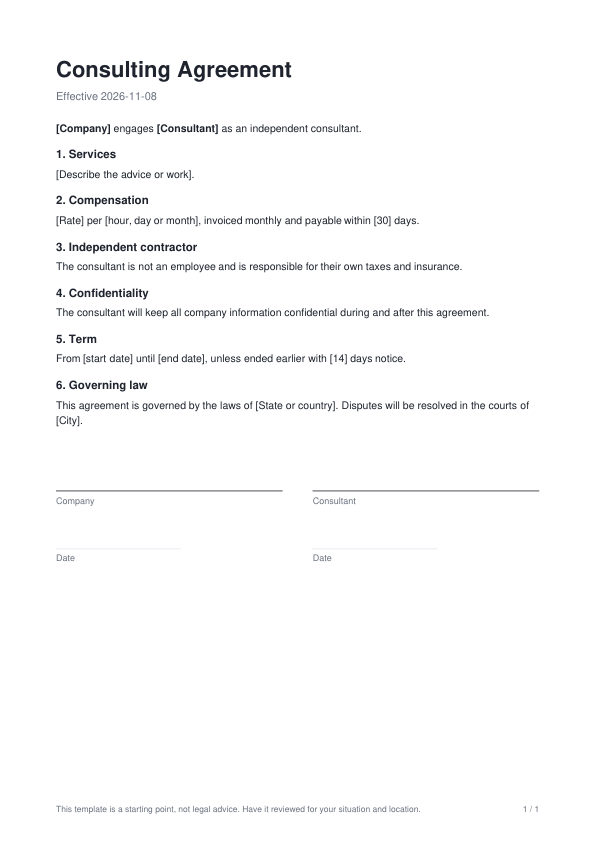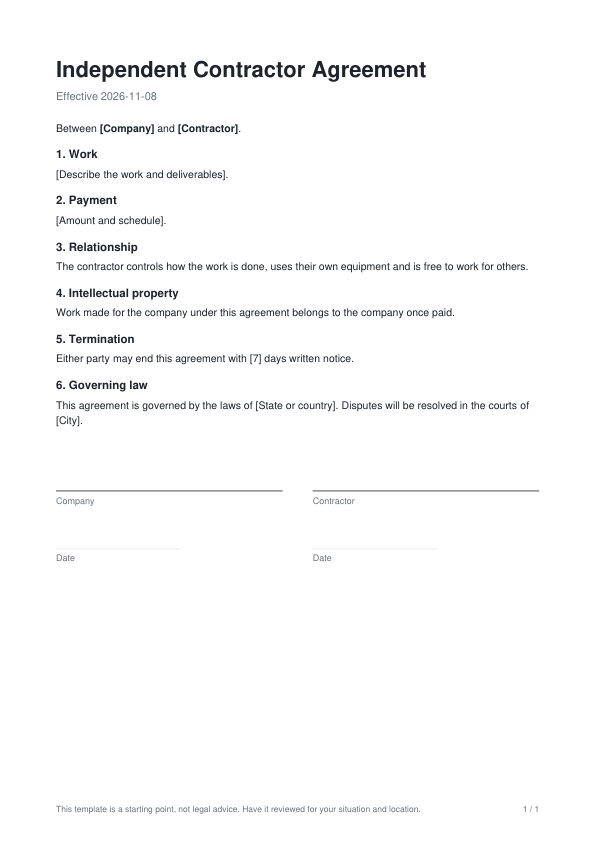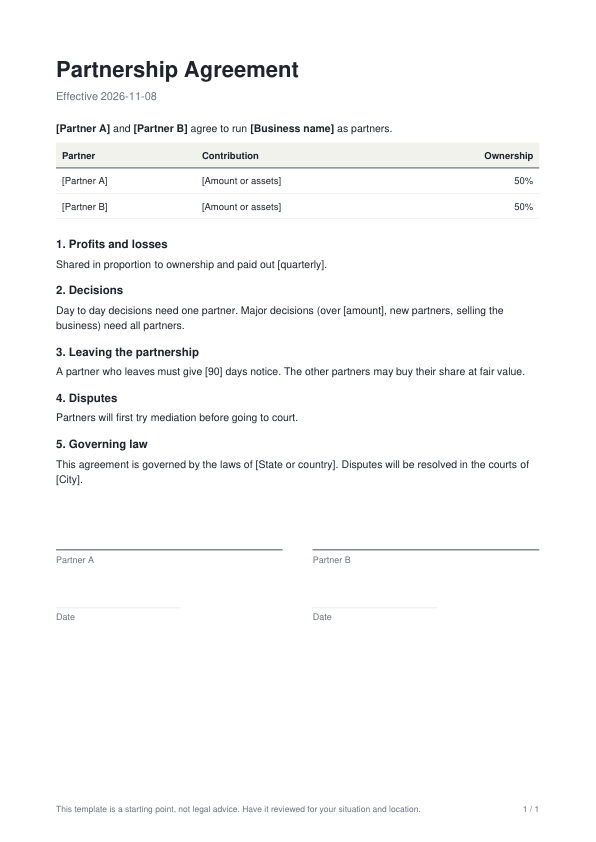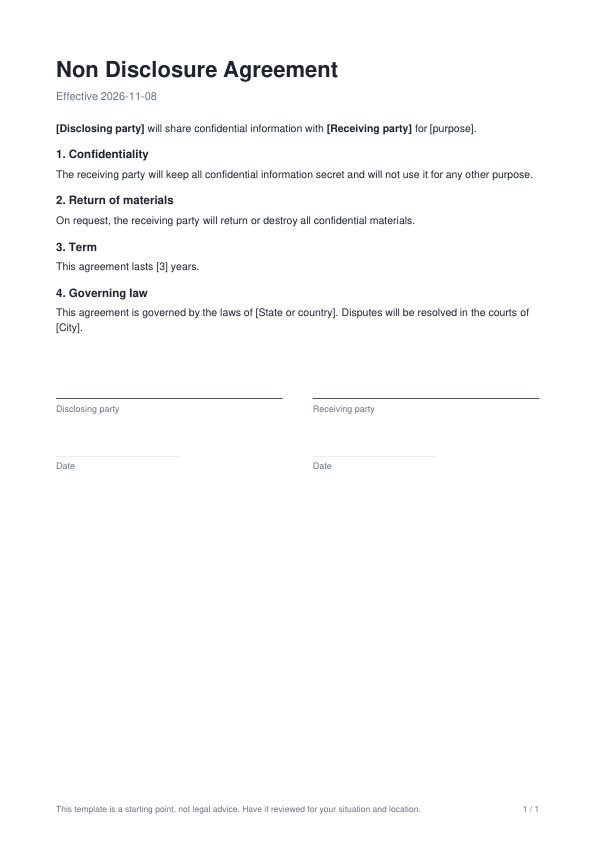
Mutual NDA template

A two way non disclosure agreement to share confidential information safely. Open it in the PDF editor, fill in your details, then download it or send it for signature.
Browse all templates
  • Free to use
  • Edit everything
  • Download as PDF or send for e signature
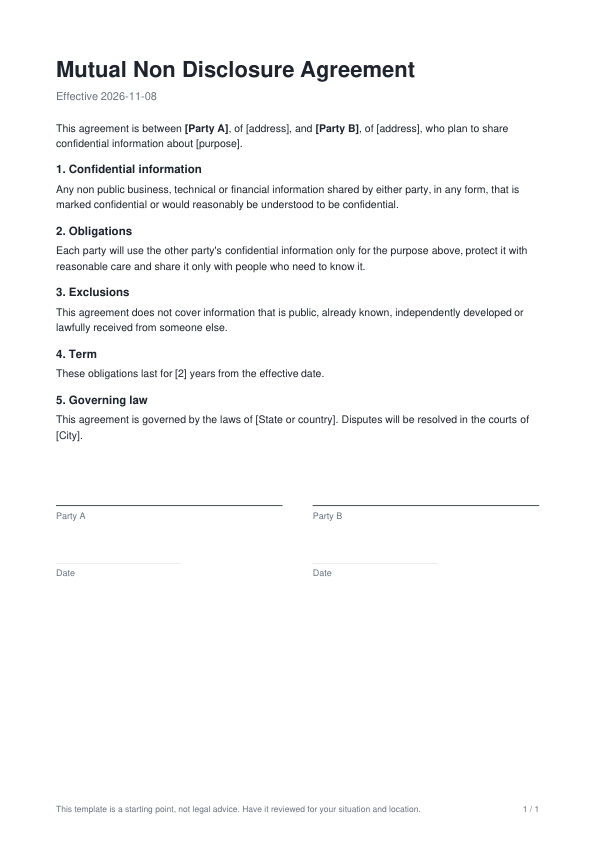
Mutual NDA template, first page

What is inside

  • Confidential information
  • Obligations
  • Exclusions
  • Term
  • Governing law
  • Signature lines for Party A and Party B

How to use it

  1. Open it in the editor. Click Use this template. It opens as a real PDF you can edit.
  2. Make it yours. Replace the text in [square brackets], add your logo, change fonts and colors, or ask the AI assistant to fill it in for you.
  3. Download or send. Save it to your Drive, download the PDF, share a link or send it for e signature.

Legal templates are a starting point, not legal advice. Have important agreements reviewed for your situation and location.
More contracts and legal templates

One way NDA template preview
One way NDAProtect your information when only you are sharing it.
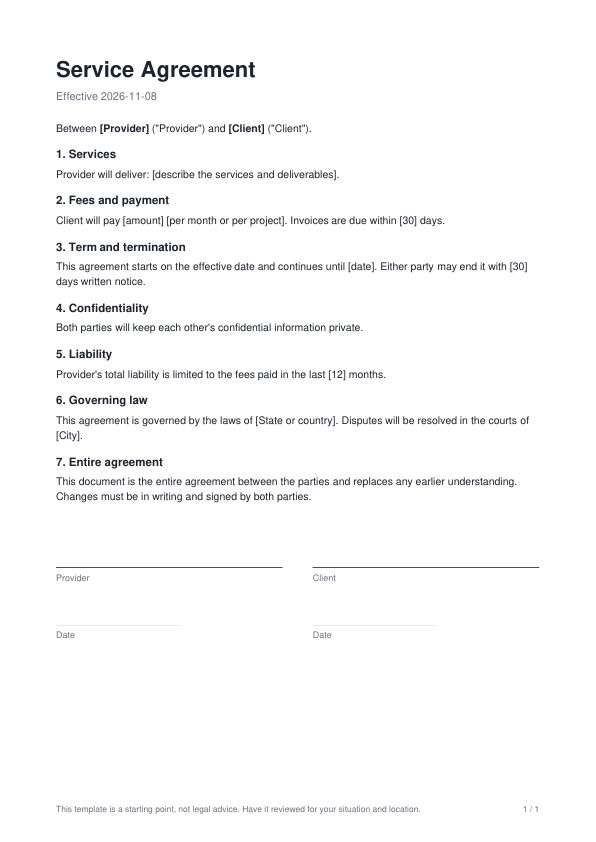
Service agreement template preview
Service agreementSet out services, fees, timelines and responsibilities with a client.
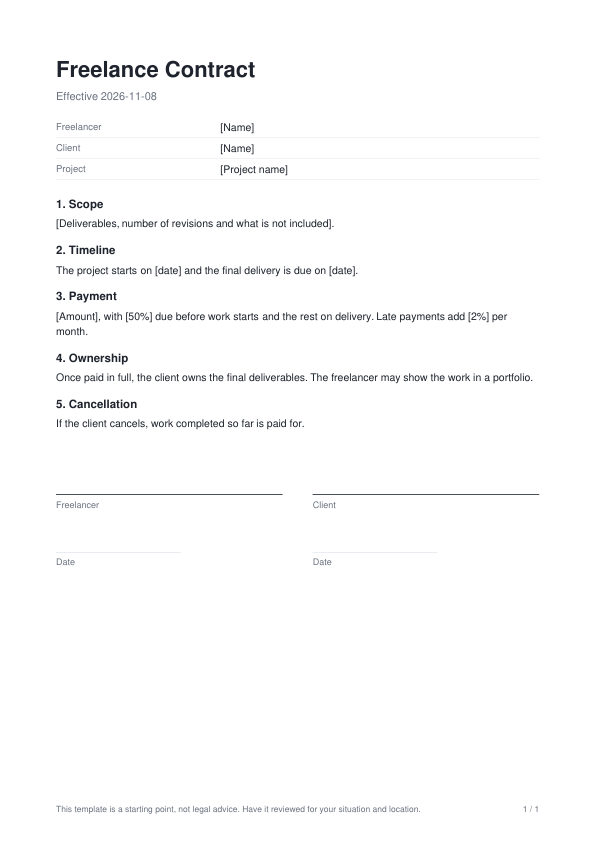
Freelance contract template preview
Freelance contractA simple contract for freelance projects: scope, payment, revisions and ownership.
Partnership agreement template preview
Partnership agreementAgree on ownership, contributions, profits and decisions between partners.

Questions

Is this mutual nda template free?

Yes. Create a free PDFbat account, open the template in the PDF editor, change anything you like and download it as a PDF.

How do I fill it in?

Replace the text in [square brackets] with your own details. Click any text in the editor to change it, or ask the AI assistant beside the document to fill it in or rewrite a section in the same style.

Can I send it for signature?

Yes. When it is ready, send it from PDFbat for legally binding e signatures, or sign it yourself with Fill & Sign.

Can I change the language?

Yes. You can type in any language, including Arabic, Hindi, Chinese and other scripts, and the AI assistant can translate the whole document.

76 free PDF templates

Invoices, contracts, resumes, letters, certificates and more. Or describe what you need and let AI draft it.