Templates and bulk send for documents you sign again and again
Prepare a contract, form or policy once, save it as a template, and send it to one person, to five hundred people from a CSV, or to anyone who opens a public link.
- Up to 500 rows per bulk send
- Signers need no account
- Pro unlimited for $4/mo
Stop preparing the same document every week
Most signing work is repetitive. The same NDA goes to every new contractor, the same offer letter to every hire, the same consent form to every client. Placing fields by hand each time is slow and easy to get wrong.
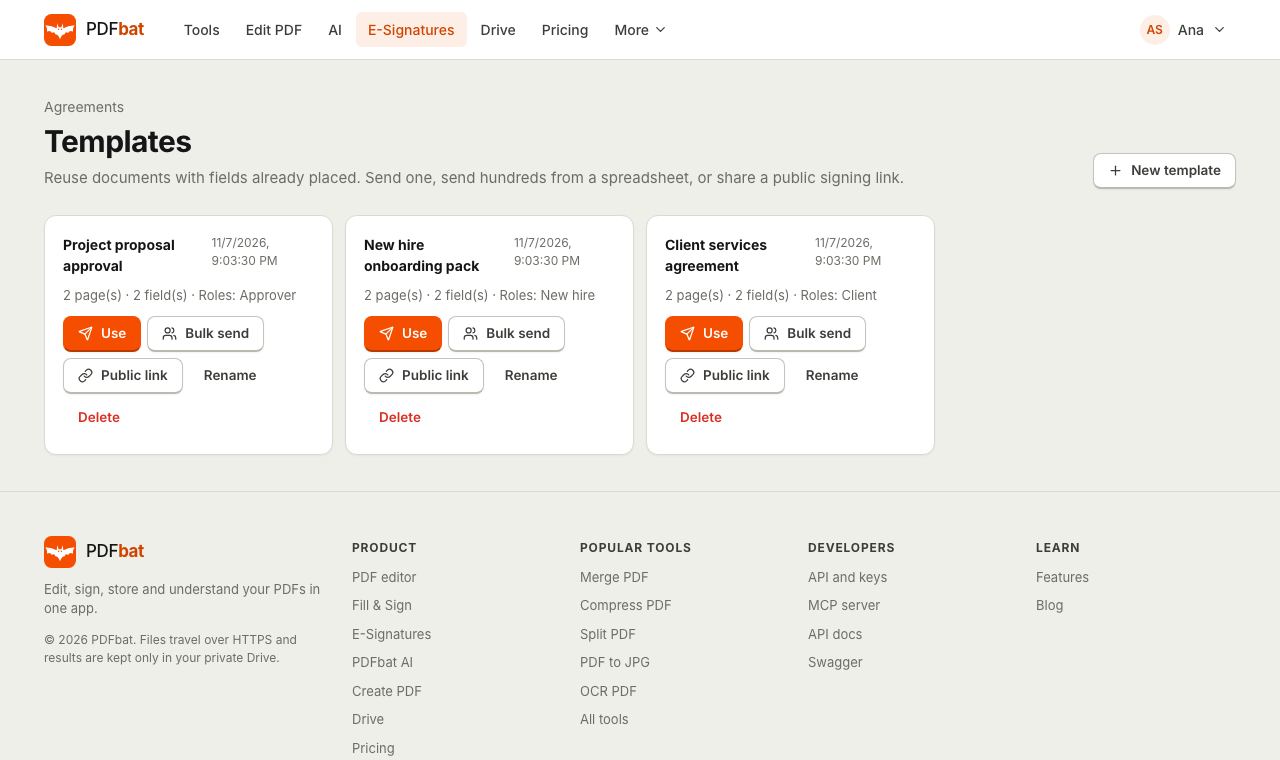
A PDFbat template stores the document, the roles that sign it (for example Client and Company), the signing order, the reminder and expiry settings, and every field with its position and owner. When you use the template, you only type in names and emails. Everything else is already in place.
Why templates save hours
Prepare once, reuse forever
Fields, roles, routing order and settings are saved with the template, so every envelope you send from it is consistent.
Bulk send from a CSV
Upload a spreadsheet with one row per person and PDFbat sends each of them their own envelope, up to 500 rows at a time.
Public signing links
Publish a link on your website or in an email. Anyone who opens it enters their name and email and signs their own copy.
Clear results per row
After a bulk send you see which rows were sent and which failed with the exact reason, so you can fix and resend only those.
Same audit trail as every envelope
Each envelope created from a template gets its own audit trail, certificate of completion and sealed PDF.
From one document to hundreds of signatures in 3 steps
- 1
Save an envelope as a template
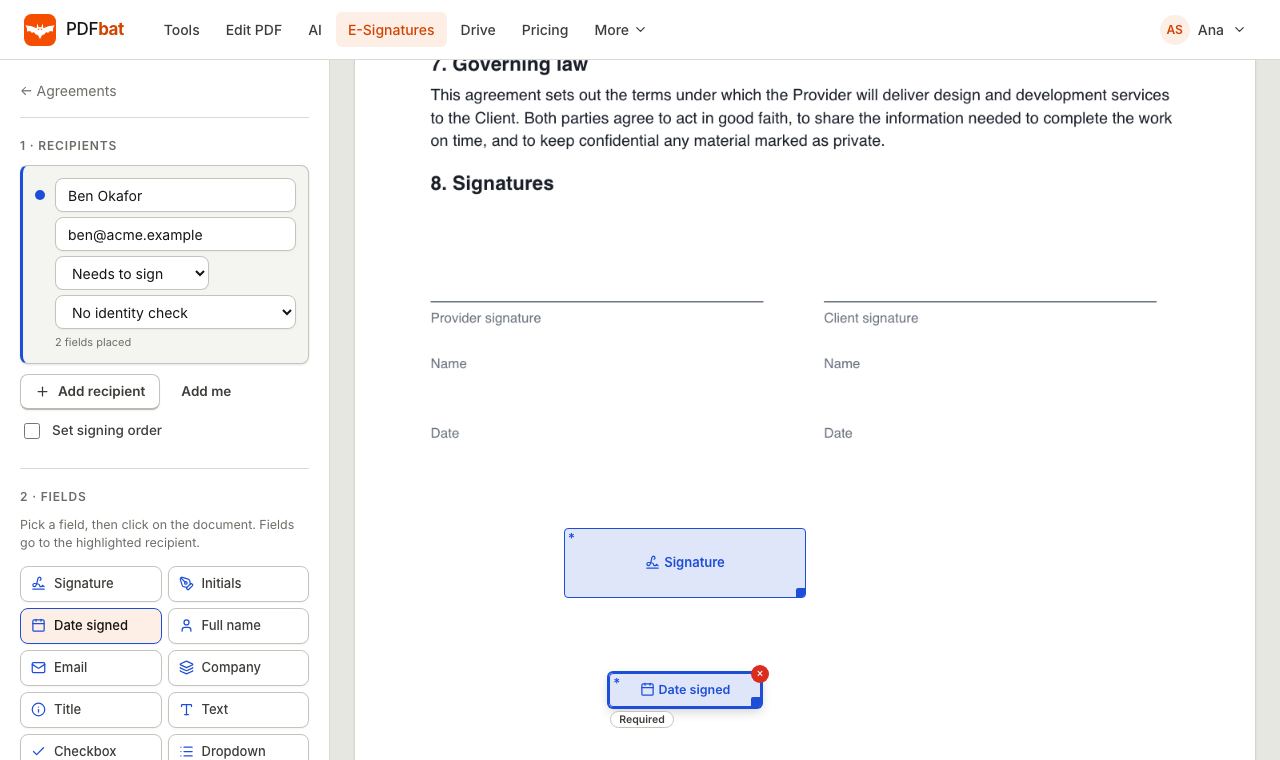
Prepare an envelope as usual with recipients and fields, then choose Save as template. Each recipient becomes a role in the template.
- 2
Choose how to send
Send now to specific people, upload a CSV for bulk send, or turn on a public signing link for a single signer template.
- 3
Track every envelope
Each person gets their own envelope. Follow them on the Agreements page and collect the sealed PDFs in your Drive.
What templates and bulk send include
- Roles instead of people
- A template keeps a role for each recipient, such as Tenant, Landlord or Witness, with its signer or CC type and routing order.
- Saved fields
- Signature, initials, date, text, name, email, company, title, checkbox, dropdown and attachment fields keep their page, position, size, label and required setting.
- Saved settings
- The message, sequential or parallel routing, reminder interval and expiry period carry over to every envelope created from the template.
- Send now
- Pick a template, type a name and email for each role, review and send. You can also create a draft to adjust before sending.
- Access codes per person
- Identity settings saved on a role carry over, and through the API you can set a separate access code for each person you send to.
- CSV template download
- Download a ready made CSV for any template. Its header has a name and an email column for every role, for example
Client name,Client email. - Bulk send up to 500 rows
- Each row becomes one envelope sent to the people in that row. Quoted values and commas inside names are handled correctly.
- Row by row results
- PDFbat continues past a bad row, such as a missing email, and reports it. If you reach your plan's envelope limit, sending stops cleanly.
- Public signing links
- For a template with exactly one signer, create a link anyone can open. Each visitor gets their own envelope, and every start is recorded.
- Turn a link off
- Disable a public link at any time and it stops accepting new signers immediately. Creating a new link replaces the old one.
- Rename and delete
- Keep your template list tidy by renaming or deleting templates you no longer use.
How bulk send works
Bulk send is built for the moment you need the same document signed by many people, each separately. Think of a policy update for 120 employees or a consent form for every parent in a class.
- Open the template and choose Bulk send.
- Download the CSV template, or build your own with a
<Role> nameand<Role> emailcolumn for every role. - Fill one row per envelope in Excel, Numbers or Google Sheets and export it as CSV.
- Upload the file, review the count and choose Send to everyone.
- Read the results: how many were sent, and which rows failed and why.
Every envelope counts toward your plan. Free accounts can send 3 envelopes a month, which is enough to try bulk send. Pro removes the limit for $4 a month.
Public signing links, explained
A public link works like a sign up form that ends in a signature. Put it on your booking page, in a newsletter or in a QR code at your front desk. A visitor opens it, enters their name and email, and PDFbat creates and sends an envelope just for them, then takes them straight to signing.
You receive each completed, sealed PDF in your Drive and by email, exactly as with any other envelope. Common uses include waivers, client intake forms, volunteer agreements, photo releases and simple service terms.
Templates for developers
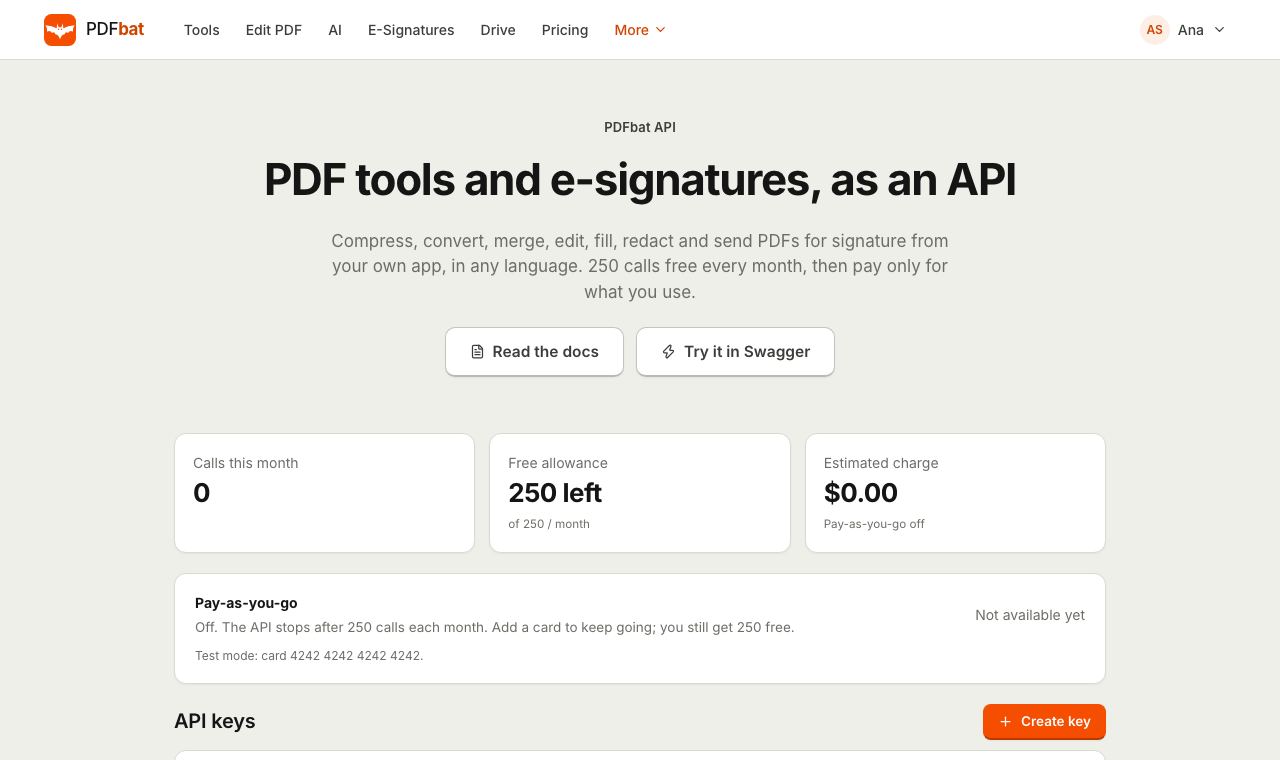
Every template action is also available through the PDFbat API: list templates, create an envelope from a template, bulk send a CSV, download the CSV header and turn public links on or off. Combine it with webhooks to update your own records when each envelope completes.
PDFbat compared with DocuSign and Adobe Acrobat
| Feature | PDFbat | DocuSign Personal | Adobe Acrobat Pro |
|---|---|---|---|
| Price | Free (3 envelopes a month), Pro $4/mo unlimited | From $11/mo | $19.99/mo, annual plan |
| Reusable templates | Yes | Yes | Yes |
| Bulk send from a CSV file | Yes | Higher tier plans | Varies by plan |
| Public signing links | Yes | Higher tier plans | Varies by plan |
| Template API with free monthly calls | 250 free calls a month | Separate developer plans | Separate product |
Competitor details reflect their public plan pages in November 2026 and can change. Check their sites for current terms.
Frequently asked questions
How do I create a template?
Prepare an envelope with the document, recipients and fields, then choose Save as template from the prepare screen or the envelope page. Each recipient becomes a role.
How many people can I bulk send to?
Up to 500 rows per bulk send, with one envelope per row. Each envelope counts toward your plan, so Free allows 3 a month and Pro is unlimited.
What format does the CSV need?
A header row with a name and an email column for every role, such as Client name,Client email, then one row per envelope. Download the CSV from the template to get the exact header.
What happens if some rows are wrong?
PDFbat sends every valid row and lists the rows that failed with the reason, for example an invalid email. Fix those rows and upload them again.
Who can use a public signing link?
Anyone with the link. They enter their name and email and sign their own copy. Public links work with templates that have exactly one signer.
Do signers need an account?
No. Signers, including people who start from a public link, sign in the browser without creating an account.
Can I change a template after saving it?
You can rename or delete a template. To change fields, prepare an updated envelope and save it as a new template.
Related features and tools
 E-SignaturesSend PDFs for legally binding e signatures with signing order, identity checks, reminders and a sealed final PDF.
 Fill and SignFill PDF forms, sign, add initials, dates and checkmarks, then flatten and download.
 PDF APIA REST API for every PDF tool, editing, forms, e signatures, templates, Drive and webhooks. 250 free calls a month.
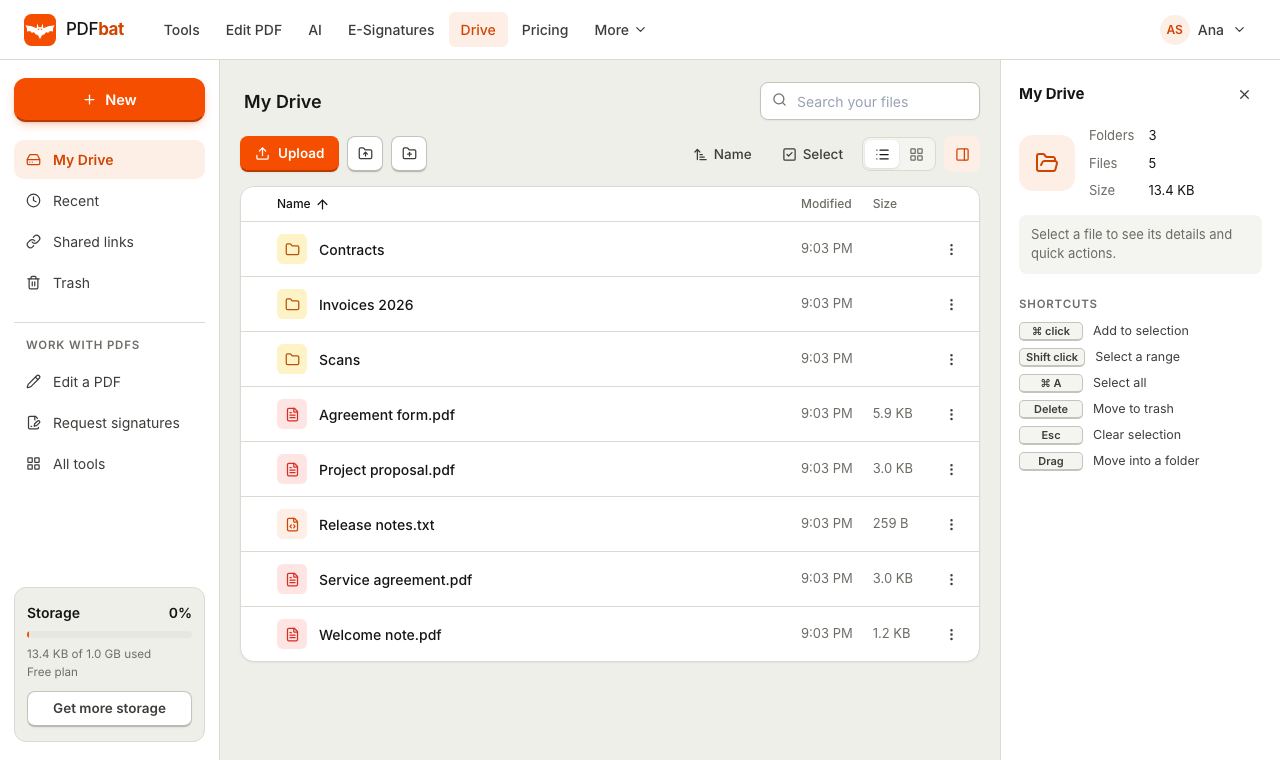 Cloud DrivePrivate cloud storage for PDFs with folders, share links and every tool result saved automatically.
 PDF EditorEdit existing text, add text in any language, images, shapes, highlights, redactions, links and comments.
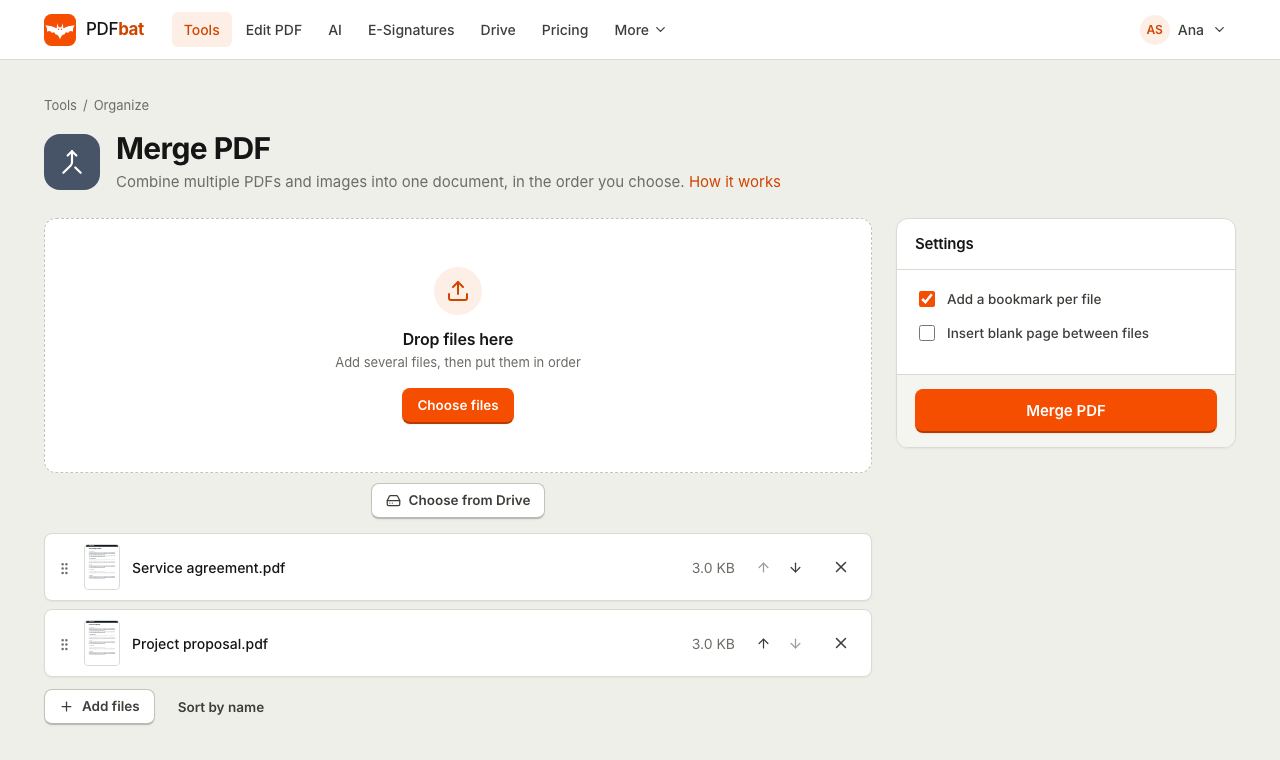 Merge PDFCombine PDFs, images and ebooks into one file in the order you choose, with a bookmark per file.
Save your first template free
Prepare an envelope once, save it as a template and send it again in seconds. Free to start, Pro unlimited for $4 a month.