Merge PDF files into one document in seconds
Drop in two or more PDFs, images or ebooks, drag them into the right order and download a single clean PDF. Every source file gets its own bookmark so readers can jump straight to it.
- Free plan, no credit card
- Nothing to install
- Works on phone, tablet and desktop
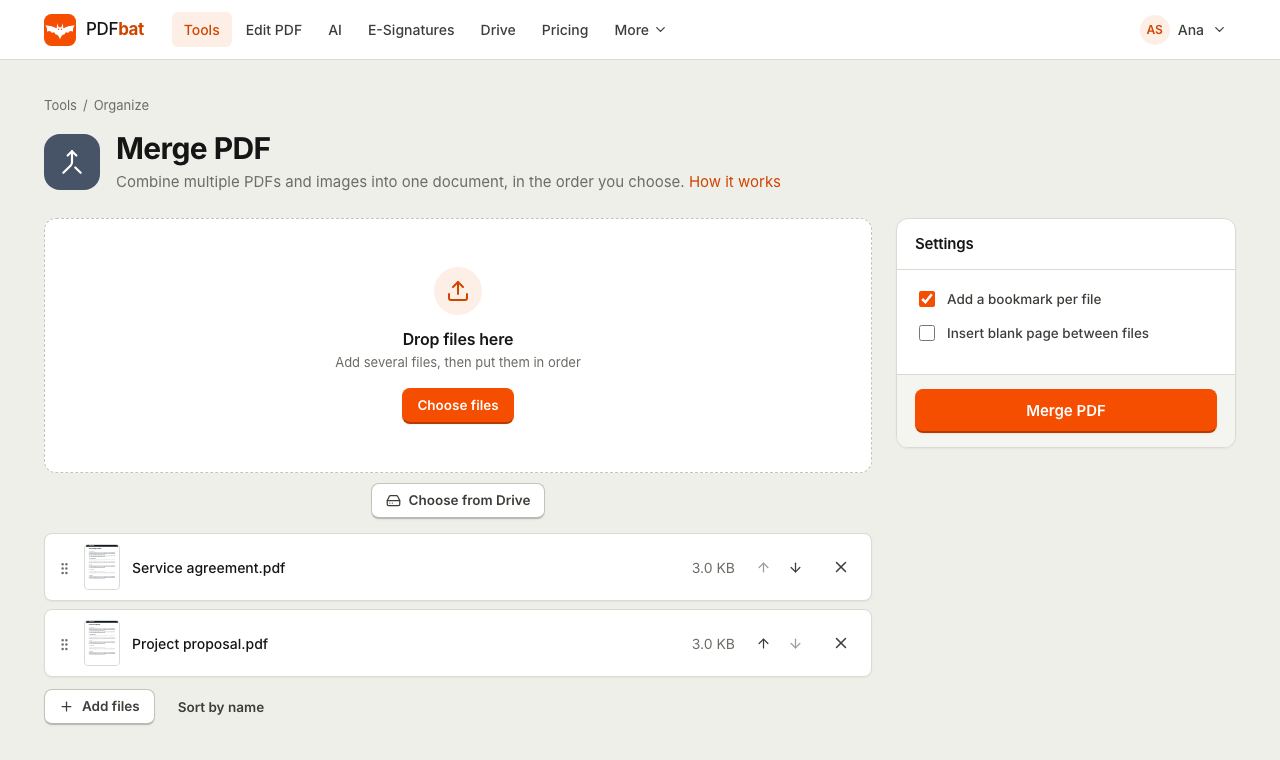
One file instead of a folder full of attachments
Application packs, monthly reports, invoices with their receipts, a contract with its schedules: all of these are easier to send, sign and archive as one PDF. The Merge PDF tool copies every page of every file into a new document, in exactly the order you set, without re-rendering anything. Text stays selectable, links keep working and images keep their original quality.
You are not limited to PDFs. JPG, PNG and other image files, EPUB ebooks, XPS documents, CBZ comic archives and FB2 books are converted to PDF pages on the fly and merged in the same pass, so a scanned receipt photo can sit right after the invoice it belongs to.
Why merge with PDFbat
Any order you like
Drag files by their handle or use the up and down arrows to set the sequence before merging. What you see in the list is what you get.
PDFs and images together
Mix PDFs with photos, scans, EPUB, XPS, CBZ and FB2 files. Each one becomes pages in the final document.
A bookmark per file
Each source file becomes an entry in the PDF outline, named after the file, so long merged packs stay easy to navigate.
No quality loss
Pages are copied, not printed again. Text stays searchable and selectable, and images are not recompressed.
Saved to your Drive
The merged PDF lands in your private Drive automatically, ready to download, share with a link or send for signature.
How it works
- 1
Add your files
Drop two or more files onto the page, or pick them from your device or Drive. PDFs, images and ebook formats can be mixed in one merge.
- 2
Put them in order
Drag each file into place or use the arrows. Choose whether to add bookmarks and whether to insert a blank page between files.
- 3
Merge and download
Click merge. PDFbat builds one PDF in seconds and saves it to Drive. Download it or open it in another tool.
Merge options explained
- Add a bookmark per file
- On by default. The merged PDF gets an outline with one entry per source file, titled with the file name and pointing to its first page. Turn it off if you want a plain document without a bookmarks panel.
- Insert blank page between files
- Adds an empty page after every file except the last, sized to match the page before it. Useful for double sided printing, where each document should start on a fresh sheet.
- Drag and drop ordering
- Every file shows a thumbnail, its name and size. Drag the grip handle to move a file, or use the Move up and Move down buttons, which also work well on touch screens.
- Mixed input formats
- Accepts PDF, JPG, PNG and other image types, plus EPUB, XPS, CBZ and FB2. Images become a page sized exactly to the picture.
- Original page sizes kept
- A Letter page stays Letter and an A4 page stays A4. If you need everything the same size afterwards, run Resize Pages.
- Works on encrypted output later
- Merge first, then add a password to the combined file with Protect PDF.
Common ways people use Merge PDF
- Job and visa applications: combine a cover letter, CV, certificates and ID scans into the single file most portals ask for.
- Expense claims: put the claim form first and follow it with photos of every receipt.
- Contracts: join the main agreement, schedules and appendices before sending the whole pack for e signature.
- Reports: assemble chapters written by different people into one deliverable with a bookmark for each section.
- Scanning at home: merge separate scans of the same document taken on different days.
Tips for a better merged PDF
- Name files the way you want the bookmarks to read, for example "01 Cover letter.pdf", before you upload them.
- If one source PDF has pages you do not need, merge first and then remove them with Delete Pages, or fine tune the order with Organize PDF.
- Large merged scans can be heavy. Run Compress PDF on the result to make it email friendly.
- Scanned the fronts and backs of a stack separately? Use Alternate and Mix instead, which interleaves the pages rather than appending them.
- Add page numbers after merging so the numbering runs across the whole document.
PDFbat compared with Adobe Acrobat Pro
| Feature | PDFbat | Adobe Acrobat Pro |
|---|---|---|
| Price | Free plan, Pro $4/mo | $19.99/mo, annual plan |
| Merge PDFs in the browser | Yes | Yes |
| Mix images and PDFs in one merge | Yes | Yes |
| Bookmark per source file | Yes | Yes |
| Result saved to a private cloud Drive | Yes, automatically | Adobe cloud storage |
| Merge from your own app with an API | Yes, 250 free calls a month | Sold separately |
Competitor details reflect their public plan pages in November 2026. Check their sites for current terms.
Frequently asked questions
How many files can I merge at once?
You need at least two. You can add many more in one go; the practical limit is the upload size of your plan, 25 MB per file on Free and 100 MB on Pro.
Can I merge JPG or PNG images with PDFs?
Yes. Images, EPUB, XPS, CBZ and FB2 files are converted to PDF pages and merged in the order you set. To turn images alone into a PDF, JPG to PDF also offers page sizes and margins.
Will merging reduce the quality of my pages?
No. Pages are copied as they are, so text stays sharp and searchable and images keep their original resolution.
Can I change the order after uploading?
Yes. Drag files in the list or use the up and down arrows. To reorder individual pages after merging, use Organize PDF.
What are the bookmarks for?
They appear in the bookmarks or outline panel of PDF readers, one per original file, so a reader can jump to the start of each document. You can switch them off.
Can I merge a password protected PDF?
Remove the password first with Unlock PDF, using the password you already have, then merge.
Does it work on my phone?
Yes. Merge PDF runs in Safari and Chrome on iPhone and Android, and the arrow buttons make reordering easy on a touch screen.
Related features and tools
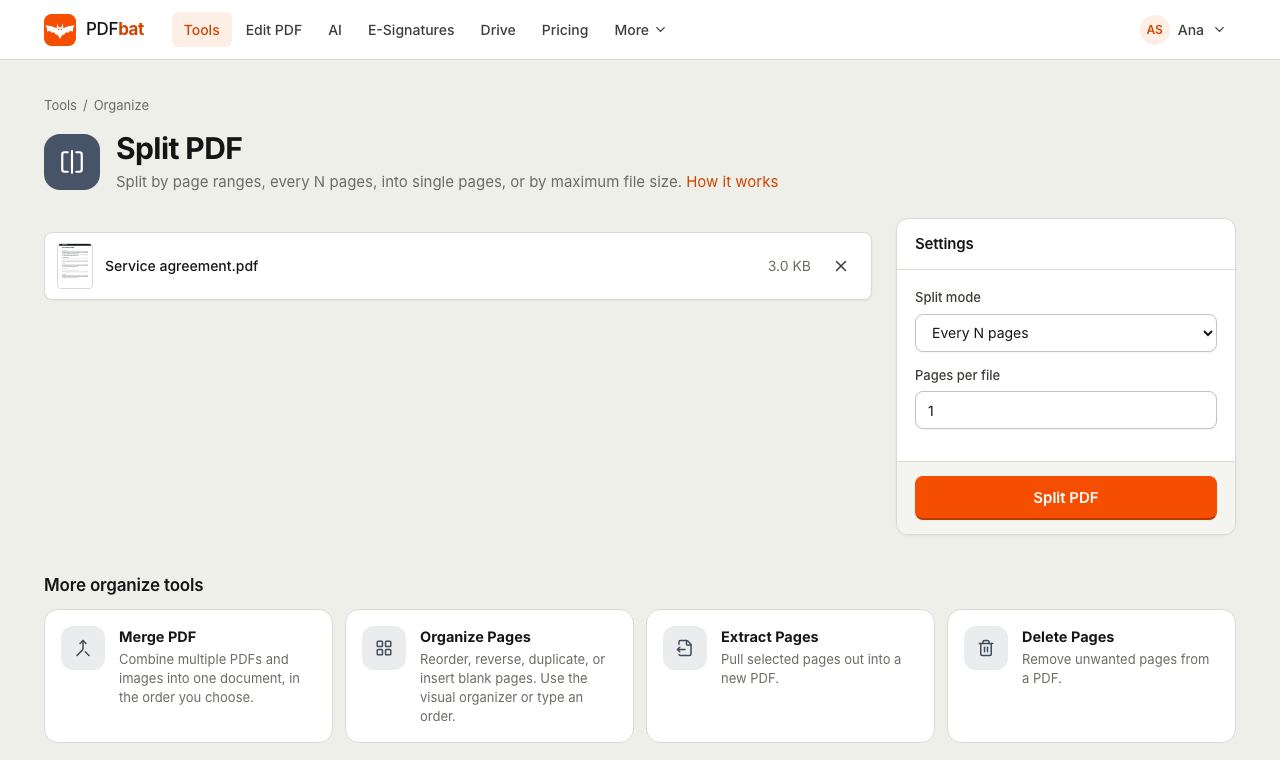 Split PDFSplit a PDF every N pages, by custom ranges, into single pages, by file size or into odd and even.
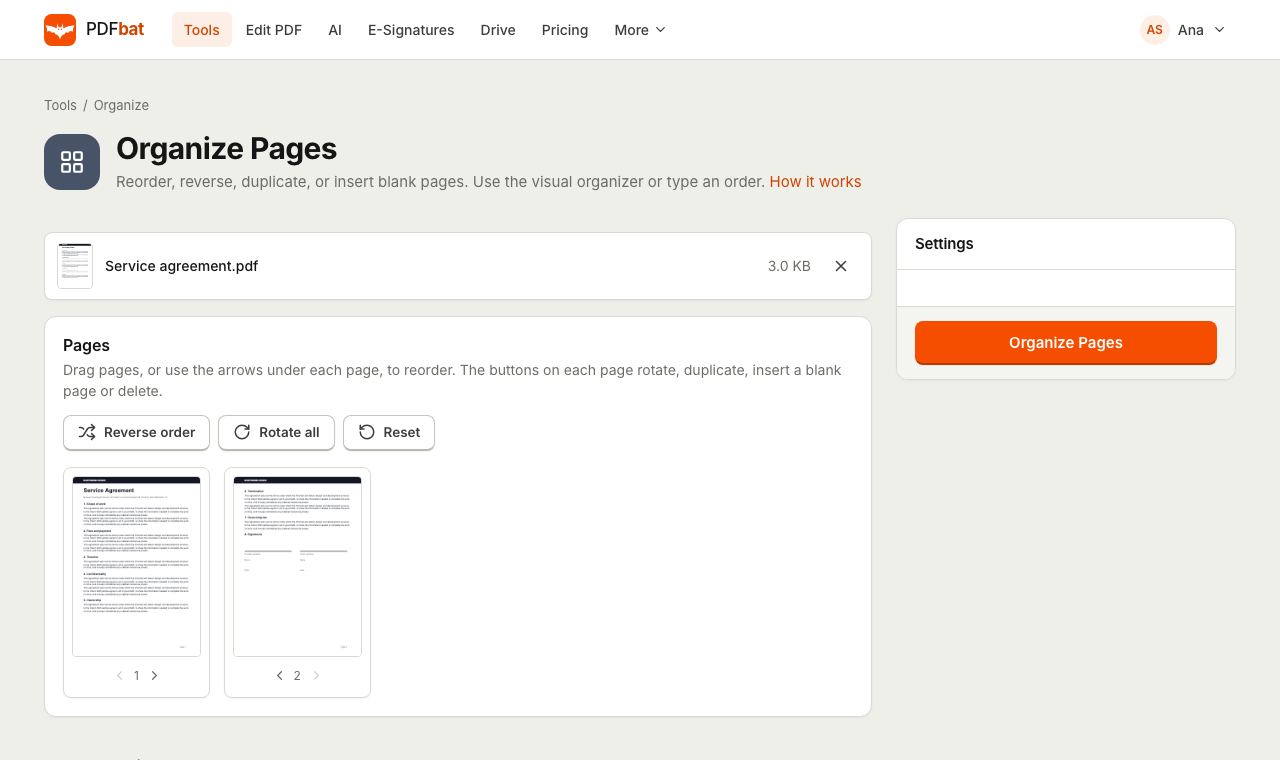 Organize PDFRearrange, rotate, duplicate, delete and insert blank pages with a visual drag and drop organizer.
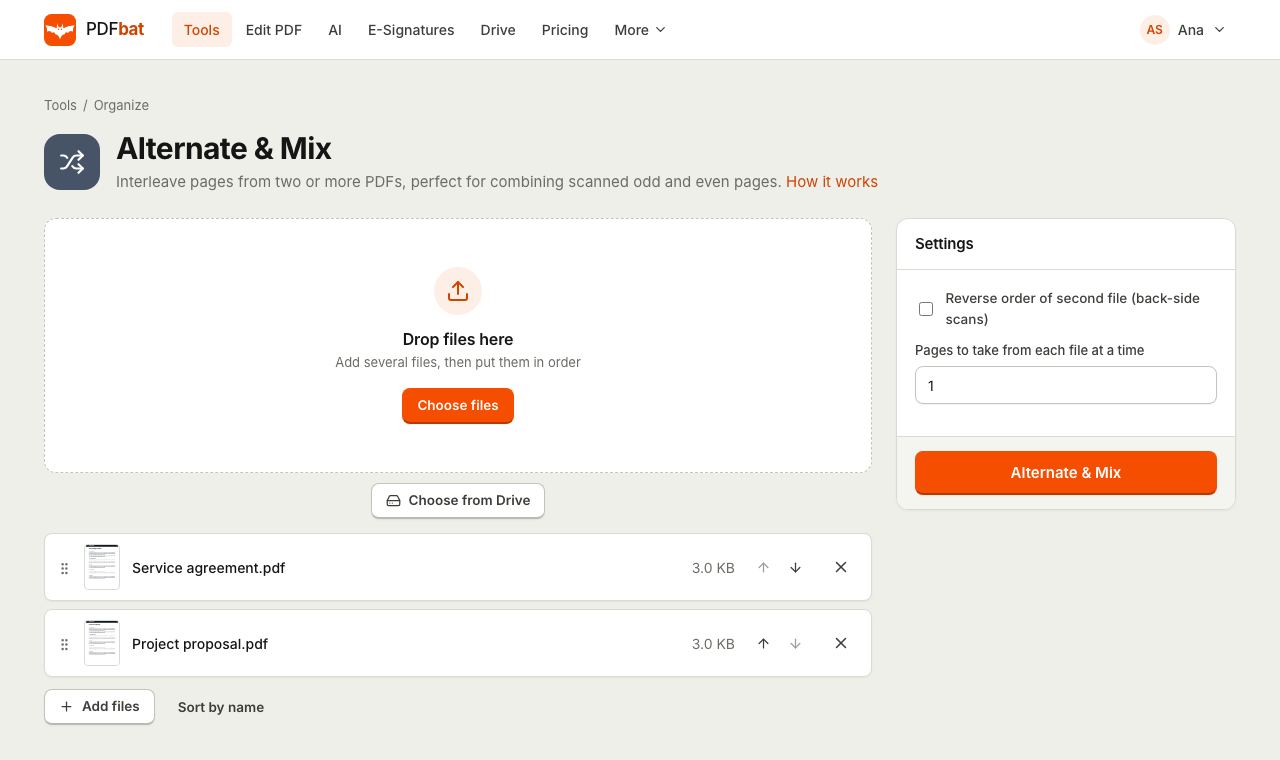 Alternate and Mix PDFInterleave pages from two or more PDFs, ideal for combining separate front and back scans.
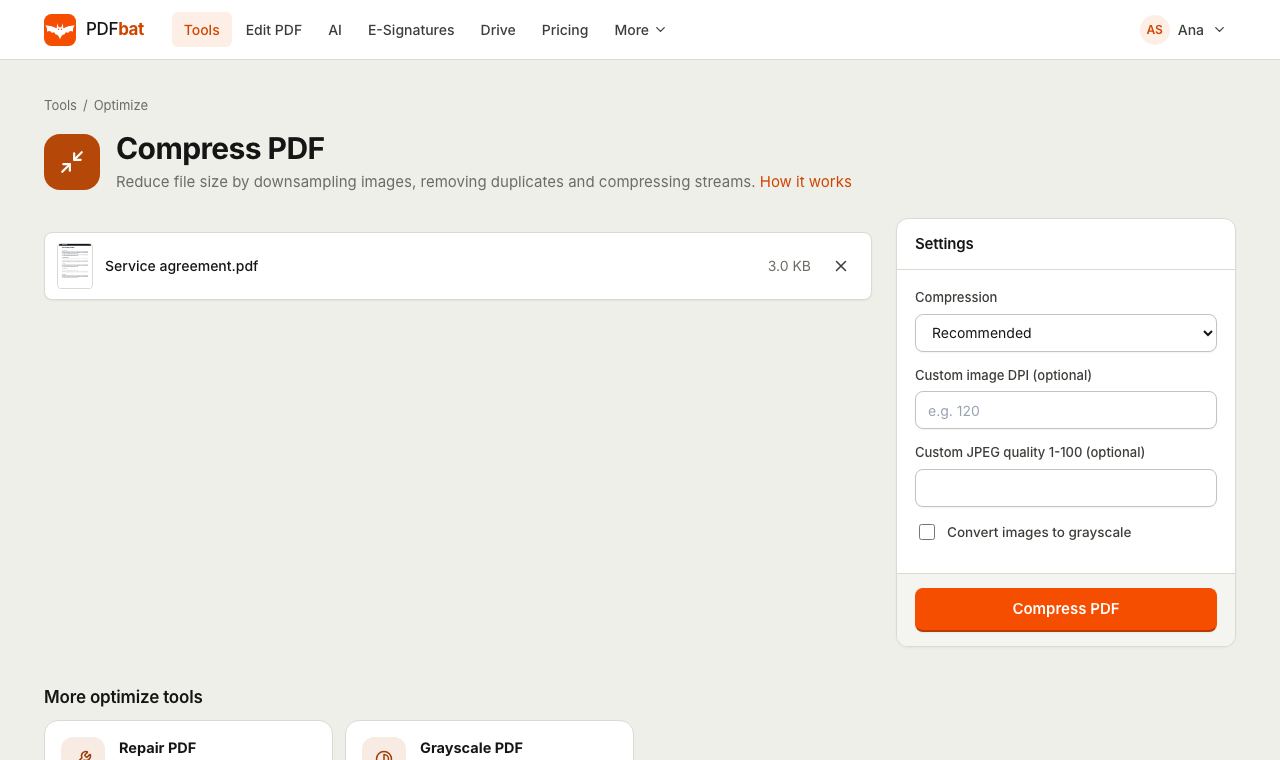 Compress PDFShrink PDFs for email and upload portals with four levels, custom DPI and grayscale.
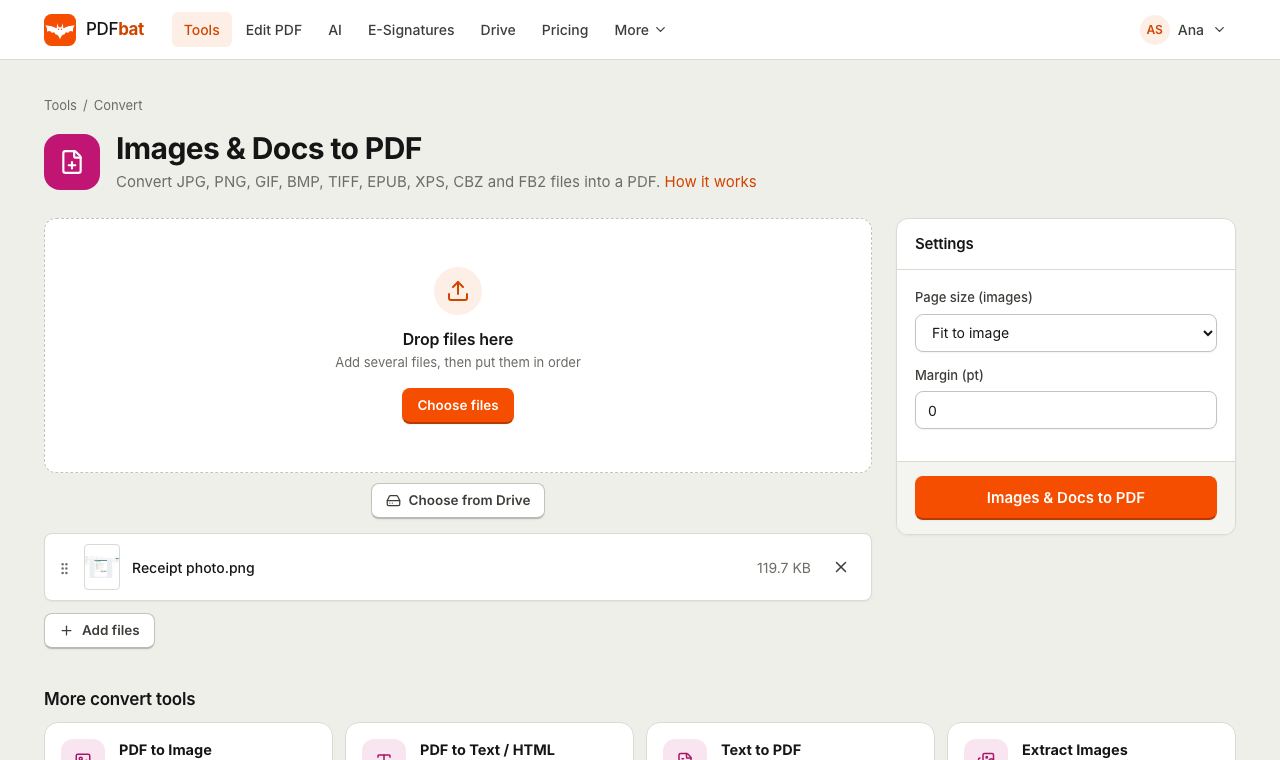 JPG to PDFTurn JPG, PNG, TIFF and other images, plus EPUB, XPS and CBZ files, into one PDF.
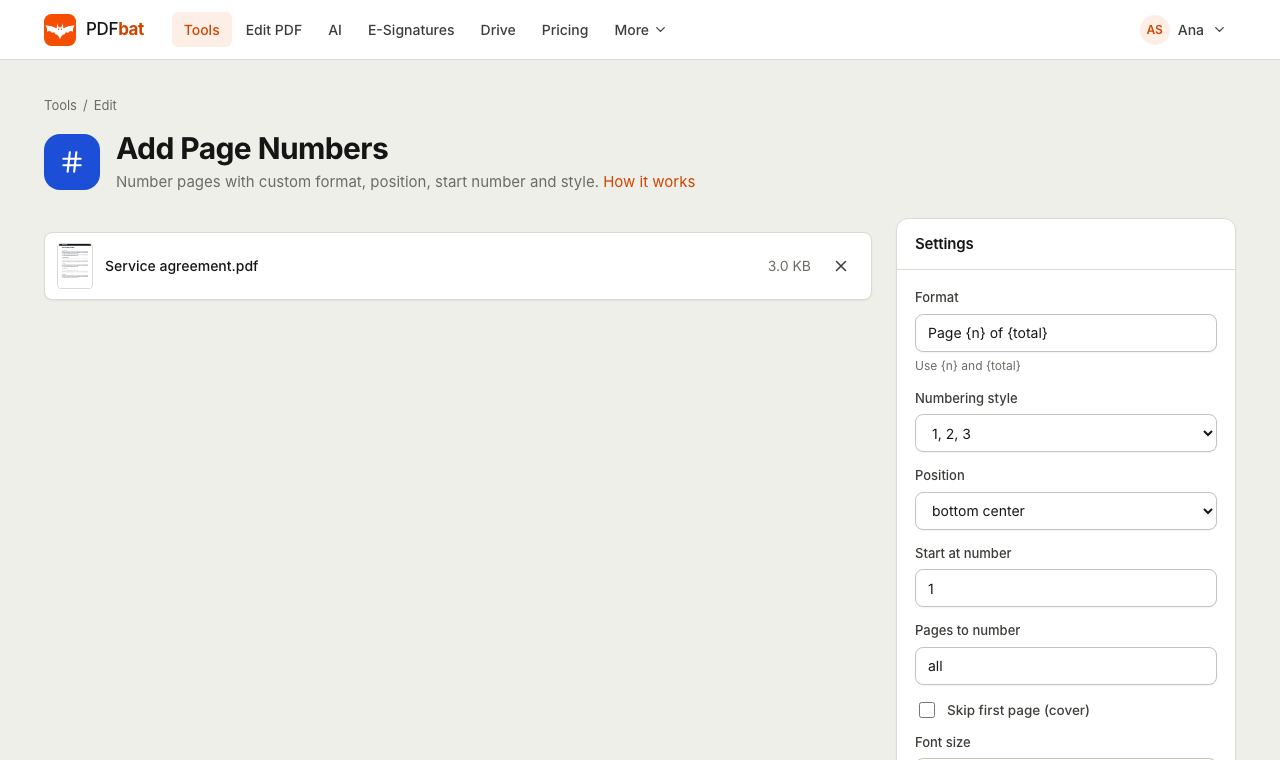 Add Page NumbersNumber PDF pages with your own format, position, start number and Roman numerals.
Try Merge PDF free
Create a free account in seconds. No credit card, nothing to install, and it works on any device.