Unlock a PDF and remove its password for good
Tired of typing the same password every time you open your bank statement? Enter it once and PDFbat saves a copy with no password and no restrictions.
- Free plan, no credit card
- Nothing to install
- Works on phone, tablet and desktop
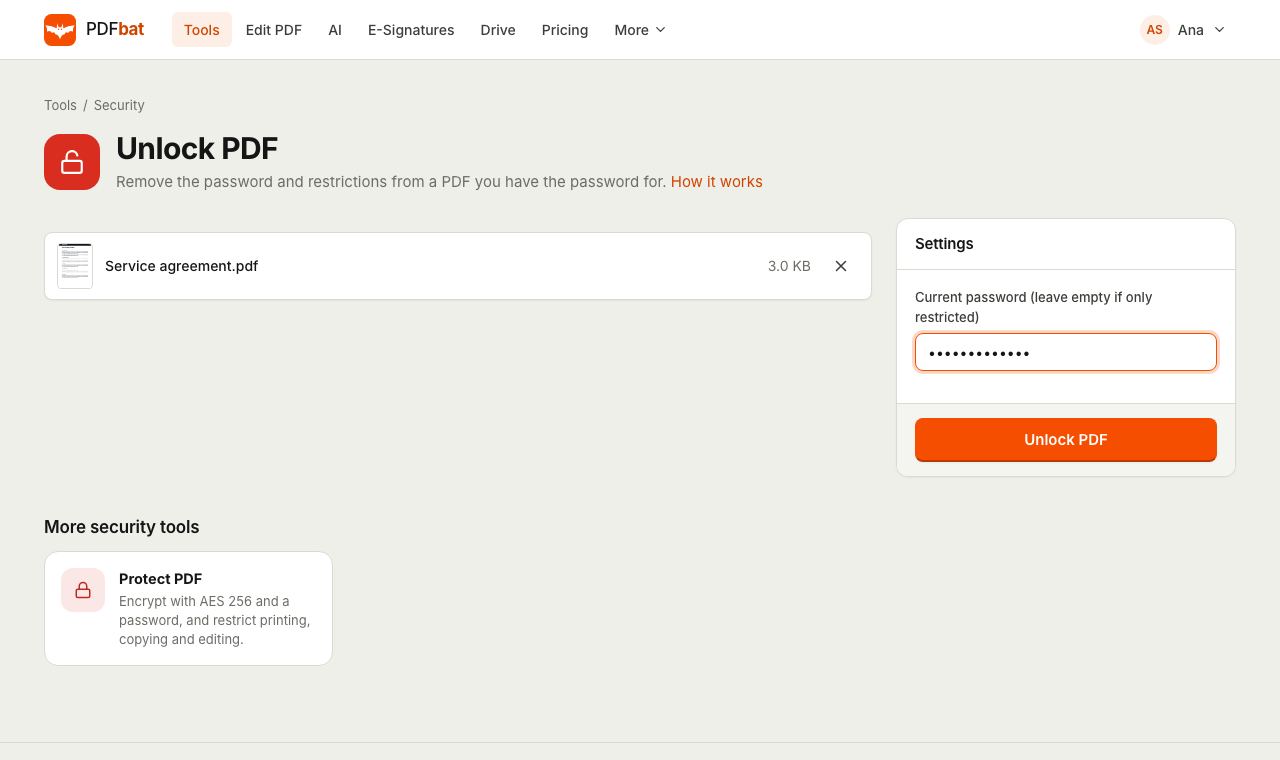
What unlocking does, and what it does not do
PDF passwords come in two kinds. A password to open encrypts the whole document, so you must know it to read anything. A permissions password lets anyone open the file but blocks printing, copying or editing.
PDFbat opens the file with the password you provide, then saves it again without encryption. If the PDF only has restrictions and opens without a password, leave the field empty and the restrictions are removed. Unlock PDF is for documents you are entitled to open. It does not guess or crack passwords.
Make your own documents easier to use
Open without a password
The saved copy opens straight away in any reader, on any device.
Print and copy again
Restrictions on printing, copying and editing are dropped, so the file behaves like a normal PDF.
Ready for other tools
Merge, compress, sign or edit the unlocked file. Most tools cannot change an encrypted PDF.
Nothing else changes
Pages, text, images, links and form fields stay exactly as they were. Only the encryption is removed.
Saved to your Drive
The unlocked copy is stored privately in your Drive. The original is never altered.
How it works
- 1
Upload the locked PDF
Drop the file onto the page or choose it from your computer, phone or Drive.
- 2
Enter the current password
Type the password you use to open it. If the file opens without one and only blocks printing or copying, leave the field empty.
- 3
Download the unlocked copy
Get a PDF with no password and no restrictions. If the password is wrong, PDFbat tells you so you can try again.
How Unlock PDF works
- Current password
- The one option. Enter the password to open the file. Leave it empty for files that are only restricted.
- Clear error messages
- If the file needs a password and none was given, or the password is incorrect, you see exactly that, not a broken download.
- Full decryption
- The document is saved with encryption turned off, which removes both the open password and the permission flags.
- File cleanup
- While saving, unused objects are dropped and streams are compressed, so the unlocked copy is often a little smaller.
- All PDF encryption types
- Works with RC4 and AES encrypted files created by Acrobat, banks, payroll systems and scanners, as long as you have the password.
Common reasons to unlock a PDF
- Bank, credit card and utility statements that arrive protected with your date of birth or account number.
- Payslips and tax forms you need to merge into one file for a loan or visa application.
- Your own files that you protected years ago and now want to edit or archive.
- Restricted PDFs where you have permission to print or copy but the flag blocks it.
Tips
- Passwords are case sensitive. Statement passwords are often a mix of name letters and digits, so check the email that came with the file.
- To combine several protected statements, unlock each one, then use Merge PDF.
- If you need to share the file safely afterwards, protect the final version again with Protect PDF.
- Only unlock files that belong to you or that you have permission to use.
Frequently asked questions
Can PDFbat unlock a PDF if I do not know the password?
No. If a PDF needs a password to open, you must provide it. PDFbat does not crack or guess passwords. Restriction only files, which open without a password, can be unlocked with the field left empty.
Is unlocking a PDF legal?
Removing a password from your own documents, or files you have permission to use, is fine. Do not use it to bypass protection on documents you are not entitled to.
Does unlocking change the content?
No. Pages, text, images and form fields stay the same. Only the encryption and permission flags are removed.
Why does it say the password is incorrect?
Passwords are case sensitive and some include spaces. Copy it carefully from the source, or check the instructions that came with the document.
Can I unlock PDFs on my phone?
Yes. Unlock PDF runs in Safari and Chrome on iPhone and Android with nothing to install.
Is my password stored?
The password is used only to open the file for this task. The unlocked result is saved to your private Drive.
Is it free?
Yes. The free plan includes 10 tool tasks a day on files up to 25 MB. Pro removes the daily limit.
Related features and tools
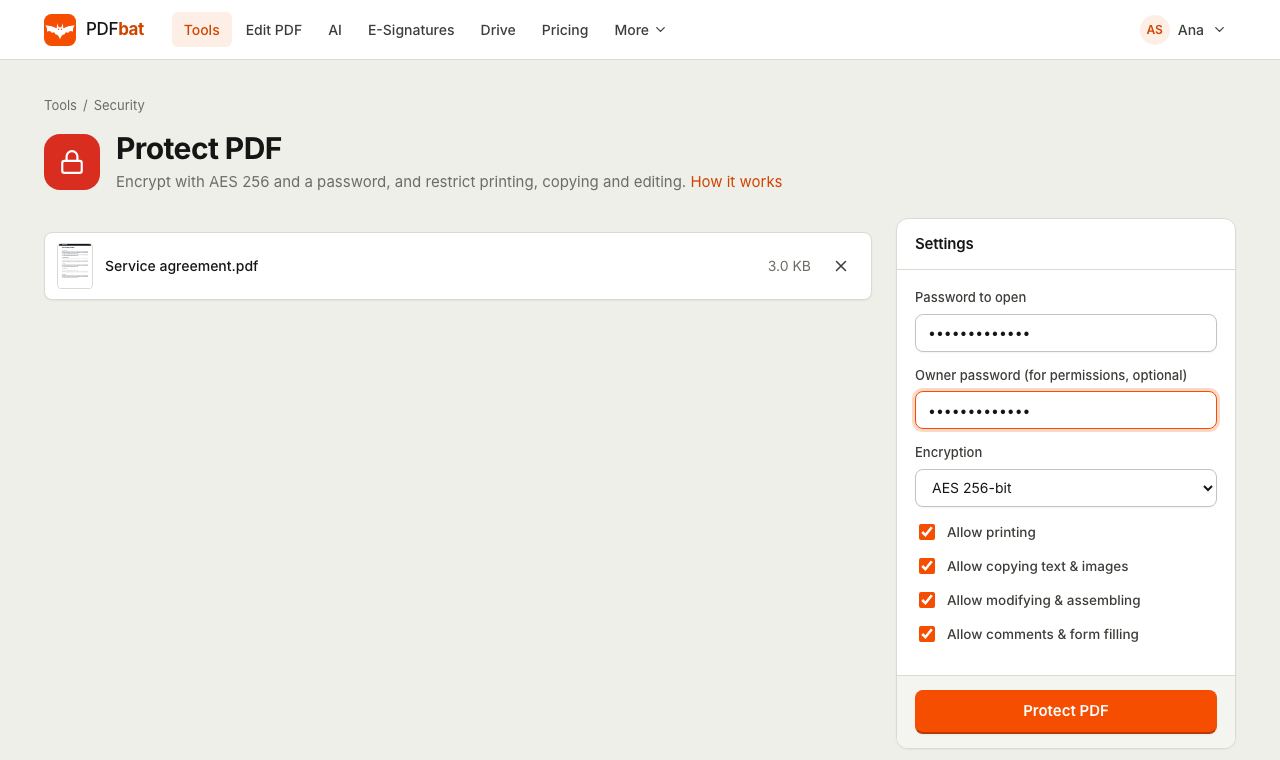 Protect PDFLock a PDF with an AES 256 password and control printing, copying and editing.
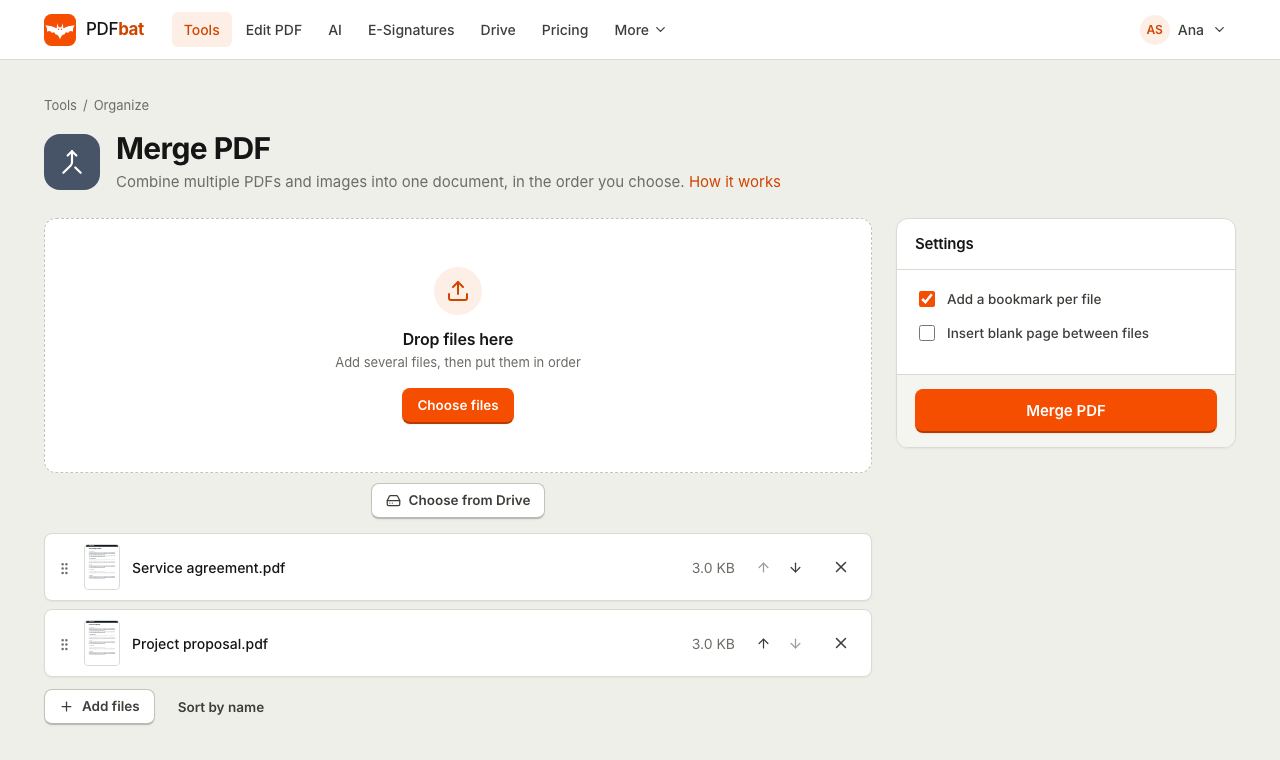 Merge PDFCombine PDFs, images and ebooks into one file in the order you choose, with a bookmark per file.
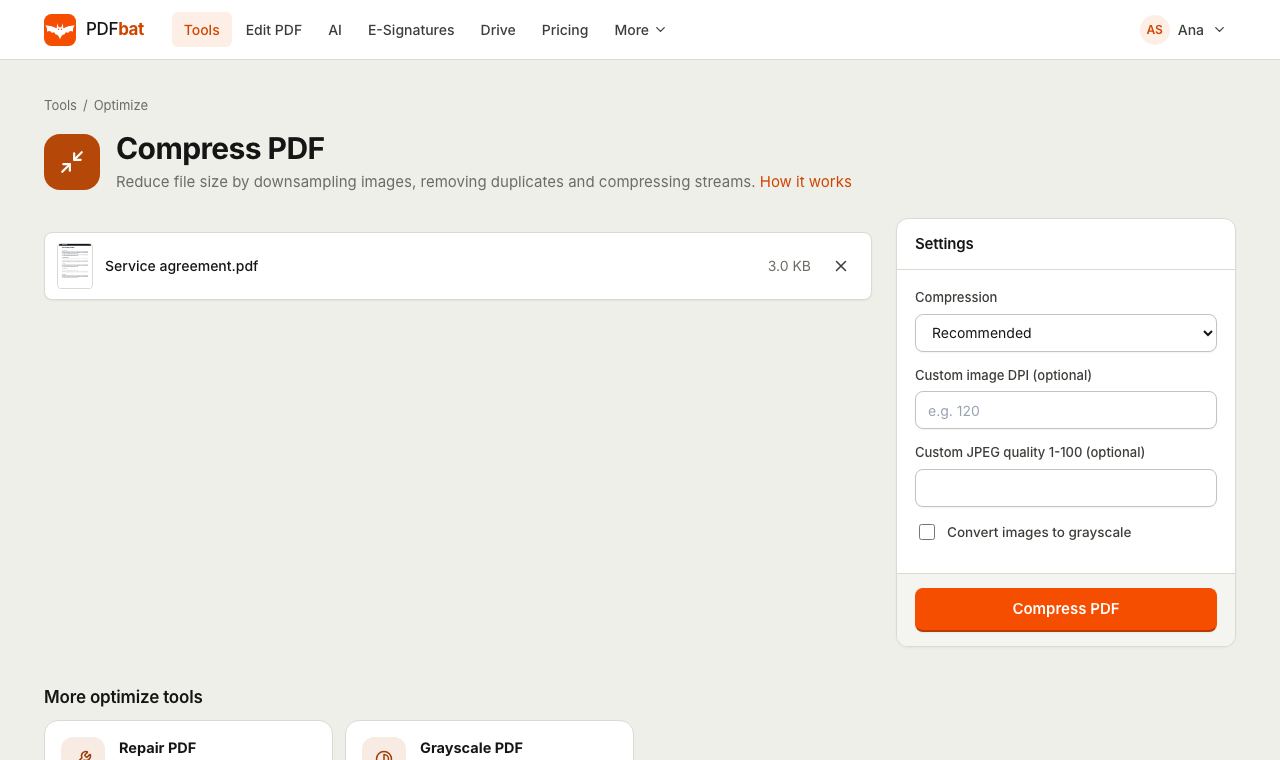 Compress PDFShrink PDFs for email and upload portals with four levels, custom DPI and grayscale.
 PDF EditorEdit existing text, add text in any language, images, shapes, highlights, redactions, links and comments.
 Repair PDFRebuild damaged or corrupt PDFs so they open again in any viewer.
 Free PDF Tools30+ tools to merge, split, compress, convert, protect, redact, number and OCR PDFs.
Try Unlock PDF free
Create a free account in seconds. No credit card, nothing to install, and it works on any device.