Free PDF tools for every job, in one place
Merge, split, compress, convert, protect, redact and number PDFs right in your browser. Every tool explains its options, works on any device and saves the result to your own Drive.
- Free plan, no credit card
- Nothing to install
- Works on phone, tablet and desktop

One toolbox instead of ten websites
Most people use a different website for every PDF job: one to merge, another to compress, a third to convert to JPG. Each has its own limits, its own ads and its own idea of where your file goes. PDFbat puts more than 30 tools behind one free account. They share the same upload screen, the same clear options and the same private Drive, so a file you compress can go straight into Merge, then Protect, then out for signature.
The tools are grouped into five categories. Organize changes which pages are in a file and in what order. Optimize makes files smaller, repairs damaged ones and converts them to grayscale. Edit adds watermarks, page numbers, Bates numbers, headers and footers, crops and resizes pages, flattens forms, edits metadata and redacts. Security adds or removes passwords. Convert moves between PDF, images, text and other formats, and OCR makes scans searchable.
Why use PDFbat's tools
More than 30 tools
From everyday jobs like merge and compress to specialist ones like Bates numbering, N-up printing and alternate and mix for double sided scans.
Real options, explained
Page ranges, DPI, quality, positions, fonts and colors are all adjustable, with sensible defaults if you just want it done.
Chain tools together
Every result can be sent straight into the next tool, so compress, merge and protect is three clicks, not three downloads.
Results saved automatically
Every output lands in your private Drive with 1 GB free, so nothing is lost if you close the tab.
Every language
Text you add with watermarks, headers and the editor supports every writing system, and OCR reads 45 languages.
Same tools in the API
Every tool is also an API endpoint, with 250 free calls a month for developers.
How it works
- 1
Pick a tool
Browse the directory by category or search for what you need, such as compress, merge or JPG.
- 2
Upload and set options
Drop one or more files on the page. Each option has a clear label and a safe default, so you only change what matters to you.
- 3
Download or keep going
Download the result, find it later in Drive, or send it into another tool or out for signature.
The full list of tools
- Organize
- Merge PDF, Split PDF, Organize Pages, Extract Pages, Delete Pages, Rotate PDF, Alternate and Mix, N-up and Split Pages in Half.
- Optimize
- Compress PDF, Repair PDF and Grayscale PDF.
- Edit
- Watermark, Page Numbers, Bates Numbering, Header and Footer, Crop, Resize, Flatten, Metadata and Redact.
- Security
- Protect PDF with AES 256 encryption and permissions, and Unlock PDF for files you have the password for.
- Convert
- PDF to JPG, Images and Docs to PDF, PDF to Text, Text to PDF, Extract Images and OCR PDF.
- Editor and signing
- Beyond the tools: the PDF Editor, Fill and Sign, E-Signatures and AI PDF tools.
- Page ranges everywhere
- Tools that work on selected pages accept ranges like
1-3, 7,odd,evenand10-last. - Multiple files
- Merge, Alternate and Mix, Bates Numbering, Images to PDF and Text to PDF take several files at once, in the order you choose.
Free plan and Pro
The free plan includes 10 tool tasks a day, files up to 25 MB, 3 signature envelopes a month and 1 GB of Drive storage. That is enough for most personal use, with no credit card and no watermark on your results.
Pro is $4 a month. It removes the daily task limit, raises the file size limit to 100 MB, makes e signatures unlimited and gives you 10 GB of storage.
Popular combinations
- Job application: JPG to PDF for your certificates, Merge with your CV, then Compress under the portal limit.
- Legal production: Merge, Bates Numbering, then Redact personal data.
- Scanned paperwork: Alternate and Mix for double sided scans, Rotate any sideways pages, then OCR to make it searchable.
- Sharing a confidential report: Watermark with CONFIDENTIAL, then Protect with a password.
PDFbat compared with Adobe Acrobat Pro
| Feature | PDFbat | Adobe Acrobat Pro |
|---|---|---|
| Price | Free plan, Pro $4/mo | $19.99/mo, annual plan |
| Merge, split, compress, convert, protect | Yes | Yes |
| OCR for scanned PDFs | Yes, 45 languages | Yes |
| Bates numbering | Yes | Yes |
| Results saved to a private cloud Drive | Yes, automatically | Adobe cloud storage |
| Every tool available as an API | Yes, 250 free calls a month | Sold separately |
Competitor details reflect their public plan pages in November 2026. Check their sites for current terms.
Frequently asked questions
Are the PDF tools really free?
Yes. Every tool is available on the free plan with 10 tasks a day and files up to 25 MB. Results have no watermark.
Do I need to create an account?
A free account is needed so your results can be saved to your private Drive. It takes a few seconds and needs no credit card.
Do the tools work on a phone?
Yes. Every tool works in mobile browsers on iPhone and Android, and results can be shared straight from your phone.
What happens to my files?
Files travel over HTTPS and results are stored only in your own Drive. Nobody else can open them unless you create a share link.
Can I process many files at once?
Tools such as Merge, Bates Numbering and Images to PDF accept several files at once. For large batches, the API runs any tool from a script.
What does Pro add?
Unlimited tasks, files up to 100 MB, unlimited e signature envelopes and 10 GB of storage for $4 a month.
Related features and tools
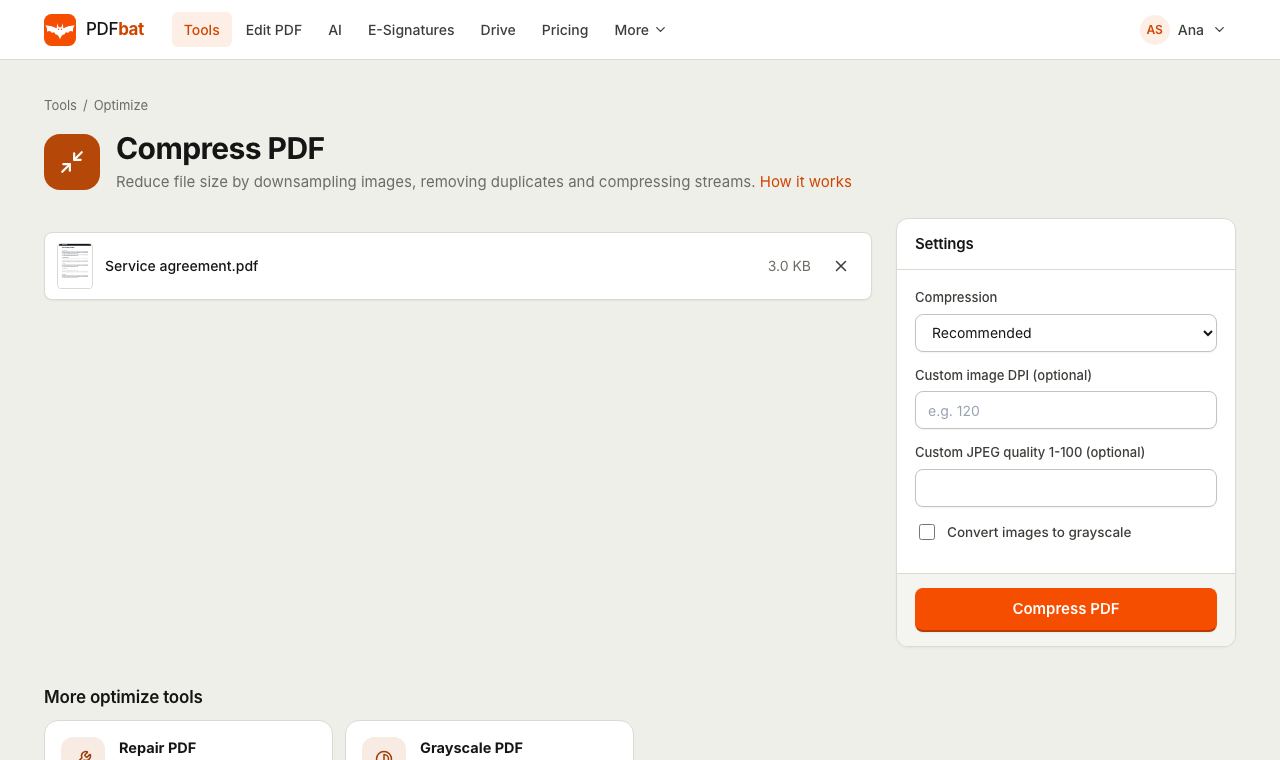 Compress PDFShrink PDFs for email and upload portals with four levels, custom DPI and grayscale.
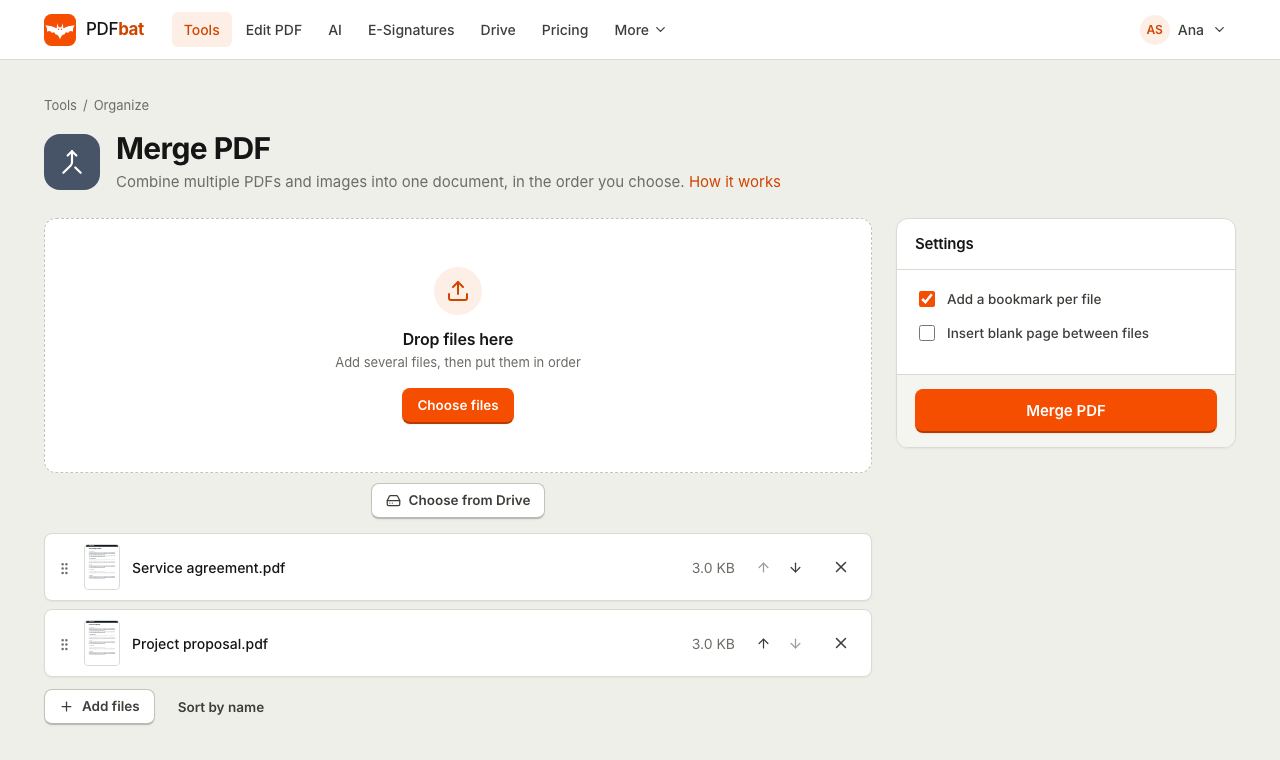 Merge PDFCombine PDFs, images and ebooks into one file in the order you choose, with a bookmark per file.
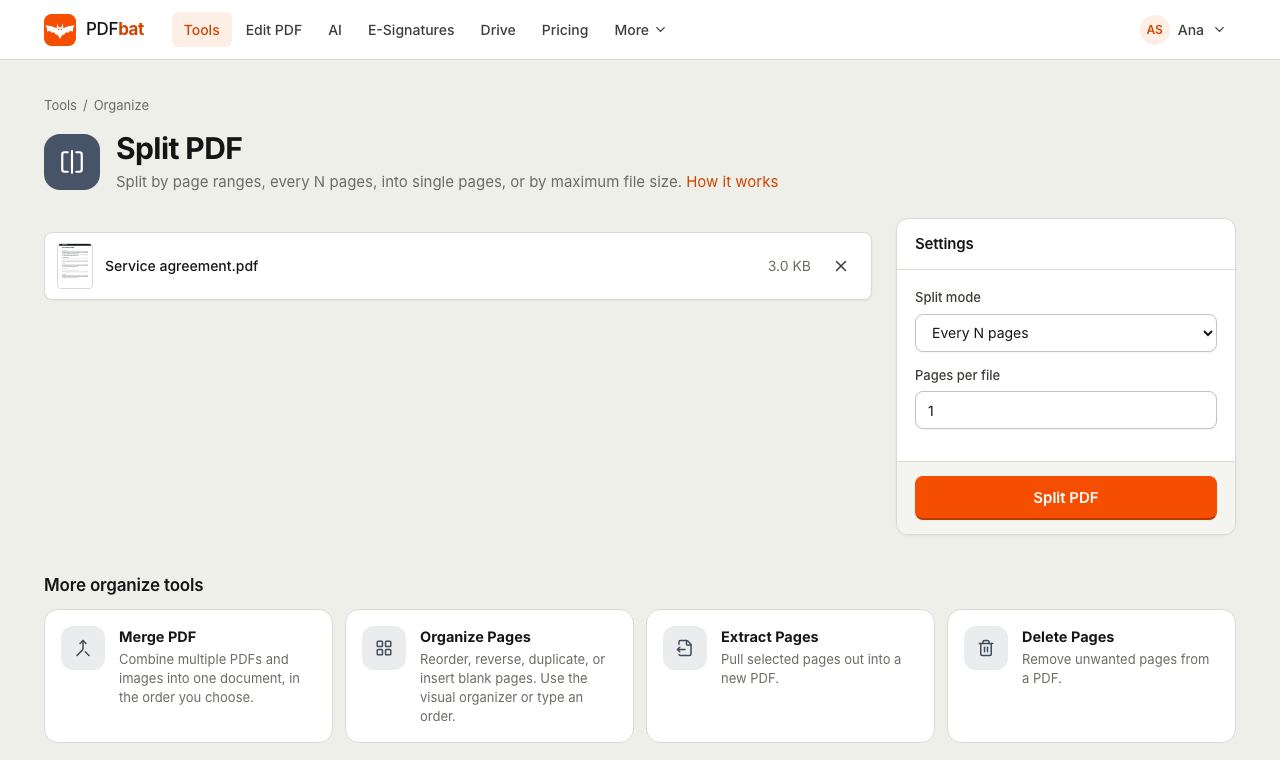 Split PDFSplit a PDF every N pages, by custom ranges, into single pages, by file size or into odd and even.
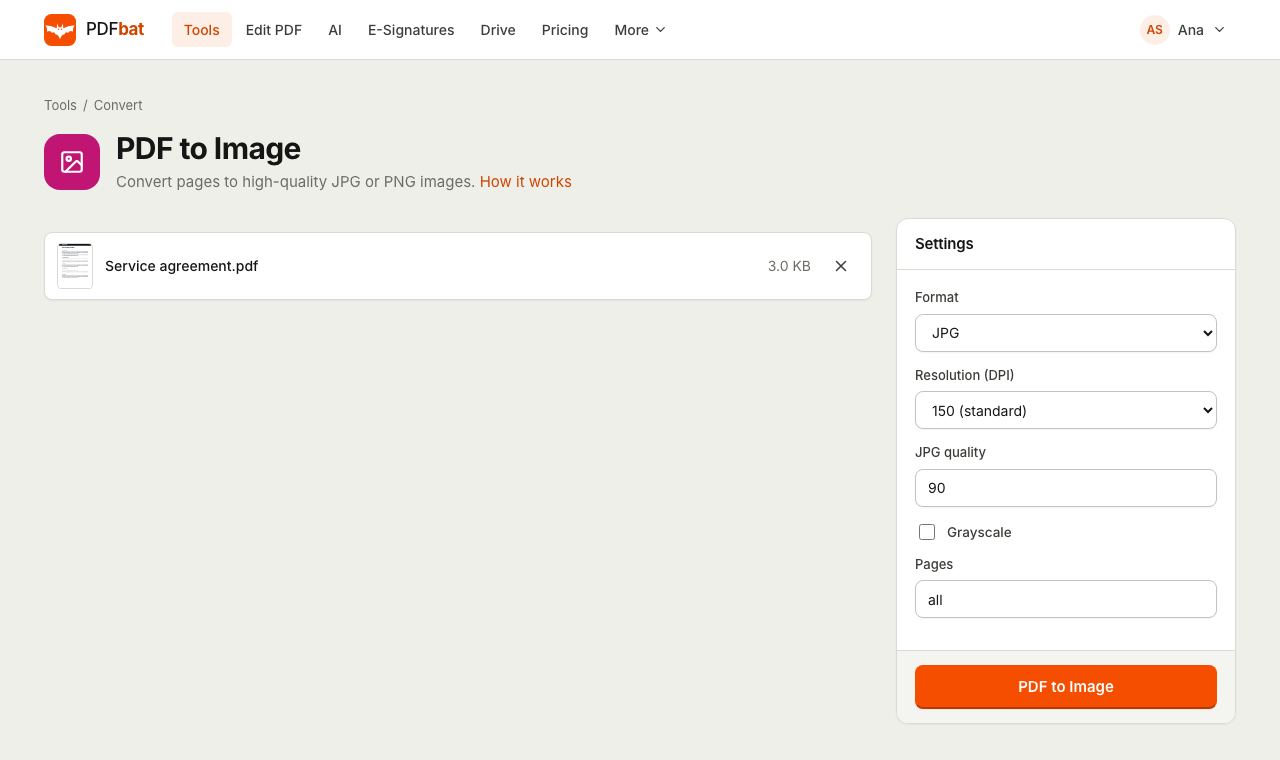 PDF to JPGTurn PDF pages into JPG or PNG images at up to 600 DPI.
 OCR PDFMake scanned PDFs searchable and copyable in 45 languages, with a second language for mixed documents.
 PDF EditorEdit existing text, add text in any language, images, shapes, highlights, redactions, links and comments.
Try Free PDF Tools free
Create a free account in seconds. No credit card, nothing to install, and it works on any device.