Crop PDF pages and trim wide margins
Cut away white borders, scanner edges and printer marks so pages read better on phones, e readers and slides. Set each side precisely and apply it to the pages you pick.
- Free plan, no credit card
- Nothing to install
- Works on phone, tablet and desktop
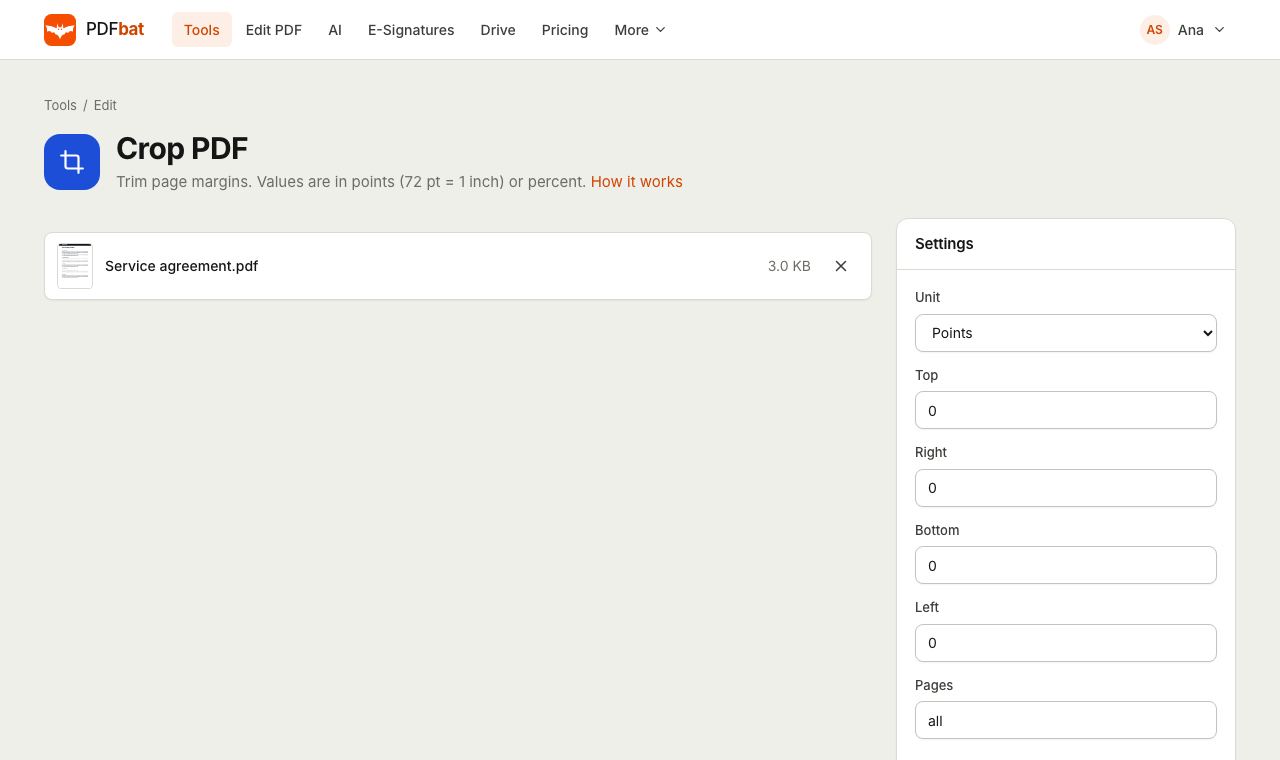
How cropping works
Every PDF page has a visible area defined by its boxes. Cropping moves the edges of that area inward by the amounts you set for each side. PDFbat updates both the crop box and the media box, so the new size is respected by viewers, printers and other tools, and the page dimensions reported by the file match what you see.
Content outside the new edges is hidden from view rather than deleted, which keeps quality perfect and makes the operation fast. If you need content removed for privacy reasons, use Redact PDF instead, which deletes it permanently.
Why crop with PDFbat
Precise per side
Set top, right, bottom and left separately to trim uneven scanner borders.
Three units
Work in points, millimetres or percent of the page, whichever matches your measurements.
Selected pages only
Crop every page or only a range, such as odd pages of a book scan.
Better on small screens
Removing wide margins makes text larger on phones, tablets and e readers.
No quality loss
Pages are not re-rendered. Text stays vector and images keep their original resolution.
How it works
- 1
Upload your PDF
Drop the PDF on the page or choose it from your device or Drive.
- 2
Set the margins to remove
Choose a unit, type how much to trim from each side, and limit it to certain pages if needed.
- 3
Download the cropped PDF
PDFbat applies the crop in seconds. Download the result or open it in another tool.
Every option explained
- Unit: Points
- The native PDF unit. 72 points equal one inch, so 36 trims half an inch.
- Unit: Millimetres
- Handy for A4 and other metric paper. 10 mm trims one centimetre.
- Unit: Percent
- A share of the page width (for left and right) or height (for top and bottom). Useful when pages differ in size.
- Top, Right, Bottom, Left
- How much to remove from each edge. Leave a side at 0 to keep it as it is.
- Pages
- all by default, or odd, even, single pages and ranges like 2-10 or 5-last.
- Safety minimum
- A page is never cropped smaller than 10 points on a side, so an accidental large value cannot make a page vanish.
Common uses
- Scanned book pages: remove the dark scanner edge and the gutter shadow.
- Academic papers on an e reader: trim wide margins so the text fills the screen.
- Slides exported to PDF: cut away a footer bar or a presenter area.
- Print files: remove crop marks and bleed so the page matches its final trim size.
- Screenshots and receipts: keep only the part of the page that matters.
Tips for a clean crop
- Measure in your viewer first. Many viewers show page size in points or millimetres in the document properties.
- Book scans often need different values for left and right pages. Crop odd pages and even pages in two runs.
- To end up with a standard paper size after cropping, run Resize PDF and choose A4 or Letter.
- If a page has the wrong orientation, fix it with Rotate PDF before cropping.
Frequently asked questions
Does cropping delete the hidden content?
No. Content outside the crop is hidden, not removed, so the file keeps its full quality. To remove sensitive content permanently, use Redact PDF.
Can I crop only some pages?
Yes. Type pages such as 1-5, odd or 3, 7 in the Pages field.
What units can I use?
Points (72 per inch), millimetres, or percent of the page size.
Will cropping reduce quality?
No. Pages are not converted to images, so text and pictures look exactly as before.
Can I make every page the same size after cropping?
Yes. Crop first, then use Resize PDF to scale every page to A4, Letter or a custom size.
Is Crop PDF free?
Yes. The free plan includes 10 tool tasks a day for files up to 25 MB. Pro is $4 a month for unlimited tasks and files up to 100 MB.
Related features and tools
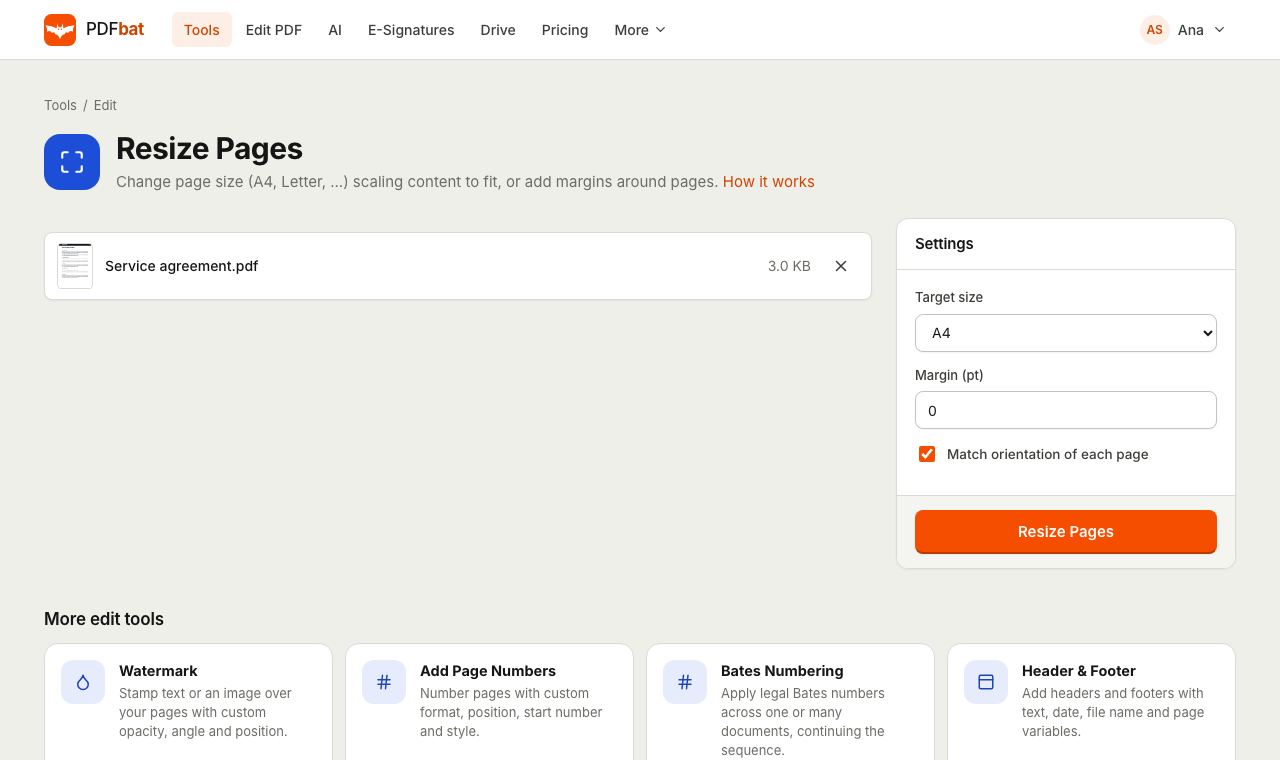 Resize PDFChange page size to A4, Letter or a custom size, or add margins around pages.
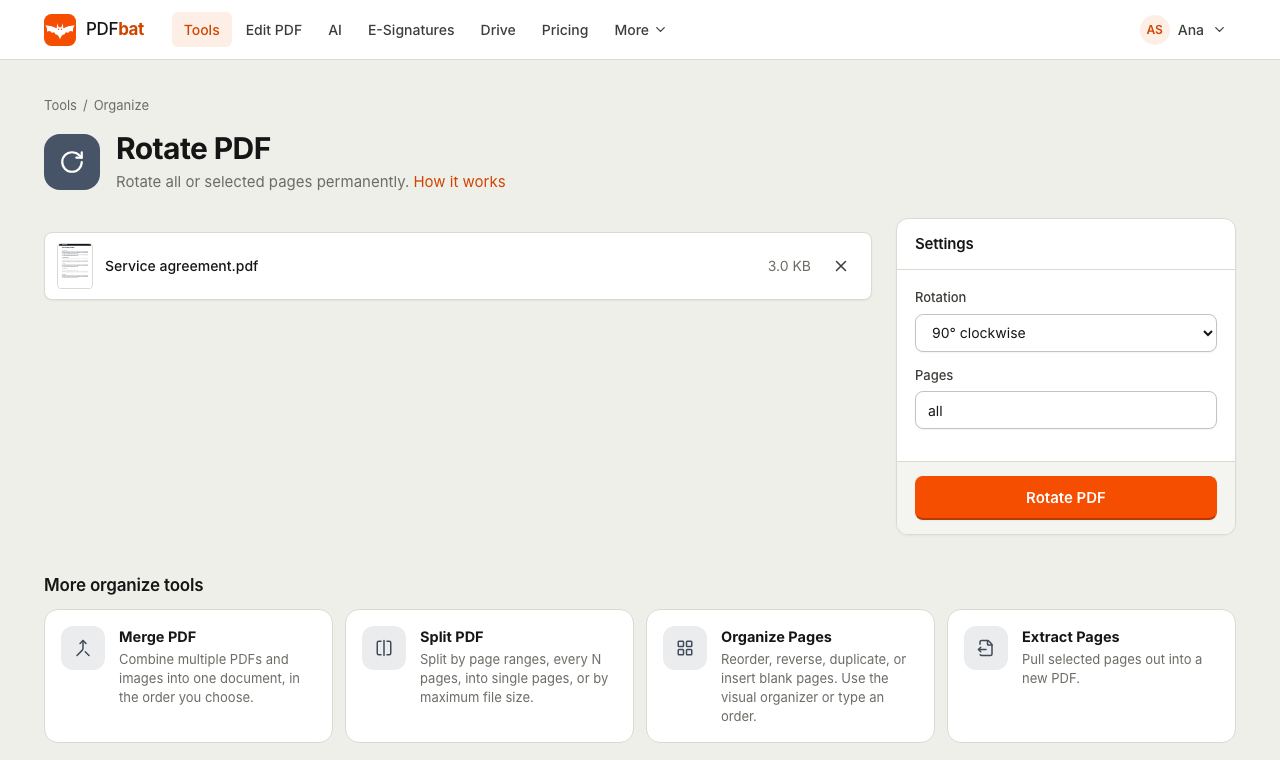 Rotate PDFRotate all pages or selected pages 90 or 180 degrees and save it permanently.
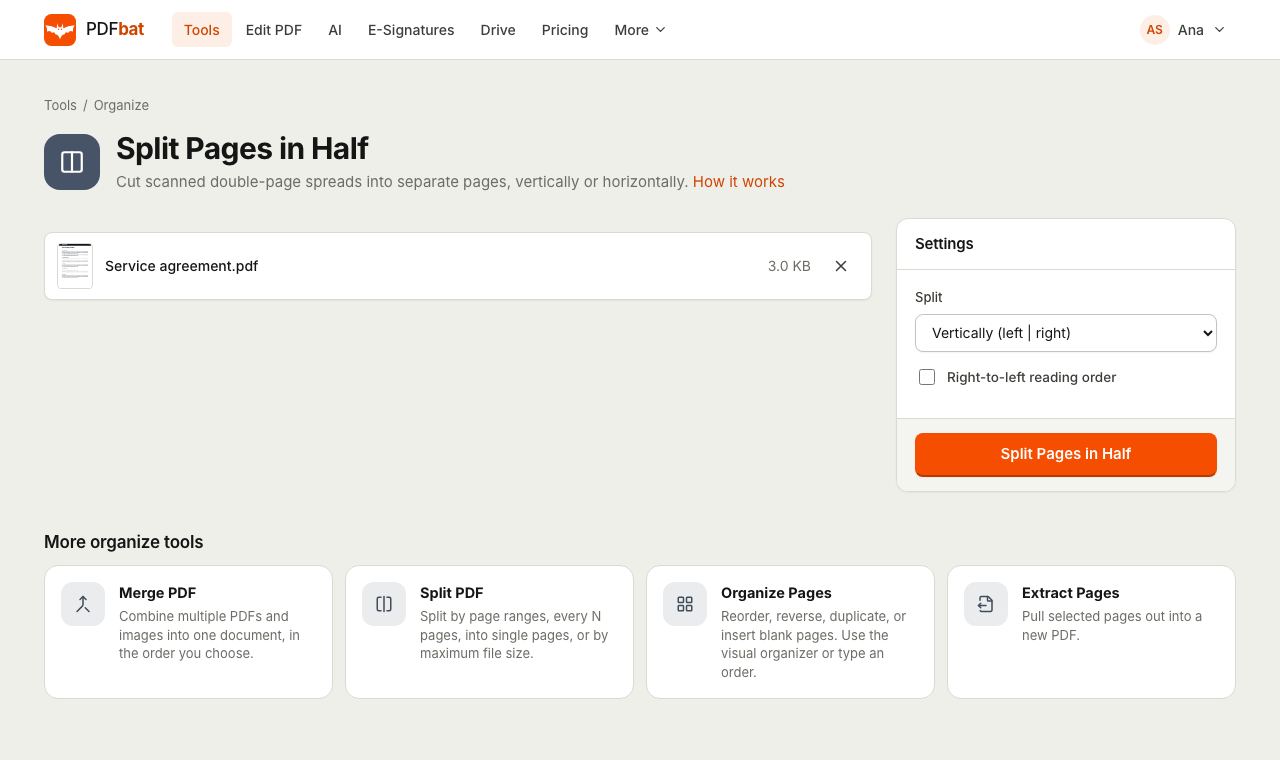 Split PDF Pages in HalfCut scanned double page spreads into single pages, vertically or horizontally, with right to left support.
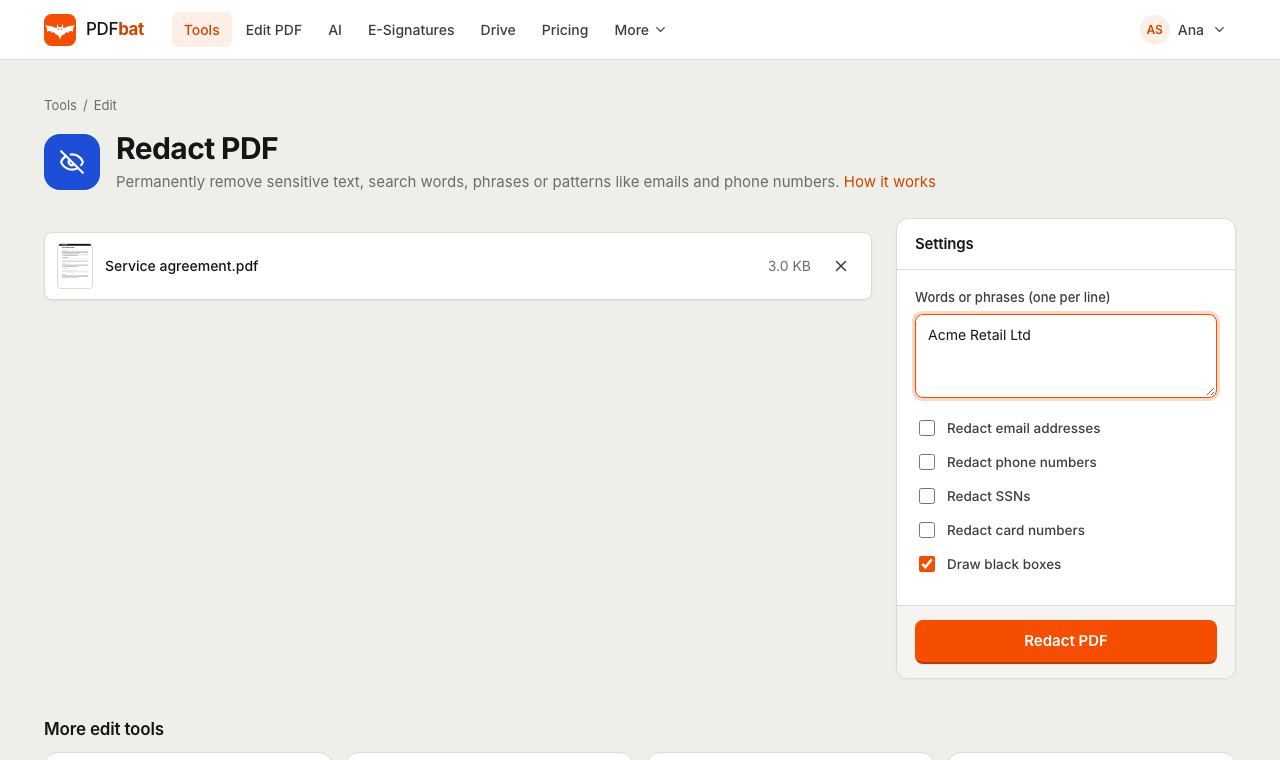 Redact PDFPermanently remove names, emails, phone numbers and card numbers from a PDF.
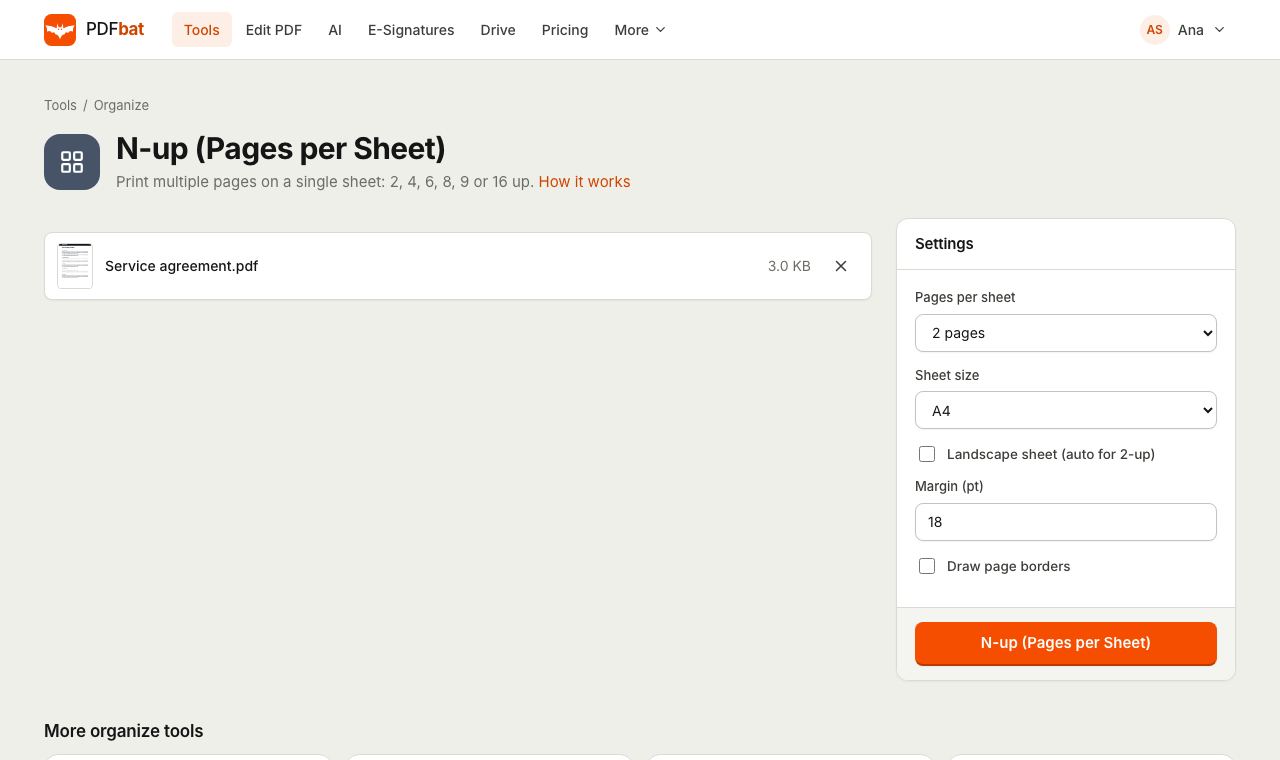 N-up PDFPrint 2, 4, 6, 8, 9 or 16 PDF pages per sheet on A4, Letter and other paper sizes.
 Free PDF Tools30+ tools to merge, split, compress, convert, protect, redact, number and OCR PDFs.
Try Crop PDF free
Create a free account in seconds. No credit card, nothing to install, and it works on any device.