Redact PDF text permanently, not just hide it
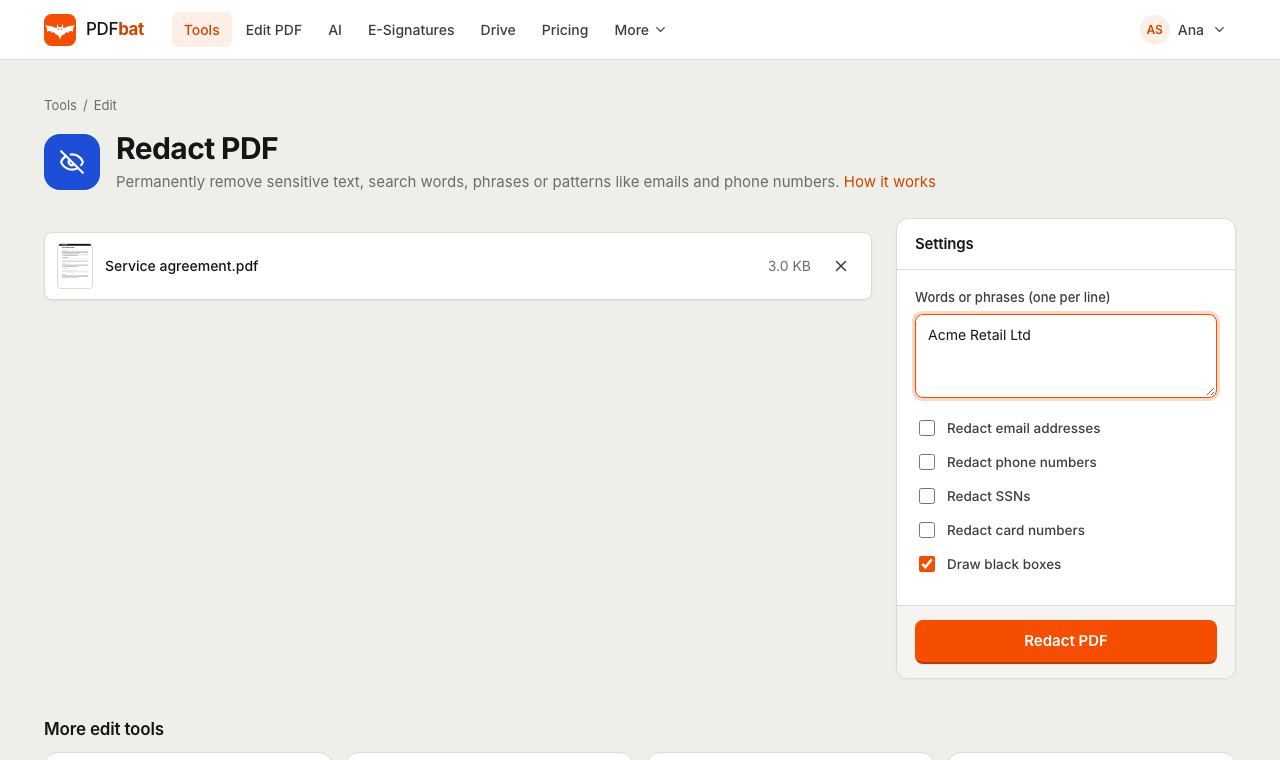
Type the words you want gone or tick a pattern such as email addresses, and PDFbat deletes every match from the file itself. The text cannot be copied, searched or recovered afterwards.
- Free plan, no credit card
- Nothing to install
- Works on phone, tablet and desktop
Why a black rectangle is not a redaction
Drawing a black shape over a name in a PDF only changes what you see. The original characters are still in the file, so anyone can select them, copy them into a text editor or find them with search. Many leaked court filings and reports were "redacted" exactly this way.
PDFbat applies true redaction. Every match is marked, then the page content under it is rewritten: the text is removed, the image pixels under the area are blanked and the file is cleaned and saved again. What is left is a normal PDF that simply no longer contains the information.
Share documents without leaking what matters
Content is really deleted
Matched text is removed from the page, and image pixels under each match are cleared, so nothing is hiding under the box.
Find every occurrence
Each term is searched on every page, so a client name that appears forty times is removed forty times.
Built in patterns
Tick email addresses, phone numbers, US Social Security numbers or card numbers and PDFbat finds them for you.
Boxes or a clean page
Keep the classic black boxes so readers know something was removed, or turn them off for a page with simple gaps.
Original stays untouched
The redacted copy is saved as a new file in your Drive. Your source document is never overwritten.
How it works
- 1
Upload the PDF
Drop the document onto the page or pick it from Drive. If it is password protected, remove the password first with Unlock PDF.
- 2
Tell PDFbat what to remove
Type words or phrases, one per line, and tick any patterns you need: email addresses, phone numbers, SSNs or card numbers.
- 3
Download the redacted copy
PDFbat removes every match and gives you a new PDF. If nothing matched, it tells you instead of returning an unchanged file.
Every redaction option explained
- Words or phrases (one per line)
- Enter each name, account number or sentence on its own line. Every line is searched as a whole phrase across all pages.
- Redact email addresses
- Finds anything shaped like [email protected], including addresses with dots, plus signs and subdomains.
- Redact phone numbers
- Finds digit sequences of nine or more characters, with or without a leading plus, spaces, dots, dashes or brackets, so both local and international formats are caught.
- Redact SSNs
- Finds US Social Security numbers written in the standard 123-45-6789 format.
- Redact card numbers
- Finds runs of 13 to 16 digits, with or without spaces or hyphens between groups, which covers the common payment card formats.
- Draw black boxes
- On by default. Each removed area is filled with black. Turn it off and the area is left blank instead.
- Cleanup on save
- After redaction the file is compacted and its content streams cleaned and rewritten, so removed objects are not left behind in the file.
Who uses PDF redaction
- Legal teams removing client names and case numbers before sharing exhibits or filing public copies.
- HR and recruiting stripping phone numbers and emails from CVs before a blind review.
- Finance and support removing card numbers from statements, invoices and chat exports.
- Anyone sending paperwork to a landlord, agency or new employer who wants to hide account numbers that are not needed.
Tips for a clean redaction
- Scanned pages are pictures without text, so search cannot find anything on them. Run OCR PDF first, then redact the OCR result.
- Add variations of a name on separate lines, for example the full name, the surname alone and an email handle.
- To remove a signature, photo or an area that is not text, use the Redact tool in the PDF editor and draw over it.
- Document properties such as author and title are separate from page content. Clear them with Edit PDF Metadata using Remove all metadata.
- Open the result and search for a redacted term. It should not be found.
PDFbat compared with Adobe Acrobat Pro
| Feature | PDFbat | Adobe Acrobat Pro |
|---|---|---|
| Price | Free plan, Pro $4/mo | $19.99/mo, annual plan |
| True redaction that removes content | Yes | Yes |
| Search terms and patterns | Yes | Yes |
| Works in any browser without installing software | Yes | Desktop app for full redaction |
| Same redaction available through an API | Yes | Sold separately |
Competitor details reflect their public plan pages in November 2026. Check their sites for current terms.
Frequently asked questions
Is the redacted text really gone?
Yes. The matched characters are removed from the page content and the file is rewritten. Copying, searching or extracting text from the result will not bring them back.
Why does it say no matches were found?
Either the words are spelled differently in the file, or the page is a scan with no text layer. Check the spelling, or run OCR PDF first so the text becomes searchable.
Can I redact a picture or a signature?
This tool works on text matches. To cover a photo, signature or any region, open the file in the PDFbat editor, choose Redact and draw a box over it.
Do I have to use black boxes?
No. Untick Draw black boxes and the removed areas are left blank. Black boxes are the convention in legal work because they show that something was removed.
Can I redact a password protected PDF?
Remove the password first with Unlock PDF, redact, and then protect the new file again if you need to.
Is my document private?
Files travel over HTTPS and the redacted copy is stored only in your private Drive. Nobody else can open it unless you create a share link.
Is redaction free?
Yes. The free plan includes 10 tool tasks a day on files up to 25 MB. Pro removes the daily limit and accepts files up to 100 MB.
Related features and tools
 PDF EditorEdit existing text, add text in any language, images, shapes, highlights, redactions, links and comments.
 OCR PDFMake scanned PDFs searchable and copyable in 45 languages, with a second language for mixed documents.
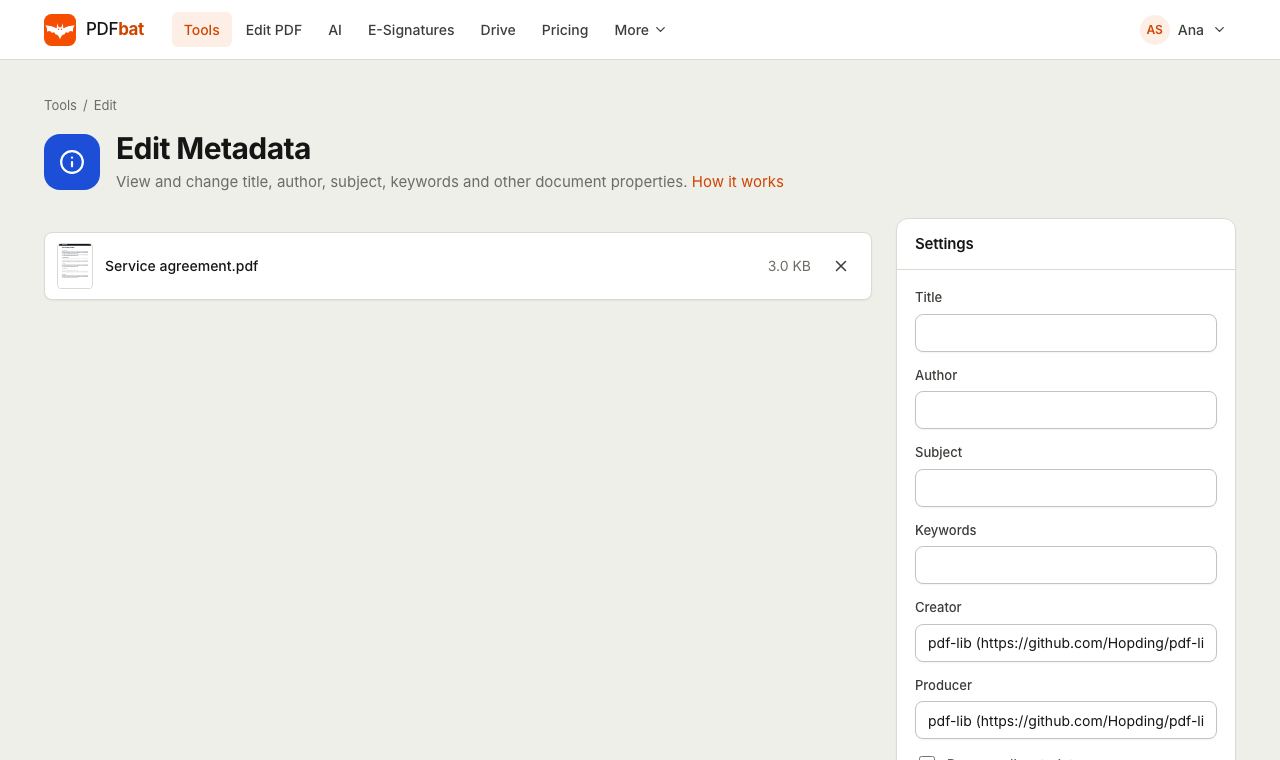 Edit PDF MetadataView and change title, author, subject and keywords, or strip all metadata.
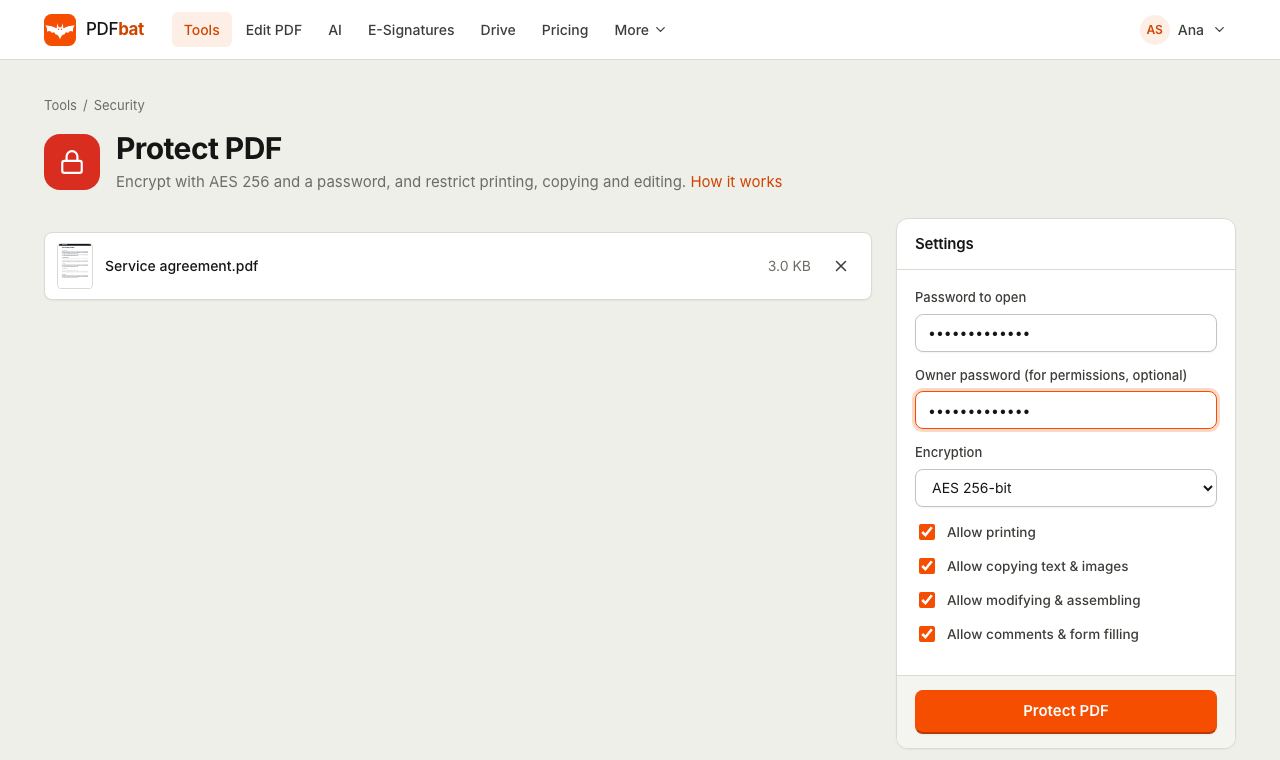 Protect PDFLock a PDF with an AES 256 password and control printing, copying and editing.
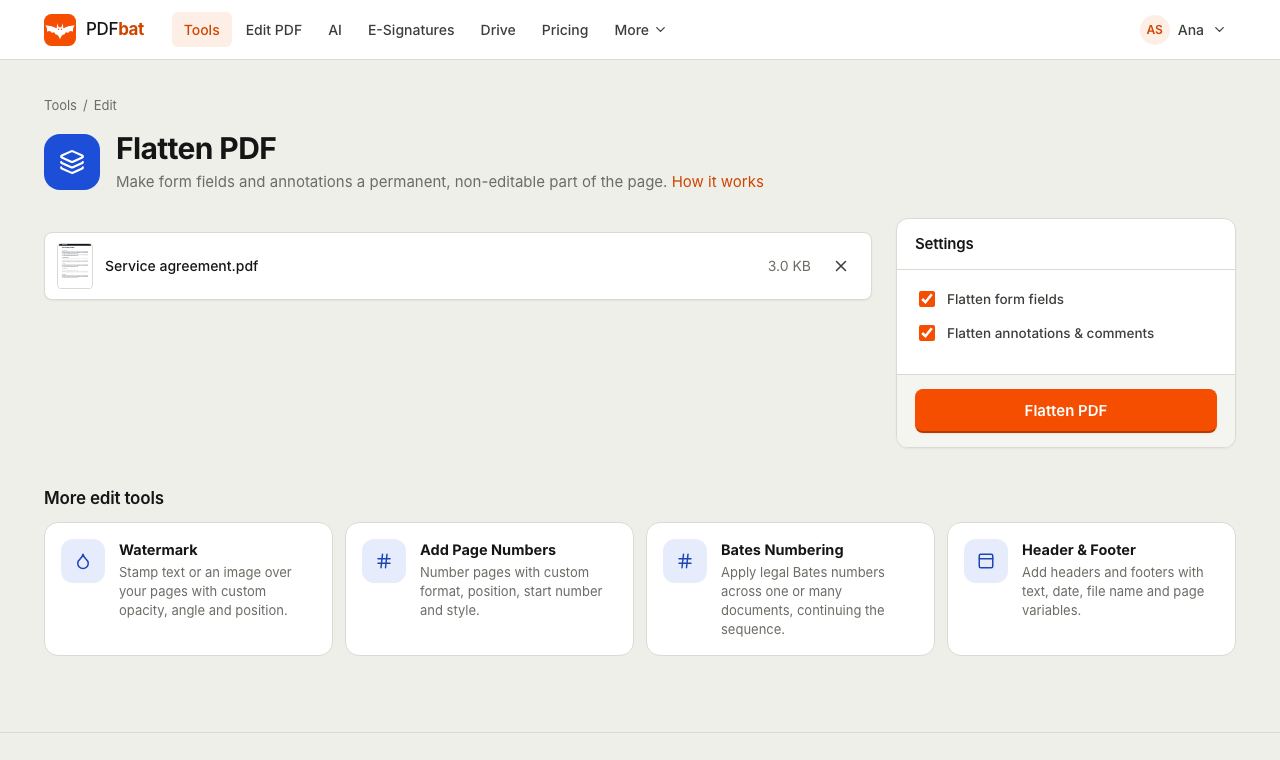 Flatten PDFLock filled forms, comments and annotations permanently into the page.
 AI PDFChat with a PDF, summarize, translate, extract data, review contracts and redact personal data with AI.
Try Redact PDF free
Create a free account in seconds. No credit card, nothing to install, and it works on any device.