AI PDF tools that read your documents for you
Ask a PDF anything and get answers that cite the page. Summarize long reports, translate a whole document, pull invoice data into a spreadsheet, review a contract and redact personal data, even on scans.
- Free AI credits every month
- Works on scanned PDFs
- Answers cite the page
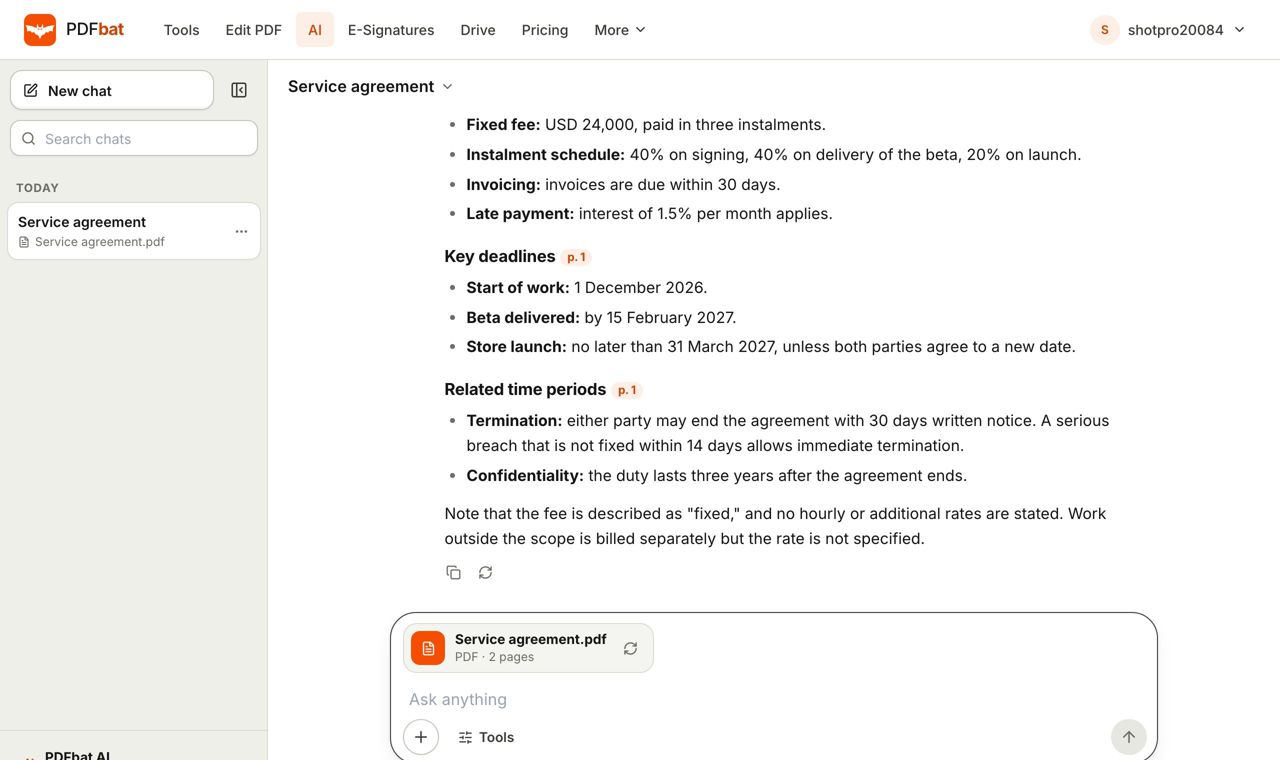
Stop scrolling through fifty pages to find one answer
Contracts, reports, manuals, statements and research papers hide the detail you need somewhere in the middle. PDFbat AI reads the whole document once, then lets you work with it in plain language: ask questions, get a summary, translate it, or turn its contents into structured data.
Every answer in Chat with PDF points to the page it came from, written like [p. 4], so you can check the source instead of trusting a guess. When a PDF is a scan or a photo, PDFbat runs OCR on it first, so the same actions work on paper documents too.
AI actions use the same account as the rest of PDFbat. Every account gets free AI credits each month: 200 on Free and 4,000 on Pro. Need more? Credit packs start at $5 and never expire.
What PDFbat AI does for you
Chat with PDF, with citations
Ask follow up questions in any language. Each fact in the answer cites the page so you can verify it in seconds.
Summaries in your words
Turn a long report or paper into a short, medium or detailed summary, in the language you choose.
Translate a whole PDF
Translate every page into any language and download the translation as a new, clean PDF.
Extract data to JSON or CSV
Pull fields and line items out of invoices, receipts, statements and forms, ready for a spreadsheet or your code.
Contract review
See parties, key dates, amounts, obligations, renewal and termination terms, and risks with the page they appear on.
Smart redact
Find names, addresses, emails, phone numbers, ID numbers and other personal data and remove them from a copy of the PDF.
How it works
- 1
Upload a PDF or a scan
Drop a PDF, an image or a document from your Drive. Scanned pages are recognised with OCR automatically.
- 2
Pick an action
Chat, summarize, translate, extract data, review a contract or smart redact. Each action uses a few AI credits, based on the size of the document and the answer.
- 3
Use the result
Read answers with page citations, copy a summary, download the translated or redacted PDF, or export data as JSON or CSV.
Every AI action explained
- Chat with PDF
- Ask questions about the document and keep the conversation going. Answers are concise, quote short phrases when useful and cite the page for every fact.
- Summarize
- Choose a length and an output language. Useful for board packs, research papers, policy documents and long email attachments.
- Translate PDF
- Translates every page into the language you type, keeping numbers, names, dates, line breaks and lists, then gives you a new PDF to download.
- Extract data
- Detects the document type and returns key fields and tables. Ask for specific fields, such as invoice number, due date and total, or let PDFbat choose. Dates come back as YYYY-MM-DD and amounts as plain numbers.
- Export as JSON or CSV
- Download extracted data as JSON for your code or as CSV for Excel, Google Sheets and accounting tools.
- Contract review
- Lists parties, key dates, money, obligations, term, renewal, termination and governing law, flags risks by severity with suggestions, and notes missing clauses. You can review from one party's point of view.
- Smart redact
- Choose what to remove: names, addresses, emails, phones, ID numbers, financial details, dates, health information or signatures, plus anything else you describe. The matches are permanently redacted in a new PDF.
- Works on scans
- Pages without a text layer are read with OCR first. Smart redact covers the matching words on scanned pages as well.
- Any input language
- Ask questions in the language you prefer and get answers in that language, whatever language the document is written in.
- Long documents
- Documents of up to 300 pages can be opened for AI actions. Very long documents can be split first with Split PDF.
Ways people use AI on their PDFs
- Finance teams extract invoice numbers, dates, totals and line items from supplier PDFs and import the CSV into their accounting software.
- Freelancers and founders run a contract review before signing, then send the final version with PDFbat e signatures.
- Students and researchers summarize papers and ask follow up questions with page references for their notes.
- HR and legal teams use smart redact to remove personal data before sharing documents outside the company.
- Global teams translate manuals, letters and notices into the language of the reader and download a PDF they can send right away.
Good to know
- AI can make mistakes. Page citations exist so you can check important answers against the source.
- Contract review is for information only and is not legal advice.
- The translated PDF is a clean, paginated text document. It keeps the wording and structure of the text, not the original page design, images or layout.
- Opened documents are kept for AI actions for 24 hours, then removed. Results you save, such as a translated or redacted PDF, are stored in your private Drive.
AI credits by plan
- Free: 200 AI credits a month, every PDF tool (10 tasks a day), OCR, 3 signature envelopes a month and 1 GB of Drive storage.
- Pro, $4 a month: 4,000 AI credits a month, unlimited tool tasks, unlimited envelopes, 10 GB of storage and files up to 100 MB.
PDFbat AI compared with Adobe Acrobat Pro
| Feature | PDFbat | Adobe Acrobat Pro |
|---|---|---|
| Price | Free plan, Pro $4/mo | $19.99/mo, annual plan |
| AI included in the plan | 200 credits a month free, 4,000 on Pro | AI Assistant sold as an add on |
| Chat with PDF | Yes | With AI Assistant |
| Translate a PDF and download it | Yes | Check Adobe's current offer |
| Extract invoice data to JSON or CSV | Yes | Check Adobe's current offer |
| Smart redact of personal data | Yes | Redaction tools in Acrobat Pro |
| Editor, e signatures and Drive in the same account | Yes | Editor and e signatures, Adobe cloud storage |
Competitor details reflect their public plan pages in November 2026. Check their sites for current terms.
Frequently asked questions
Is PDFbat AI free?
Yes, to start. Every account gets 200 free AI credits a month, Pro includes 4,000 a month for $4, and credit packs start at $5 for 5,000 credits. Every other tool, OCR, e-signatures and Drive work on the free plan, so you can try PDFbat before upgrading.
How many AI credits does an action use?
It depends on how much text is read and written. A short chat question uses a few credits, while translating or reviewing a long document uses more. Your balance and the credits each action used are shown in PDFbat AI.
Does it work on scanned PDFs?
Yes. Pages without a text layer are read with OCR before the AI sees them, so you can chat with, summarize or redact scans and photos of documents.
How do I know an answer is correct?
Chat with PDF cites the page for every fact, for example [p. 4]. Open that page to check the source, especially for anything important.
Which languages can I translate a PDF into?
You can type any language name. The translated text is placed into a new PDF using fonts for every writing system, so scripts such as Arabic, Hindi or Japanese display correctly.
Does the translated PDF keep my original layout?
No. You get a clean, paginated PDF of the translated text that keeps paragraphs, lists and line breaks. Images and the original design are not copied over.
Is the contract review legal advice?
No. It highlights terms, dates and possible risks to help you read faster, but it is not a replacement for a lawyer.
What happens to my document?
It travels over HTTPS and is kept for AI actions for 24 hours, then removed. Files you choose to save go to your private Drive.
Related features and tools
 OCR PDFMake scanned PDFs searchable and copyable in 45 languages, with a second language for mixed documents.
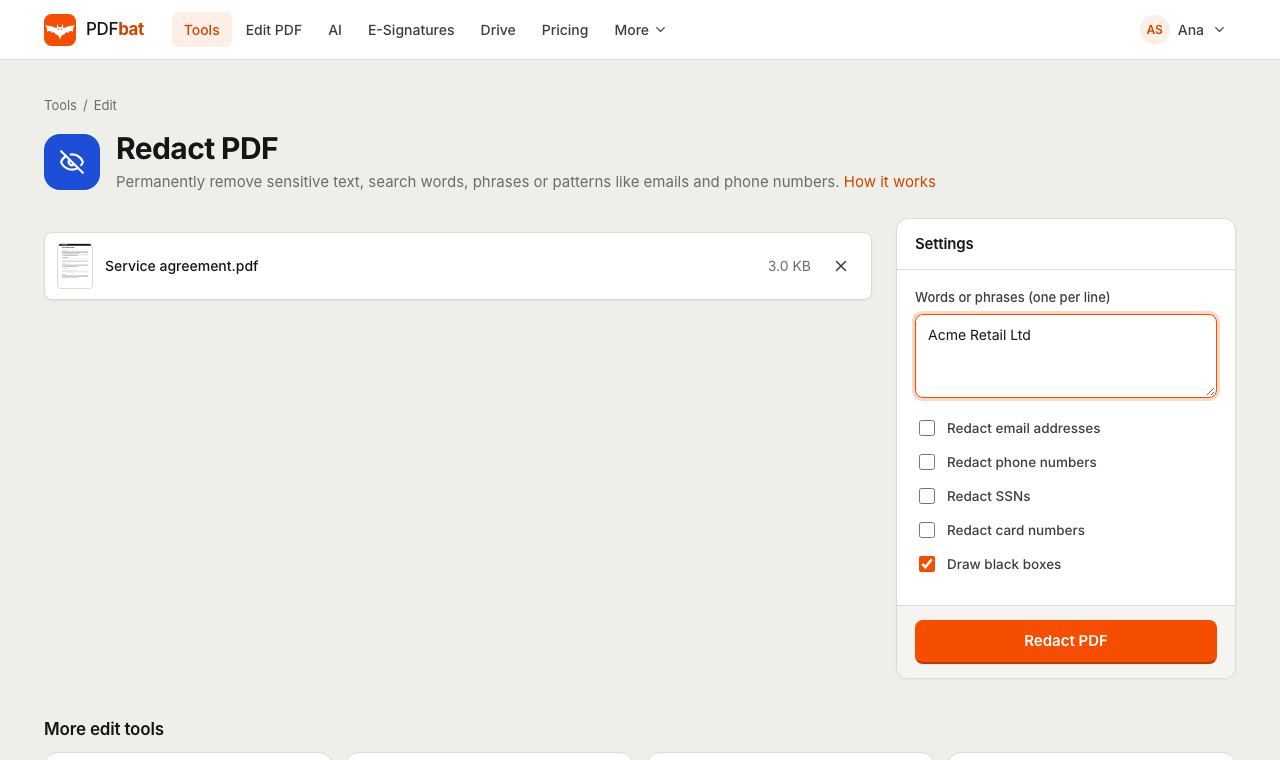 Redact PDFPermanently remove names, emails, phone numbers and card numbers from a PDF.
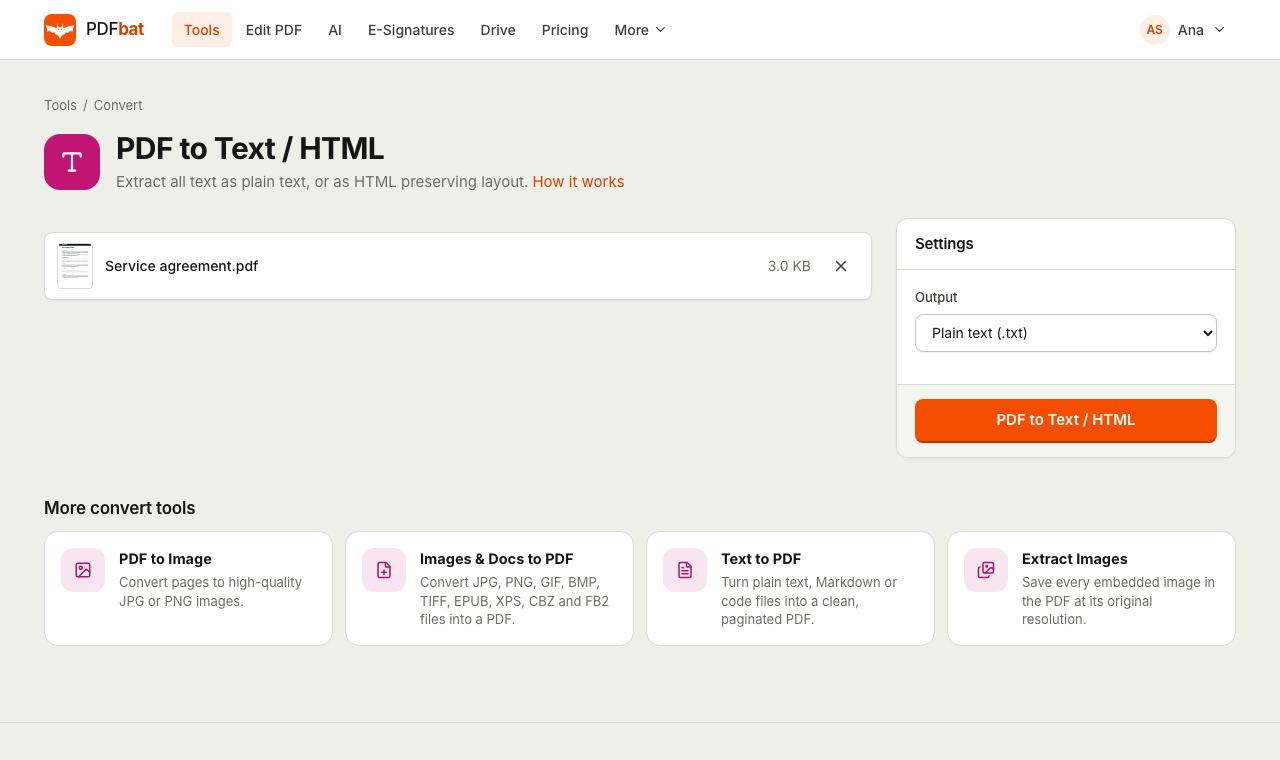 PDF to TextExtract all text from a PDF as plain text, layout preserving HTML or structured JSON.
 PDF EditorEdit existing text, add text in any language, images, shapes, highlights, redactions, links and comments.
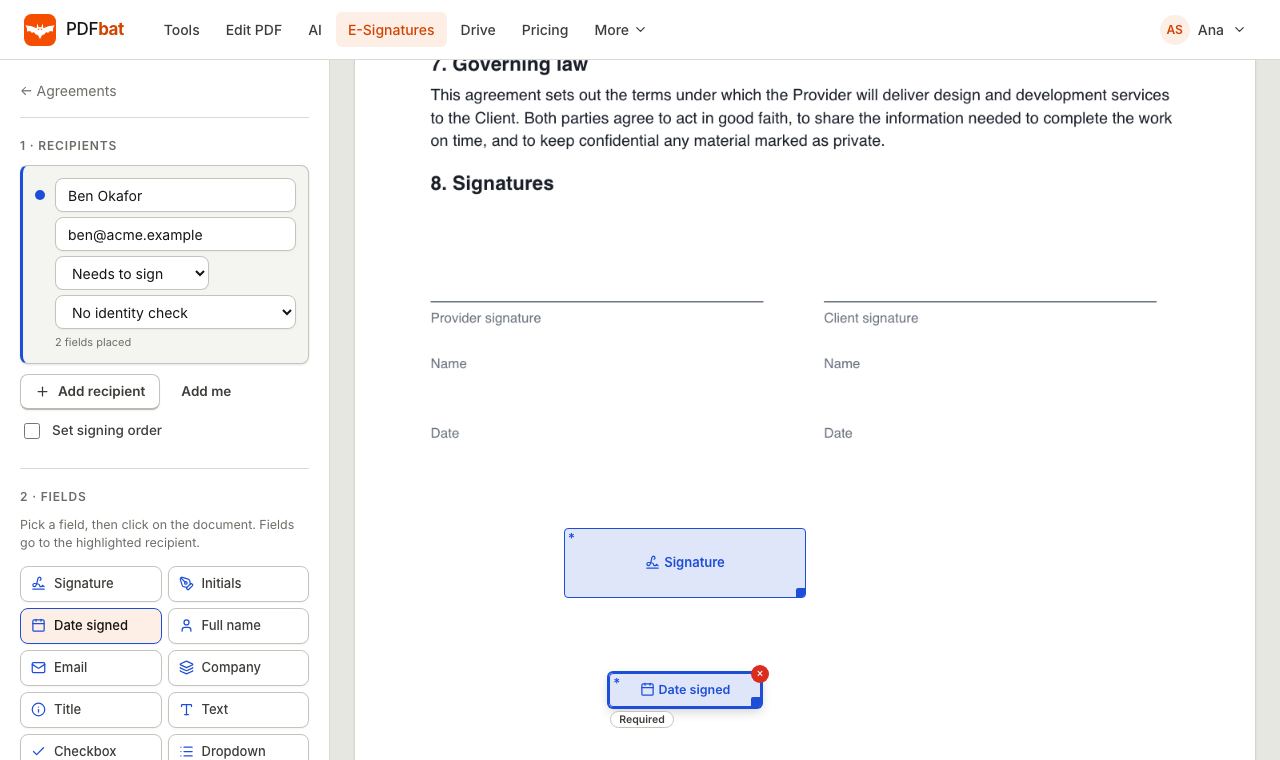 E-SignaturesSend PDFs for legally binding e signatures with signing order, identity checks, reminders and a sealed final PDF.
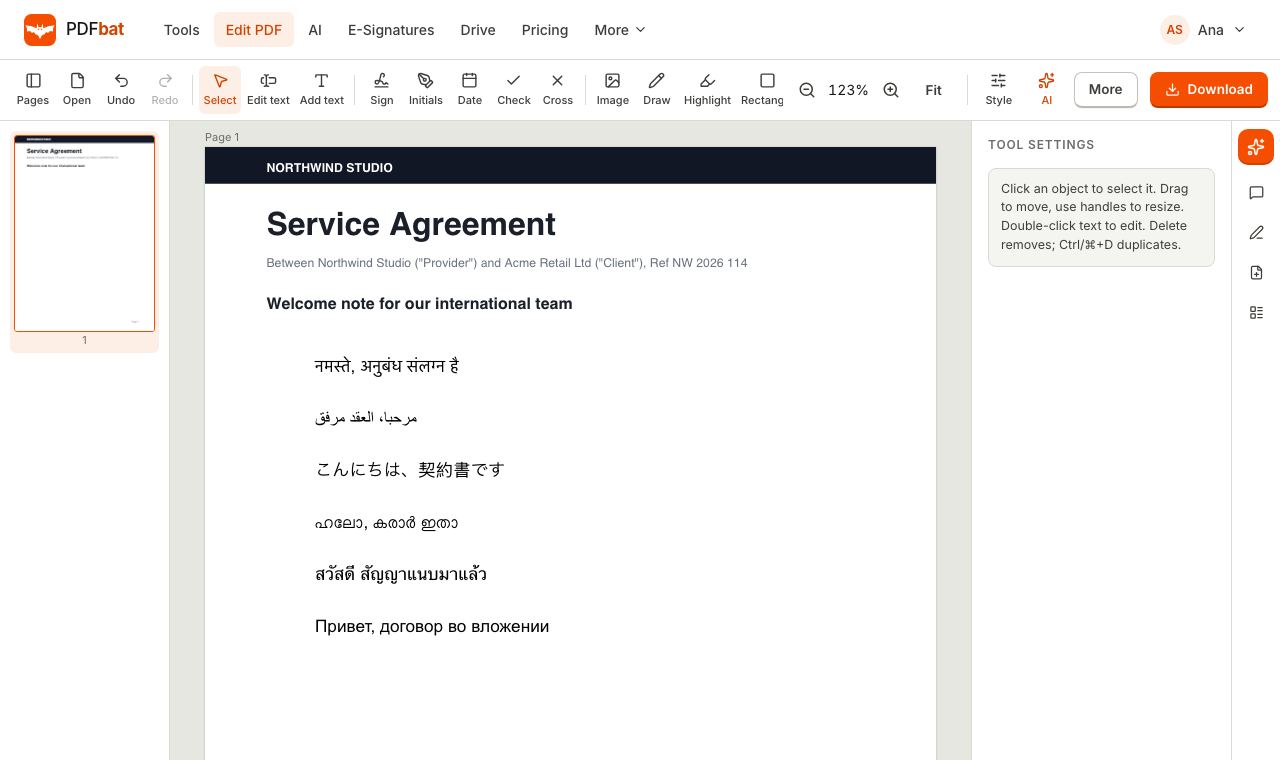 Every languageType in Hindi, Arabic, Chinese, Thai, Tamil and every other script, with correct shaping and searchable text.
Try PDFbat AI free
Start with 200 free AI credits a month. Pro is $4 a month with 4,000 AI credits, plus unlimited tools and signatures. Credit packs start at $5 and never expire.