Convert PDF to text, HTML or JSON
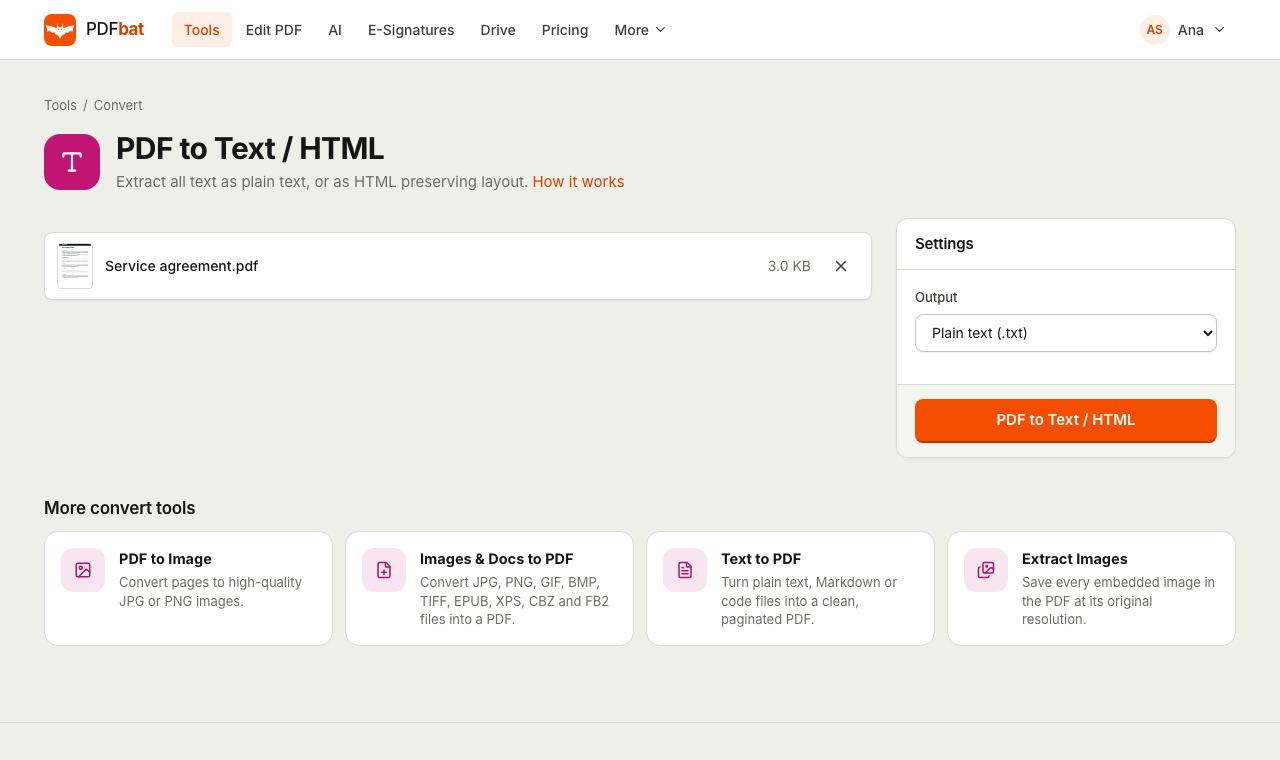
Pull every word out of a PDF in seconds. Get clean plain text to paste anywhere, HTML that looks like the original pages, or detailed JSON with positions for data work.
- Free plan, no credit card
- Nothing to install
- Works on phone, tablet and desktop
Three outputs for three kinds of job
Copying text out of a PDF by hand is slow and often scrambles columns and line breaks. PDFbat reads the text layer of every page, keeps spacing where it matters and gives you the result as a file.
Choose plain text when you want to read, search or paste the words. Choose HTML when the visual layout matters and you want something that opens in a browser. Choose JSON when a program will read the result and needs to know where each line sits on the page.
Text you can actually use
Clean plain text
One .txt file with every page clearly marked, ready for any editor, notes app or search tool.
Layout preserving HTML
Each page becomes a positioned section in one HTML file, so headings, columns and tables sit where they were.
Structured JSON
Blocks, lines, bounding boxes and font details for every page, ideal for parsers and data pipelines.
Any language
Unicode text in any script is extracted as it is stored in the PDF, including right to left and CJK text.
Saved to your Drive
The extracted file is kept privately in your Drive with the rest of your work.
How it works
- 1
Upload your PDF
Drop it onto the page or pick it from your computer, phone or Drive.
- 2
Choose the output
Plain text, HTML or structured JSON. Plain text is the default.
- 3
Download the file
Get a .txt, .html or .json file named after your PDF, also saved to Drive.
Every output explained
- Plain text (.txt)
- All text in reading order, with a line such as "--- Page 3 ---" before each page so you always know where a passage came from. Whitespace is preserved, which keeps simple tables and indents readable.
- HTML (.html)
- Each page becomes its own section in a single HTML file, with text placed at its original position on a white page. Open it in any browser, or reuse the markup on a website.
- Structured JSON (.json)
- An array with one entry per page. Each entry lists text blocks and lines with their bounding boxes and font information, so code can find a total in the bottom right corner or a heading by its size.
- Page markers
- Every output keeps pages separate, so you can map text back to the page it came from.
- Fast on long documents
- Text is read directly from the PDF rather than recognized from images, so even hundreds of pages convert quickly.
Where PDF to text helps
- Quoting a report or research paper without retyping it.
- Feeding contracts and policies into search, translation or analysis tools.
- Pulling invoice lines and totals into a spreadsheet script using the JSON output.
- Turning an old brochure into editable web copy with the HTML output.
Tips
- Scanned pages are images without a text layer, so they produce empty output. Run OCR PDF first and then extract the text.
- If the words come out as strange symbols, the PDF uses fonts without proper character mapping. OCR with Also OCR pages that already contain text usually fixes it.
- For fields like invoice numbers, dates and totals, AI PDF can extract them straight to JSON or CSV.
- Want to edit the text inside the PDF instead? Open it in the PDF editor.
Frequently asked questions
Is PDF to text free?
Yes. The free plan includes 10 tool tasks a day on PDFs up to 25 MB. Pro removes the daily limit.
Why is my text file empty?
The PDF is probably a scan, which stores pictures of pages instead of text. Run OCR PDF first, then extract the text from the result.
Does it keep tables and columns?
Plain text preserves spacing, which keeps simple layouts readable. For complex layouts, the HTML output places every line where it was on the page.
What is in the JSON output?
One entry per page with blocks and lines of text, each with a bounding box and font details. It is meant for code that needs positions as well as words.
Does it work with Arabic, Hindi, Chinese and other scripts?
Yes. Text is extracted as Unicode, so any script stored correctly in the PDF comes out correctly.
Can I extract text through an API?
Yes. The PDFbat API offers the same three outputs, with 250 free calls a month.
Related features and tools
 OCR PDFMake scanned PDFs searchable and copyable in 45 languages, with a second language for mixed documents.
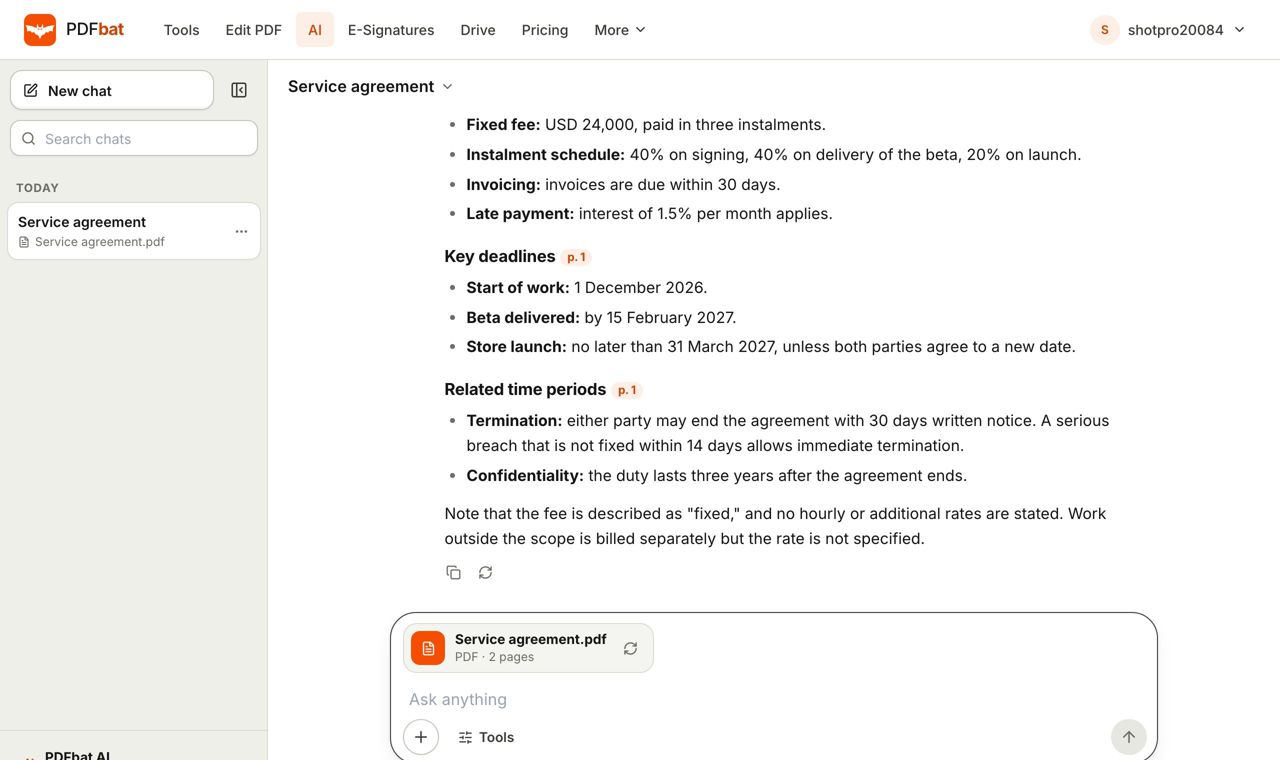 AI PDFChat with a PDF, summarize, translate, extract data, review contracts and redact personal data with AI.
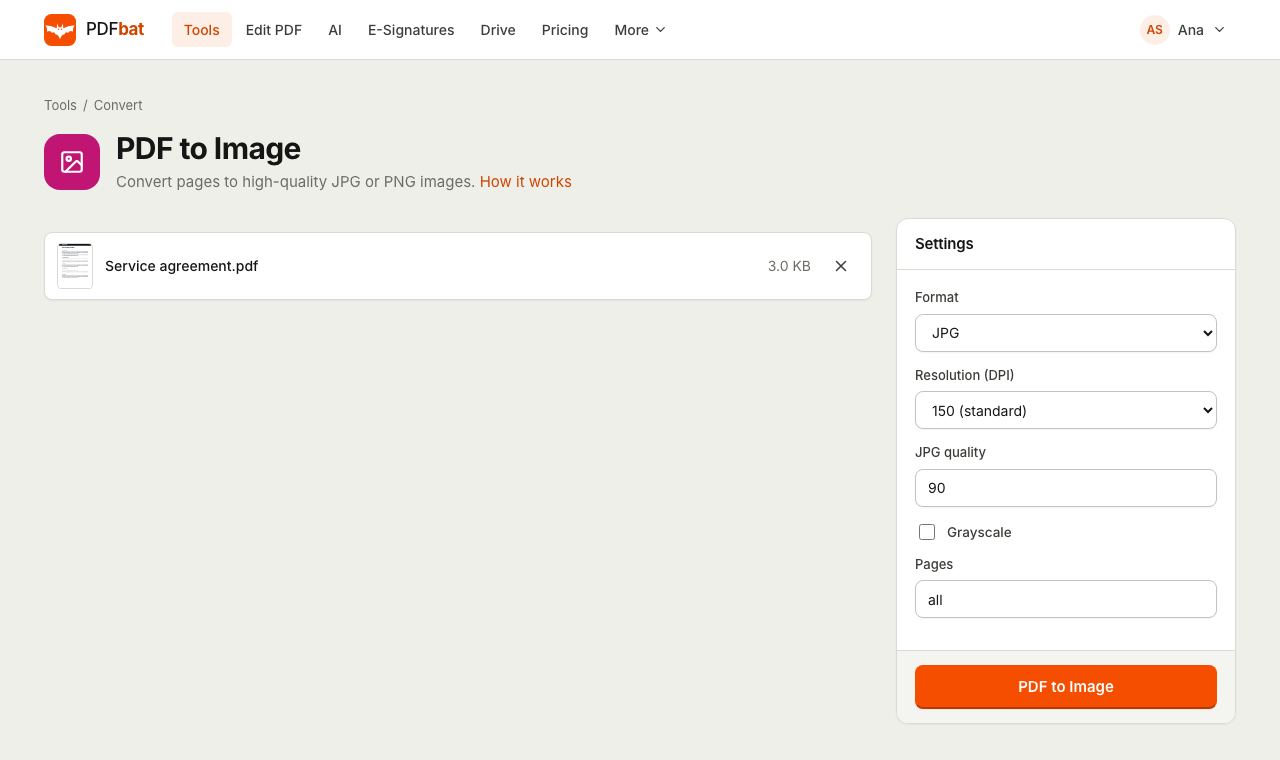 PDF to JPGTurn PDF pages into JPG or PNG images at up to 600 DPI.
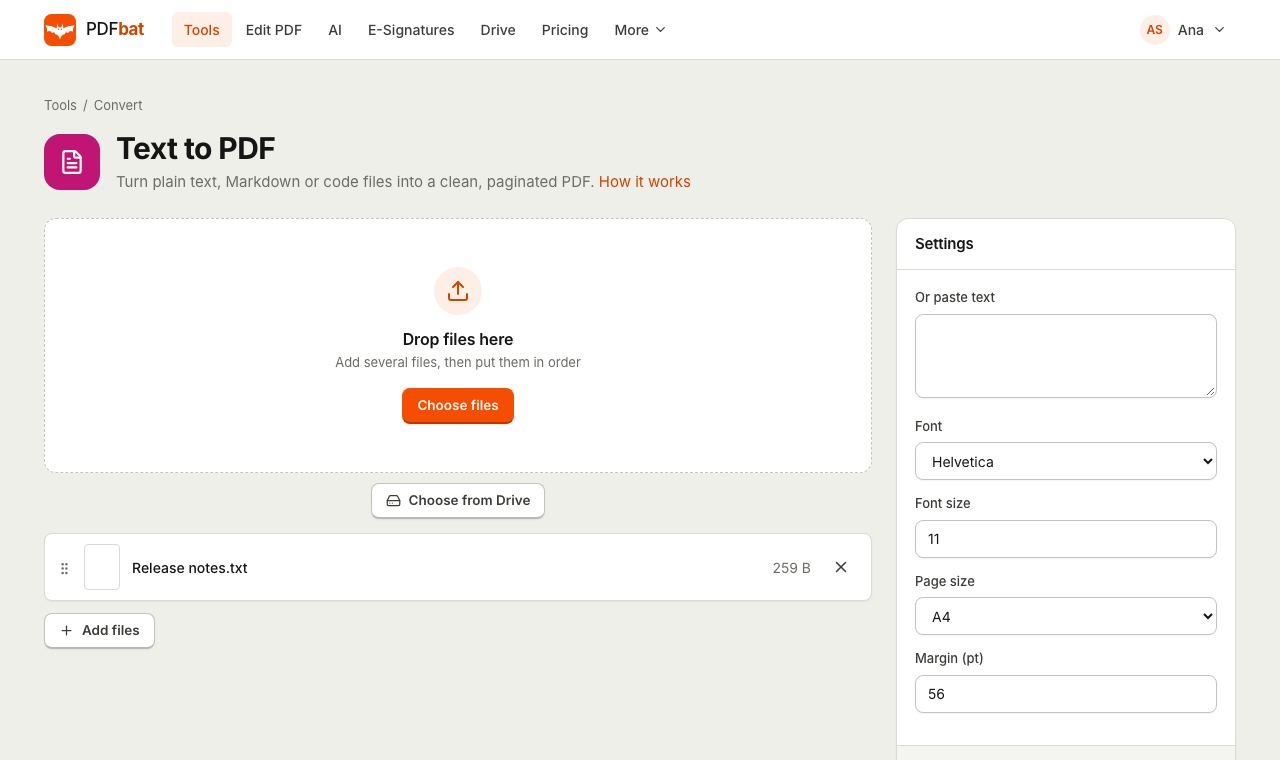 Text to PDFTurn plain text, Markdown, CSV and code files into a clean paginated PDF.
 PDF EditorEdit existing text, add text in any language, images, shapes, highlights, redactions, links and comments.
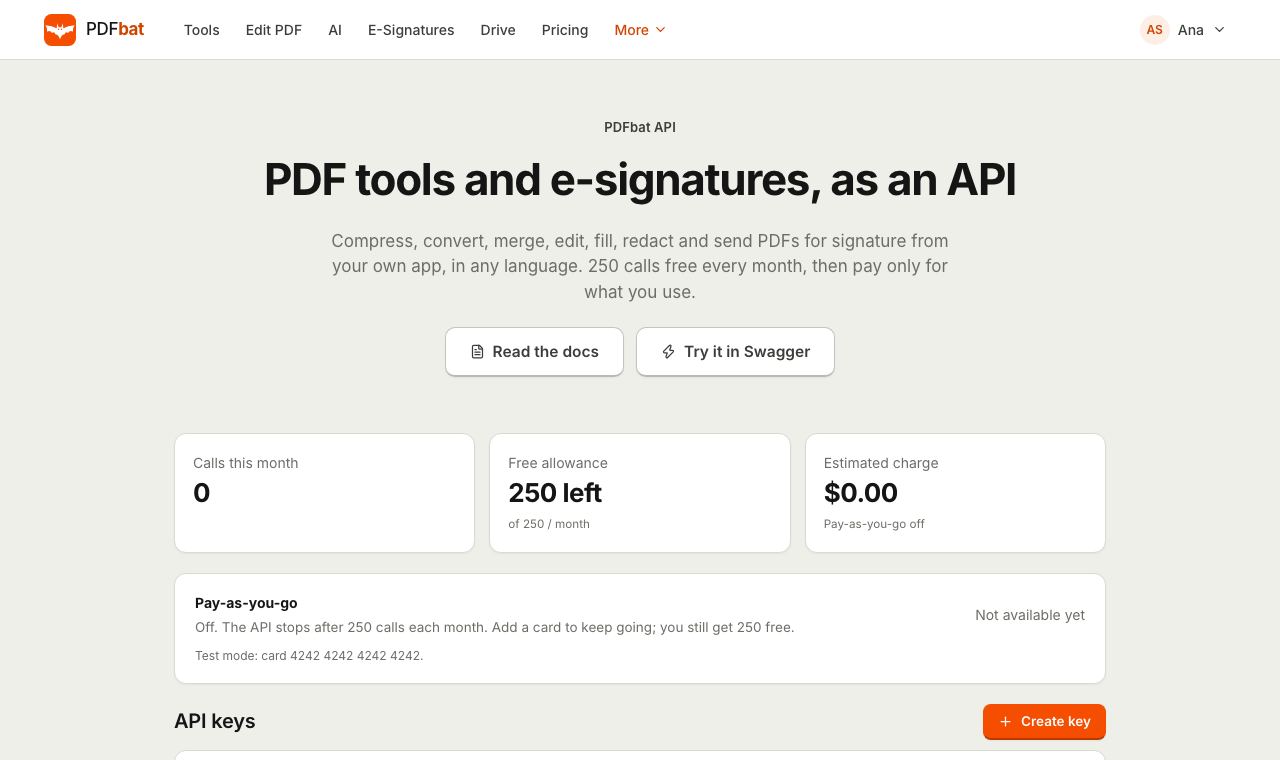 PDF APIA REST API for every PDF tool, editing, forms, e signatures, templates, Drive and webhooks. 250 free calls a month.
Try PDF to Text free
Create a free account in seconds. No credit card, nothing to install, and it works on any device.