Convert text and code files to a clean PDF
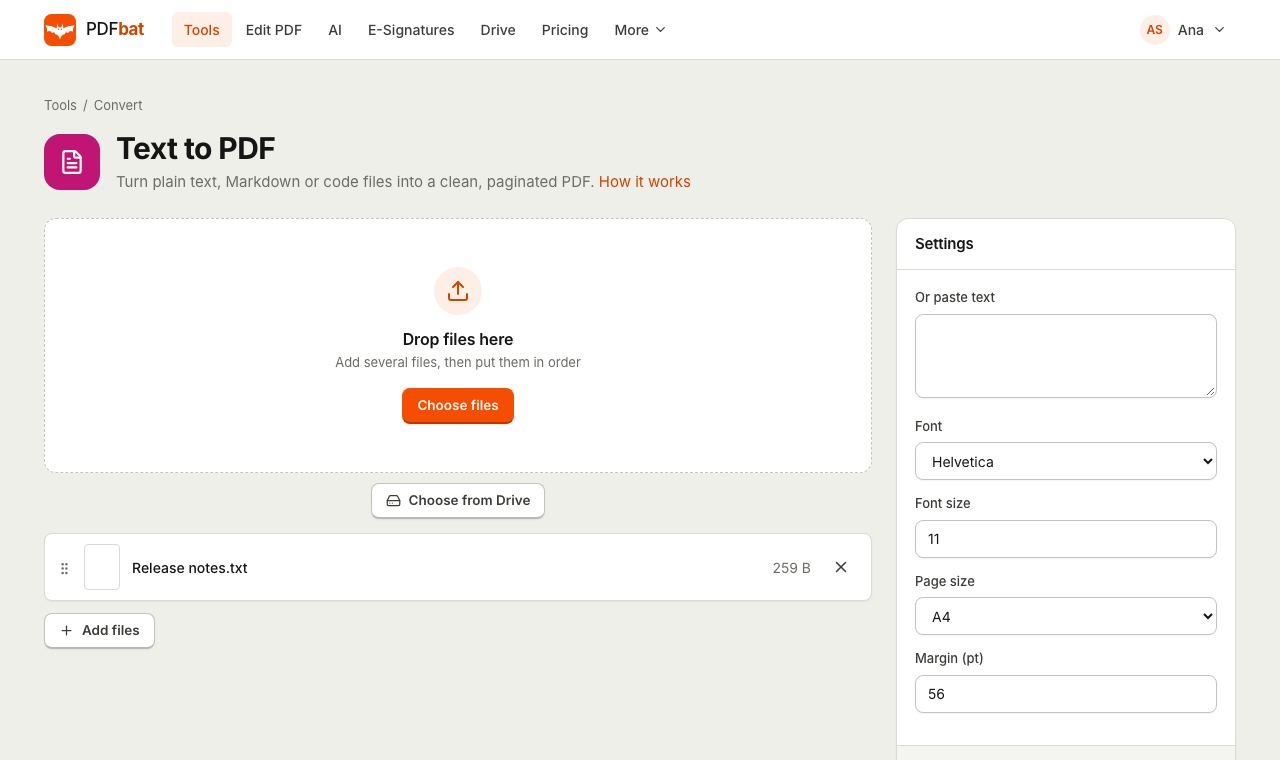
Paste text or upload .txt, .md, .csv, .log, .json or source code files. PDFbat wraps long lines, paginates and sets the type, in any language.
- Free plan, no credit card
- Nothing to install
- Works on phone, tablet and desktop
Plain text, properly typeset
Printing a text file straight from an editor often gives you tiny type, cut off lines and random page breaks. Text to PDF lays the text out on real pages with the font, size and margins you choose. Long lines wrap at word boundaries, very long words and URLs break cleanly, tabs become four spaces and new pages start automatically.
Text in any language works. Characters outside the standard Latin set are drawn with Noto fonts and shaped with HarfBuzz, so Hindi, Arabic, Chinese, Thai and other scripts render correctly and stay searchable in the PDF.
Readable PDFs from raw text
Paste or upload
Type or paste into the box, upload one or more files, or combine both in one PDF.
Great for code
Courier keeps columns aligned for source code, logs, CSV and configuration files.
Every writing system
Indic scripts, Arabic and Hebrew, CJK, Thai and more are shaped correctly with Noto fonts.
One file per section
When you upload several files, each one starts on a new page in the same PDF.
Searchable output
The PDF contains real text, so readers can search, select and copy it.
How it works
- 1
Add your text
Upload text or code files, or paste text into the box. You can do both.
- 2
Set the look
Choose Helvetica, Times or Courier, the font size, the page size and the margin.
- 3
Download the PDF
Get a paginated PDF, saved to your Drive and ready to share or print.
Every option explained
- Files
- Accepts .txt, .md, .csv, .log, .json, .js, .ts, .py, .java, .c, .cpp, .html, .css, .xml, .yml and .yaml. Files are read as UTF-8 text and each starts on a new page.
- Or paste text
- Paste or type directly. Pasted text is added after any uploaded files.
- Font
- Helvetica (default) for clean modern documents, Times for a classic printed look, Courier (monospace) for code and anything that relies on aligned columns.
- Font size
- Default 11 pt. Line spacing is set to 1.4 times the font size for comfortable reading.
- Page size
- A3, A4 (default), A5, Letter, Legal, Tabloid or Executive.
- Margin (pt)
- Default 56 pt, about 20 mm. 72 pt equals one inch. Use a smaller margin to fit more text per page.
- Smart wrapping
- Lines wrap between words. Tokens longer than a line, such as URLs or CJK text without spaces, are broken so nothing runs off the page.
Common uses
- Sharing meeting notes, transcripts or a README as a document anyone can open.
- Printing source code or logs for a review or an exam submission.
- Archiving chat exports, configuration files or CSV data in a fixed format.
- Making a quick PDF letter in a language your word processor struggles with.
Tips
- Markdown files are typeset as plain text, so symbols like # and * stay visible. That is ideal for documentation reviews.
- Use Courier with a size of 9 or 10 for wide code or log files.
- Combine the result with other documents using Merge PDF, or number the pages with Add Page Numbers.
- Need rich formatting, images and signatures? Start from the PDF and finish it in the PDF editor.
Frequently asked questions
Is Text to PDF free?
Yes. The free plan includes 10 tool tasks a day. Pro removes the daily limit.
Can I convert several text files into one PDF?
Yes. Upload them together and each file starts on its own page in a single PDF.
Does it support non Latin scripts?
Yes. Text is shaped with HarfBuzz and drawn with Noto fonts, so Indic scripts, Arabic, Hebrew, Chinese, Japanese, Korean, Thai and others render correctly.
Is Markdown formatting applied?
No. Markdown is set as plain text, which keeps the source exactly as written.
Is the text in the PDF selectable?
Yes. The PDF contains real, searchable text, not images.
Can I create PDFs from text through an API?
Yes. The PDFbat API runs this tool with the same options, with 250 free calls a month.
Related features and tools
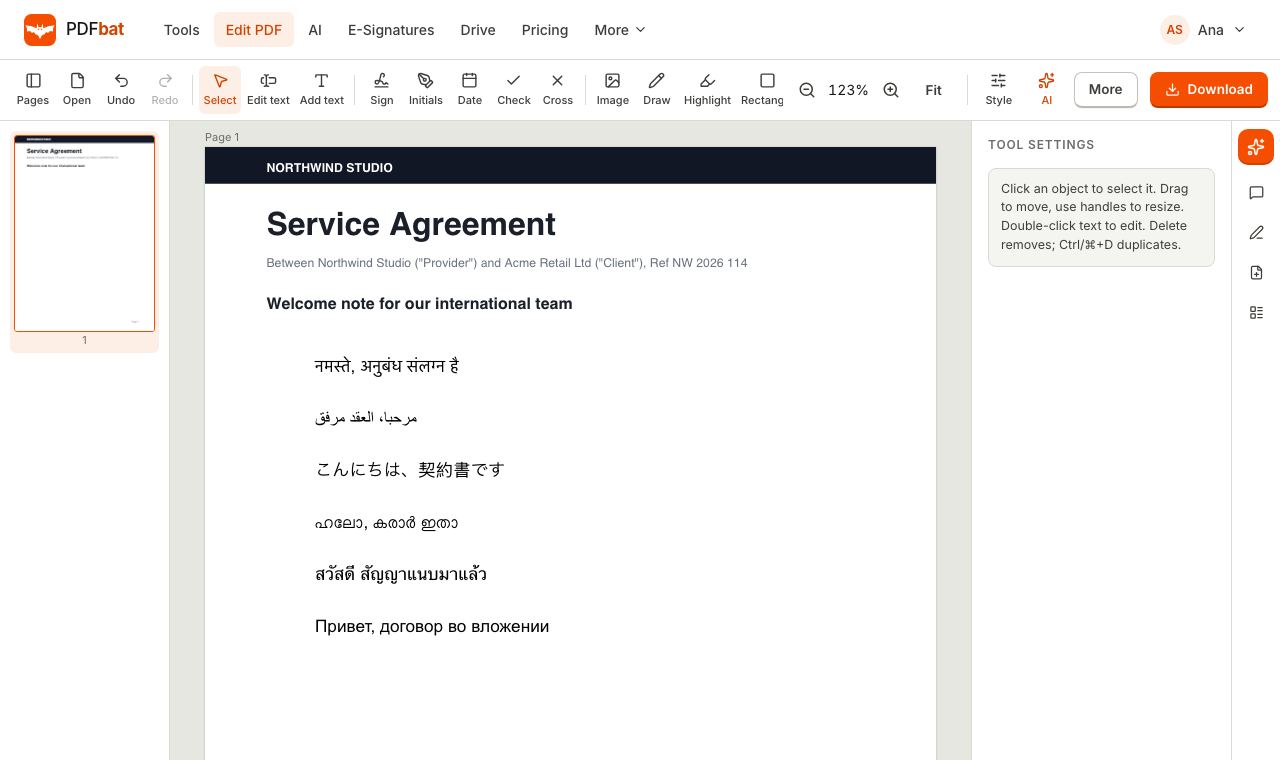 Every languageType in Hindi, Arabic, Chinese, Thai, Tamil and every other script, with correct shaping and searchable text.
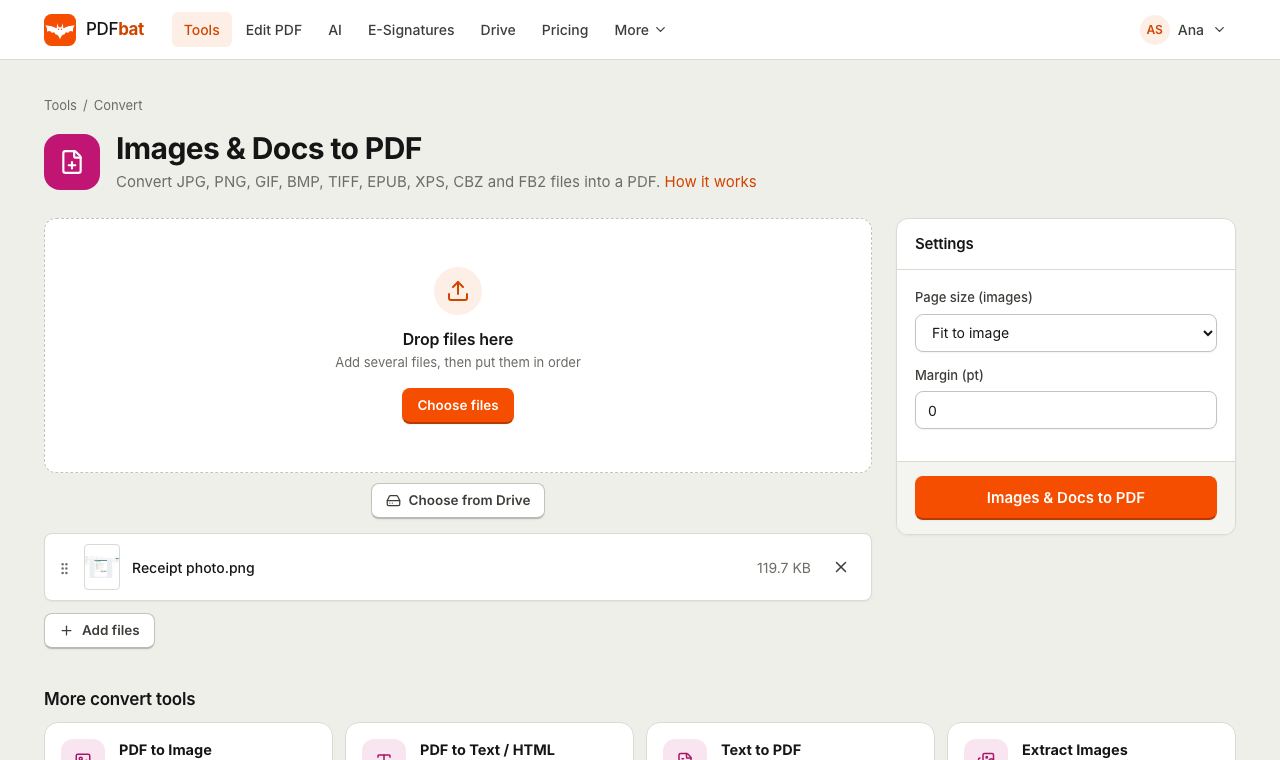 JPG to PDFTurn JPG, PNG, TIFF and other images, plus EPUB, XPS and CBZ files, into one PDF.
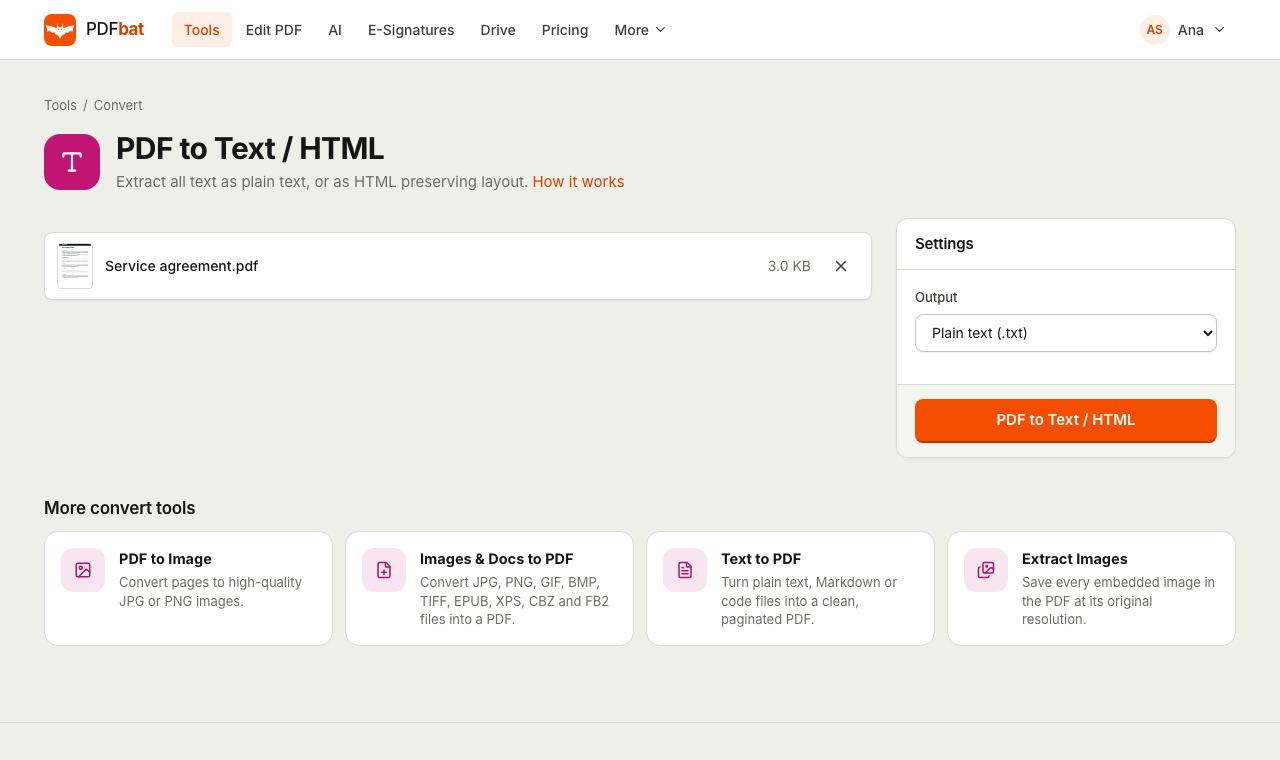 PDF to TextExtract all text from a PDF as plain text, layout preserving HTML or structured JSON.
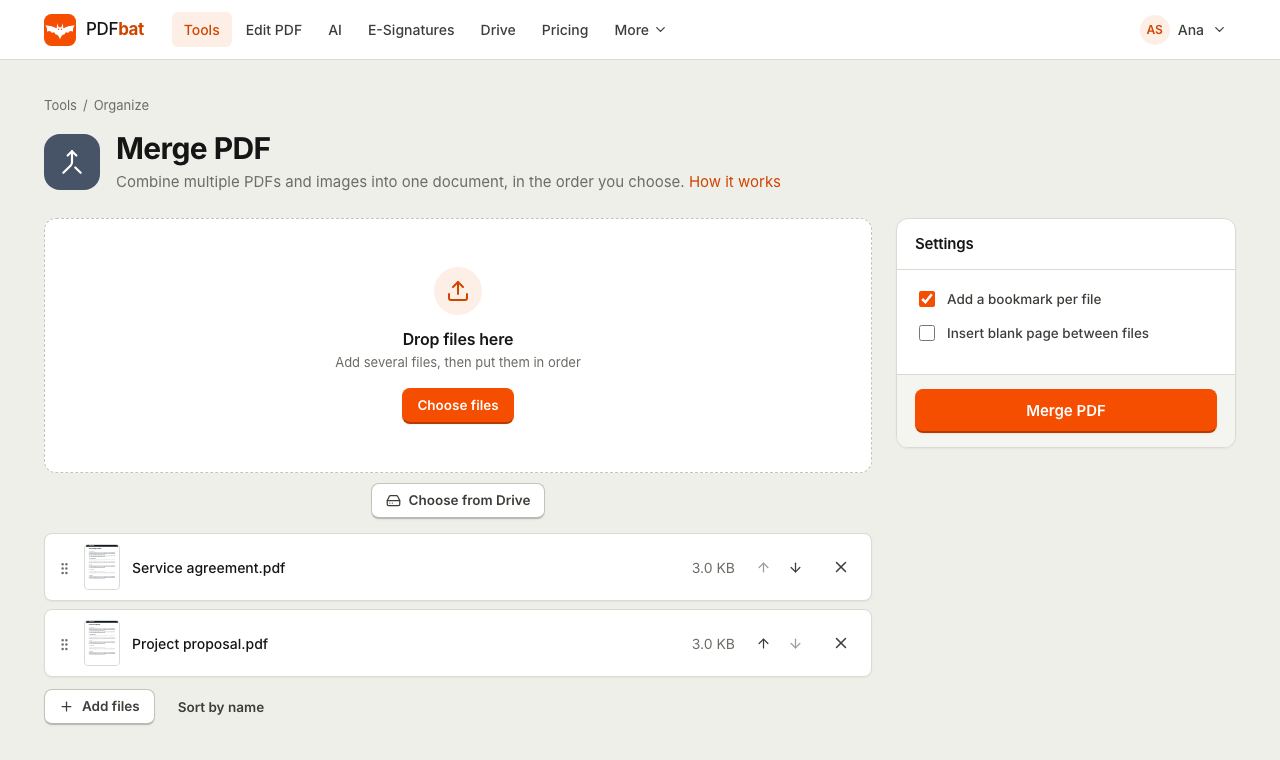 Merge PDFCombine PDFs, images and ebooks into one file in the order you choose, with a bookmark per file.
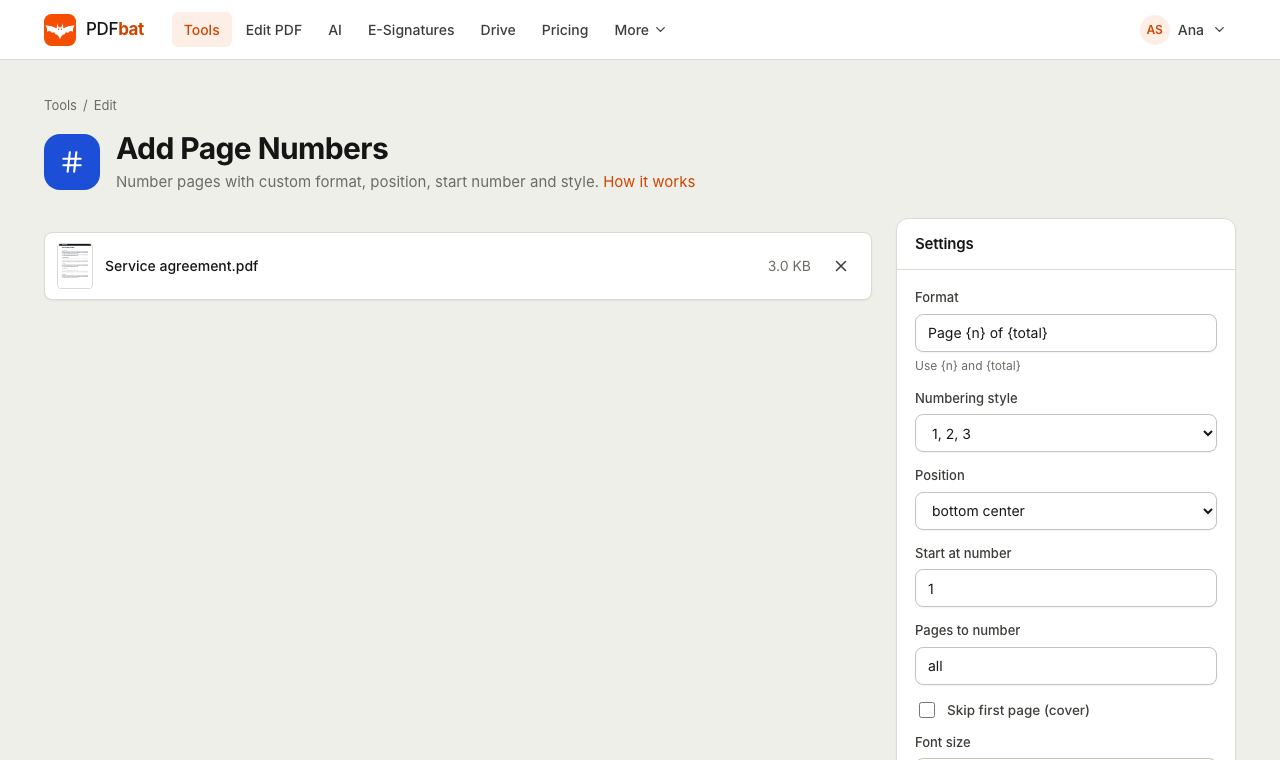 Add Page NumbersNumber PDF pages with your own format, position, start number and Roman numerals.
 PDF EditorEdit existing text, add text in any language, images, shapes, highlights, redactions, links and comments.
Try Text to PDF free
Create a free account in seconds. No credit card, nothing to install, and it works on any device.