Convert JPG and other images to PDF in one go
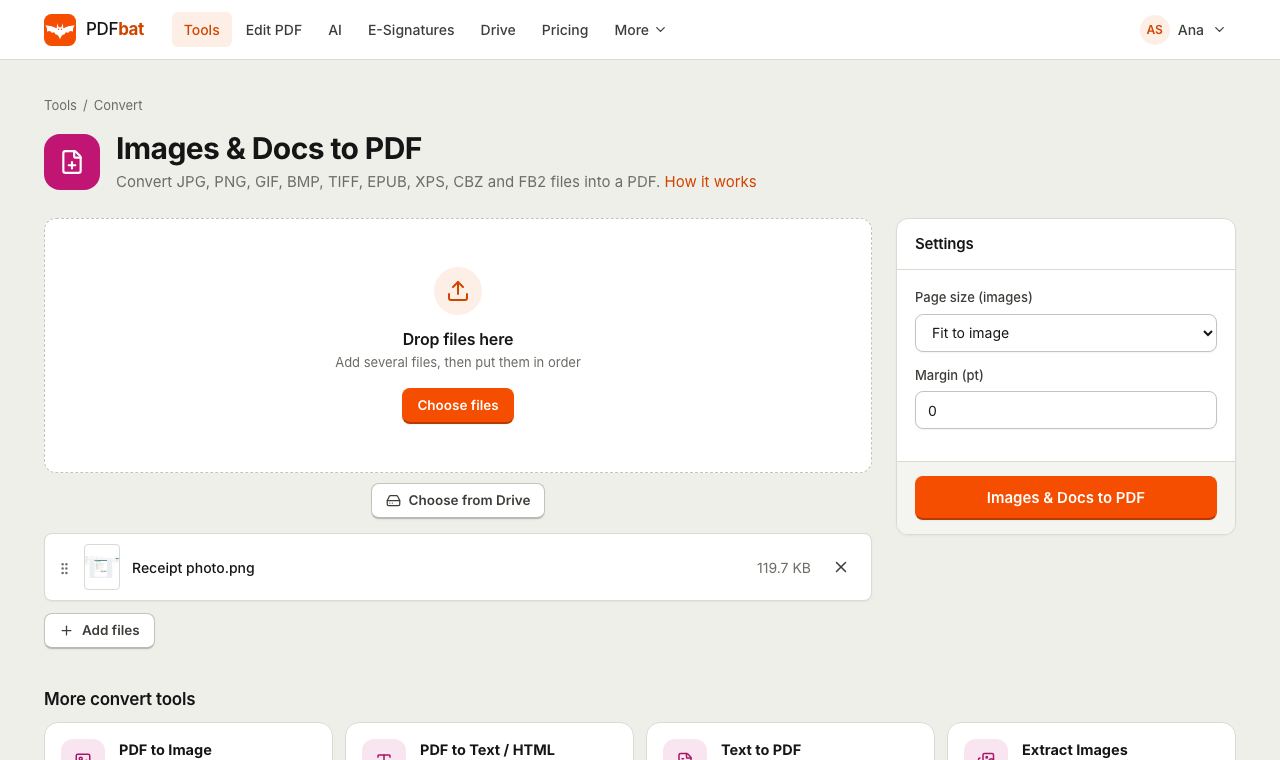
Add photos, scans or screenshots, drag them into order and get a single tidy PDF. Keep each image at its own size or fit them all onto A4 or Letter pages with even margins.
- Free plan, no credit card
- Nothing to install
- Works on phone, tablet and desktop
One PDF from many files
Phone photos of receipts, scanned pages saved as JPG, screenshots for a bug report: PDFs are easier to send, print and archive than a folder of loose images. PDFbat puts every file you add into one PDF, in the order you choose, with one page per image.
JPG and PNG files are placed into the PDF as they are, without recompressing them, so there is no extra quality loss. Other formats, such as GIF, BMP and TIFF, are drawn into PDF pages by the conversion engine. The same tool also converts EPUB e books, XPS and OXPS documents, CBZ comic archives, FB2 books and XHTML files into PDF.
Clean PDFs from any pile of images
Many files, one PDF
Add as many images as you need and get a single document with one page per image.
Drag to reorder
Put pages in the right order before converting by dragging files in the list.
No extra quality loss
JPG and PNG images are embedded as they are, not re-compressed.
Standard page sizes
Fit every image onto A4, Letter or another size, centered and scaled, so the PDF prints neatly.
Documents too
EPUB, XPS, OXPS, CBZ, FB2 and XHTML files become PDFs with the same tool.
Saved to your Drive
The new PDF is stored privately in your Drive, ready to sign, compress or share.
How it works
- 1
Add your images
Drop JPG, PNG or other files onto the page, or choose them from your computer, phone gallery or Drive.
- 2
Order and size them
Drag files into the order you want, then keep Fit to image or pick a page size and margin.
- 3
Download the PDF
Convert and download one PDF with every image as its own page.
Formats and options
- Supported images
- JPG, PNG, GIF, BMP and TIFF images, plus EPUB, XPS, CBZ and FB2 documents. WEBP and SVG are not supported yet, so save them as PNG first. Multi page TIFF scans become several PDF pages.
- Supported documents
- EPUB, XPS, OXPS, CBZ, FB2 and XHTML. Each is laid out into pages and added to the PDF.
- Page size: Fit to image
- The default. Each page is exactly the size of its image, so nothing is scaled or cropped.
- Page size: A3, A4, A5, Letter, Legal, Tabloid, Executive
- Every image is scaled to fit inside the page and centered. Landscape images get a landscape page automatically.
- Margin (pt)
- White space around each image, in points. 72 pt is one inch, about 25 mm. Default 0. A margin of 20 to 36 pt looks good for printed documents.
- File order
- Pages follow the order of the file list. Drag files, or use the arrows, to change it.
What people convert
- Receipts and invoices photographed on a phone, combined into one expense report.
- Scanned pages saved as JPG by a home scanner, turned into a single document.
- Screenshots for a support ticket, assignment or design review.
- Signed forms photographed for a landlord, school or employer.
- E books in EPUB and comics in CBZ that you want to read or print as PDF.
Tips
- Choose A4 or Letter with a small margin when the PDF will be printed or uploaded to a form that expects standard pages.
- Phone photos can be large. Run Compress PDF afterwards to make the file easy to email.
- Make photographed text searchable with OCR PDF.
- Need to add images to an existing PDF? Use Merge PDF, which accepts PDFs and images together.
PDFbat compared with Adobe Acrobat Pro
| Feature | PDFbat | Adobe Acrobat Pro |
|---|---|---|
| Price | Free plan, Pro $4/mo | $19.99/mo, annual plan |
| Combine several images into one PDF | Yes | Yes |
| Fit images to standard page sizes | Yes | Yes |
| Works in any browser without installing software | Yes | Desktop app for full options |
Competitor details reflect their public plan pages in November 2026. Check their sites for current terms.
Frequently asked questions
How do I convert several JPGs into one PDF?
Add all the images, drag them into order and convert. You get one PDF with one page per image.
Will my photos lose quality?
JPG and PNG images are embedded as they are, so no quality is lost. If the PDF is too big, compress it afterwards.
Can I make every page A4?
Yes. Choose A4 in Page size. Each image is scaled to fit and centered, and landscape images get a landscape page.
Does it work on iPhone and Android?
Yes. Choose photos from your gallery in Safari or Chrome and download the PDF, with nothing to install.
Can I convert EPUB or XPS to PDF?
Yes. EPUB, XPS, OXPS, CBZ, FB2 and XHTML files are converted by the same tool.
Is there a limit?
The free plan includes 10 tool tasks a day with files up to 25 MB. Pro removes the daily limit and accepts files up to 100 MB.
Related features and tools
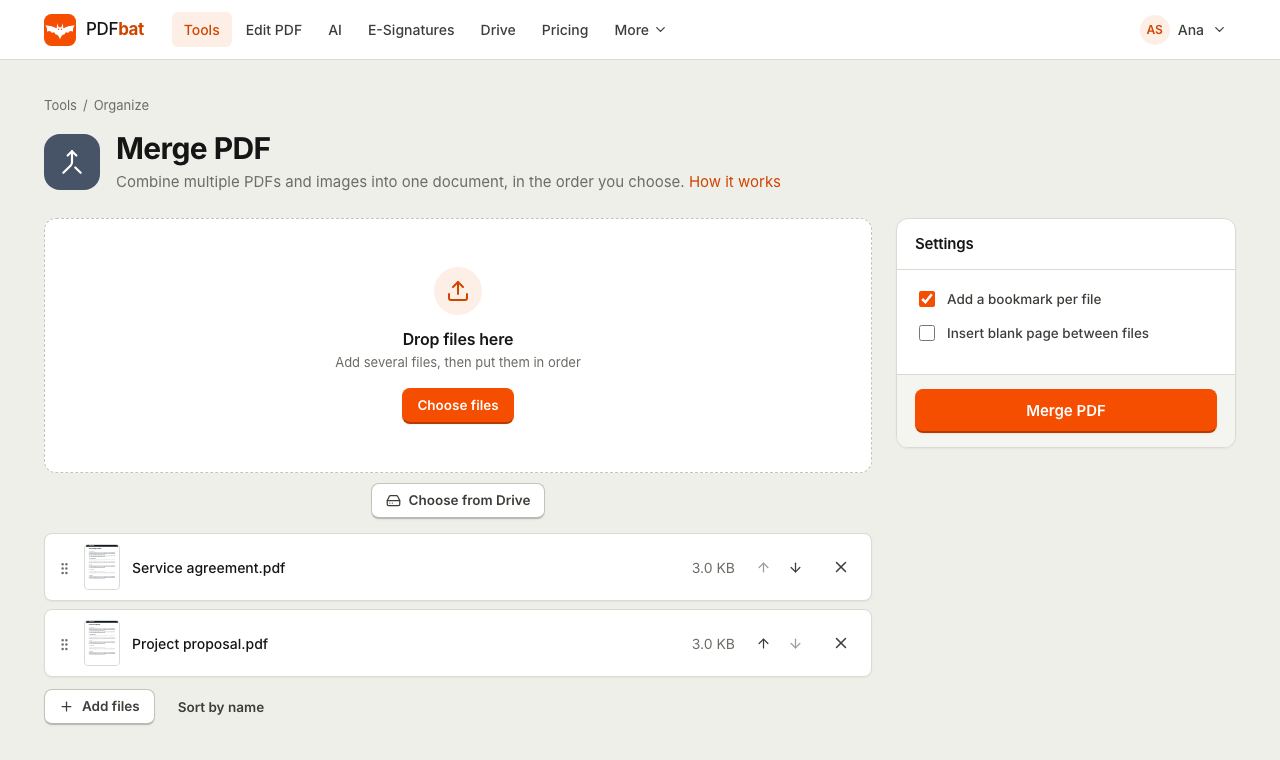 Merge PDFCombine PDFs, images and ebooks into one file in the order you choose, with a bookmark per file.
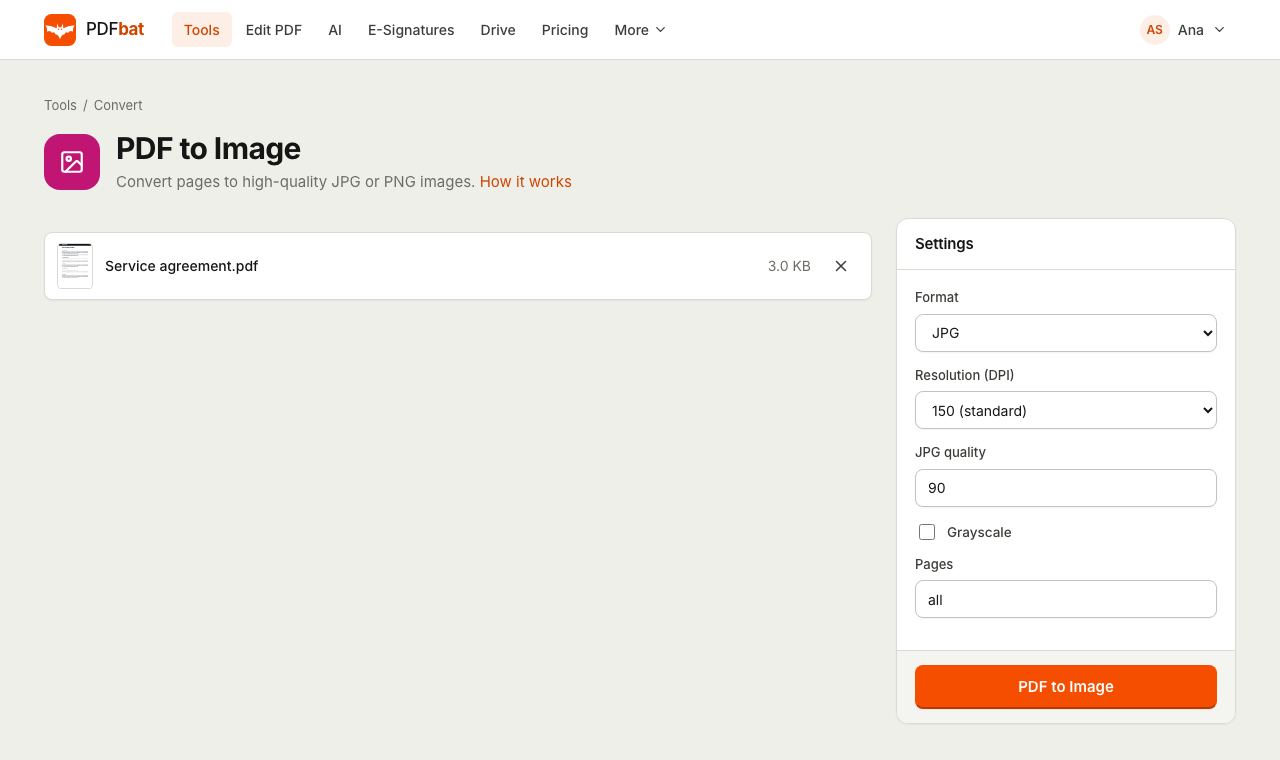 PDF to JPGTurn PDF pages into JPG or PNG images at up to 600 DPI.
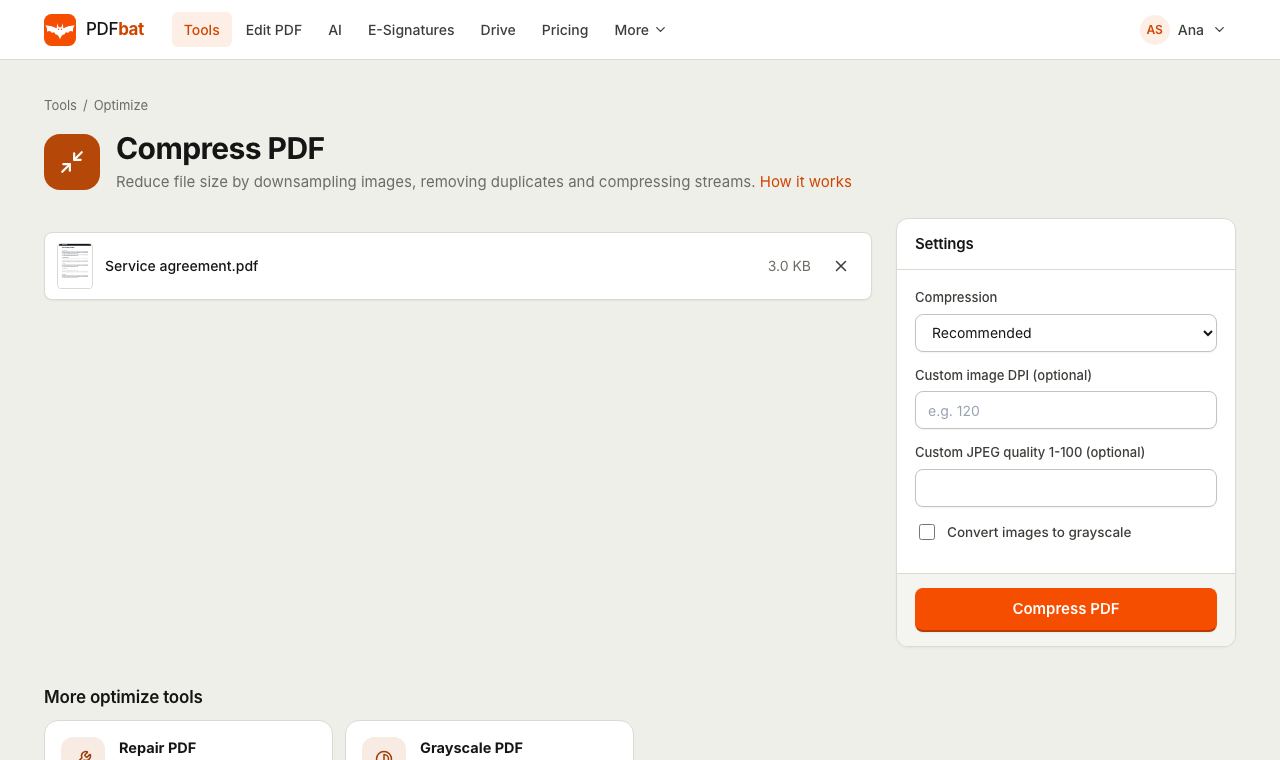 Compress PDFShrink PDFs for email and upload portals with four levels, custom DPI and grayscale.
 OCR PDFMake scanned PDFs searchable and copyable in 45 languages, with a second language for mixed documents.
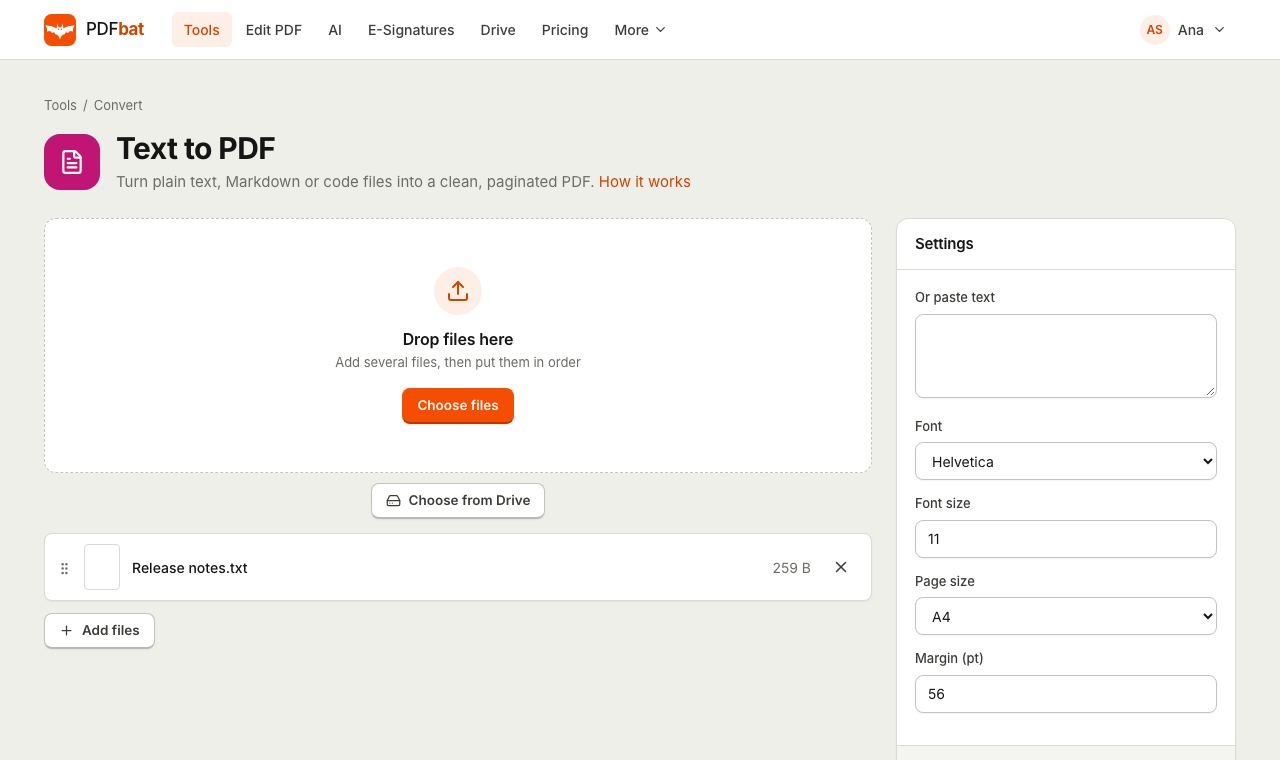 Text to PDFTurn plain text, Markdown, CSV and code files into a clean paginated PDF.
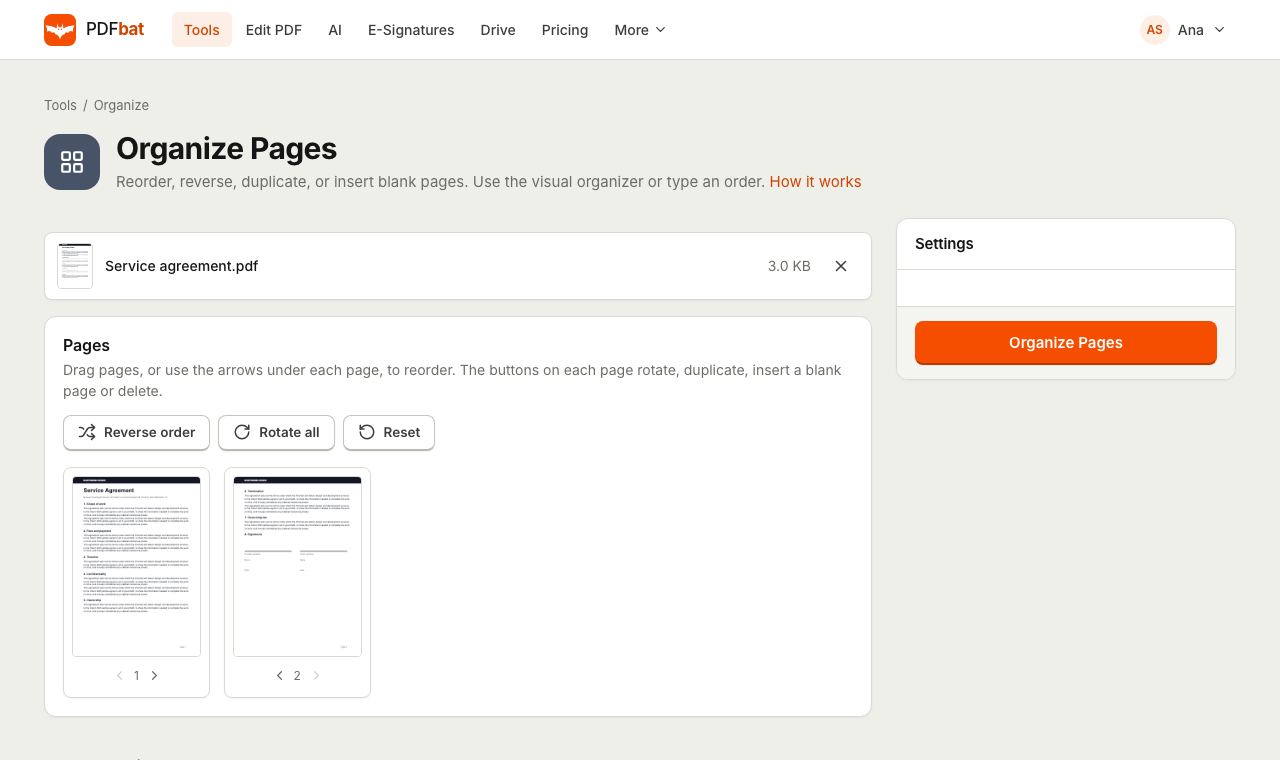 Organize PDFRearrange, rotate, duplicate, delete and insert blank pages with a visual drag and drop organizer.
Try JPG to PDF free
Create a free account in seconds. No credit card, nothing to install, and it works on any device.