Compress PDF files without losing readable quality
Shrink a PDF for email, job portals and government forms in a few seconds. Pick a compression level or set the exact image DPI, and PDFbat does the rest in your browser.
- Free plan, no credit card
- Nothing to install
- Works on phone, tablet and desktop
Why PDFs get so big, and how compression fixes it
Most oversized PDFs are large because of images. A phone scan or a photo pasted into a report is often stored at far more pixels than any screen or printer needs. PDFbat finds every raster image in the file, scales it down to the resolution you choose and re-encodes it as an efficient JPEG.
After the images are handled, the whole file is rewritten: duplicate objects are merged, streams are compressed, and embedded fonts are subset so only the characters you actually use are kept. Real text and vector graphics are never turned into pictures, so they stay crisp and searchable at every level.
A smaller file that still looks right
Big savings on scans
Scanned contracts, receipts and ID documents often drop to a fraction of their size, because image data is where the weight is.
Text stays sharp
Only images are downsampled. Text from Word, Google Docs or any export stays vector and selectable.
Exact control when you need it
Override the preset with your own image DPI and JPEG quality to hit a strict portal limit such as 100 KB or 200 KB.
Never larger than before
If the result would not be smaller, PDFbat tells you the file is already well optimized and gives you the original back.
Saved to your Drive
Every compressed file is stored in your private Drive, so you can download it again or open it in another tool.
How it works
- 1
Upload your PDF
Drop a PDF onto the page or choose one from your computer, phone or Drive. Free accounts handle files up to 25 MB, Pro up to 100 MB.
- 2
Choose how small
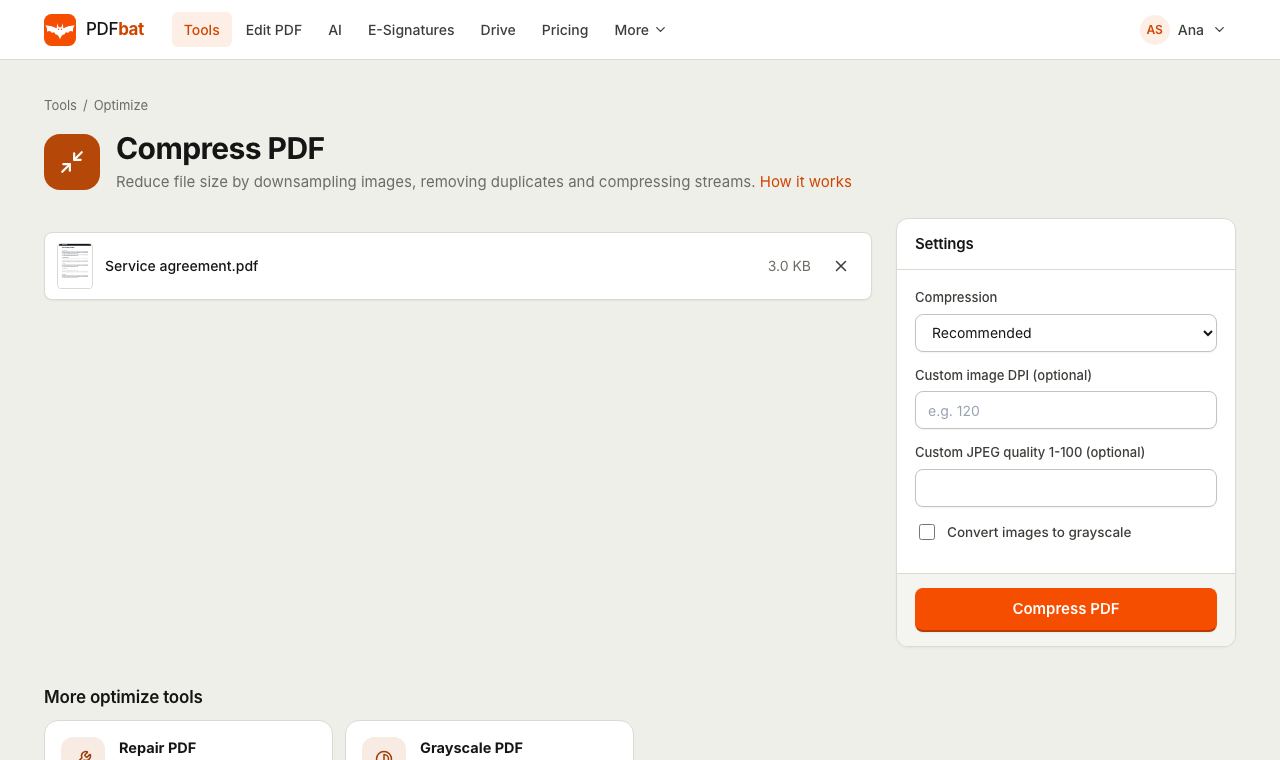
Start with Recommended. Go to High or Extreme for upload portals, or type a custom DPI, JPEG quality and grayscale for full control.
- 3
Download the smaller file
PDFbat shows the new size next to the original. Download it, share it from Drive, or send it straight into another tool.
Every compression option explained
- Low (best quality)
- Images are capped at 220 DPI with JPEG quality 85. Use it for documents you plan to print or zoom into.
- Recommended
- 150 DPI at quality 70. The best balance for email attachments and everyday sharing.
- High
- 100 DPI at quality 55. Good for scans that need to fit a tight upload limit while staying easy to read on screen.
- Extreme (smallest)
- 72 DPI at quality 40. The smallest result, ideal for portals with a 100 KB cap. Fine detail in photos will soften.
- Custom image DPI
- Type any value, for example 120, to override the level. The DPI is measured against the page size, so a full page scan is resized to exactly that resolution.
- Custom JPEG quality
- A number from 1 to 100 that overrides the preset quality. Lower numbers mean smaller files and more visible artifacts.
- Convert images to grayscale
- Removes color from every image. Black and white scans usually lose a large share of their size with no loss of meaning.
- Font subsetting and cleanup
- Applied at every level: unused glyphs are dropped, duplicate objects removed and all streams recompressed.
When to use each level
Different jobs need different trade-offs. These starting points work for most documents:
- Emailing a report or proposal: Recommended keeps photos clean and usually brings the file under common attachment limits.
- Job, visa and exam portals: Extreme with grayscale, or a custom DPI between 72 and 100, is the fastest way under 100 KB or 200 KB.
- Archiving scanned paperwork: High gives small files that remain comfortable to read years later.
- Print ready files: Low, or leave the file as it is. Printers need more pixels than screens.
Tips for the smallest possible file
- Remove pages the recipient does not need with Delete Pages before compressing.
- If the portal only wants a single page, use Extract Pages first.
- For mostly text documents that were scanned, run OCR after compressing so the small file is also searchable.
- If a file still will not shrink, it probably contains text and vector art rather than images. That is already efficient, and there is little left to remove.
PDFbat compared with Adobe Acrobat Pro
| Feature | PDFbat | Adobe Acrobat Pro |
|---|---|---|
| Price | Free plan, Pro $4/mo | $19.99/mo, annual plan |
| Compress in the browser | Yes | Yes |
| Custom image DPI and JPEG quality | Yes | Yes |
| Grayscale images while compressing | Yes | Yes |
| Result saved to a private cloud Drive | Yes, automatically | Adobe cloud storage |
| Same account includes e signatures and an API | Yes | E signatures yes, API sold separately |
Competitor details reflect their public plan pages in November 2026. Check their sites for current terms.
Frequently asked questions
Will compressing a PDF make the text blurry?
No. Text and vector graphics are kept as they are at every level. Only raster images, such as scans and photos, are resized and re-encoded.
How small can I make my PDF?
It depends on how many images it has. A one page scan at Extreme in grayscale is often well under 100 KB. A text only PDF may already be close to its minimum size.
Why does PDFbat say my file is already well optimized?
The settings you chose could not make it smaller, so you get the original back instead of a bigger file. Try a stronger level, a lower custom DPI or grayscale.
Is there a file size limit?
Free accounts can upload PDFs up to 25 MB. Pro raises that to 100 MB and removes the daily task limit.
Can I compress a PDF on my phone?
Yes. The tool works in Safari and Chrome on iPhone and Android. Upload the file, pick a level and download or share the result.
Are my files private?
Files travel over HTTPS and results are stored only in your own private Drive. Nobody else can open them unless you create a share link.
Can I compress PDFs automatically from my own app?
Yes. The PDFbat API runs the same compressor with the same options, with 250 free calls a month.
Related features and tools
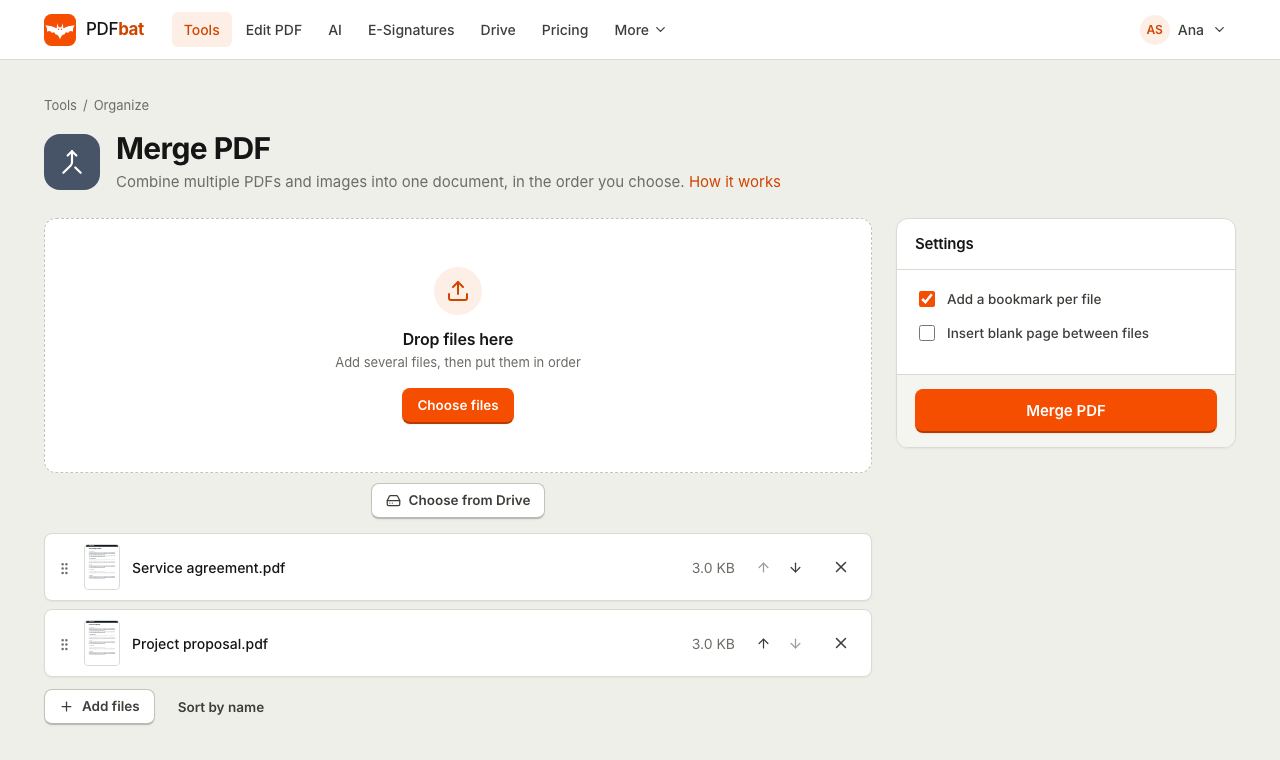 Merge PDFCombine PDFs, images and ebooks into one file in the order you choose, with a bookmark per file.
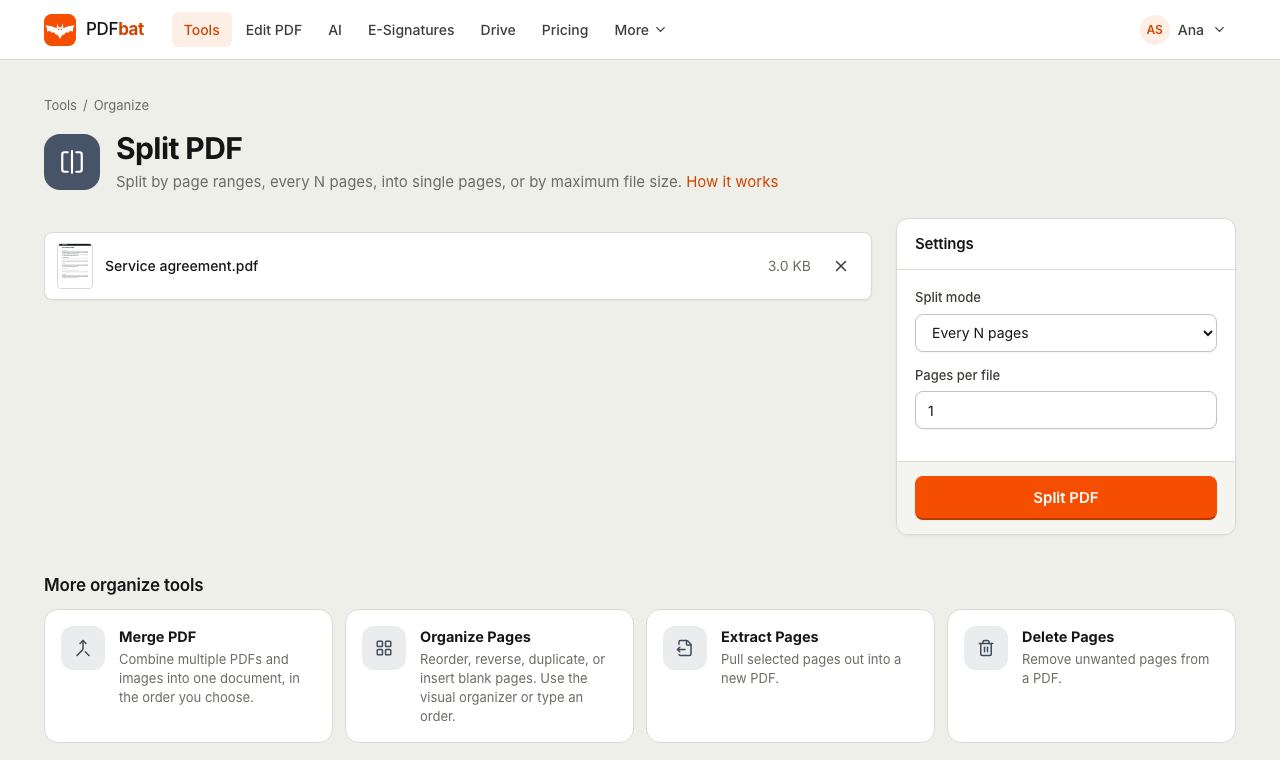 Split PDFSplit a PDF every N pages, by custom ranges, into single pages, by file size or into odd and even.
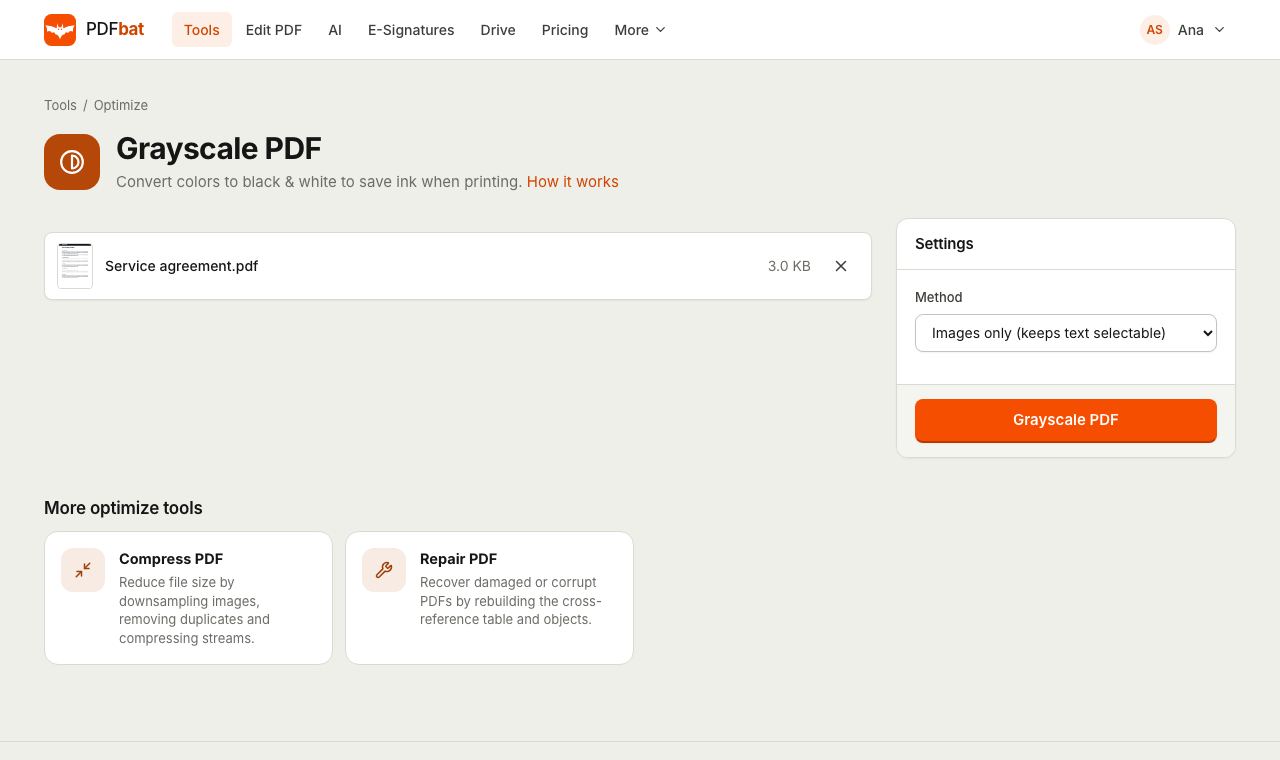 Grayscale PDFConvert a color PDF to black and white to save ink and shrink scans.
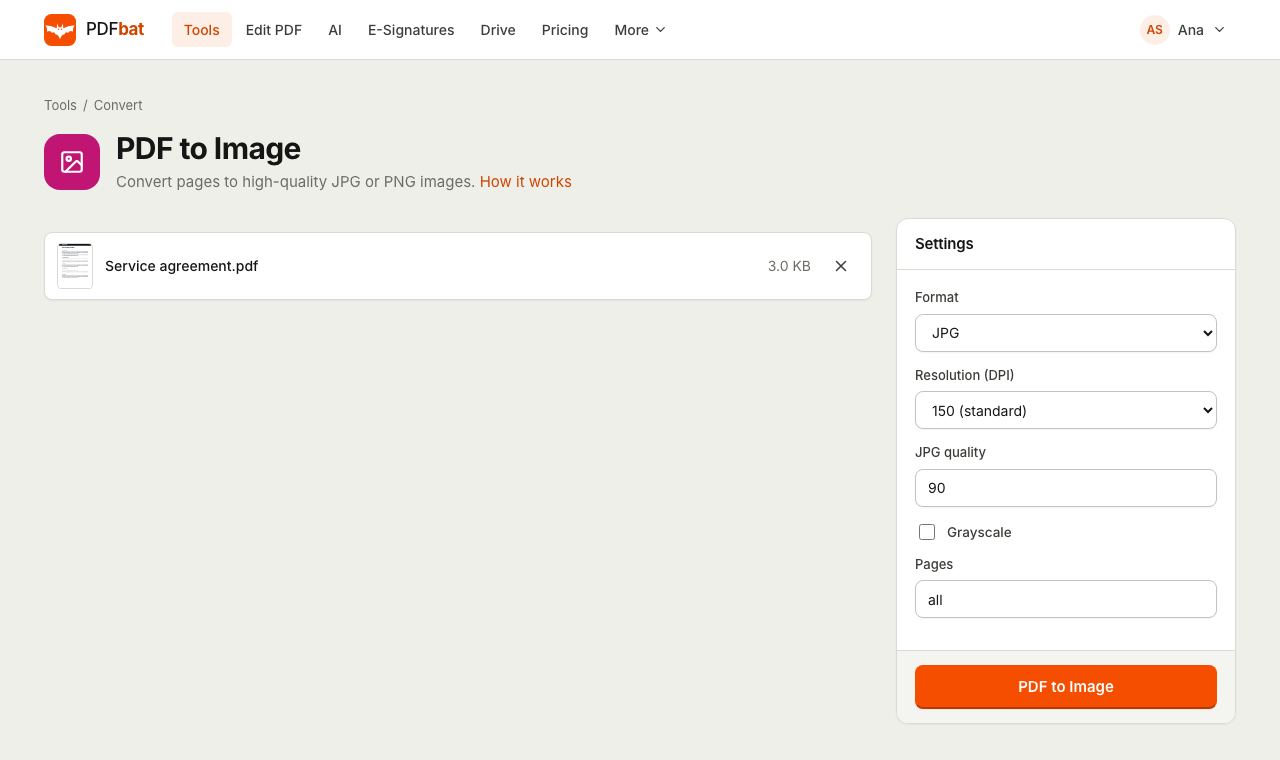 PDF to JPGTurn PDF pages into JPG or PNG images at up to 600 DPI.
 OCR PDFMake scanned PDFs searchable and copyable in 45 languages, with a second language for mixed documents.
 Free PDF Tools30+ tools to merge, split, compress, convert, protect, redact, number and OCR PDFs.
Try Compress PDF free
Create a free account in seconds. No credit card, nothing to install, and it works on any device.