Extract pages from a PDF into a new file
Pick the pages you need, in any order, and PDFbat saves them as a fresh PDF. The original stays untouched, and the new file is ready to send, sign or print.
- Free plan, no credit card
- Nothing to install
- Works on phone, tablet and desktop
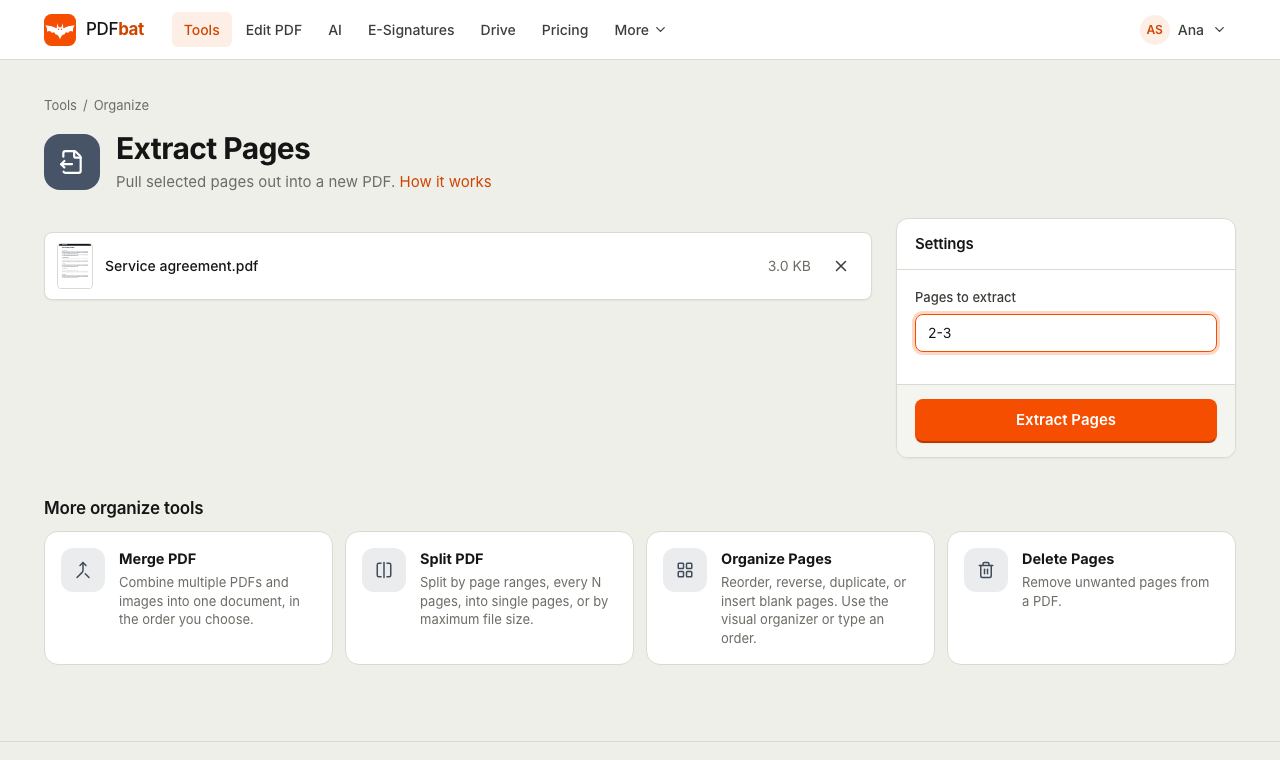
Send only the pages that matter
Often you need a small part of a large document: the signature page of a contract, one month from an annual statement, a single chapter, or the two pages of a form a portal actually asks for. Extract Pages creates a new PDF that contains only those pages, copied exactly as they were.
You describe the pages with a short expression, such as 1, 3-5, 10-last. Pages appear in the new file in the order you type them, so extracting is also a quick way to put a few pages in a different sequence.
Why extract pages with PDFbat
One clean new PDF
You get a single file with just the pages you chose. Your original file is not changed.
Flexible page syntax
Single pages, ranges, open ended ranges, last, odd and even all work.
Your order, not the original
Type 5, 2, 1 and the new PDF starts with page 5. Reverse ranges like 9-4 work too.
Nothing re-rendered
Pages are copied as they are, keeping searchable text, links and full resolution images.
Saved to your Drive
The extracted PDF is stored in your private Drive so you can find it again later.
How it works
- 1
Upload your PDF
Drop the PDF onto the page or choose it from your device or Drive.
- 2
Type the pages
Enter the pages to keep, for example
1, 3-5or10-last. Useoddorevento take every other page. - 3
Download the new PDF
PDFbat builds the file in seconds. Download it, share it from Drive or open it in another tool.
How the Pages to extract field works
- Single pages
- List page numbers separated by commas or spaces:
1, 4, 7. - Ranges
- Use a hyphen between two numbers with no spaces:
3-5takes pages 3, 4 and 5. - Open ended ranges
10-or10-lasttakes page 10 through the final page, whatever the document length.-3takes pages 1 to 3.- Reverse ranges
9-4takes pages 9 down to 4, in that order.- Odd and even
- Type
oddon its own for pages 1, 3, 5 and so on, orevenfor 2, 4, 6. - Order and repeats
- Pages appear in the order you type them. Listing a page twice includes it twice.
- Helpful errors
- If a page number does not exist, PDFbat tells you which part of your range is wrong and how many pages the document has.
Everyday uses
- Signed contracts: pull out the signature page to send as proof.
- Bank and card statements: extract one month or one page for a rental or loan application.
- Course material: save one chapter of a textbook PDF to read on your phone.
- Forms: portals often want only the completed pages. Extract them before uploading, and compress if there is a size limit.
- Scanned odd and even pages: extract
oddandeveninto two files to check each side of a duplex scan.
Extract, split or delete?
Three tools work with page selections, and each fits a different job. Use Extract Pages when you want one new PDF made of a few pages. Use Split PDF when you want the whole document cut into several files. Use Delete Pages when it is easier to name the pages you do not want.
Frequently asked questions
Does extracting pages change my original PDF?
No. The original stays as it is. PDFbat creates a new PDF with the pages you chose.
How do I extract the last few pages?
Use an open ended range such as 18-last or 18-. It always runs to the final page.
Can I extract pages in a different order?
Yes. Pages are added in the order you type them, so 5, 1, 2 starts the new file with page 5.
Can I extract every other page?
Yes. Type odd or even on its own to take every odd or every even page.
Will the extracted pages keep their quality?
Yes. Pages are copied without re-rendering, so text remains selectable and images keep their resolution.
Is it free?
Yes. The Free plan includes 10 tool tasks a day and files up to 25 MB. Pro, at $4 a month, removes the daily limit and accepts files up to 100 MB.
Related features and tools
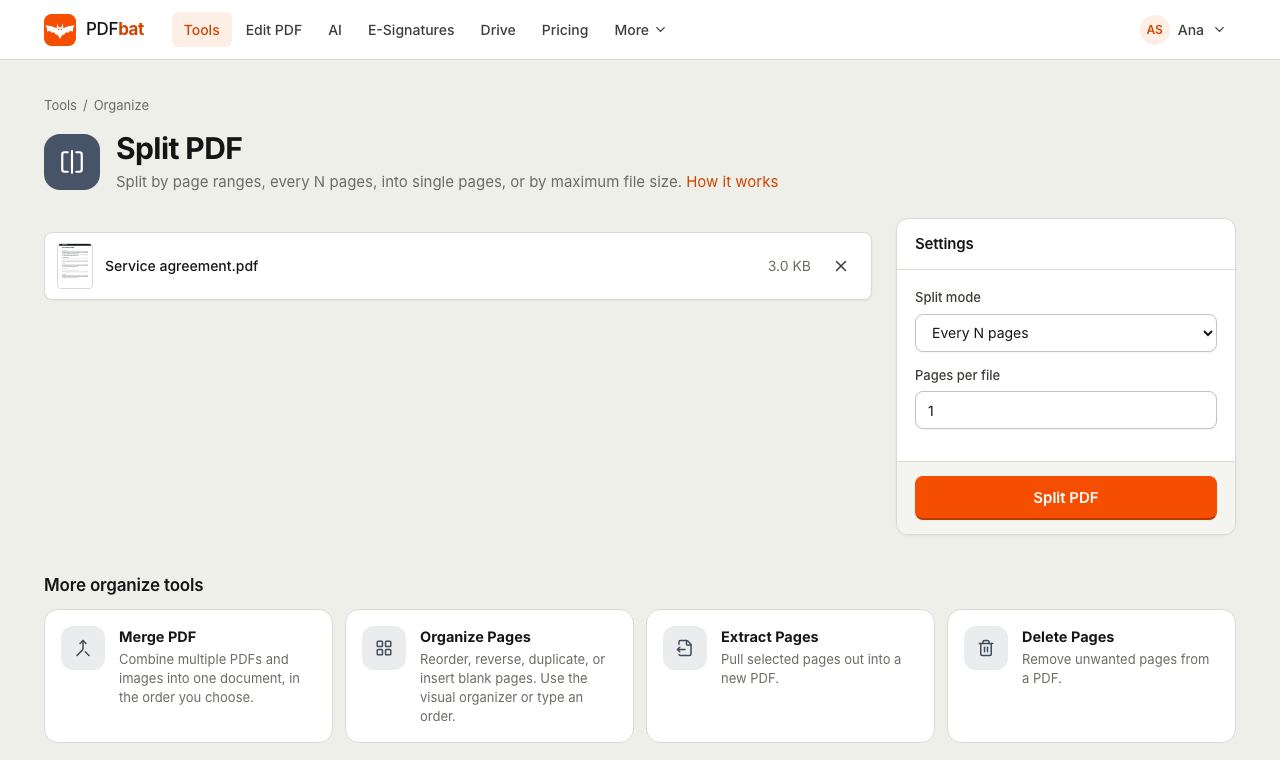 Split PDFSplit a PDF every N pages, by custom ranges, into single pages, by file size or into odd and even.
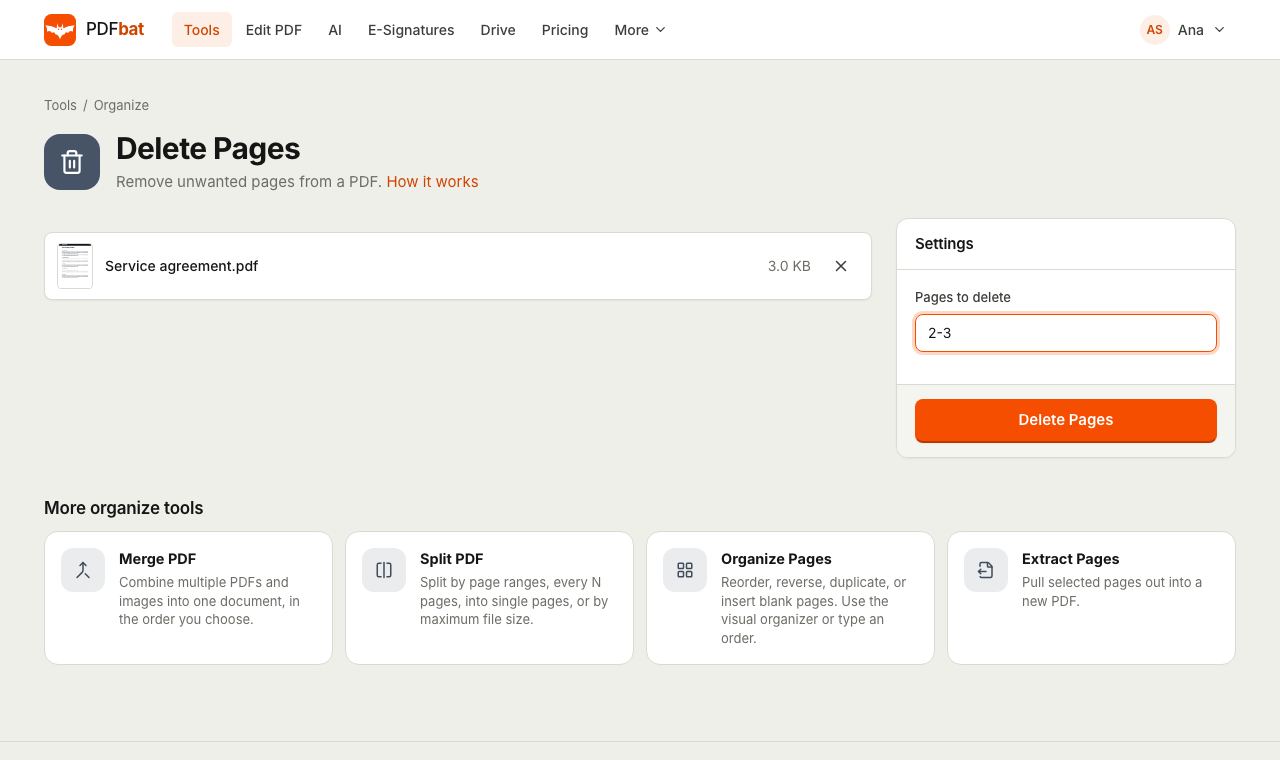 Delete PDF PagesRemove unwanted pages from a PDF by number or range, in one step.
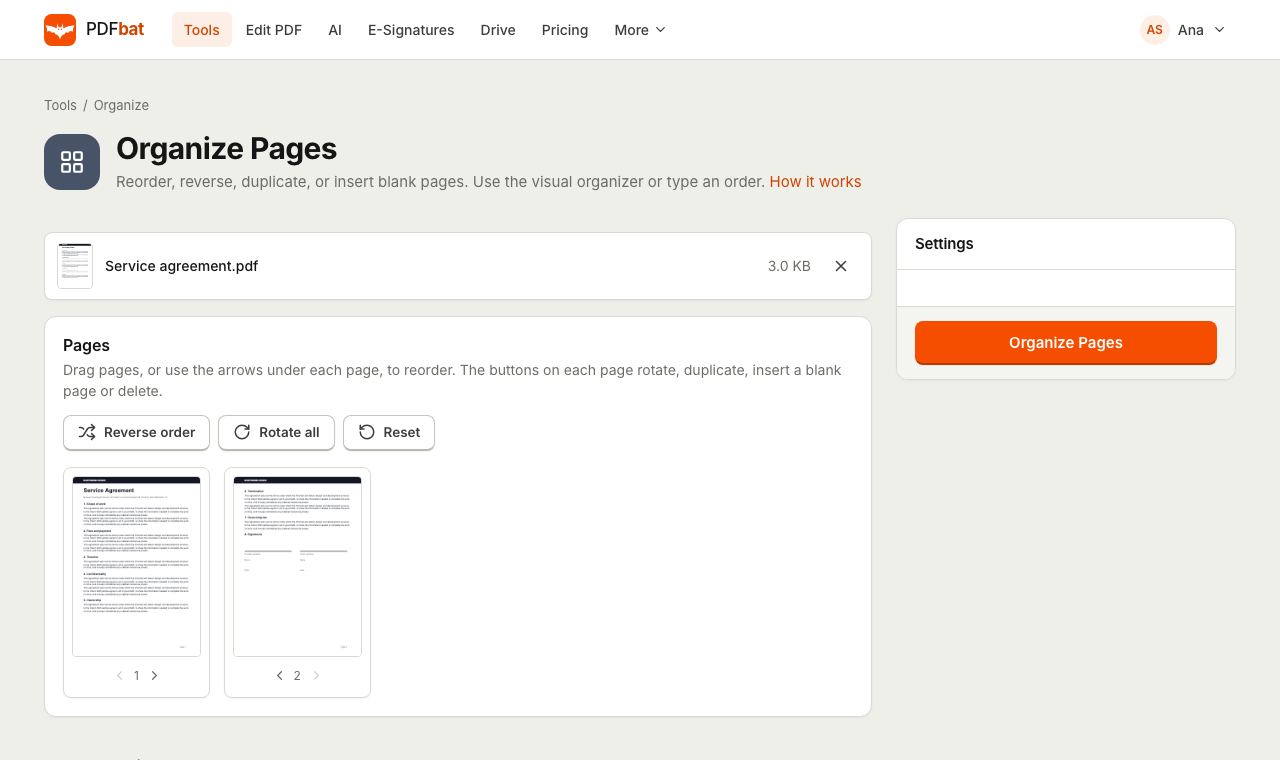 Organize PDFRearrange, rotate, duplicate, delete and insert blank pages with a visual drag and drop organizer.
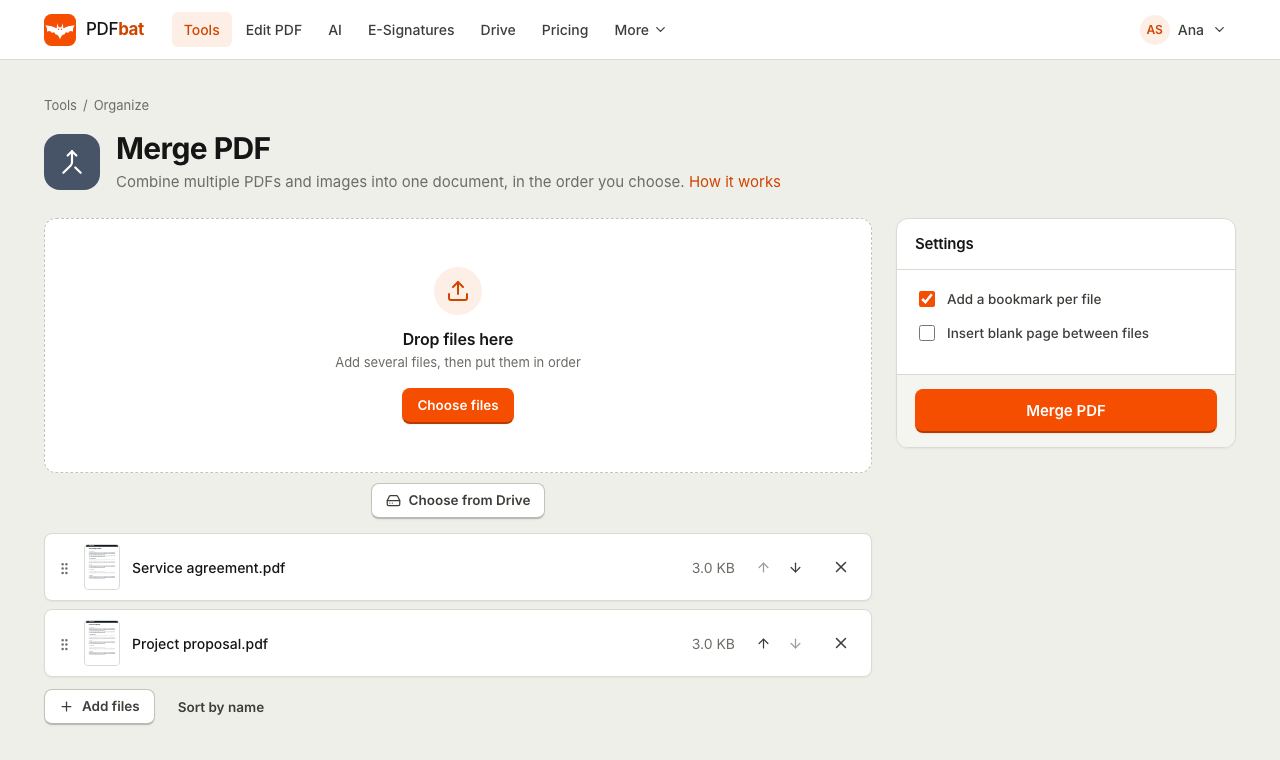 Merge PDFCombine PDFs, images and ebooks into one file in the order you choose, with a bookmark per file.
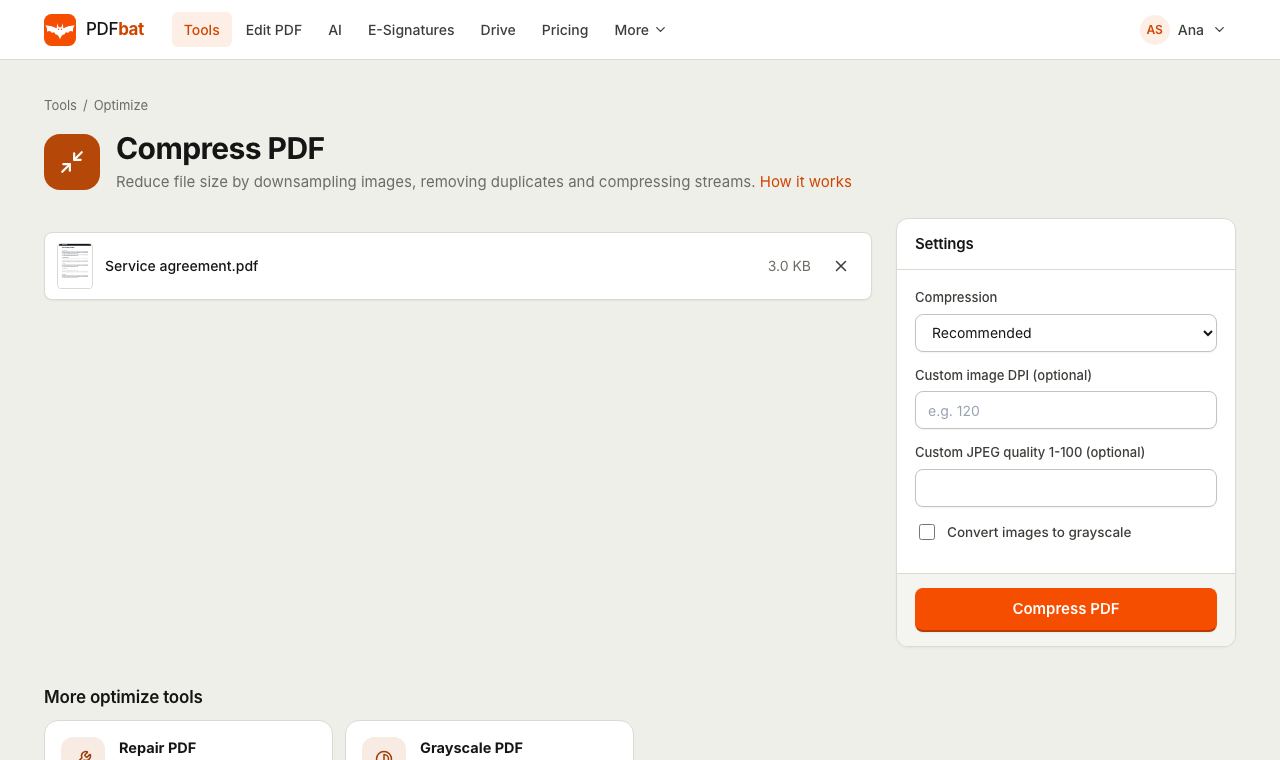 Compress PDFShrink PDFs for email and upload portals with four levels, custom DPI and grayscale.
 Free PDF Tools30+ tools to merge, split, compress, convert, protect, redact, number and OCR PDFs.
Try Extract PDF Pages free
Create a free account in seconds. No credit card, nothing to install, and it works on any device.