Organize PDF pages by dragging them into place
See every page as a thumbnail, drag pages into a new order, rotate, duplicate, delete or add blank pages, then save one clean PDF. Prefer typing? Enter the order you want instead.
- Free plan, no credit card
- Nothing to install
- Works on phone, tablet and desktop
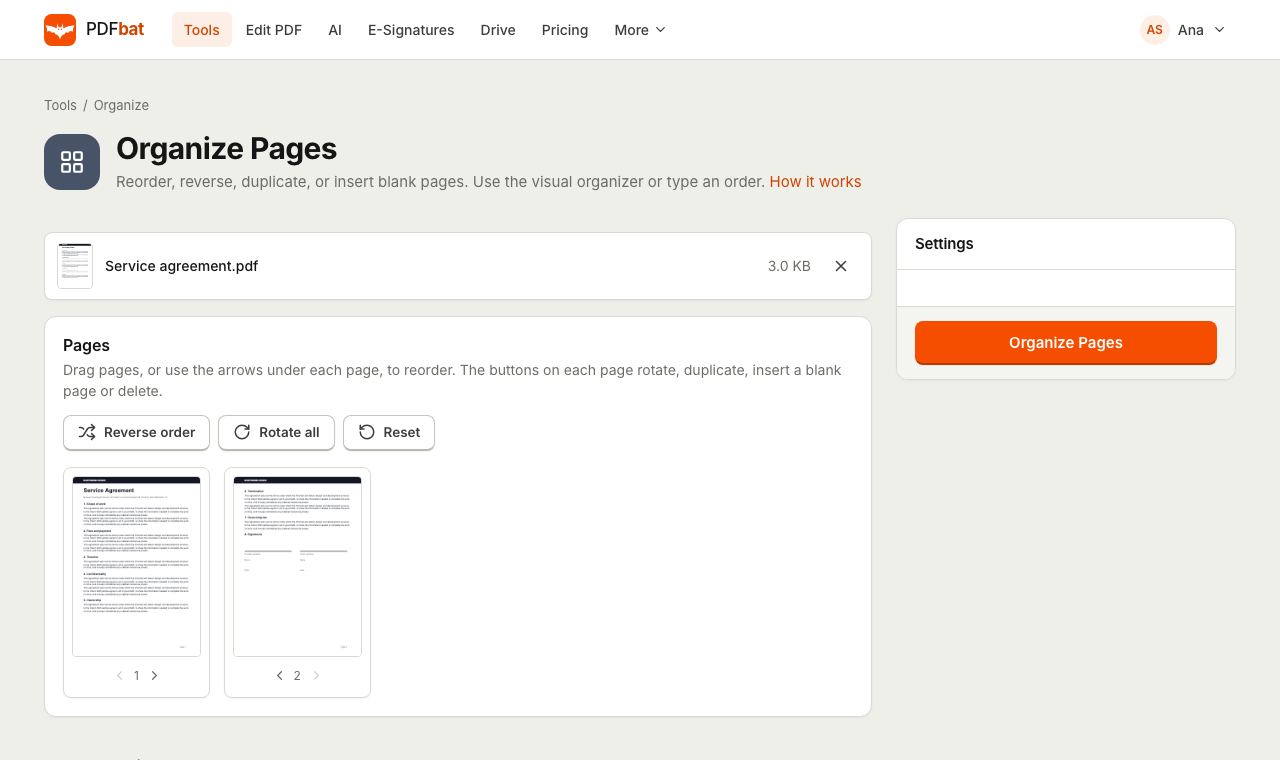
A visual organizer for the page order you actually want
Scans come out of order, a page ends up sideways, a contract needs an extra signature page, or a presentation needs the appendix moved to the front. Organize PDF handles all of it in one place. As soon as you upload a file, every page appears as a thumbnail with its number. Drag a page to move it, or use the arrows under it. Buttons on each page rotate it, duplicate it, insert a blank page after it or delete it.
When the plan looks right, one click rebuilds the PDF in exactly that order. Pages are copied, never re-rendered, so text stays searchable and images stay sharp.
Why organize pages with PDFbat
See every page
Thumbnails make it obvious which page is which, so you do not have to guess from page numbers.
Drag and drop
Move pages with the mouse or by touch, or use the arrow buttons for precise single steps.
Fix sideways pages
Rotate any single page in 90 degree steps without touching the rest of the document.
Duplicate and add blanks
Repeat a page, such as a signature page, or add a blank page wherever you need space for notes.
Or type the order
For long documents, type an order such as 3, 1, 2, 4-last and skip the dragging altogether.
How it works
- 1
Upload your PDF
Drop a PDF onto the page or pick it from your device or Drive. The page thumbnails appear right away.
- 2
Rearrange the pages
Drag pages into place and use the buttons on each page to rotate, duplicate, insert a blank page or delete.
- 3
Save the new PDF
Click the button to apply your changes. The organized PDF downloads and is saved to your Drive.
Everything the organizer can do
- Visual drag and drop
- Every page is shown as a numbered thumbnail. Drag one to a new spot or use the arrows under it. The plan you build replaces the typed options.
- Rotate a page
- Turns one page 90 degrees clockwise per click. To rotate many pages at once, Rotate PDF is quicker.
- Duplicate a page
- Places an exact copy right after the original. Useful for repeated forms or a second copy of a signature page.
- Insert a blank page
- Adds an empty page after the selected one, sized to match it.
- Delete a page
- Removes the page from the plan. The document must keep at least one page.
- Custom page order (typed)
- Type the full new order using page numbers and ranges, for example
3, 1, 2, 4-last. Pages you leave out are dropped, pages you list twice appear twice, and a backwards range such as10-1reverses that section. - Reverse page order
- Flips the whole document so the last page comes first. Perfect for stacks that were scanned face up.
- Duplicate pages (typed)
- Enter page numbers such as
1, 4and each listed page is followed by a copy of itself. - Insert blank pages after (typed)
- Enter page numbers and a blank page is added after each one, sized to match the page before it.
Page number shortcuts
The typed options accept the same page syntax used across PDFbat. Separate items with commas or spaces:
5a single page, and2-6a range of pages.8-or8-lastfrom page 8 to the end.10-1a range in reverse.oddandevenon their own select every odd or every even page.
When to use Organize PDF
- Scans in the wrong order: drag the pages back into sequence, or Reverse page order for face up stacks.
- Preparing a document for signature: duplicate the signature page or add a blank page for initials before sending it with e signatures.
- Rebuilding a report: move the summary to the front and the appendix to the back.
- Cleaning up: delete blank or duplicate pages that slipped in during scanning. For many pages at once, Delete Pages takes a list.
PDFbat compared with Adobe Acrobat Pro
| Feature | PDFbat | Adobe Acrobat Pro |
|---|---|---|
| Price | Free plan, Pro $4/mo | $19.99/mo, annual plan |
| Thumbnail drag and drop reordering | Yes | Yes |
| Rotate, duplicate, delete and insert blank pages | Yes | Yes |
| Result saved to a private cloud Drive | Yes, automatically | Adobe cloud storage |
Competitor details reflect their public plan pages in November 2026. Check their sites for current terms.
Frequently asked questions
How do I reorder pages in a PDF?
Upload the PDF, drag the page thumbnails into the order you want, or use the arrows under each page, then save. You can also type an order such as 3, 1, 2, 4-last.
Can I rotate just one page?
Yes. Use the rotate button on that page's thumbnail. Each click turns it 90 degrees clockwise.
Does organizing pages change their quality?
No. Pages are copied as they are, so text stays selectable and images keep their resolution.
Can I add a blank page in the middle of a PDF?
Yes. Use the insert blank page button on the page it should follow, or type page numbers in Insert blank pages after.
Can I organize pages on my phone?
Yes. The organizer works with touch, and the arrow buttons make precise moves easy on small screens.
Can I also edit text while I reorder pages?
The PDF editor has a Pages panel with the same reorder, rotate, duplicate, insert and delete actions alongside text and image editing.
Related features and tools
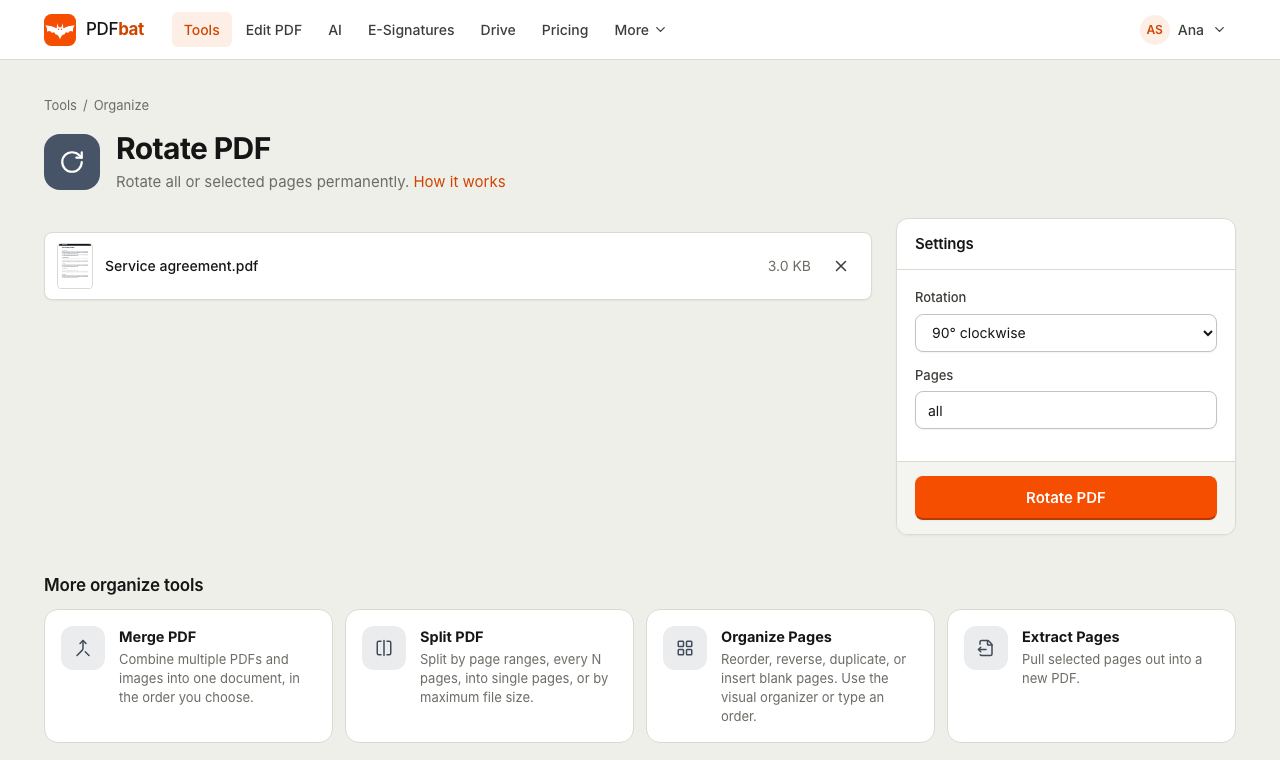 Rotate PDFRotate all pages or selected pages 90 or 180 degrees and save it permanently.
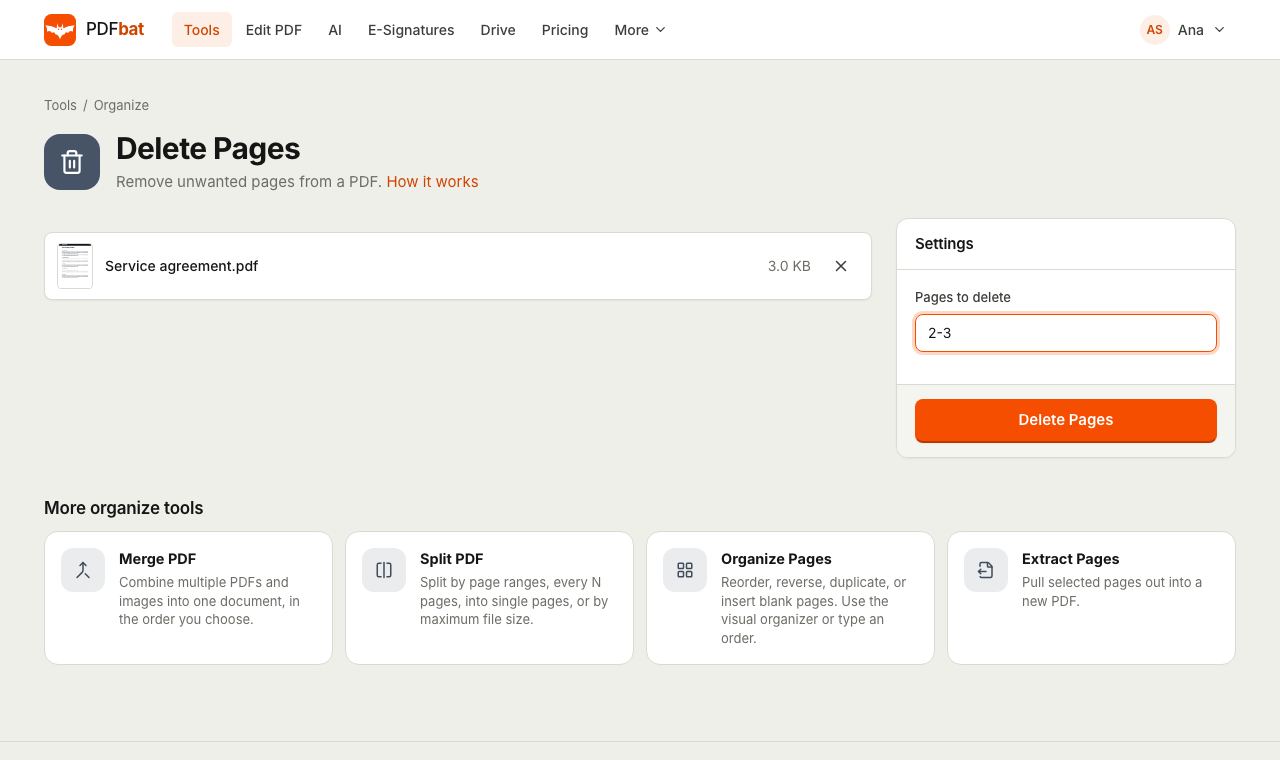 Delete PDF PagesRemove unwanted pages from a PDF by number or range, in one step.
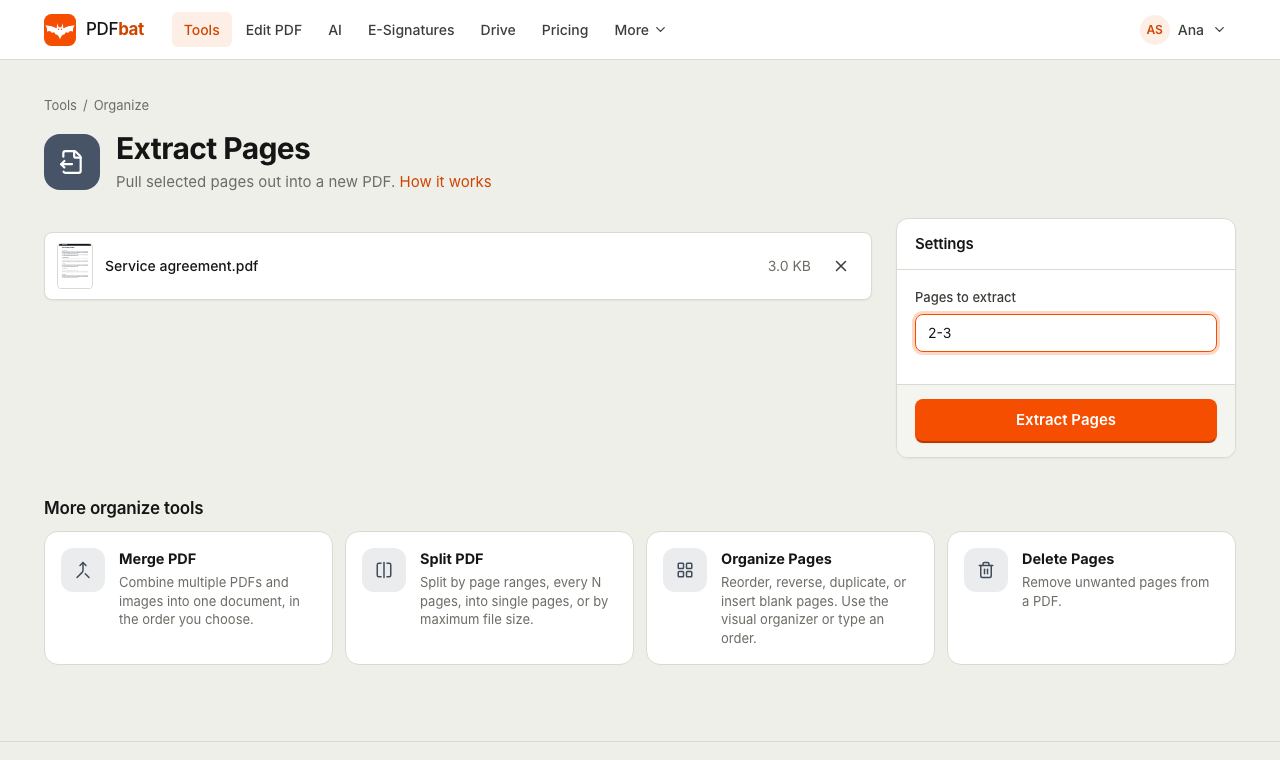 Extract PDF PagesPull selected pages into a new PDF using numbers, ranges, odd, even or last.
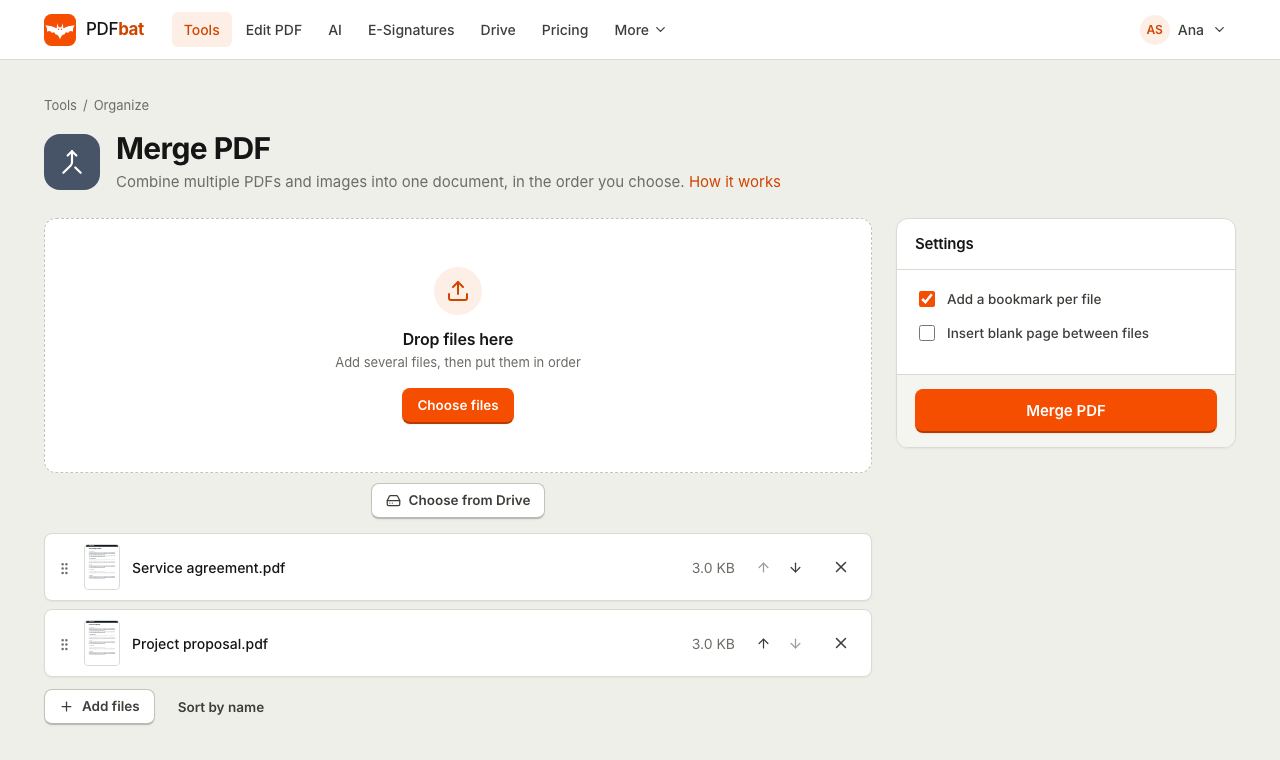 Merge PDFCombine PDFs, images and ebooks into one file in the order you choose, with a bookmark per file.
 PDF EditorEdit existing text, add text in any language, images, shapes, highlights, redactions, links and comments.
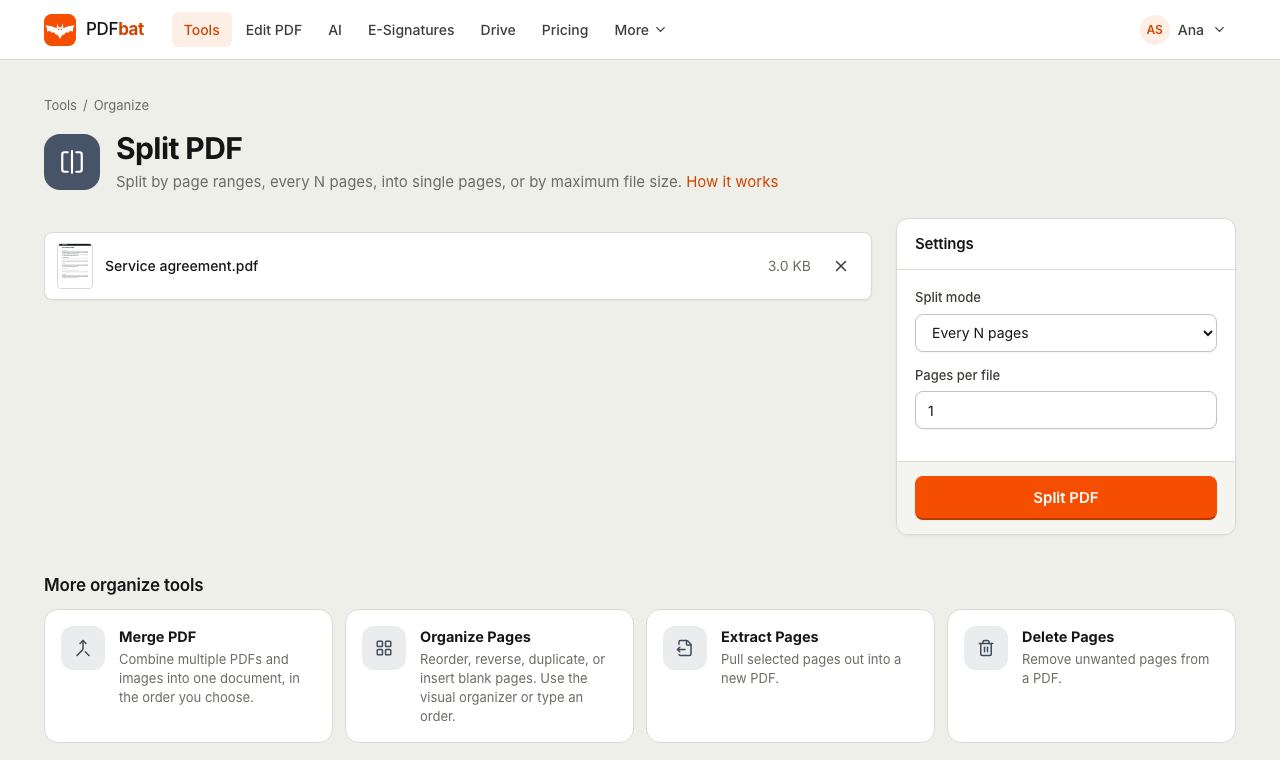 Split PDFSplit a PDF every N pages, by custom ranges, into single pages, by file size or into odd and even.
Try Organize PDF free
Create a free account in seconds. No credit card, nothing to install, and it works on any device.