Rotate PDF pages and save them the right way up
Fix sideways and upside down scans for good. Rotate every page or only the ones you choose, 90 degrees clockwise, 90 degrees counter clockwise or 180 degrees.
- Free plan, no credit card
- Nothing to install
- Works on phone, tablet and desktop
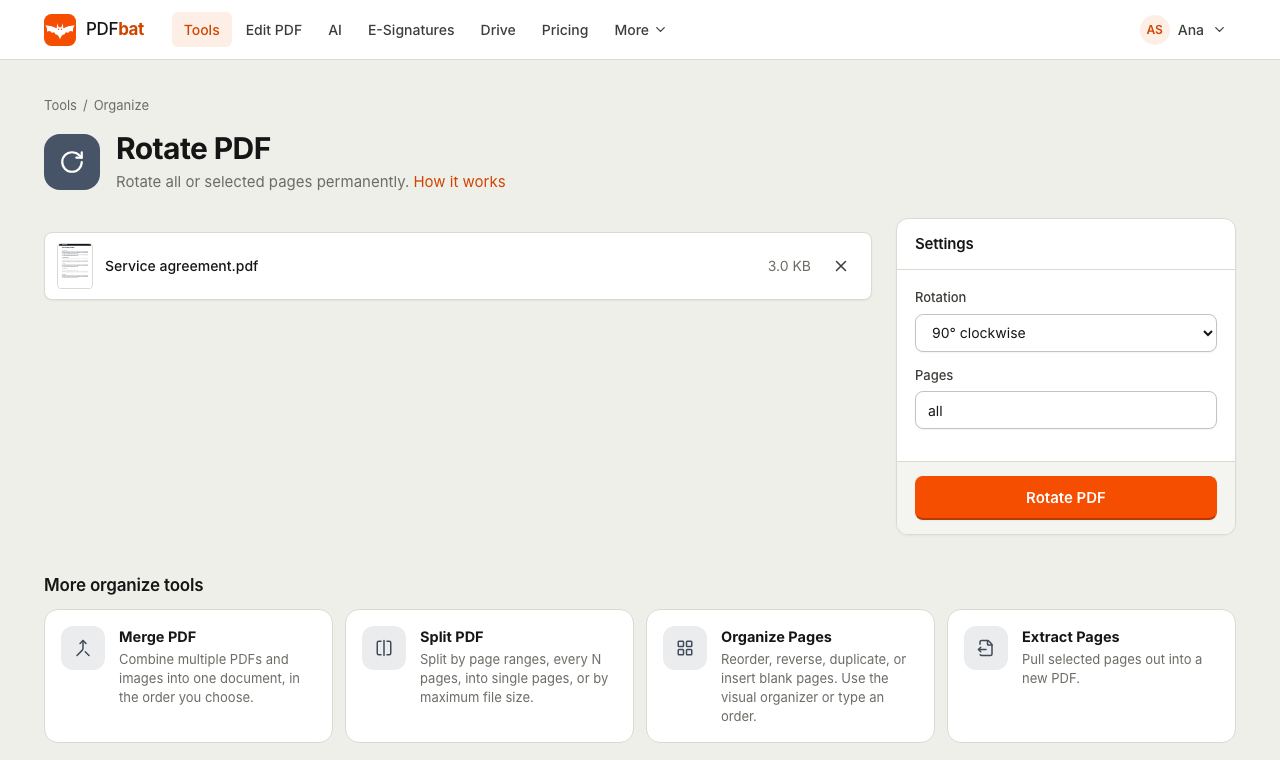
Rotation that sticks, in every reader
Rotating a page in a PDF viewer only changes how it looks on your screen. Send the file to someone else and it opens sideways again. Rotate PDF changes the page rotation stored in the file itself, so the pages open the right way up in every reader, on every device, and when printed.
The page content is not re-rendered or recompressed. Text stays selectable and searchable, and images keep their full resolution. Rotations add up, so rotating a page that was already turned 90 degrees by another 90 degrees leaves it at 180.
Why rotate with PDFbat
Saved permanently
The new orientation is written into the PDF, so it is correct for everyone you send it to.
Only the pages you choose
Rotate all pages, odd or even pages, or a list like 1-3, 8.
Three rotation choices
90 degrees clockwise, 90 degrees counter clockwise, or 180 degrees for upside down pages.
No quality loss
Only the page orientation changes. Text, links and images are untouched.
Saved to your Drive
The rotated PDF goes into your private Drive automatically.
How it works
- 1
Upload your PDF
Drop a PDF onto the page or choose it from your device or Drive.
- 2
Pick a rotation and pages
Choose 90 degrees clockwise, 180 degrees or 90 degrees counter clockwise, and leave Pages as
allor enter a selection. - 3
Download the result
PDFbat saves the new orientation into the file. Download it or open it in another tool.
Rotate options explained
- Rotation: 90 degrees clockwise
- The default. Turns a page whose top points left so that it reads normally, and turns portrait pages into landscape.
- Rotation: 180 degrees
- Flips upside down pages, common when a stack was fed into the scanner the wrong way.
- Rotation: 90 degrees counter clockwise
- Turns a page whose top points right so that it reads normally.
- Pages: all
- The default rotates every page in the document.
- Pages: odd or even
- Type
oddorevento rotate every other page, which fixes duplex scans where the back sides came out upside down. - Pages: numbers and ranges
- List pages and ranges such as
1-3, 8or12-lastto rotate only those pages. - Rotation adds to existing rotation
- Each run adds to whatever rotation a page already has, so you can always correct a page with another pass.
Common fixes
- Phone scans saved sideways: rotate all pages 90 degrees in the direction needed.
- Duplex scans with upside down backs: rotate
evenpages 180 degrees. - A single landscape chart in a portrait report: rotate just that page, for example
14. - Mixed problems on different pages: use Organize PDF and rotate each page from its thumbnail.
Tips
- Not sure which pages are sideways? Open the file in Organize PDF to see thumbnails first.
- After rotating scans, run OCR so the text becomes searchable. Text recognition works best on upright pages.
- If a page is scanned as a double spread, Split Pages in Half can cut it into two pages after you rotate it upright.
Frequently asked questions
Will the rotation be saved when I send the PDF?
Yes. Rotate PDF writes the new orientation into the file, so it opens the right way in every PDF reader and prints correctly.
Can I rotate only one page?
Yes. Type that page number in Pages, for example 5. You can also rotate single pages from their thumbnails in Organize PDF.
How do I fix upside down back pages in a duplex scan?
Choose 180 degrees and type even in Pages.
Does rotating reduce quality?
No. Only the page orientation setting changes. The content of the page is not touched.
What if I rotate the wrong way?
Run the tool again on the result with the opposite rotation. Rotations add up, so 90 clockwise plus 90 counter clockwise brings a page back to where it started.
Can I rotate PDFs on my phone?
Yes. Rotate PDF works in any modern mobile browser, with no app to install.
Related features and tools
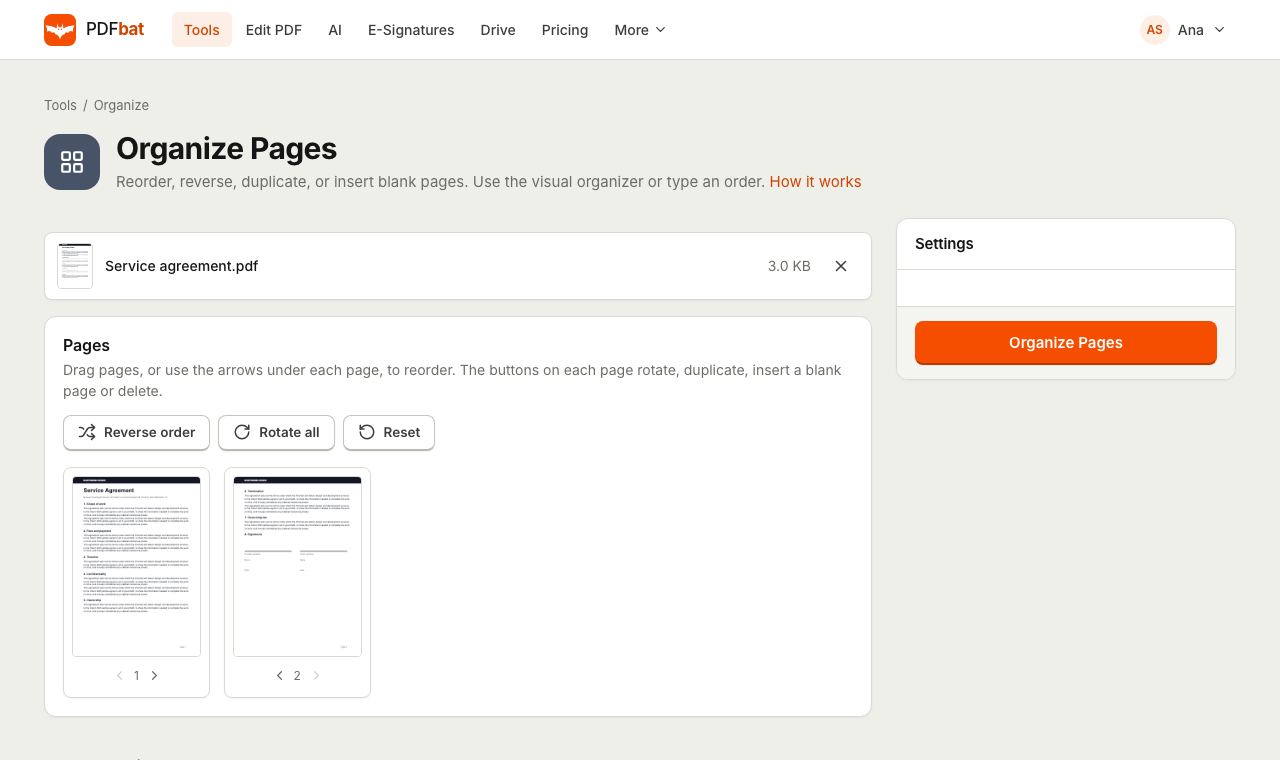 Organize PDFRearrange, rotate, duplicate, delete and insert blank pages with a visual drag and drop organizer.
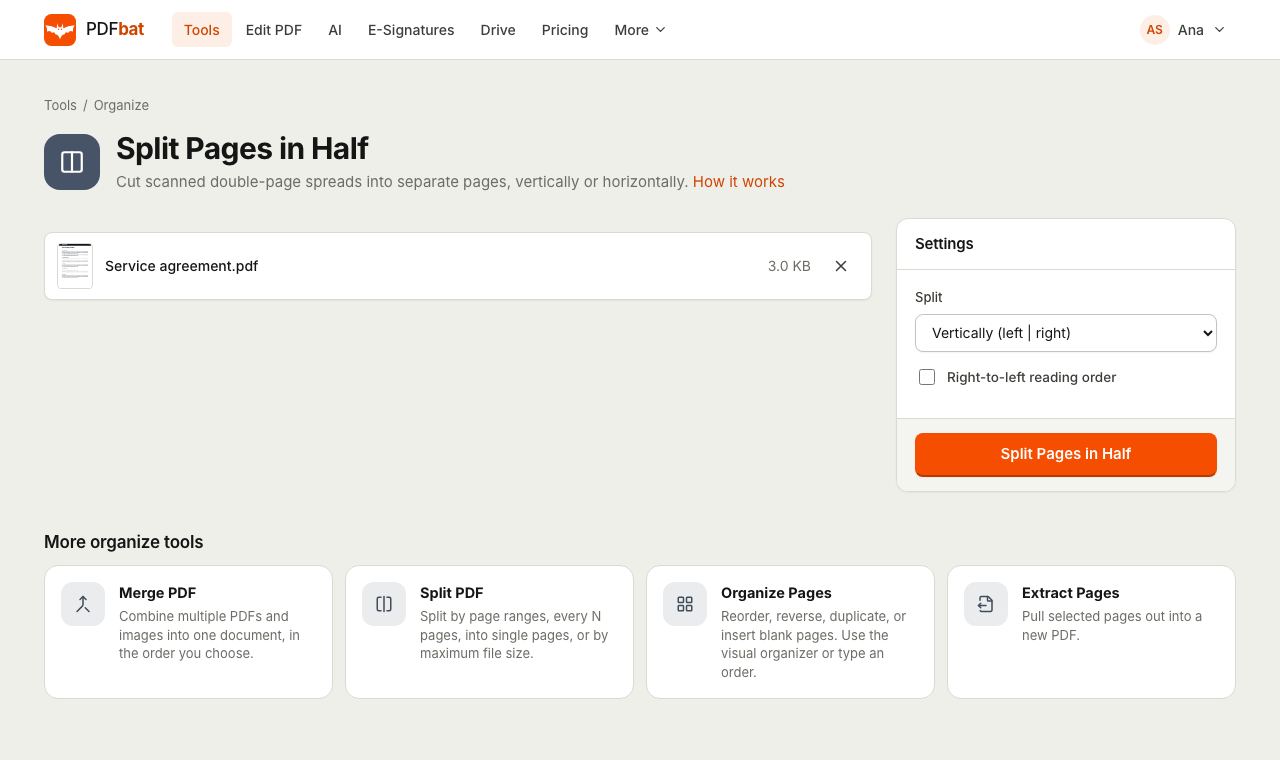 Split PDF Pages in HalfCut scanned double page spreads into single pages, vertically or horizontally, with right to left support.
 OCR PDFMake scanned PDFs searchable and copyable in 45 languages, with a second language for mixed documents.
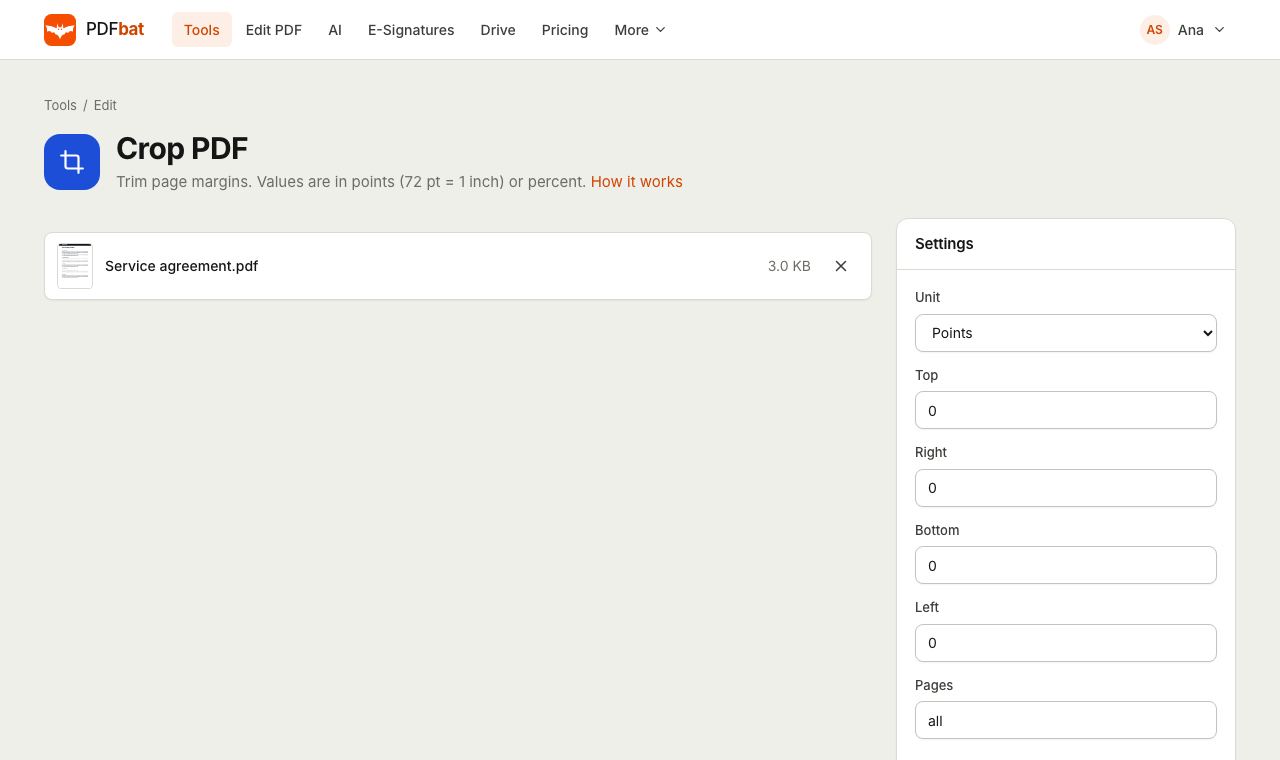 Crop PDFTrim page margins in points, millimetres or percent, on all or selected pages.
 Resize PDFChange page size to A4, Letter or a custom size, or add margins around pages.
 Free PDF Tools30+ tools to merge, split, compress, convert, protect, redact, number and OCR PDFs.
Try Rotate PDF free
Create a free account in seconds. No credit card, nothing to install, and it works on any device.