Resize PDF pages to A4, Letter or any size
Make a mixed document print cleanly on one paper size, convert US Letter to A4 for international clients, or add white space around pages for binding and notes.
- Free plan, no credit card
- Nothing to install
- Works on phone, tablet and desktop
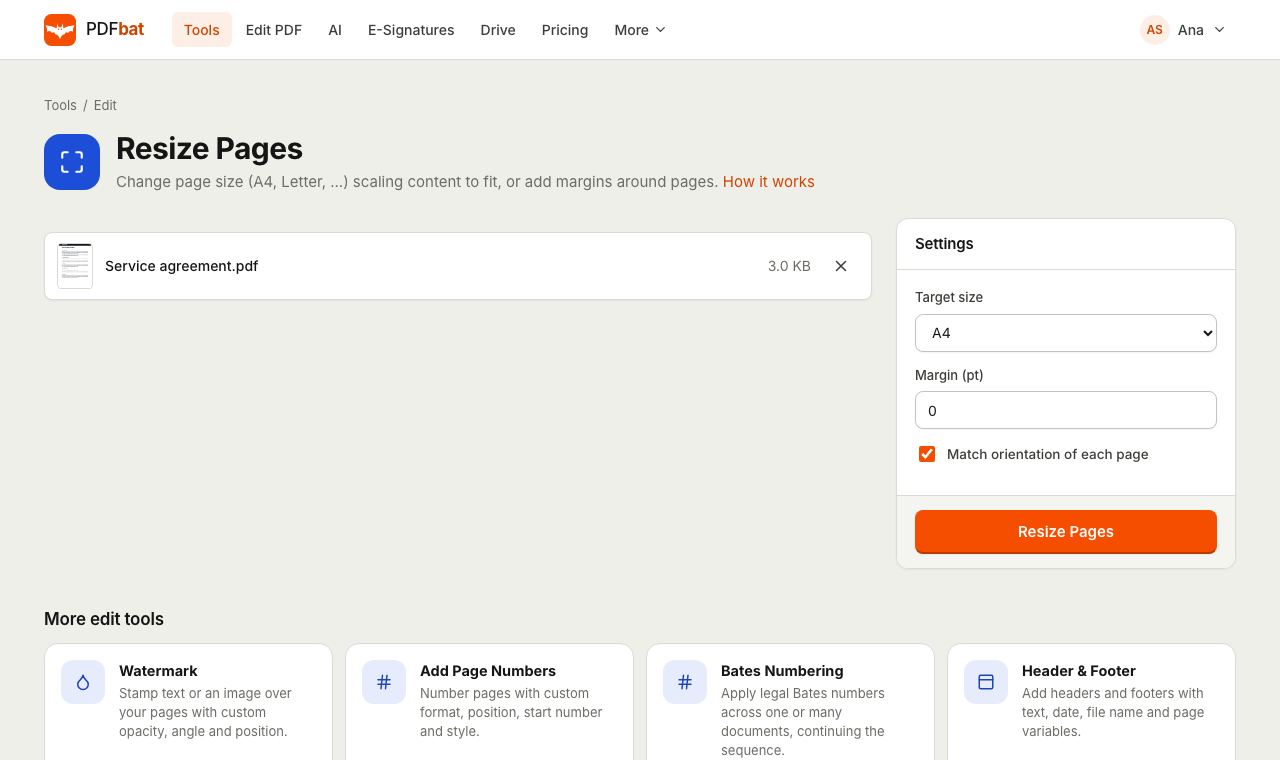
Scale content to fit a new page
Resize builds a new page of the size you choose for every page in your document and places the original content on it, scaled to fit and centered. The aspect ratio is always kept, so nothing is stretched. If the shapes differ, for example Letter content on an A4 page, the leftover space becomes an even white border.
Content stays vector: text remains sharp and selectable and images are not resampled. Rotated pages are straightened during the process, so every page in the result is upright.
One page size for the whole document
Standard sizes
A3, A4, A5, Letter, Legal, Tabloid and Executive are one click away.
Custom dimensions
Type any width and height in points for labels, cards or special print formats.
Keeps orientation
Landscape pages stay landscape and portrait pages stay portrait, automatically.
Add margins
Add white space around every page for binding, hole punching or handwritten notes.
No quality loss
Text and images are placed, not converted to pictures, so everything stays sharp.
How it works
- 1
Upload your PDF
Drop the file on the page or choose it from your device or Drive.
- 2
Pick a target size
Choose a paper size, Custom with your own width and height, or Add margin only. Set a margin if you want space around the content.
- 3
Download
Every page is rebuilt at the new size in seconds. Download it or send it to another tool.
Every option explained
- Target size
- A3, A4, A5, Letter, Legal, Tabloid or Executive. A4 is the default.
- Custom
- Shows Width and Height fields in points. 595 by 842 is A4; 612 by 792 is US Letter. 72 points equal one inch.
- Add margin only
- Keeps each page's own size and adds the margin around it, so pages grow instead of content shrinking.
- Margin (pt)
- White space between the content and the page edge, 0 by default. With a fixed paper size, content is scaled down to leave this space.
- Match orientation of each page
- On by default. A landscape page gets a landscape version of the target size. Turn it off to force every page into the exact width and height you chose.
When resizing helps
- Letter to A4 (or back): send documents to clients in another country that print on different paper.
- Mixed page sizes: a merged file with scans, receipts and full pages becomes one uniform size.
- Binding and hole punching: add a 36 pt margin so nothing important gets punched.
- Smaller handouts: scale A4 pages to A5 for booklets.
- Print shop requirements: produce exactly the custom size a printer asks for.
Tips
- Form fields and comments are not carried over when pages are rebuilt. Fill the form with Fill and Sign and lock it with Flatten PDF before resizing.
- Check the first page after resizing. If the white border looks too big, try the orientation option the other way.
- Points are the most precise unit. One millimetre is about 2.83 points.
Frequently asked questions
Will resizing stretch my content?
No. Content is scaled evenly to fit inside the new page and centered, so proportions are always kept.
How do I convert Letter to A4?
Upload the PDF, choose A4 as the target size and download. Content is scaled slightly and centered on the A4 page.
Can I use a custom page size?
Yes. Choose Custom and type the width and height in points. 72 points equal one inch.
Can I add a margin without changing the page size?
Choose Add margin only. Each page grows by the margin you set on every side and the content keeps its size.
Does resizing keep my text selectable?
Yes. Pages are placed as vector content, so text stays sharp, searchable and selectable.
Is Resize PDF free?
Yes. The free plan includes 10 tool tasks a day for files up to 25 MB. Pro is $4 a month with unlimited tasks and files up to 100 MB.
Related features and tools
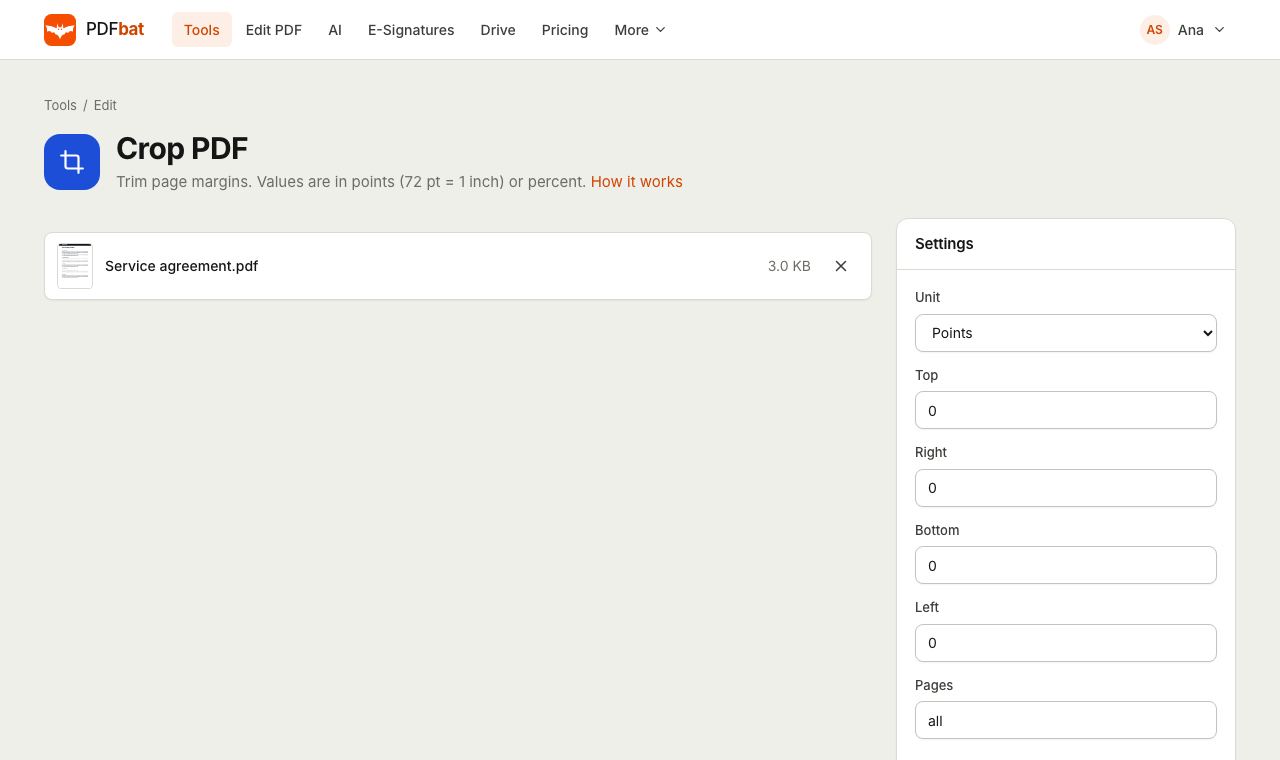 Crop PDFTrim page margins in points, millimetres or percent, on all or selected pages.
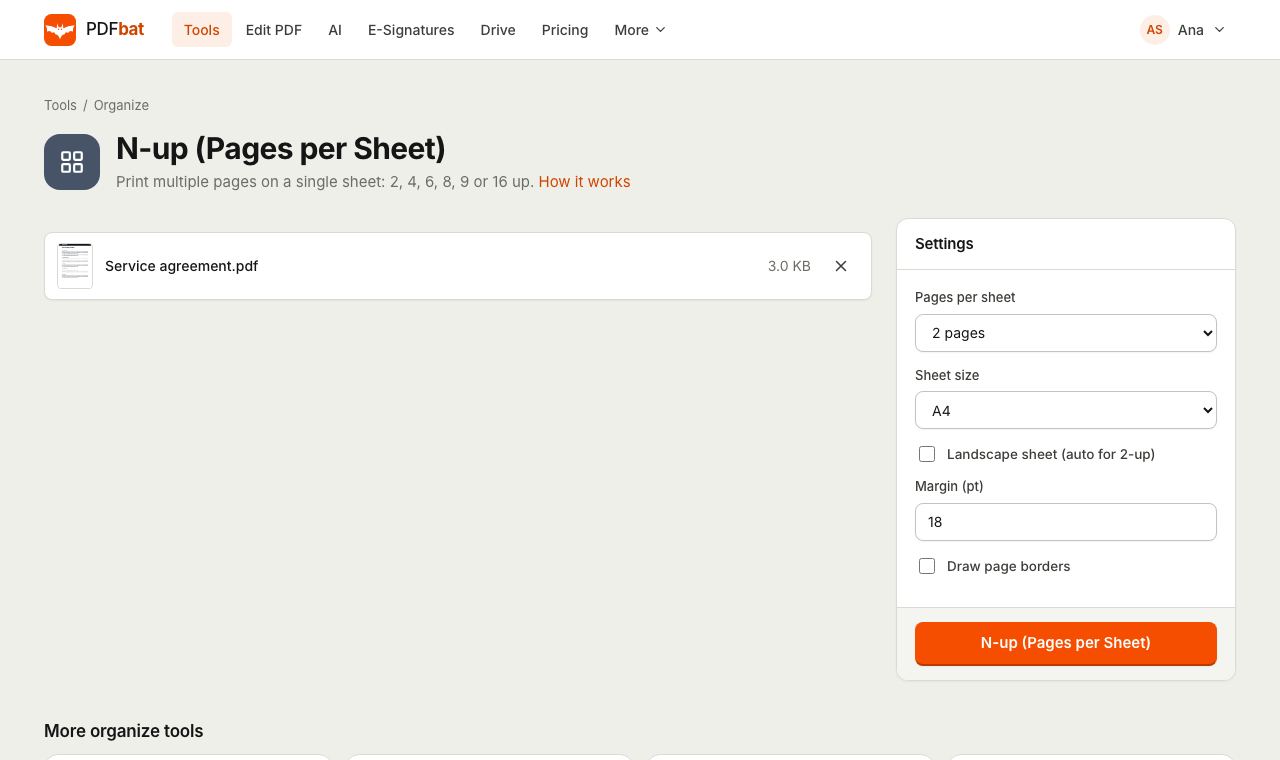 N-up PDFPrint 2, 4, 6, 8, 9 or 16 PDF pages per sheet on A4, Letter and other paper sizes.
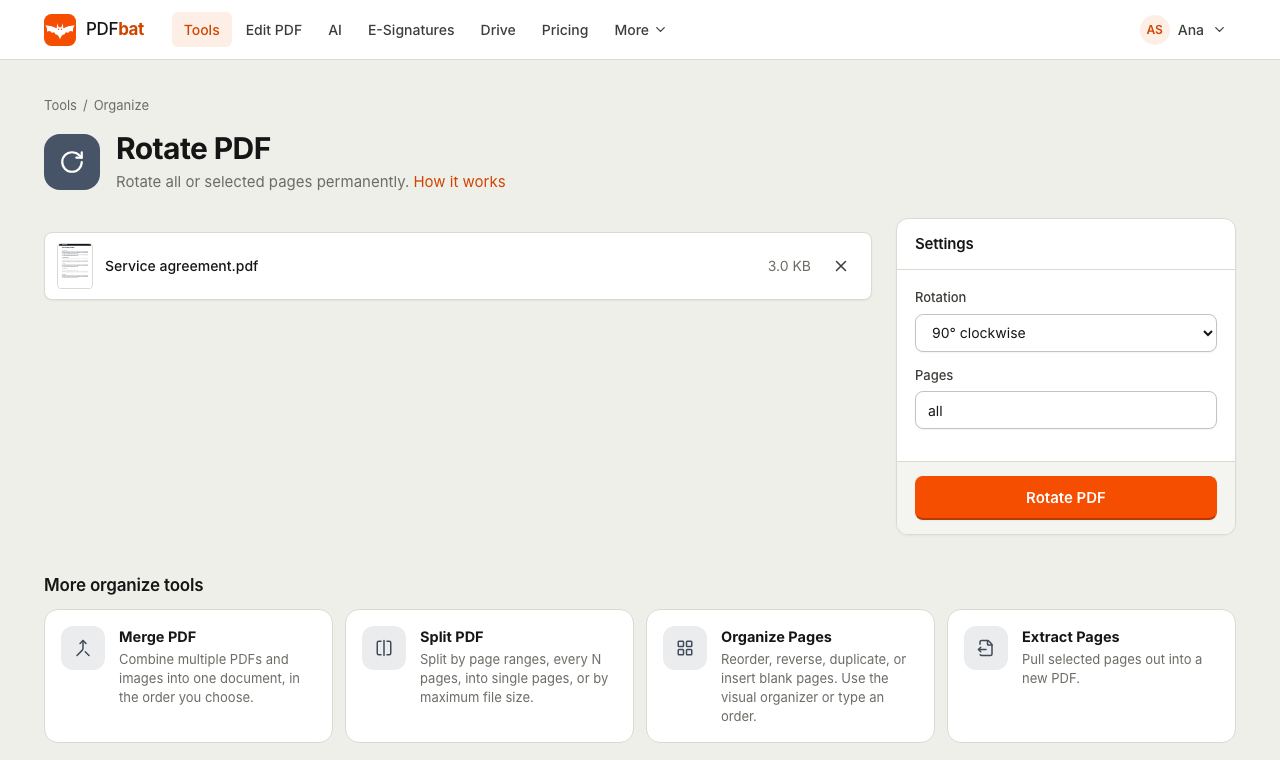 Rotate PDFRotate all pages or selected pages 90 or 180 degrees and save it permanently.
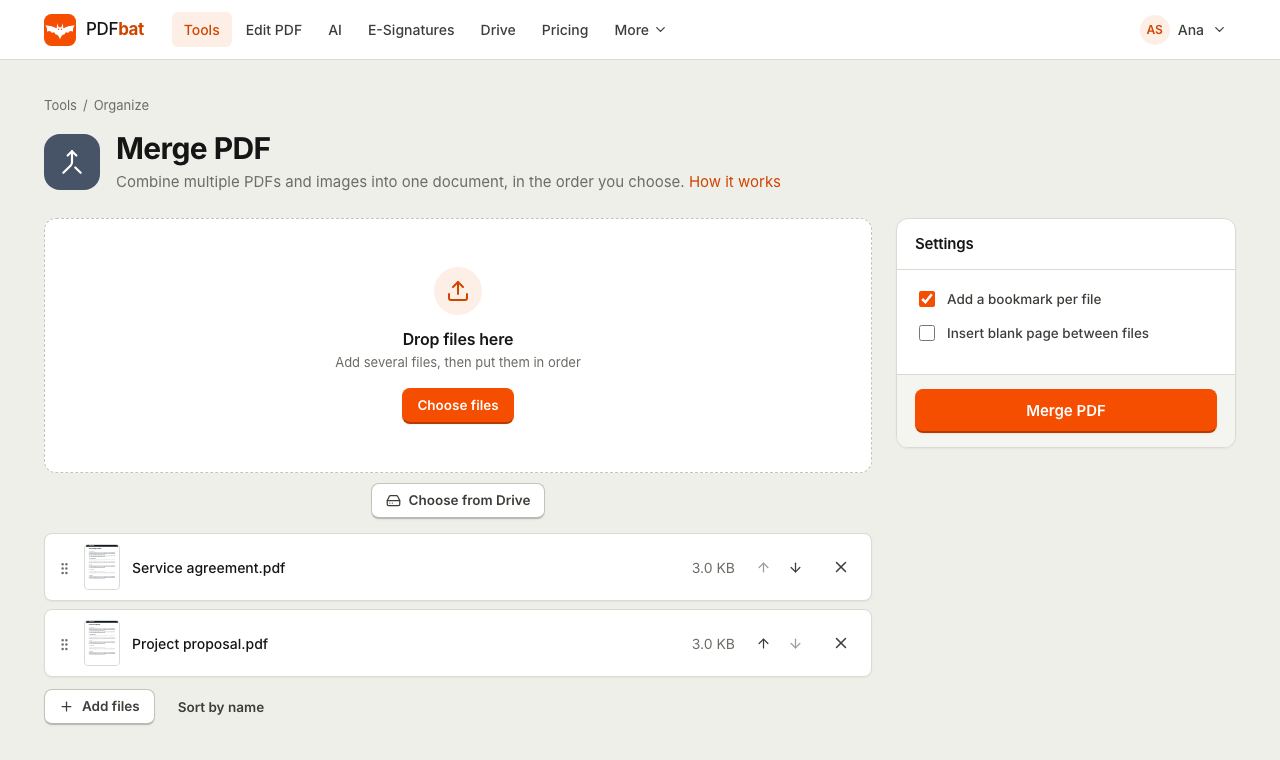 Merge PDFCombine PDFs, images and ebooks into one file in the order you choose, with a bookmark per file.
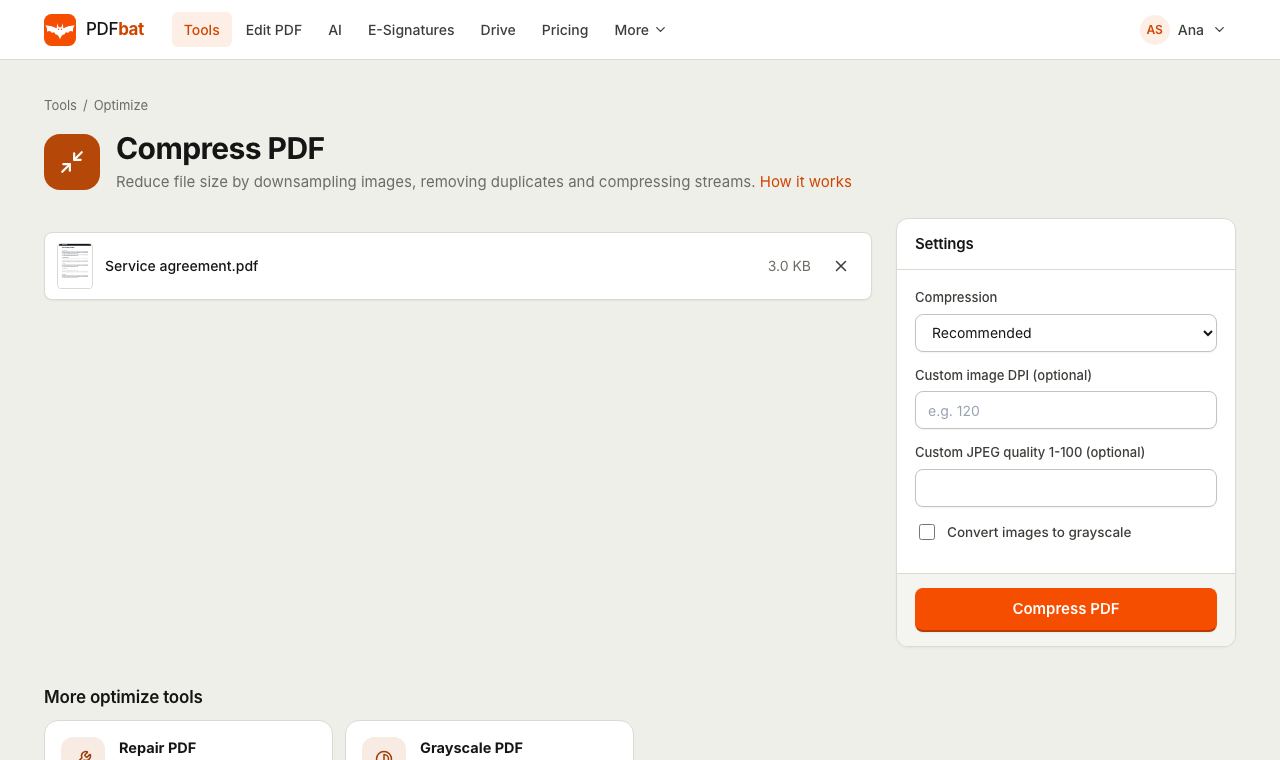 Compress PDFShrink PDFs for email and upload portals with four levels, custom DPI and grayscale.
 Free PDF Tools30+ tools to merge, split, compress, convert, protect, redact, number and OCR PDFs.
Try Resize PDF free
Create a free account in seconds. No credit card, nothing to install, and it works on any device.