Print multiple PDF pages per sheet
Fit 2, 4, 6, 8, 9 or 16 pages onto each sheet to save paper, make handouts and print slide decks. Choose the paper size, orientation, margins and optional borders.
- Free plan, no credit card
- Nothing to install
- Works on phone, tablet and desktop
A new PDF laid out for printing
N-up printing places several pages side by side on one sheet of paper. Most printer dialogs offer it, but the setting is easy to lose and differs on every computer. PDFbat creates a new PDF where each sheet already holds the pages in a neat grid, so it prints the same way everywhere and can be shared as a ready made handout.
Each page is scaled to fit its cell while keeping its proportions, and centered within it. Pages are placed as vector content, so text stays sharp and searchable at any size.
Why use N-up PDF
Six layouts
2, 4, 6, 8, 9 or 16 pages per sheet, from readable two up handouts to compact overviews.
Prints the same everywhere
The layout is part of the PDF, so it does not depend on printer settings.
Seven paper sizes
A3, A4, A5, Letter, Legal, Tabloid and Executive, in portrait or landscape.
Sharp, searchable text
Pages are placed as vector content, not screenshots, so text stays crisp and selectable.
Less paper and ink
Four pages per sheet uses a quarter of the paper of a normal print.
How it works
- 1
Upload your PDF
Drop a PDF onto the page or pick it from your device or Drive.
- 2
Choose a layout
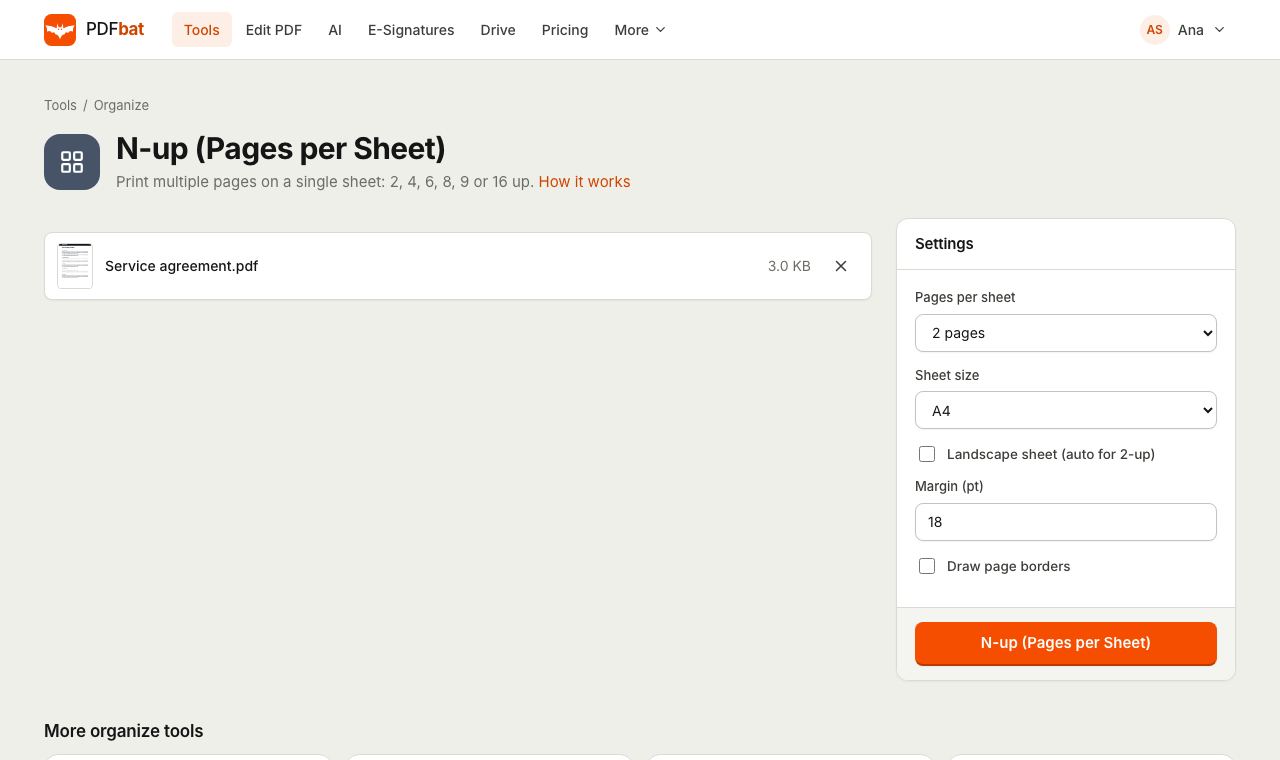
Set pages per sheet, sheet size and orientation. Adjust the margin and turn on borders if you like.
- 3
Download and print
PDFbat builds the new sheets and saves the file to your Drive. Print it at actual size.
Every option explained
- Pages per sheet
- 2 places pages side by side, 4 makes a 2 by 2 grid, 6 a 2 by 3 grid, 8 a 2 by 4 grid, 9 a 3 by 3 grid and 16 a 4 by 4 grid. The default is 2.
- Sheet size
- The paper the new PDF is laid out on: A3, A4 (default), A5, Letter, Legal, Tabloid or Executive.
- Landscape sheet (auto for 2-up)
- Turns the sheet sideways and swaps the grid to match. Two up and eight up layouts already use landscape sheets automatically, because portrait pages fit best that way. Ticking the box for those two layouts switches them to portrait instead.
- Margin (pt)
- Space around the edge of the sheet and between pages, in points. 72 points is one inch. The default of 18 points leaves a quarter inch. Lower it for bigger pages, raise it if your printer clips edges.
- Draw page borders
- Adds a thin gray outline around each page so the boundaries are clear, which helps with slides that have white backgrounds.
- Proportions kept
- Each page is scaled to fit its cell without stretching and centered, so mixed page sizes still look tidy.
Which layout to choose
- 2 per sheet: lecture notes and handouts that need to stay easy to read.
- 4 per sheet: slide decks, draft reviews and printing long reports to proofread.
- 6 or 8 per sheet: presentation handouts where readers mainly need an overview.
- 9 or 16 per sheet: contact sheets, page overviews and checking a long document's layout at a glance.
Printing tips
- Print at actual size or 100 percent. Fit to page can shrink the sheet again and make margins uneven.
- If pages appear tiny, choose fewer pages per sheet or a larger sheet such as A3 or Tabloid.
- Want to remove wide white margins from the original pages first? Run Crop PDF before N-up so the content fills each cell.
- Add page numbers before N-up if readers need to refer to individual pages.
- To do the opposite and cut scanned spreads into single pages, use Split Pages in Half.
Frequently asked questions
What does N-up mean?
It means placing N pages on one sheet of paper, for example 4 up puts four pages in a 2 by 2 grid.
Will the text be too small to read?
That depends on the layout and paper. Two or four pages per sheet on A4 or Letter is readable for most documents. Choose a larger sheet such as A3 for more pages.
Why is my 2 up sheet landscape when I did not tick the box?
Two up and eight up layouts use landscape sheets automatically because portrait pages fit side by side that way. Tick the box to switch them to portrait.
Does it change the original pages?
No. PDFbat creates a new PDF with the pages arranged on new sheets. Your original file is not changed.
Is the text still searchable?
Yes. Pages are placed as vector content, so text stays sharp and can still be searched and selected.
Which paper sizes are supported?
A3, A4, A5, Letter, Legal, Tabloid and Executive.
Related features and tools
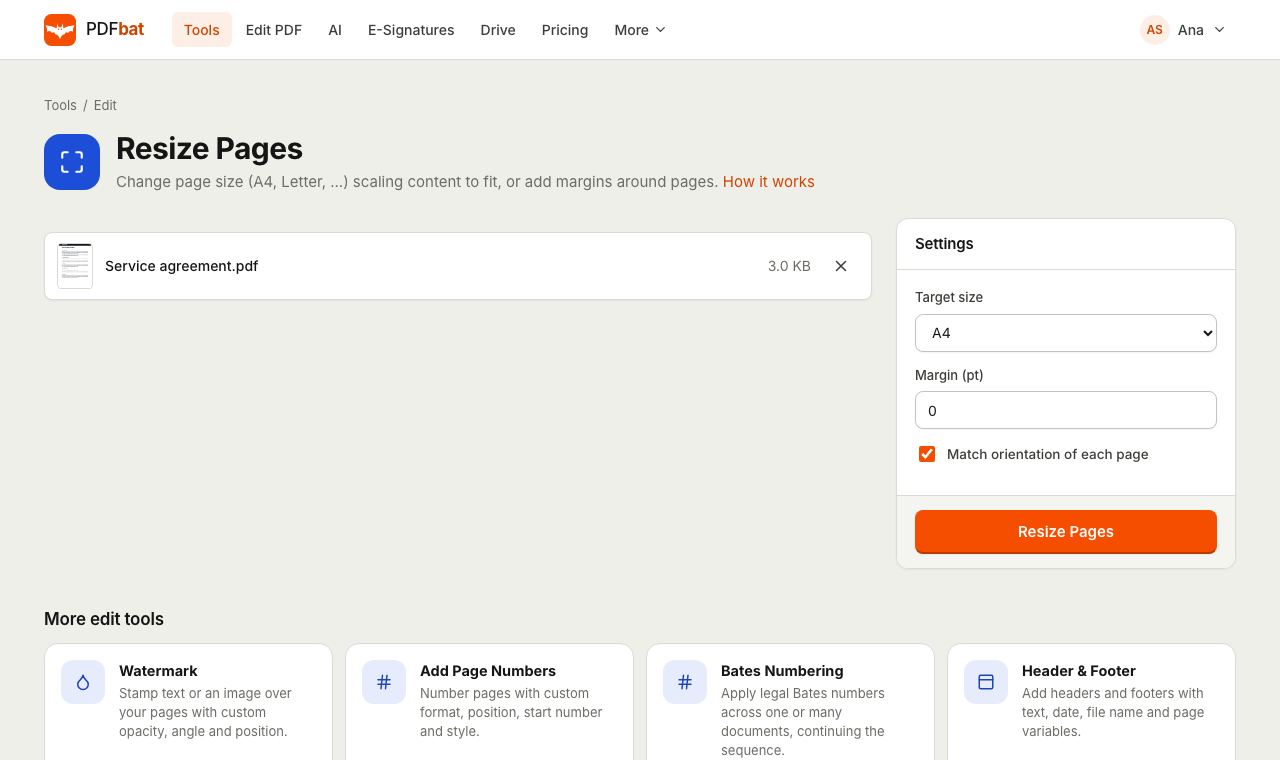 Resize PDFChange page size to A4, Letter or a custom size, or add margins around pages.
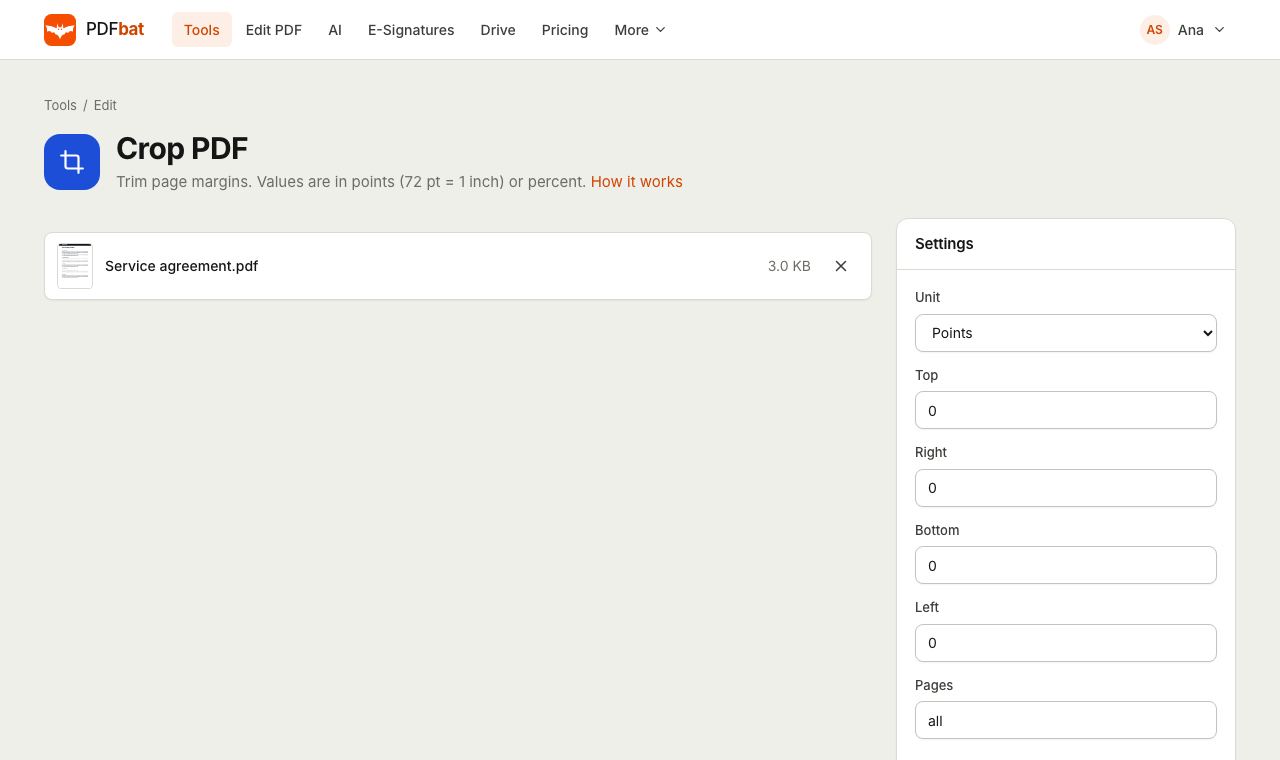 Crop PDFTrim page margins in points, millimetres or percent, on all or selected pages.
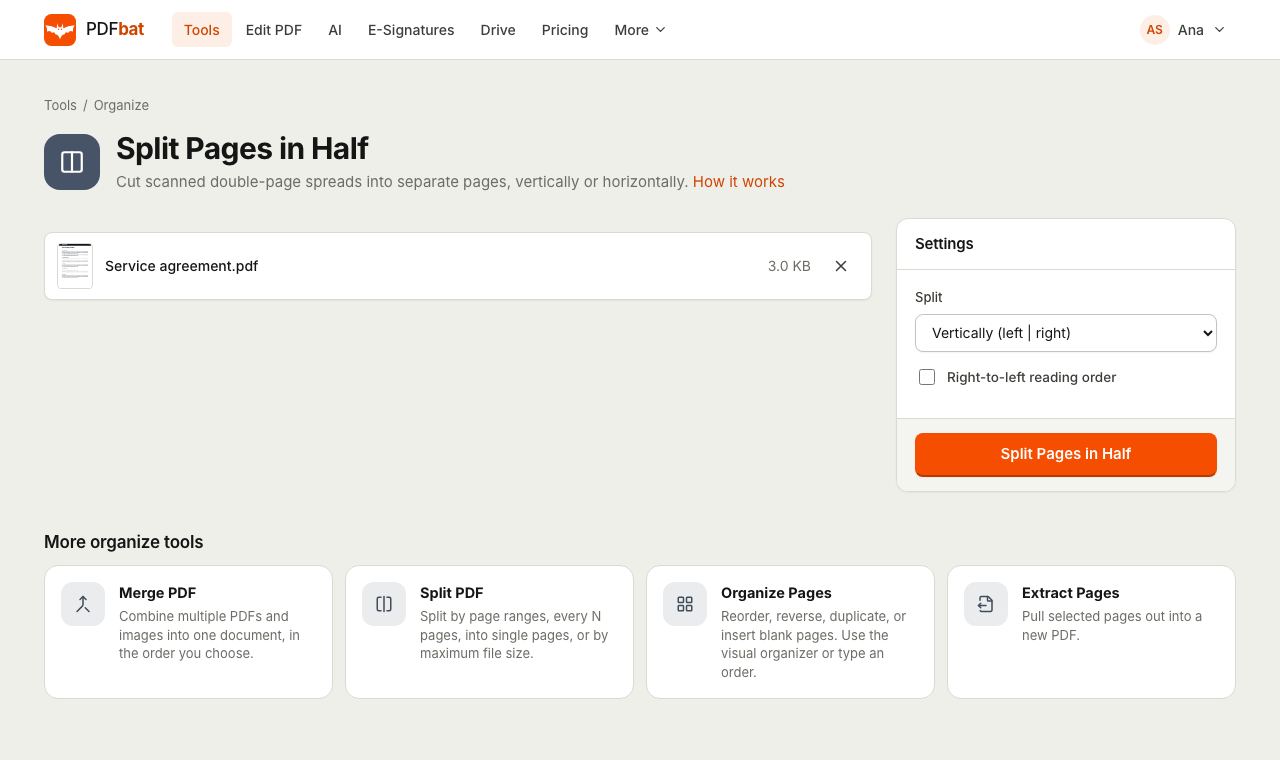 Split PDF Pages in HalfCut scanned double page spreads into single pages, vertically or horizontally, with right to left support.
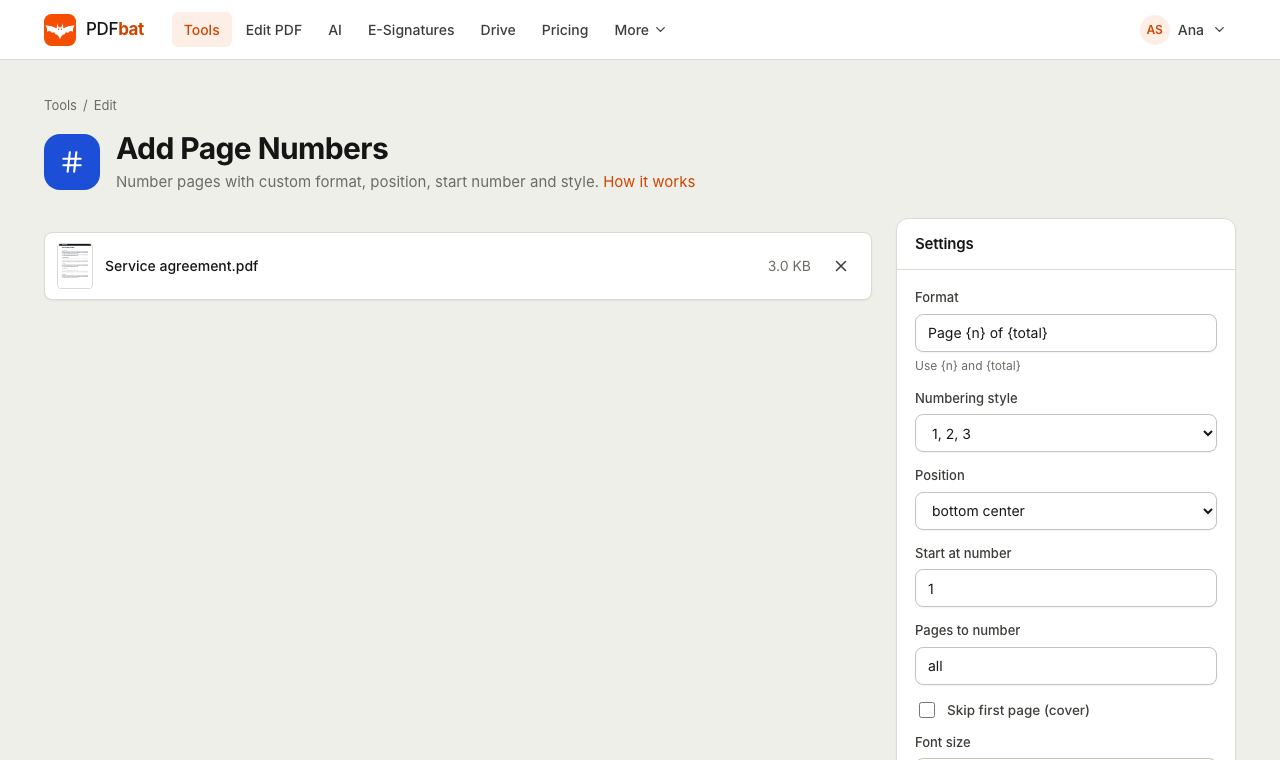 Add Page NumbersNumber PDF pages with your own format, position, start number and Roman numerals.
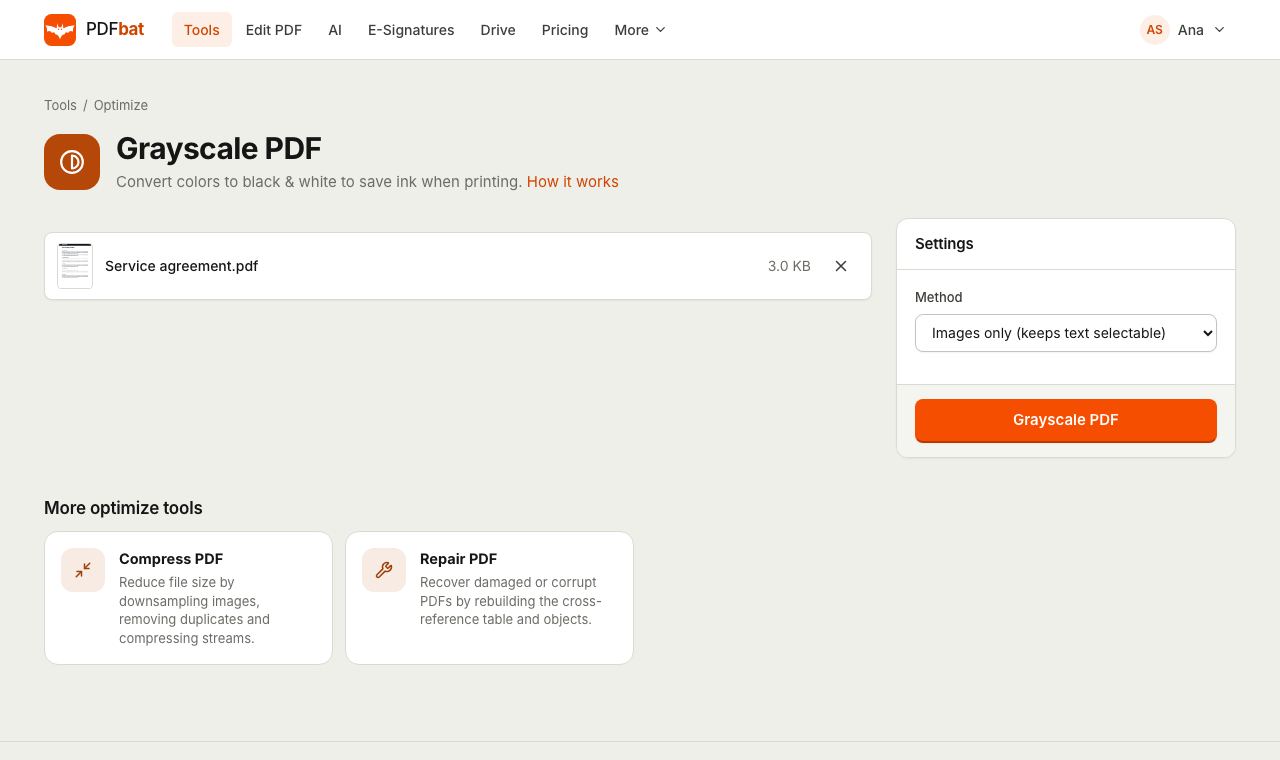 Grayscale PDFConvert a color PDF to black and white to save ink and shrink scans.
 Free PDF Tools30+ tools to merge, split, compress, convert, protect, redact, number and OCR PDFs.
Try N-up PDF free
Create a free account in seconds. No credit card, nothing to install, and it works on any device.