Flatten a PDF so forms and comments can no longer change
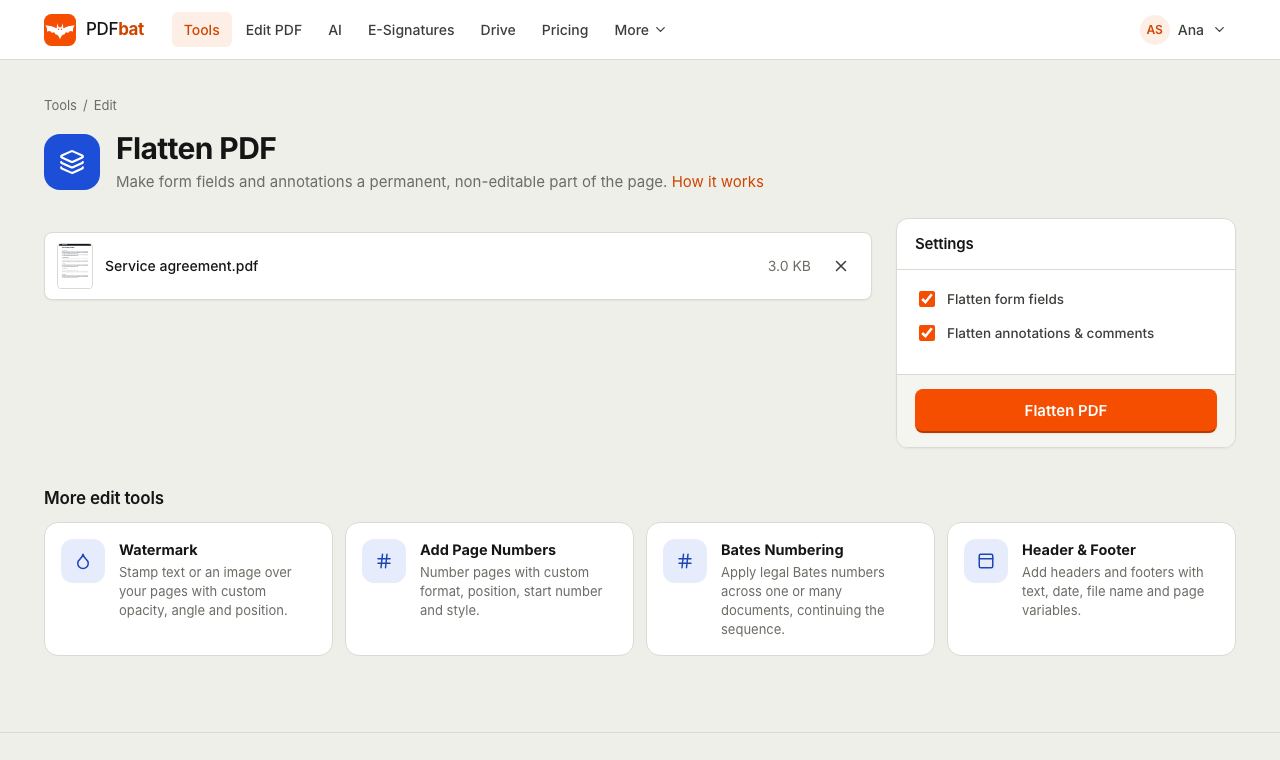
Turn filled form fields, highlights, sticky notes and stamps into ordinary page content. The file looks the same everywhere, prints correctly and cannot be edited by accident.
- Free plan, no credit card
- Nothing to install
- Works on phone, tablet and desktop
What flattening does
Form fields and annotations live in a separate layer that sits on top of the page. Viewers draw that layer differently, some phone apps ignore it, and anyone can click into a field and change its value. Flattening takes what you see in that layer and writes it into the page itself, then removes the interactive layer.
After flattening, a filled form looks exactly as it did, but the values are now part of the page like any printed text. Comments and highlights become permanent marks. This is the format many offices, banks and government portals ask for when they say they need a final, non editable copy.
Why flatten before you send
Locks in your answers
Filled form values can no longer be clicked and changed by the recipient.
Looks the same everywhere
Phone viewers, browsers and printers that skip form layers now show every value.
Prints reliably
Highlights, stamps and notes print exactly as they appear on screen.
Accepted by portals
Upload systems that reject interactive forms usually accept a flattened copy.
Choose what to flatten
Flatten forms, annotations, or both, depending on what you need to keep editable.
How it works
- 1
Upload your PDF
Drop a filled form or an annotated document on the page, or pick it from your Drive.
- 2
Choose what to flatten
Leave both options on to lock everything, or untick one to keep forms or comments interactive.
- 3
Download the final copy
PDFbat writes a flattened PDF in seconds. Download it, share it, or send it for signature.
Every option explained
- Flatten form fields
- On by default. Text boxes, checkboxes, radio buttons and dropdowns are turned into page content showing their current values. The fields themselves are removed.
- Flatten annotations and comments
- On by default. Highlights, underlines, drawings, stamps, sticky notes and other annotations become permanent marks on the page.
- Same look, new structure
- The page keeps its exact appearance. Only the interactive layer is merged into it.
- New file every time
- Your original stays untouched, so you can still go back and change the form later.
When to flatten a PDF
- Submitting a completed application to an employer, school, bank or government office.
- Archiving signed paperwork so the record cannot change later.
- Sharing a reviewed draft where comments and highlights must stay visible in every viewer.
- Before merging or compressing, because some tools and printers handle flattened pages more predictably.
- Mobile recipients who open PDFs in apps that hide form values.
Tips
- Fill in the form first with Fill and Sign. Its download can flatten the form for you in one step.
- Keep the unflattened original in your Drive in case you need to edit an answer later.
- Flattening is not a security feature on its own. To stop people editing the page content too, add Password protection with editing disabled.
- For hidden information such as names or account numbers, use Redact PDF. Flattening does not remove text.
PDFbat compared with Adobe Acrobat Pro
| Feature | PDFbat | Adobe Acrobat Pro |
|---|---|---|
| Price | Free plan, Pro $4/mo | $19.99/mo, annual plan |
| Flatten form fields | Yes | Yes |
| Flatten comments and annotations | Yes | Yes |
| Works in any browser, nothing to install | Yes | Desktop app |
Competitor details reflect their public product pages in November 2026. Check their sites for current terms.
Frequently asked questions
What does it mean to flatten a PDF?
Flattening merges form fields and annotations into the page itself, so they become ordinary content that cannot be clicked or edited.
Will my filled answers still be visible?
Yes. Every value is drawn onto the page exactly as it appeared in the field.
Can I undo flattening?
Not in the flattened file. Keep your original, which PDFbat never changes, if you may need to edit the form again.
Can I flatten only the comments and keep the form editable?
Yes. Untick Flatten form fields and leave Flatten annotations and comments on.
Does flattening make a PDF secure?
It stops casual changes to form values, but the page can still be edited with a PDF editor. Add a password with editing restricted for stronger protection.
Is Flatten PDF free?
Yes. The free plan includes 10 tool tasks a day for files up to 25 MB. Pro is $4 a month with unlimited tasks.
Related features and tools
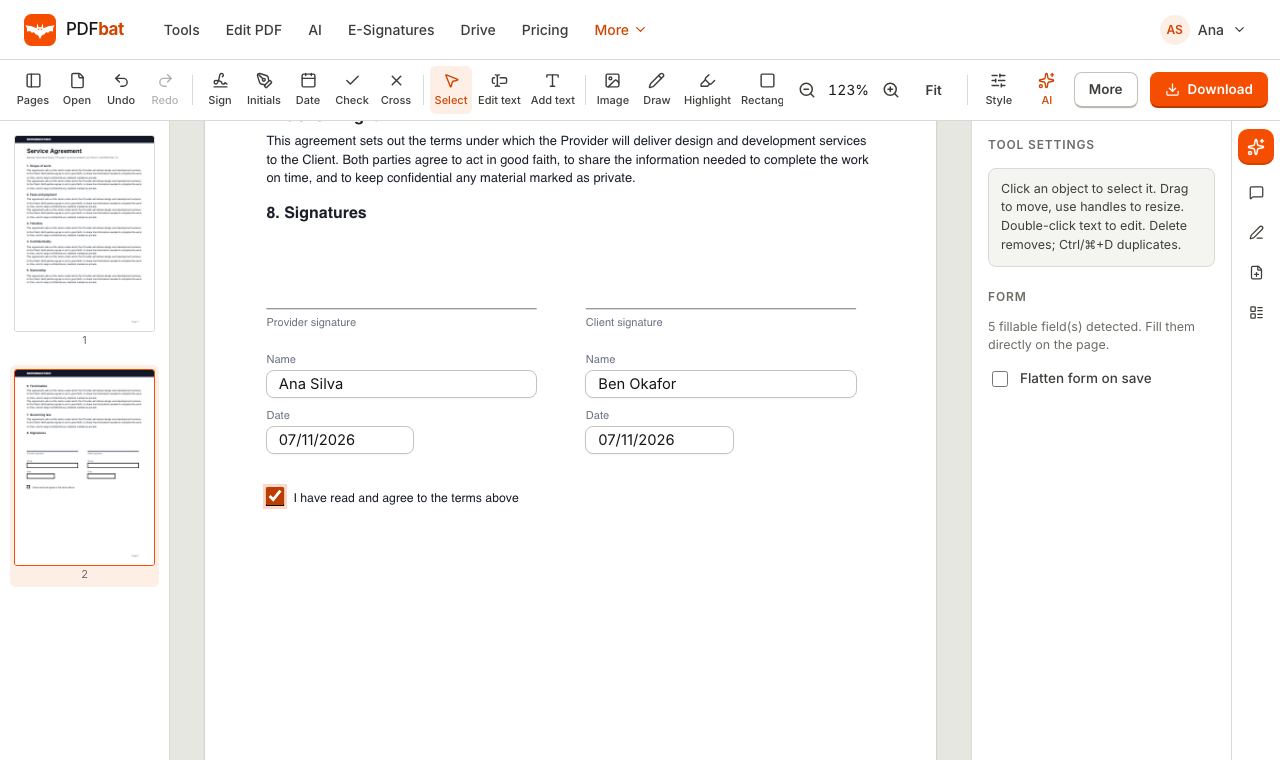 Fill and SignFill PDF forms, sign, add initials, dates and checkmarks, then flatten and download.
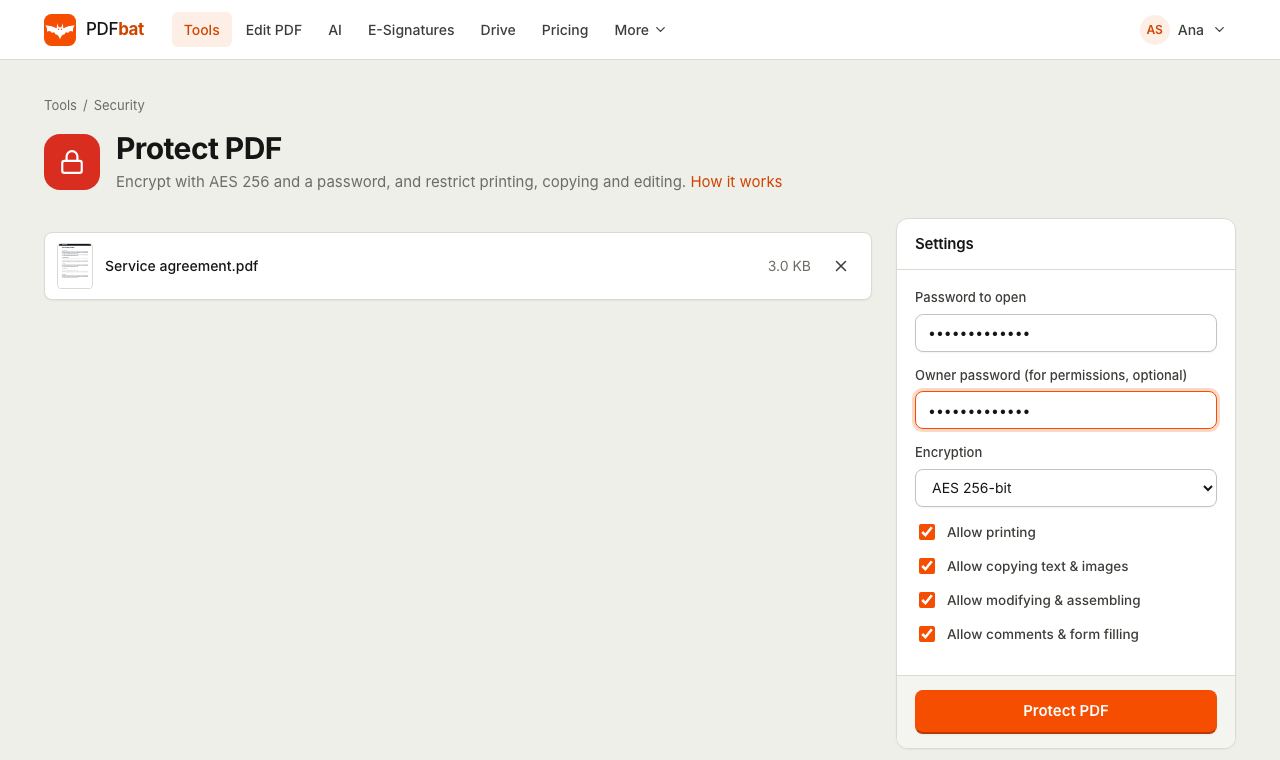 Protect PDFLock a PDF with an AES 256 password and control printing, copying and editing.
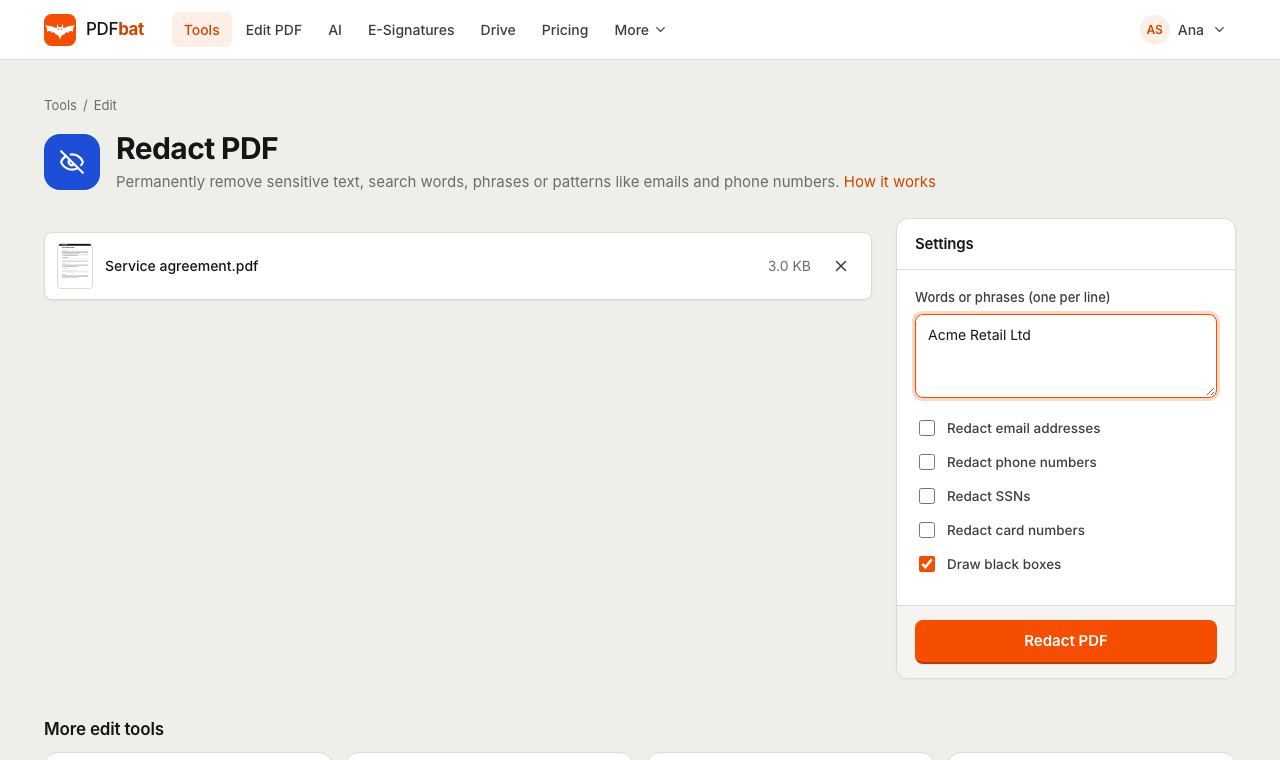 Redact PDFPermanently remove names, emails, phone numbers and card numbers from a PDF.
 PDF EditorEdit existing text, add text in any language, images, shapes, highlights, redactions, links and comments.
 E-SignaturesSend PDFs for legally binding e signatures with signing order, identity checks, reminders and a sealed final PDF.
 Free PDF Tools30+ tools to merge, split, compress, convert, protect, redact, number and OCR PDFs.
Try Flatten PDF free
Create a free account in seconds. No credit card, nothing to install, and it works on any device.