Password protect a PDF with AES 256 encryption
Add a password that must be entered before the file opens, and decide exactly what readers may do with it. Strong encryption, set up in under a minute, with nothing to install.
- Free plan, no credit card
- Nothing to install
- Works on phone, tablet and desktop
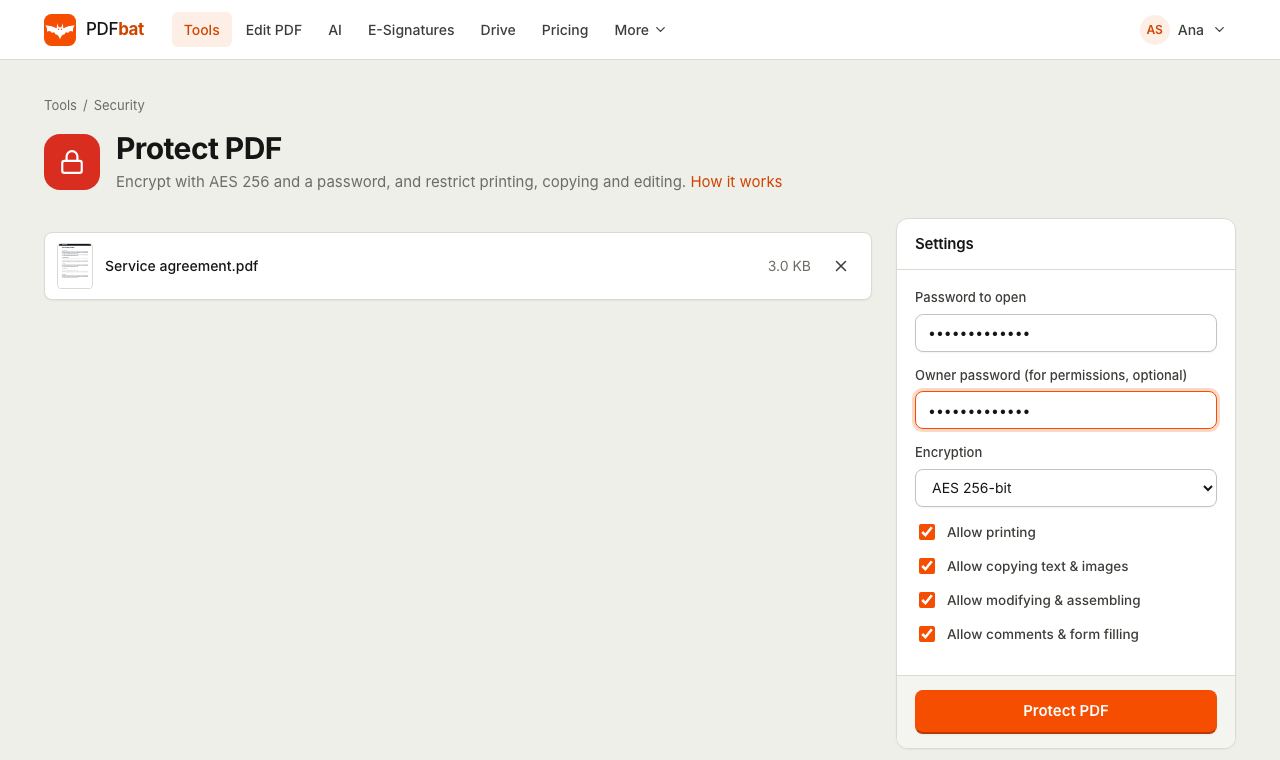
Two passwords, two jobs
A PDF can carry two passwords. The password to open (often called the user password) is what someone types to view the document. Without it the content stays encrypted and unreadable. The owner password controls permissions: whether the file can be printed, copied, changed or annotated.
PDFbat sets both. If you leave the owner password empty, PDFbat generates a private one for you, so the permissions you choose cannot be switched off by someone who only knows the open password.
Send sensitive files with confidence
AES 256 by default
The same strong standard used by modern PDF software. Every PDF reader that supports encryption can open the file with the password.
Separate owner password
Keep control of permissions with a second password that only you know.
Fine grained permissions
Allow or block printing, copying text and images, editing and assembling pages, and comments or form filling.
Works on any device
Protect files from a phone, tablet or laptop in the browser. No desktop software required.
Kept in your Drive
The protected copy is saved to your private Drive, next to the original.
How it works
- 1
Upload your PDF
Drop a PDF onto the page or choose one from your computer, phone or Drive.
- 2
Set the password and rules
Type the password to open, optionally an owner password, pick the encryption and untick anything readers should not be allowed to do.
- 3
Download the locked file
Share the protected PDF by email or a Drive link, and send the password through a different channel.
Every protection option explained
- Password to open
- Required. Anyone opening the PDF must enter it. Passwords cannot contain a comma or an equals sign.
- Owner password (optional)
- Protects the permission settings. If you leave it empty, PDFbat creates a random owner password so the restrictions stay in place.
- Encryption: AES 256-bit
- The default and the right choice for almost everyone. Supported by current versions of every major PDF reader.
- Encryption: AES 128-bit
- For older readers that do not understand AES 256.
- Encryption: RC4 128-bit (legacy)
- Only for very old software that cannot open AES files. RC4 is weaker, so avoid it unless you have to.
- Allow printing
- On by default. Untick it to ask readers not to print, including high quality printing.
- Allow copying text and images
- Untick it to block copying content to the clipboard. Text extraction for accessibility tools is covered by the same switch.
- Allow modifying and assembling
- Controls editing the content and inserting, rotating or deleting pages.
- Allow comments and form filling
- Controls adding annotations and filling in form fields.
Good reasons to encrypt a PDF
- Payslips, tax returns and bank statements sent by email.
- Contracts and offers shared before they are signed.
- Medical reports, ID scans and visa paperwork.
- Board packs and financial results that should not be forwarded casually.
Tips for using PDF passwords well
- Use a long passphrase of several words. Encryption is only as strong as the password.
- Never put the password in the same email as the attachment. Send it by text message or tell the recipient directly.
- Permissions depend on the reader software respecting them. For content that must never leave, combine encryption with watermarks and redaction.
- Compress, merge or edit the file before protecting it. Most tools need the password removed to make changes later.
- Keep the unprotected original in your Drive so you are never locked out of your own document.
PDFbat compared with Adobe Acrobat Pro
| Feature | PDFbat | Adobe Acrobat Pro |
|---|---|---|
| Price | Free plan, Pro $4/mo | $19.99/mo, annual plan |
| AES 256 password to open | Yes | Yes |
| Permission controls | Yes | Yes |
| Works in any browser without installing software | Yes | Desktop app for full options |
| Same protection through an API | Yes | Sold separately |
Competitor details reflect their public plan pages in November 2026. Check their sites for current terms.
Frequently asked questions
How secure is a PDFbat protected PDF?
With AES 256 and a strong password, the content cannot be read without the password. The weak point is almost always a short or reused password, so choose a long one.
What happens if I forget the password?
There is no way to recover it from the file. Keep the original, unprotected PDF, which PDFbat leaves untouched in your Drive.
Can I restrict printing without a password to open?
This tool always sets a password to open. To share a file that anyone can read but nobody should edit, consider flattening it and adding a watermark.
Will the file open on iPhone, Android and Mac?
Yes. Preview, Apple Books, Chrome, Edge, Adobe Reader and other modern readers all open AES 256 PDFs once the password is entered.
Why can my password not contain a comma or equals sign?
Those characters are reserved by the encryption engine's settings format. Every other character, including spaces and symbols, is fine.
How do I remove the password later?
Use Unlock PDF with the password and you get an unrestricted copy.
Is it free?
Yes. The free plan includes 10 tool tasks a day on files up to 25 MB. Pro is $4 a month for unlimited tasks and files up to 100 MB.
Related features and tools
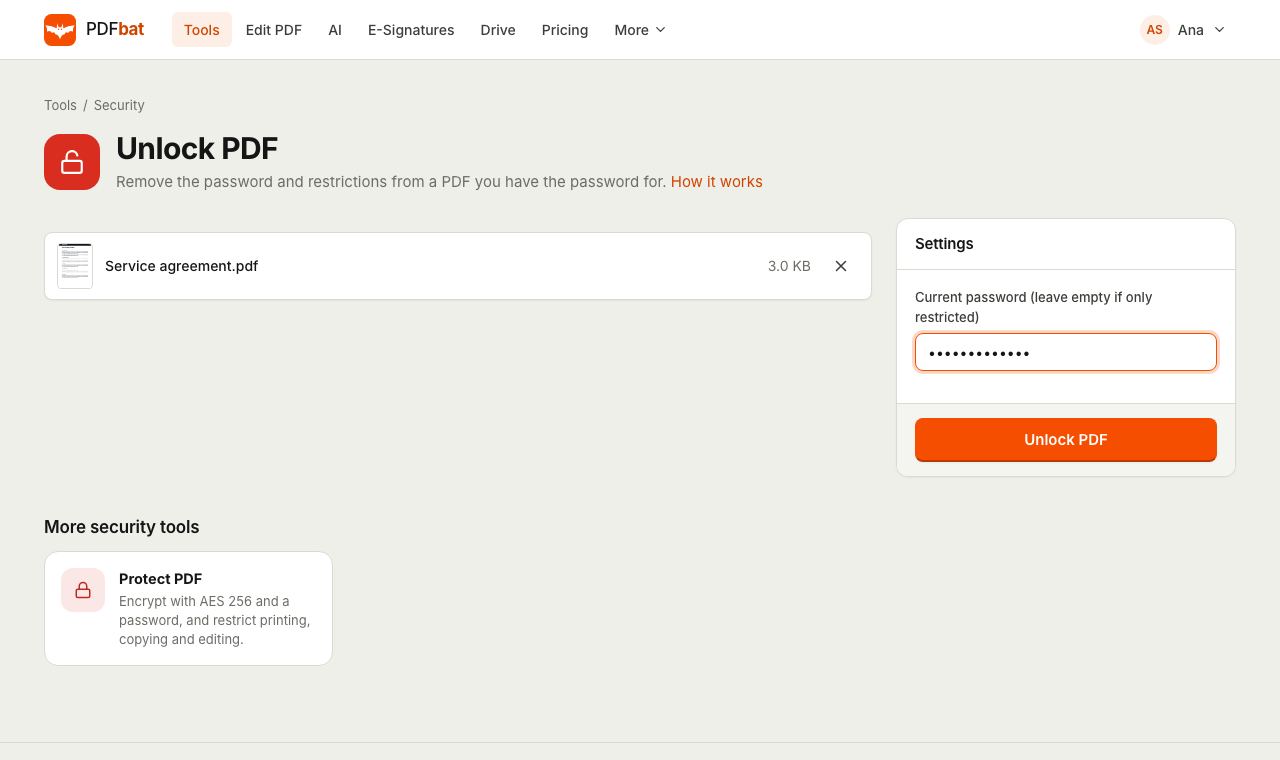 Unlock PDFRemove the password and restrictions from a PDF you have the password for.
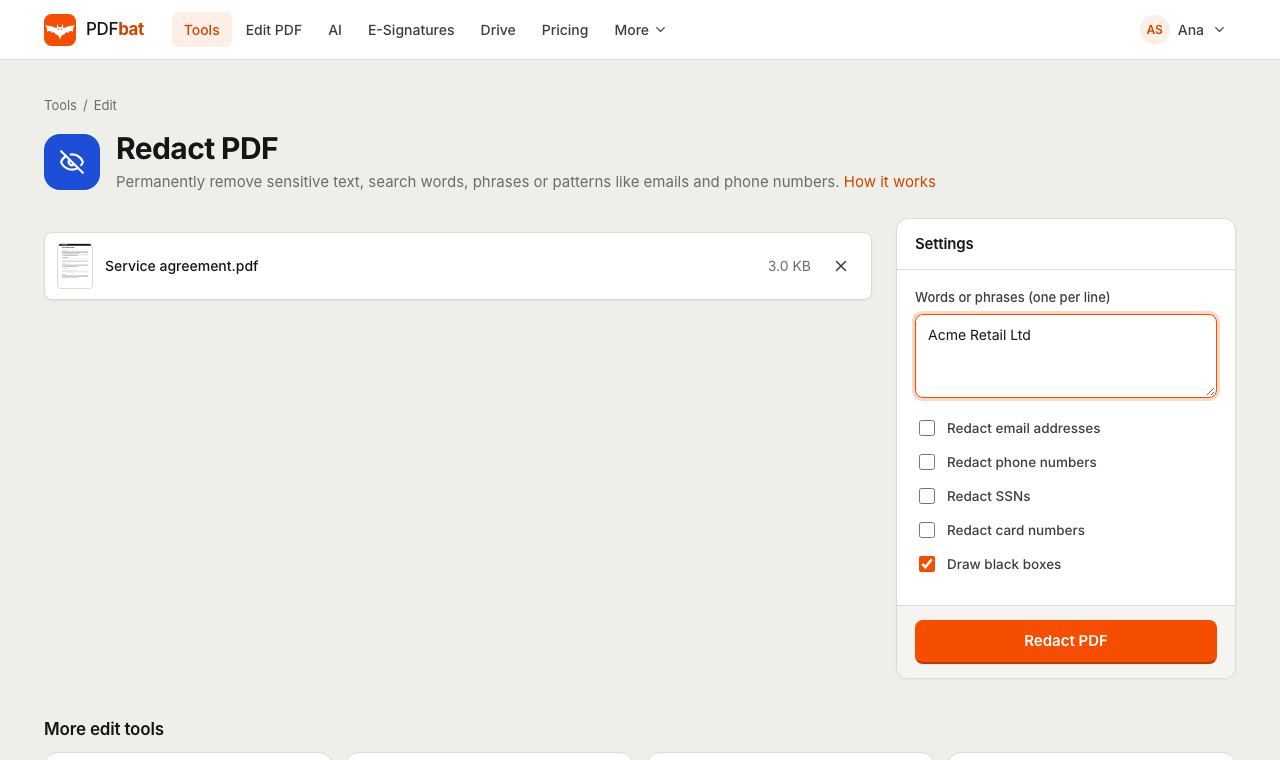 Redact PDFPermanently remove names, emails, phone numbers and card numbers from a PDF.
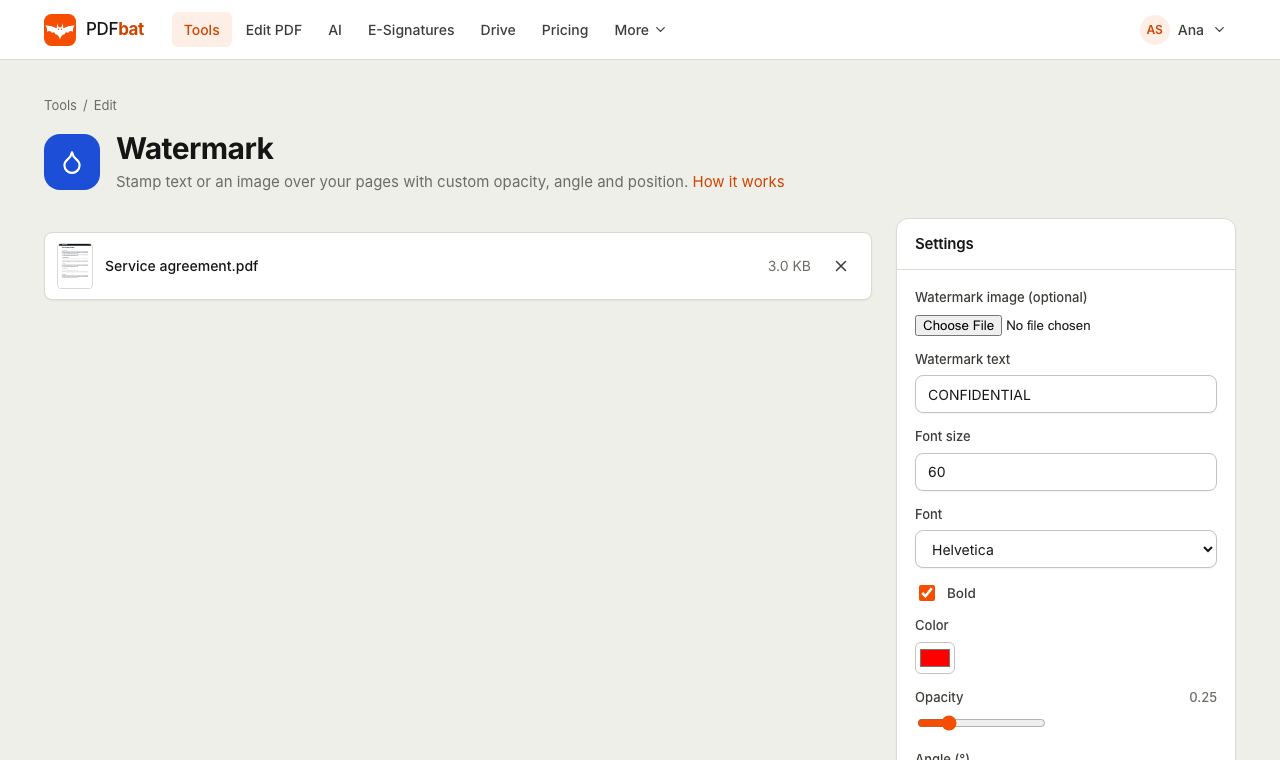 Watermark PDFStamp text or a logo on your pages with custom opacity, angle and position.
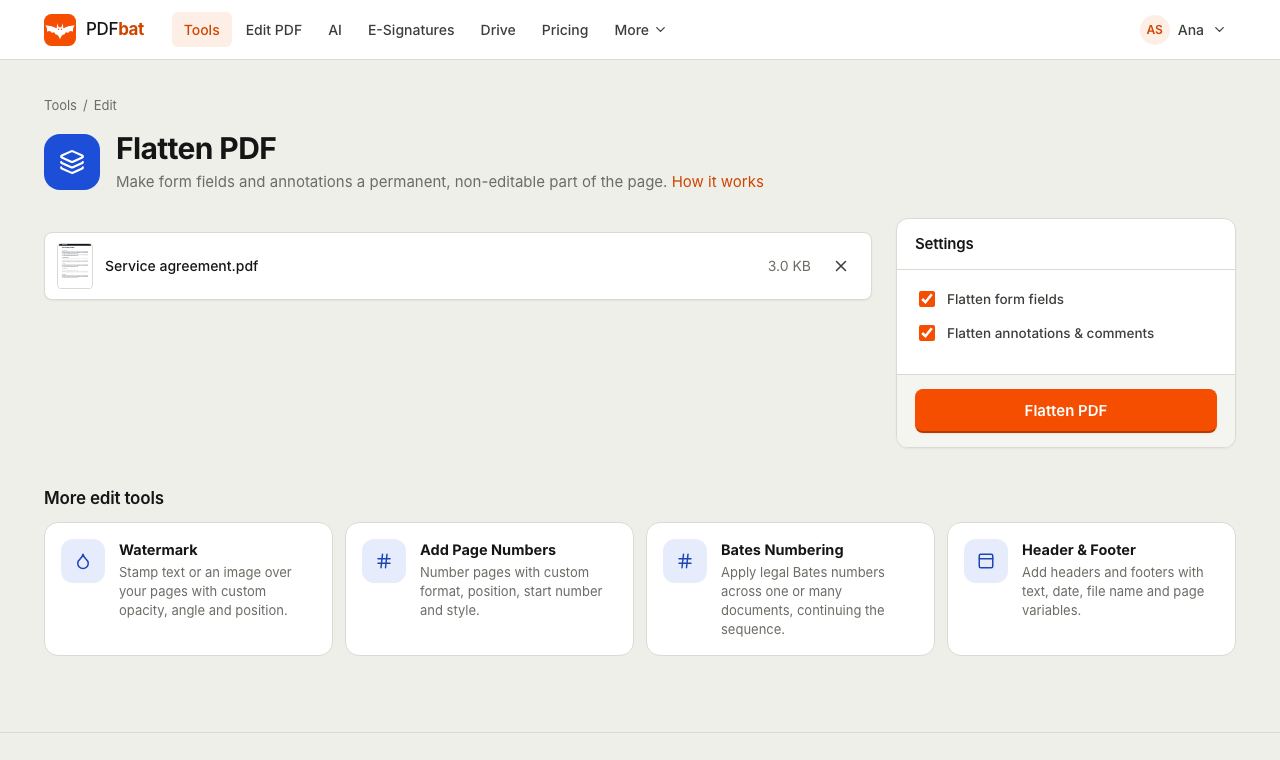 Flatten PDFLock filled forms, comments and annotations permanently into the page.
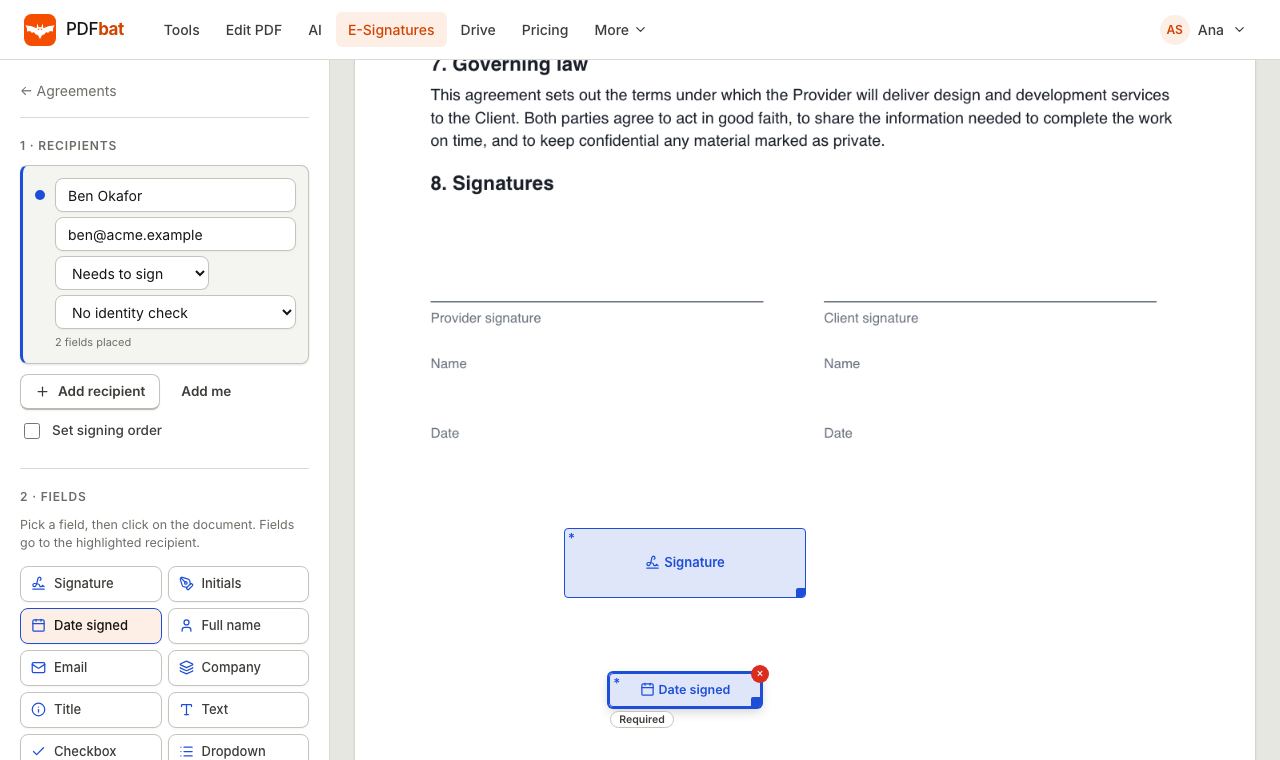 E-SignaturesSend PDFs for legally binding e signatures with signing order, identity checks, reminders and a sealed final PDF.
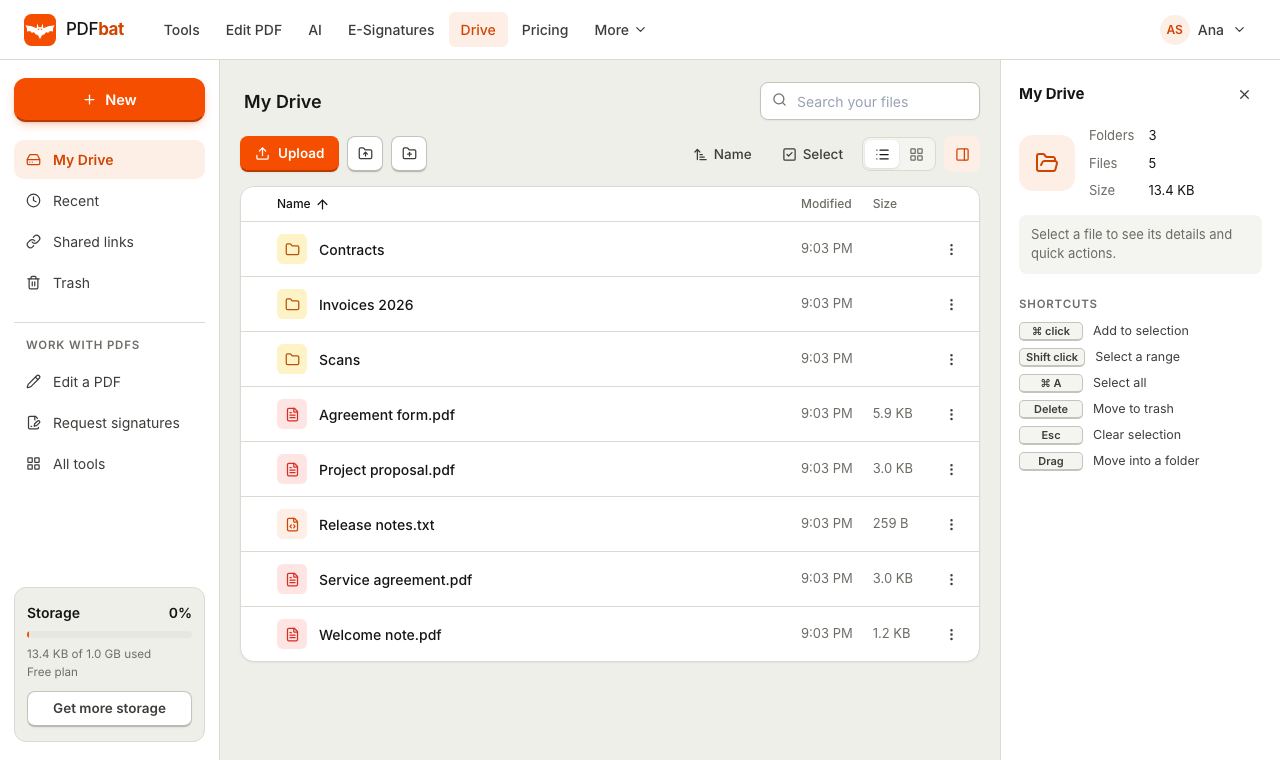 Cloud DrivePrivate cloud storage for PDFs with folders, share links and every tool result saved automatically.
Try Protect PDF free
Create a free account in seconds. No credit card, nothing to install, and it works on any device.