Add a watermark to your PDF in any language
Mark drafts as CONFIDENTIAL, brand proposals with your logo, or tile a name across every page to discourage sharing. Full control over font, color, opacity, angle and placement.
- Free plan, no credit card
- Nothing to install
- Works on phone, tablet and desktop
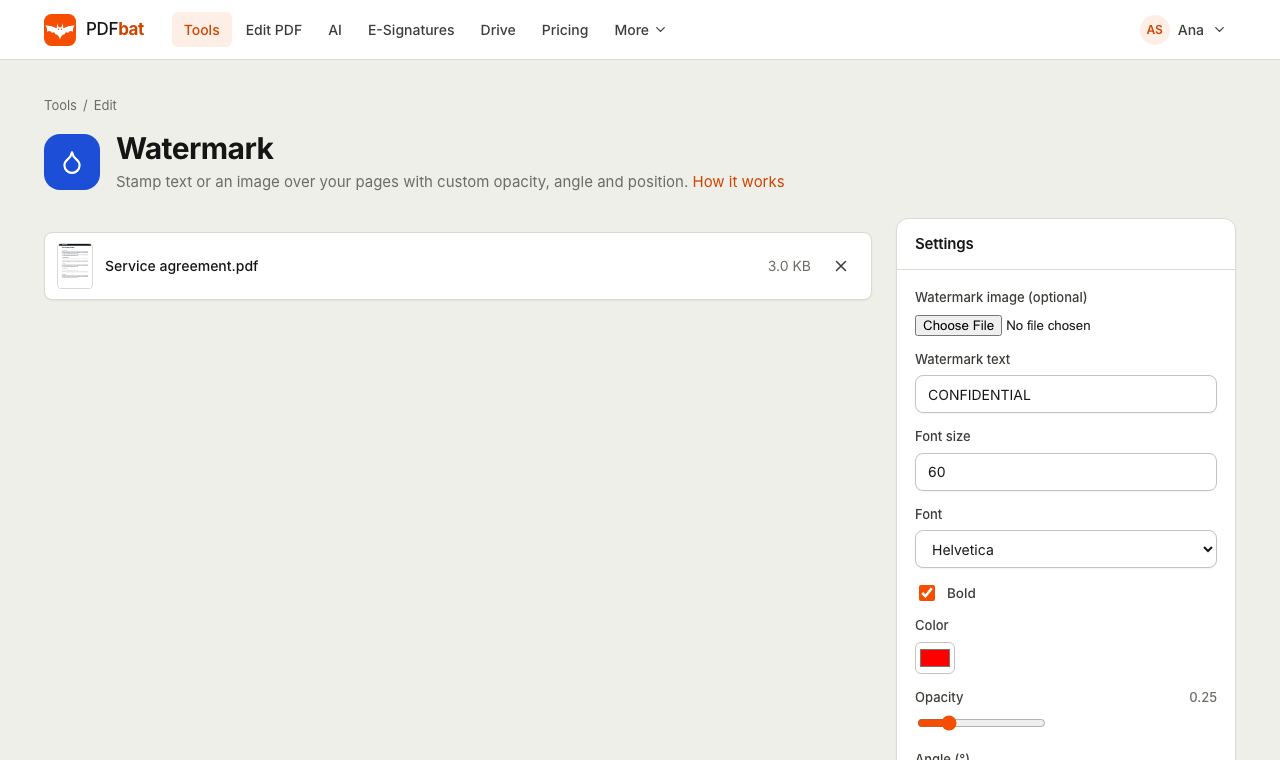
Text or image, on top or underneath
A watermark is text or an image stamped over a page to show its status, its owner or who it was sent to. PDFbat draws the watermark directly into the page content, so it shows up in every viewer and prints exactly as you see it.
Type any text in any writing system, from English and Spanish to Hindi, Arabic, Japanese or Thai, and PDFbat picks a matching font and shapes it correctly. Or upload a PNG or JPG logo and set its size as a share of the page width. Transparent PNGs keep their transparency.
A professional watermark without design software
Text or logo
Use a word like DRAFT, a client name, or upload a PNG or JPG image as the watermark.
Every language
Watermark text in any script is shaped correctly, including right to left Arabic and Hebrew and complex Indic scripts.
Fine control
Choose font, size, bold, color, opacity from 5 to 100 percent and any rotation angle.
Tile across the page
Repeat the watermark in a grid so it cannot be cropped out of a screenshot or a printout.
Behind the content
Optionally place the watermark under the page content so text stays fully readable on top.
Saved to your Drive
Every watermarked copy is stored in your private Drive, ready to share with an expiring link.
How it works
- 1
Upload your PDF
Drop the PDF on the page. To use a logo, add a PNG or JPG in the optional watermark image field.
- 2
Style the watermark
Type your text, then set font, size, color, opacity, angle and position. Limit it to certain pages if you like.
- 3
Download
PDFbat stamps every selected page and saves the result. Download it or send it straight to Protect PDF.
Every option explained
- Watermark text
- The words to stamp. The default is CONFIDENTIAL. Ignored when you upload a watermark image.
- Watermark image (optional)
- A PNG or JPG file, such as your logo or a signature stamp. When present it replaces the text.
- Image scale
- Width of the image as a percentage of the page width. The default is 50 percent; height follows the image proportions.
- Font size
- Text size in points. The default of 60 suits a diagonal stamp across an A4 or Letter page.
- Font and Bold
- Helvetica, Times or Courier, bold by default. Characters outside these fonts automatically use matching Noto fonts.
- Color
- Any color from the picker. Red is the default; gray or your brand color are popular choices.
- Opacity
- From 0.05 to 1 in steps of 0.05. The default 0.25 is visible without hiding the text beneath.
- Angle
- Rotation in degrees. 45 gives the classic diagonal, 0 keeps it horizontal, and any other value works too.
- Position
- Center, Top or Bottom places one watermark per page. Tiled repeats it in a grid that covers the whole page.
- Pages
- Which pages to stamp: all, odd, even, single pages and ranges such as 1-3, 5, 8-last.
- Place behind content
- Draws the watermark underneath existing content. Pages with an opaque white background, such as many scans, can hide it completely, so test on one page first.
Popular ways to use a watermark
- Draft and review copies: DRAFT or FOR REVIEW at 45 degrees and low opacity.
- Confidential documents: a tiled CONFIDENTIAL mark so no page can be shared cleanly.
- Sending to one recipient: tile the recipient name or email so any leak can be traced.
- Brand proposals and portfolios: your logo at 30 to 40 percent of page width, centered and faint.
- Sample pages and previews: SAMPLE across every page of an ebook or report you sell.
Tips for a watermark that works
- Keep opacity between 0.15 and 0.3 for text documents. Higher values make the page hard to read.
- For logos, a transparent PNG looks far cleaner than a JPG with a white box around it.
- A watermark drawn into the page can still be edited by someone determined. Add Password protection with editing disabled, or Flatten the file, for extra assurance.
- Need page numbers or a running title instead? Use Header and Footer.
PDFbat compared with Adobe Acrobat Pro
| Feature | PDFbat | Adobe Acrobat Pro |
|---|---|---|
| Price | Free plan, Pro $4/mo | $19.99/mo, annual plan |
| Text and image watermarks | Yes | Yes |
| Opacity, rotation and page range | Yes | Yes |
| Works in any browser, nothing to install | Yes | Desktop app for full watermark options |
Competitor details reflect their public product pages in November 2026. Check their sites for current terms.
Frequently asked questions
Can I use my logo as a watermark?
Yes. Upload a PNG or JPG in the watermark image field and set its width as a percentage of the page. Transparent PNGs keep their transparency.
Can I watermark only some pages?
Yes. Type pages such as 1, 3-5 or odd in the Pages field. The default is all pages.
Does the watermark support other languages?
Yes. Text in any script, including Arabic, Hebrew, Devanagari, Chinese, Japanese and Korean, is shaped correctly with Noto fonts.
Why can I not see my watermark after placing it behind content?
The page has an opaque background, which is common for scans, so it covers anything underneath. Turn off Place behind content and lower the opacity instead.
Can someone remove the watermark?
The watermark is part of the page content, so it shows everywhere and prints. A determined person with an editor could still remove it, so combine it with password protection if that matters.
Is watermarking free?
Yes. The free plan includes 10 tool tasks a day for files up to 25 MB. Pro is $4 a month with unlimited tasks and files up to 100 MB.
Related features and tools
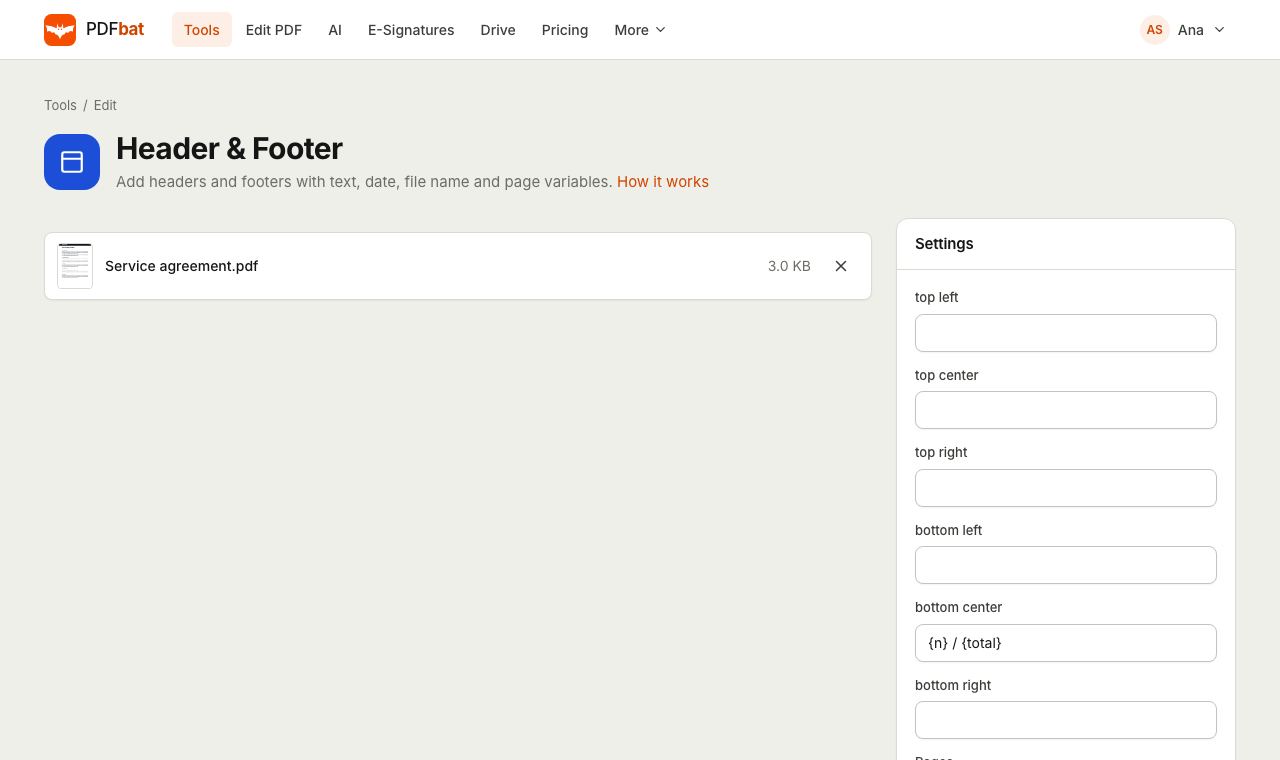 Header and FooterAdd headers and footers with page numbers, today's date and the file name.
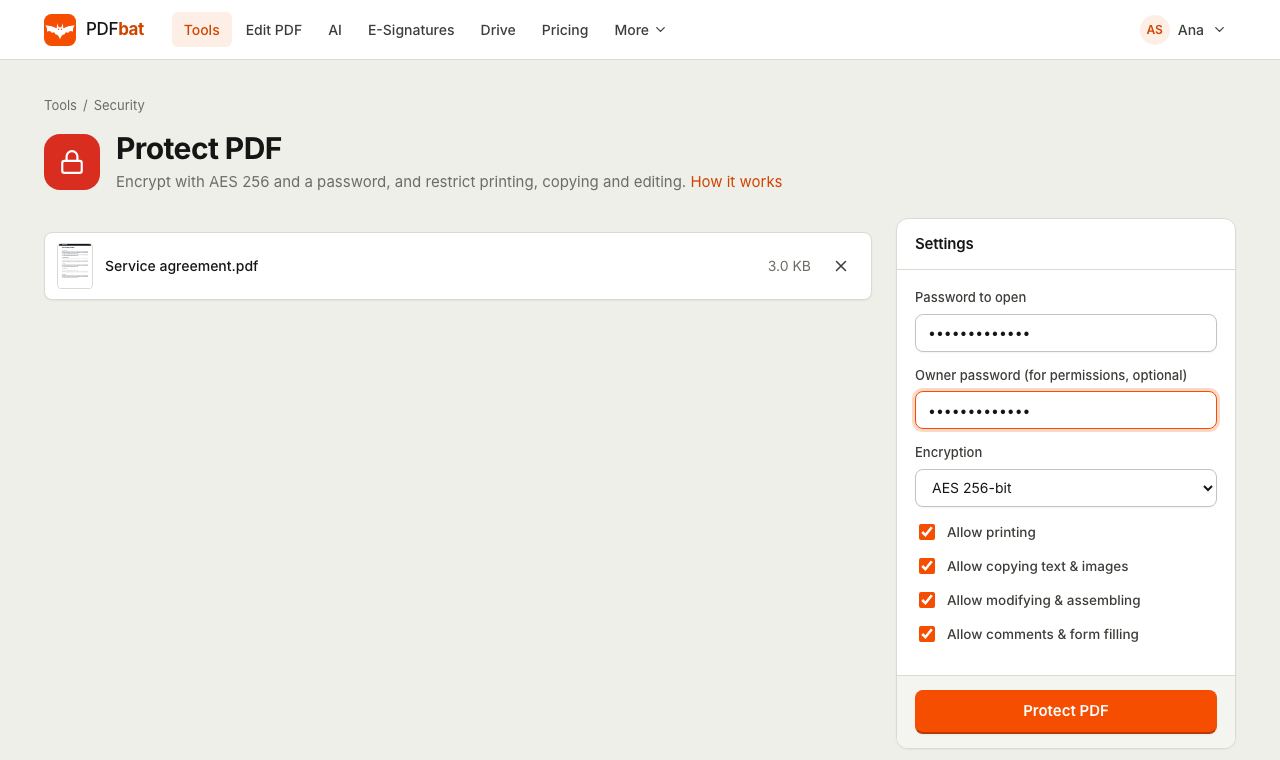 Protect PDFLock a PDF with an AES 256 password and control printing, copying and editing.
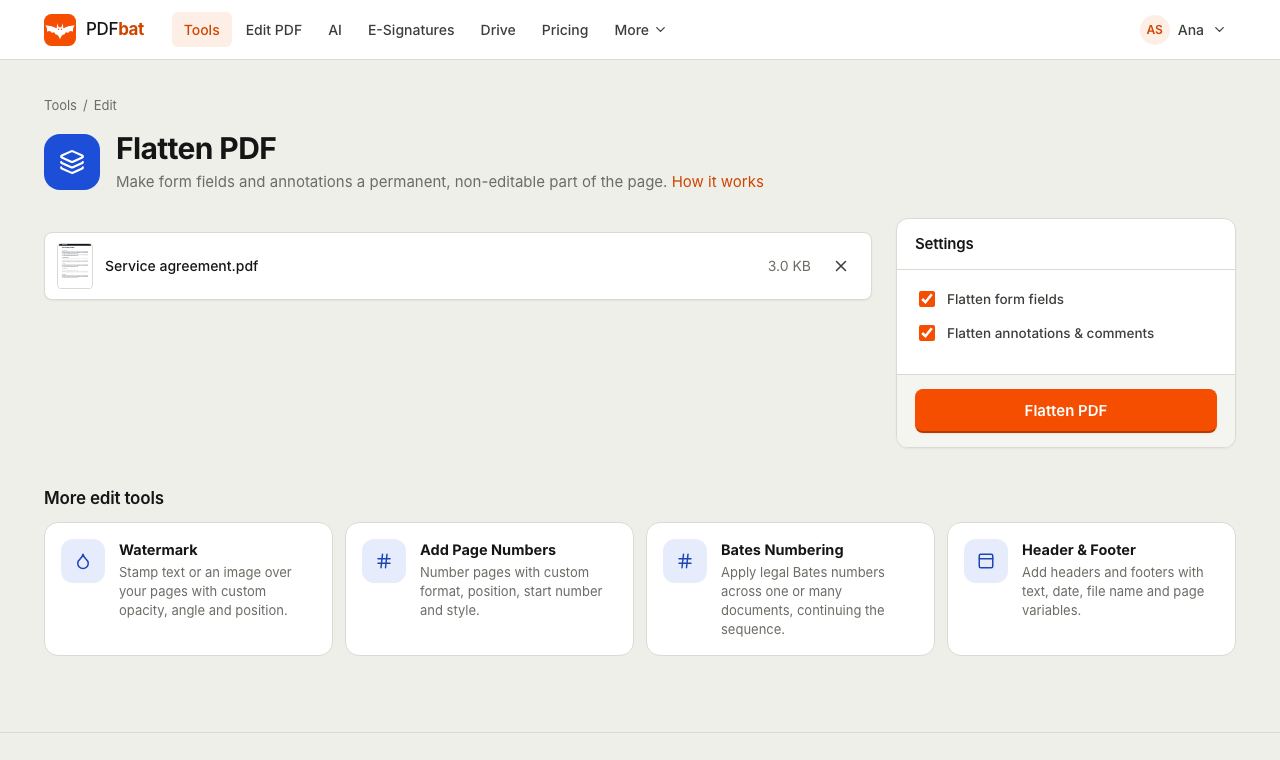 Flatten PDFLock filled forms, comments and annotations permanently into the page.
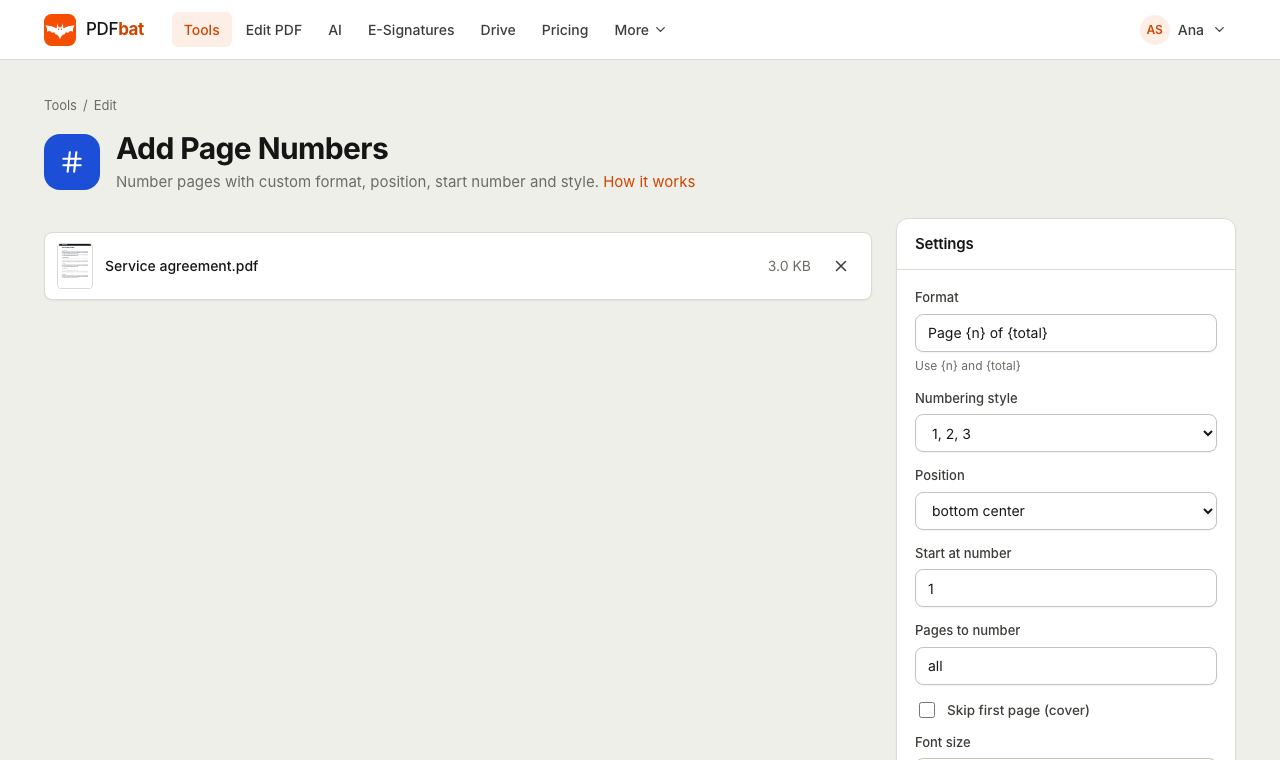 Add Page NumbersNumber PDF pages with your own format, position, start number and Roman numerals.
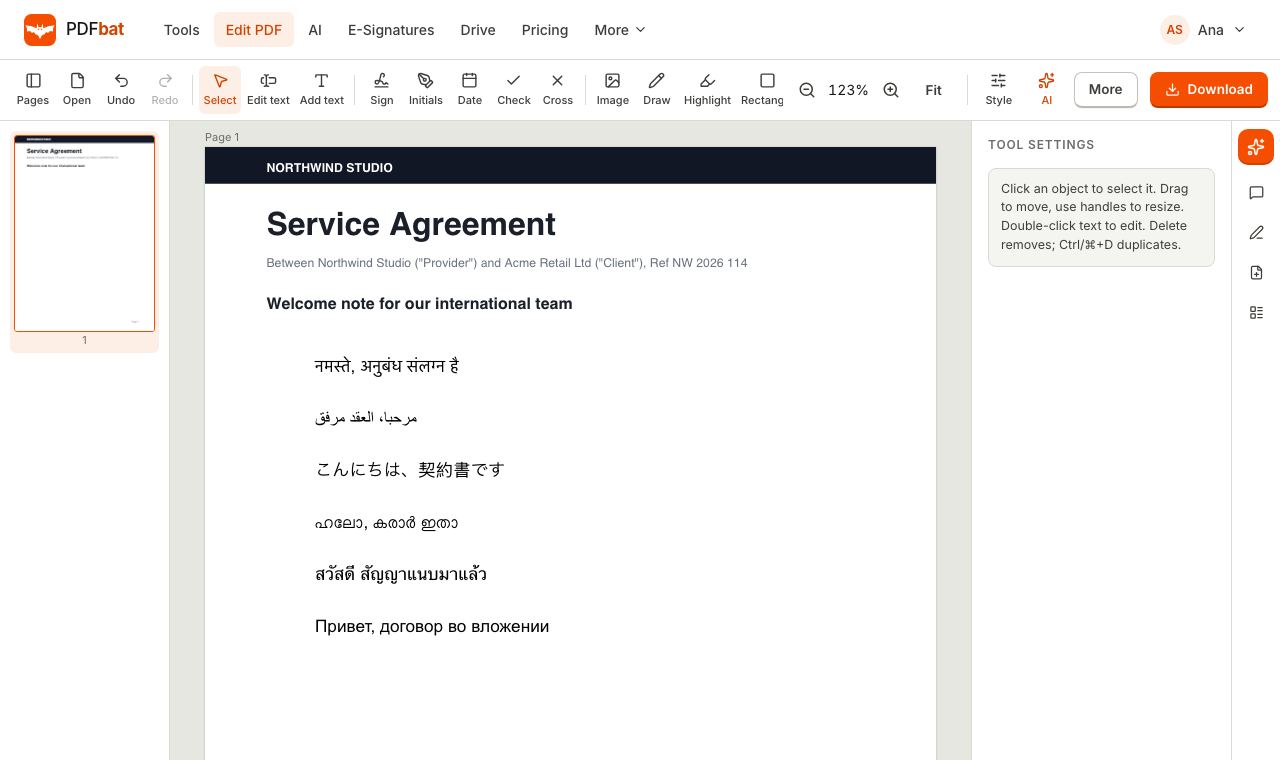 Every languageType in Hindi, Arabic, Chinese, Thai, Tamil and every other script, with correct shaping and searchable text.
 Free PDF Tools30+ tools to merge, split, compress, convert, protect, redact, number and OCR PDFs.
Try Watermark PDF free
Create a free account in seconds. No credit card, nothing to install, and it works on any device.