Add a header and footer to any PDF
Put a document title, a confidentiality notice, the date and page numbers on every page at once. Six slots, four smart variables and any language you write in.
- Free plan, no credit card
- Nothing to install
- Works on phone, tablet and desktop
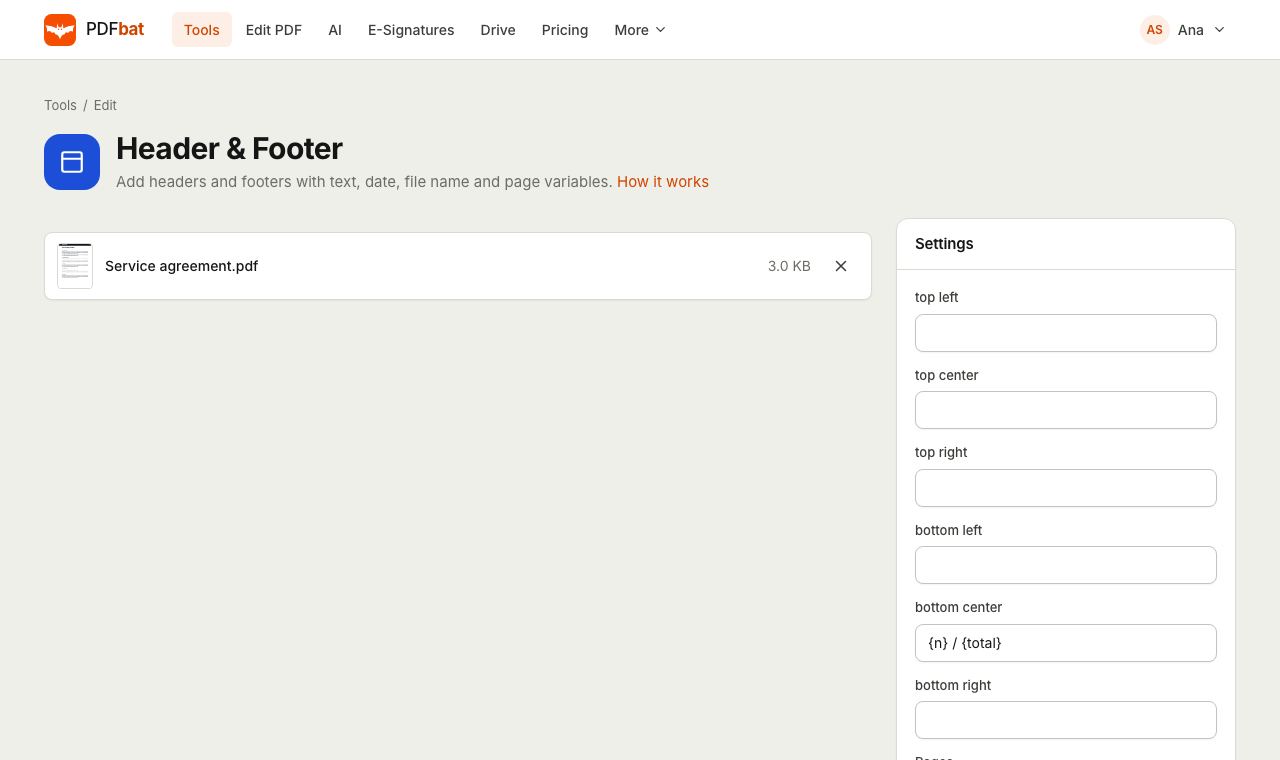
Six slots, filled with whatever you need
Every page has three header positions (top left, top center, top right) and three footer positions (bottom left, bottom center, bottom right). Type text into any of them and leave the rest empty. By default only the bottom center is filled, with {n} / {total} for simple page numbering.
Text can mix fixed words with variables that PDFbat fills in for each page: {n} for the page number, {total} for the page count, {date} for today's date and {file} for the file name. A footer such as {file}, page {n} of {total} takes seconds to set up and is correct on every page.
Consistent pages without opening a word processor
Six positions at once
Fill the header and footer in a single pass, for example a title on the left, a date on the right and page numbers in the middle.
Smart variables
{n}, {total}, {date} and {file} are replaced automatically on every page.
Any language
Write headers in any script. PDFbat shapes Arabic, Hebrew, Indic, Thai and CJK text correctly with Noto fonts.
Choose the pages
Apply to all pages or only a range, such as skipping a cover or an appendix.
Upright on every page
Text is placed relative to how the reader sees the page, including landscape and rotated pages.
How it works
- 1
Upload your PDF
Drop the file on the page or pick it from your device or Drive.
- 2
Fill in the slots
Type text and variables into any of the six positions, then choose pages, font, size, color and margin.
- 3
Download
PDFbat stamps every selected page in seconds. Download the file or send it to another tool.
Every option explained
- Top left, top center, top right
- Header slots. Leave a slot empty to skip it.
- Bottom left, bottom center, bottom right
- Footer slots. Bottom center starts with {n} / {total}; clear it if you do not want page numbers.
- {n} and {total}
- The physical page number in the file and the total number of pages in the file.
- {date}
- Today's date at the moment you run the tool, written as month/day/year.
- {file}
- The name of the uploaded file, including its extension.
- Pages
- all by default, or ranges such as 2-last, odd, even or 1, 3, 5.
- Font, size and color
- Helvetica, Times or Courier, 9 pt by default, in a soft dark gray that you can change to any color.
- Margin
- Distance from the page edge in points. 24 pt by default; 72 pt equals one inch.
Ideas for headers and footers
- Reports: company name top left, report title top right, page {n} of {total} bottom center.
- Contracts: CONFIDENTIAL top center and the file name bottom left so printed pages stay identifiable.
- Student work: your name and student number top right, the date bottom left.
- Translated documents: a header in the target language, such as a Spanish or Hindi title, next to the page number.
Header and footer or page numbers?
The Add Page Numbers tool is better when you need Roman numerals, a custom start number or a skipped cover that does not count. Header and Footer always uses the real page position in the file, and shines when you want several pieces of text at once. You can run both on the same document.
Tips
- If the document already has a footer, increase the margin so the new text sits clear of it.
- Keep header text short. Long lines in a corner slot can run toward the center slot.
- For a large diagonal stamp instead of a line of text, use Watermark PDF.
PDFbat compared with Adobe Acrobat Pro
| Feature | PDFbat | Adobe Acrobat Pro |
|---|---|---|
| Price | Free plan, Pro $4/mo | $19.99/mo, annual plan |
| Six header and footer positions | Yes | Yes |
| Page number, date and file name | Yes | Yes |
| Works in any browser, nothing to install | Yes | Desktop app |
Competitor details reflect their public product pages in November 2026. Check their sites for current terms.
Frequently asked questions
What variables can I use?
{n} for the page number, {total} for the page count, {date} for today's date and {file} for the file name. Mix them with any text.
Can I add a header to only some pages?
Yes. Type a range in the Pages field, such as 2-last to skip the first page.
Can I remove the default page numbers?
Yes. Clear the bottom center slot, which contains {n} / {total} by default.
Does it support languages other than English?
Yes. Header and footer text in any writing system is shaped correctly and stays searchable.
What date format is used?
{date} is today's date written as month/day/year, for example 11/7/2026. Type the date yourself if you need another format.
Is it free?
Yes. The free plan includes 10 tool tasks a day for files up to 25 MB. Pro is $4 a month with unlimited tasks.
Related features and tools
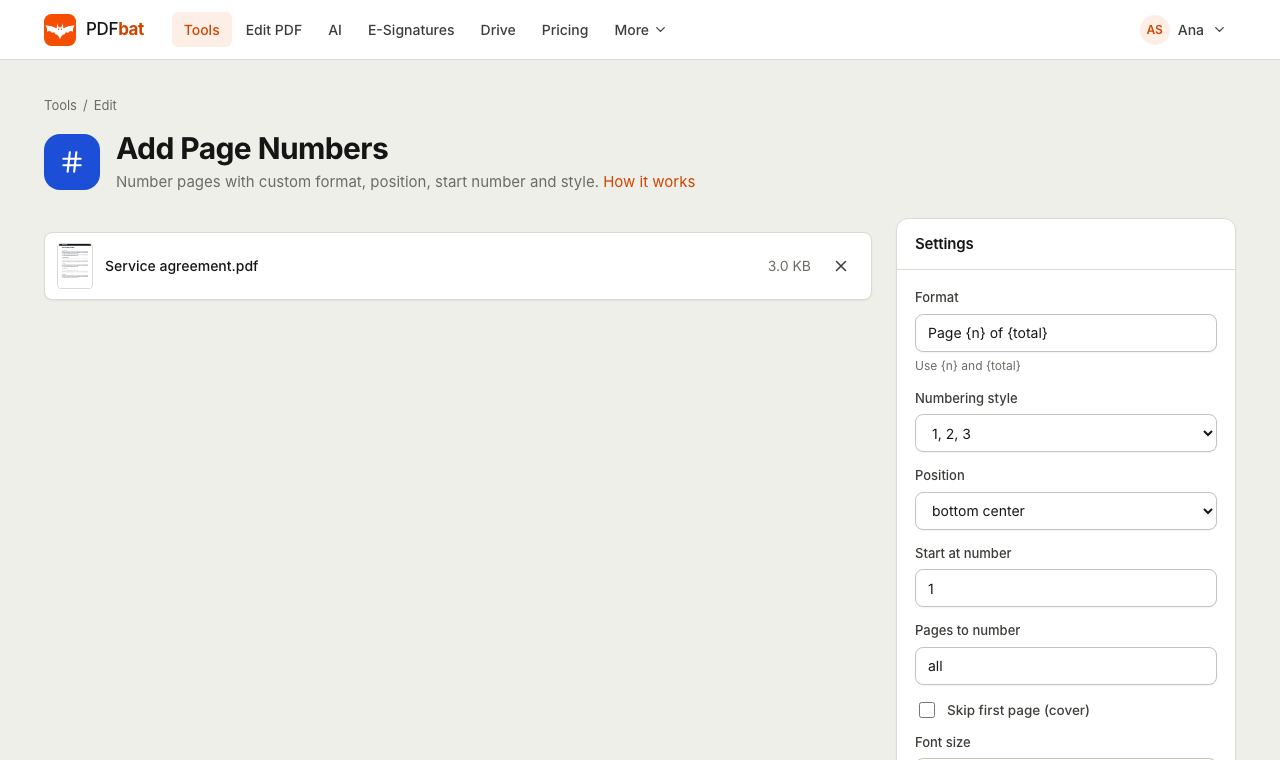 Add Page NumbersNumber PDF pages with your own format, position, start number and Roman numerals.
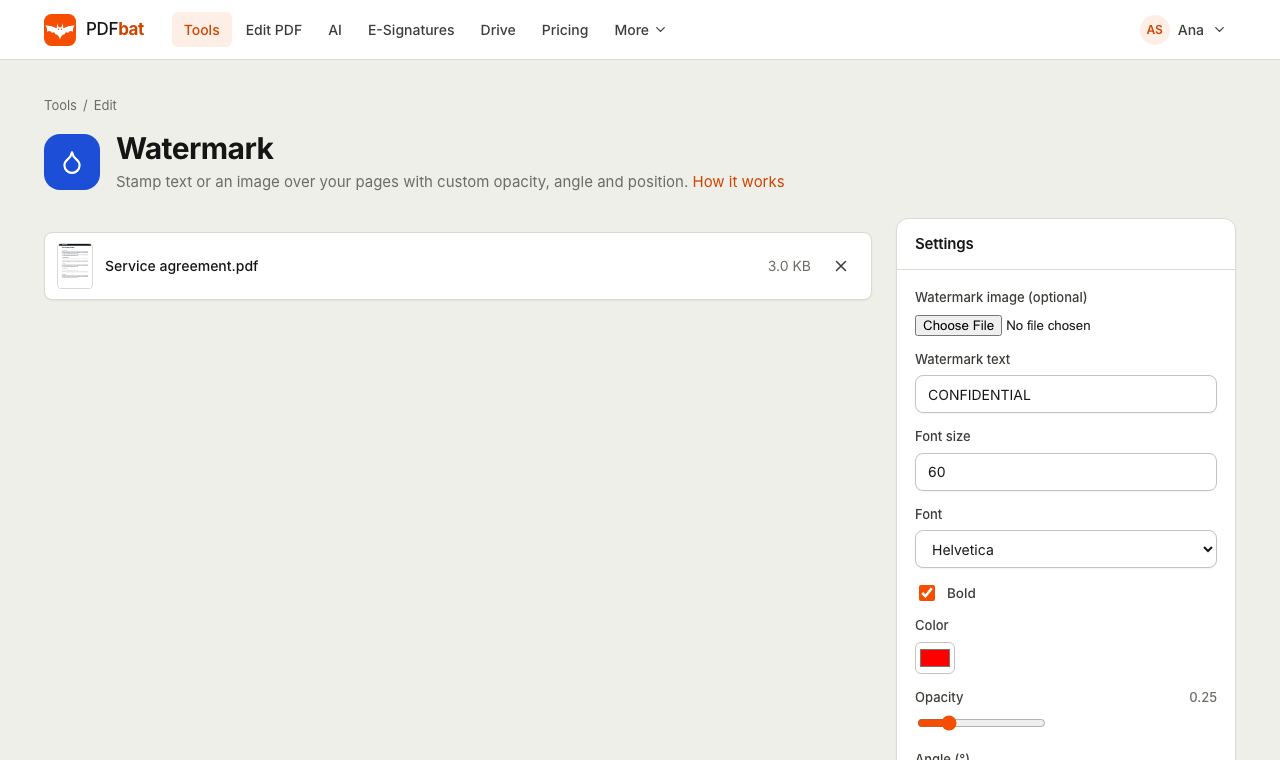 Watermark PDFStamp text or a logo on your pages with custom opacity, angle and position.
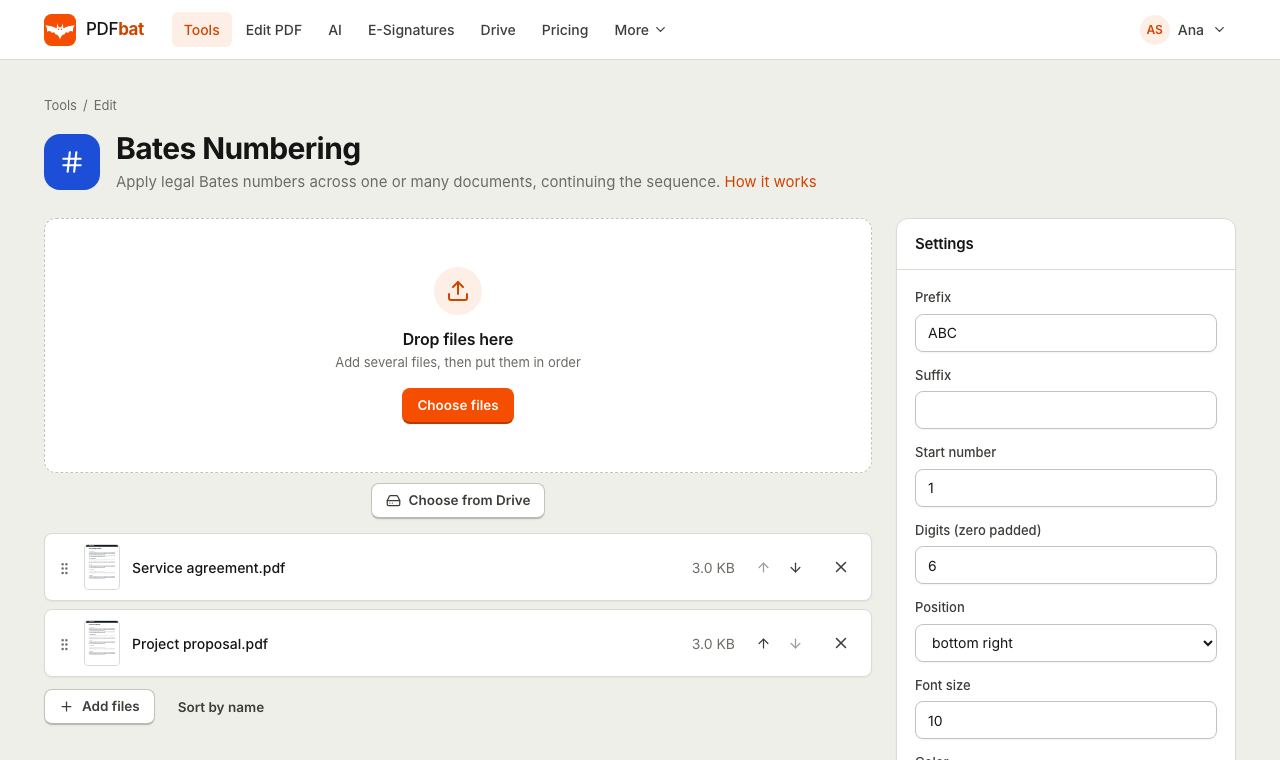 Bates NumberingStamp legal Bates numbers across many PDFs with one continuous sequence.
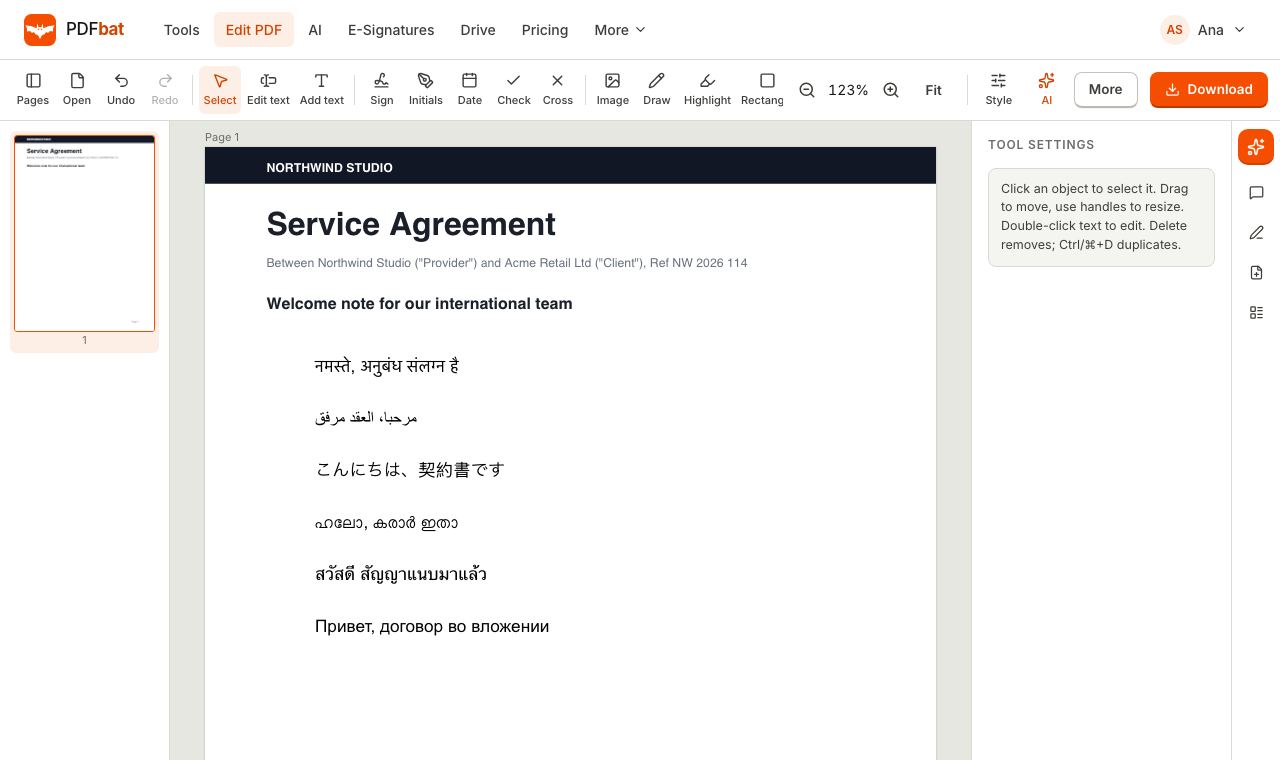 Every languageType in Hindi, Arabic, Chinese, Thai, Tamil and every other script, with correct shaping and searchable text.
 PDF EditorEdit existing text, add text in any language, images, shapes, highlights, redactions, links and comments.
 Free PDF Tools30+ tools to merge, split, compress, convert, protect, redact, number and OCR PDFs.
Try Header and Footer free
Create a free account in seconds. No credit card, nothing to install, and it works on any device.