Bates numbering for PDFs, across every file in one go
Stamp production numbers like ABC000001 on every page of a discovery set. Upload many PDFs at once and the sequence continues from one file to the next.
- Free plan, no credit card
- Nothing to install
- Works on phone, tablet and desktop
What Bates numbers are for
Bates numbering gives every page in a set of documents a unique identifier, usually a short prefix followed by a zero padded number, such as SMITH000124. Law firms, courts and compliance teams use it so anyone can point to an exact page in a production, and so it is obvious if a page is missing.
PDFbat stamps the identifier as text on every page of every file you upload. When you upload several PDFs, numbering continues across them in order: if the first file ends at ABC000040, the second file starts at ABC000041. You get each stamped file back, bundled in a ZIP when there is more than one.
Built for document productions
Continuous across files
Upload a whole production and the numbers run from the first page of the first file to the last page of the last.
Prefix, suffix and padding
Match your matter code and numbering convention, such as ABC000001 or ABC000001-C.
Six positions
Place the stamp in any corner or at the top or bottom center so it avoids existing content.
Searchable stamps
Numbers are real text, so you can search the production for a Bates number and jump straight to it.
Private by default
Files travel over HTTPS and the stamped copies are stored only in your private Drive.
How it works
- 1
Upload your PDFs
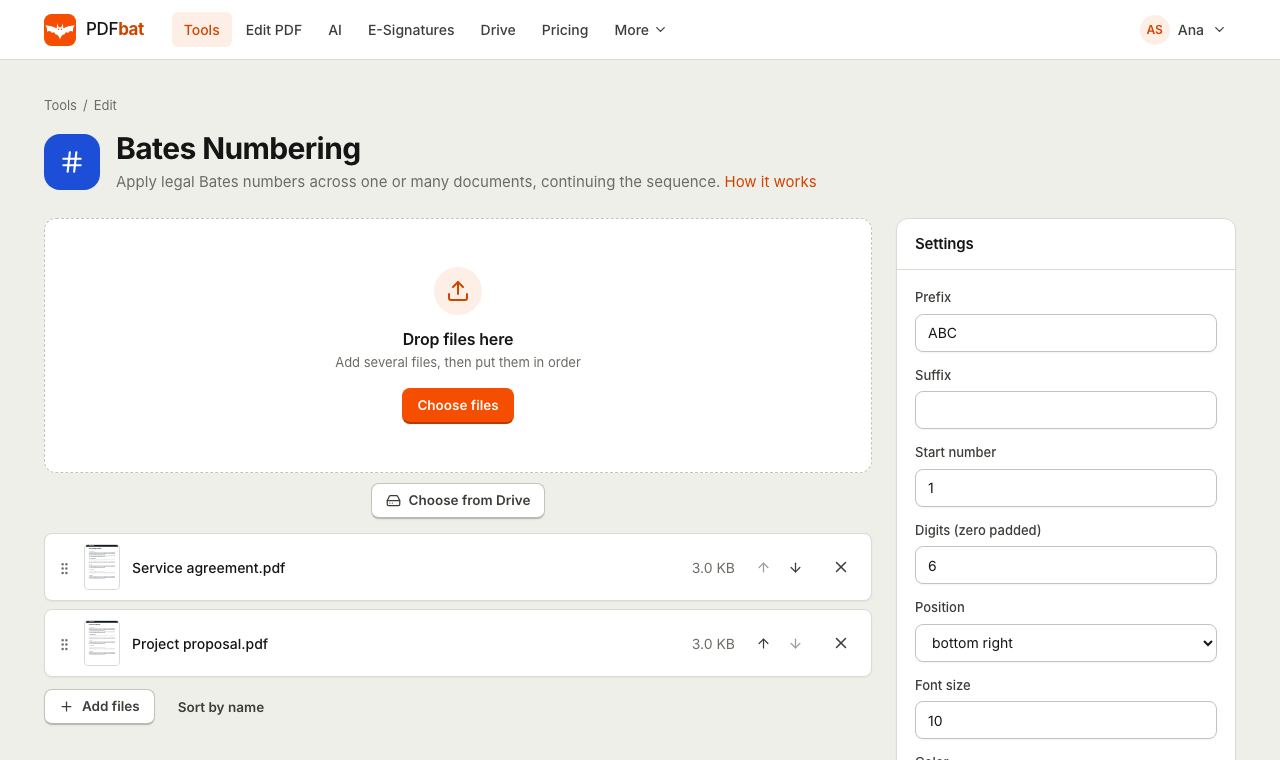
Add one or many files in the order you want them numbered. Drag files in the list to change the order.
- 2
Set the format
Type a prefix and optional suffix, the start number and how many digits to pad to, then choose position, size and color.
- 3
Download the stamped set
One file comes back as a PDF; several come back together in a ZIP, each with -bates added to its name.
Every option explained
- Prefix
- Text printed before the number, usually a client or matter code. The default is ABC.
- Suffix
- Optional text printed after the number, for example a volume or confidentiality marker.
- Start number
- The number on the very first page. Use the next number after your previous production to keep one sequence across rounds.
- Digits (zero padded)
- Total length of the number. With 6 digits, page 42 becomes 000042, so numbers sort correctly.
- Position
- Top left, top center, top right, bottom left, bottom center or bottom right. Bottom right is the default and the most common convention.
- Font size
- Size in points. The default 10 is readable without covering content.
- Color and Bold
- Black and bold by default for clear photocopies. Pick any color if your protocol needs one.
- Multiple files
- Files are stamped in the order shown, and the counter carries over from one file to the next.
A typical production workflow
- Review and remove privileged pages with Delete Pages.
- Remove personal data with Redact PDF, which deletes the text itself rather than just covering it.
- Combine related documents with Merge PDF if your protocol wants one file per custodian.
- Apply Bates numbers to the whole set in one run.
- Add a CONFIDENTIAL marking with Watermark PDF or Header and Footer if required.
Tips
- Write down the last number of each production so the next one can start where it ended.
- If existing footers collide with the stamp, choose a top position instead.
- Scanned productions should be searchable too. Run OCR PDF before stamping so both the content and the numbers can be searched.
PDFbat compared with Adobe Acrobat Pro
| Feature | PDFbat | Adobe Acrobat Pro |
|---|---|---|
| Price | Free plan, Pro $4/mo | $19.99/mo, annual plan |
| Bates numbering | Yes | Yes |
| Sequence continues across many files | Yes | Yes |
| Works in any browser, nothing to install | Yes | Desktop app |
| Redaction and e signatures in the same account | Yes | Yes |
Competitor details reflect their public product pages in November 2026. Check their sites for current terms.
Frequently asked questions
Does the numbering continue across several PDFs?
Yes. Upload all the files at once and the counter continues from the last page of one file to the first page of the next, in the order shown.
What does zero padded mean?
Numbers are filled with leading zeros to a fixed length. With 6 digits, 7 becomes 000007, which keeps numbers aligned and sorted.
How do I get the stamped files back?
A single file comes back as a PDF. Several files come back together in one ZIP, each named after the original with -bates added.
Can I continue from a previous production?
Yes. Set Start number to the number after the last page of the previous production.
Are Bates numbers searchable?
Yes. They are added as text, so you can search a PDF for a number such as ABC000124.
Is Bates numbering free?
Yes. The free plan includes 10 tool tasks a day with files up to 25 MB. Pro is $4 a month with unlimited tasks and files up to 100 MB.
Related features and tools
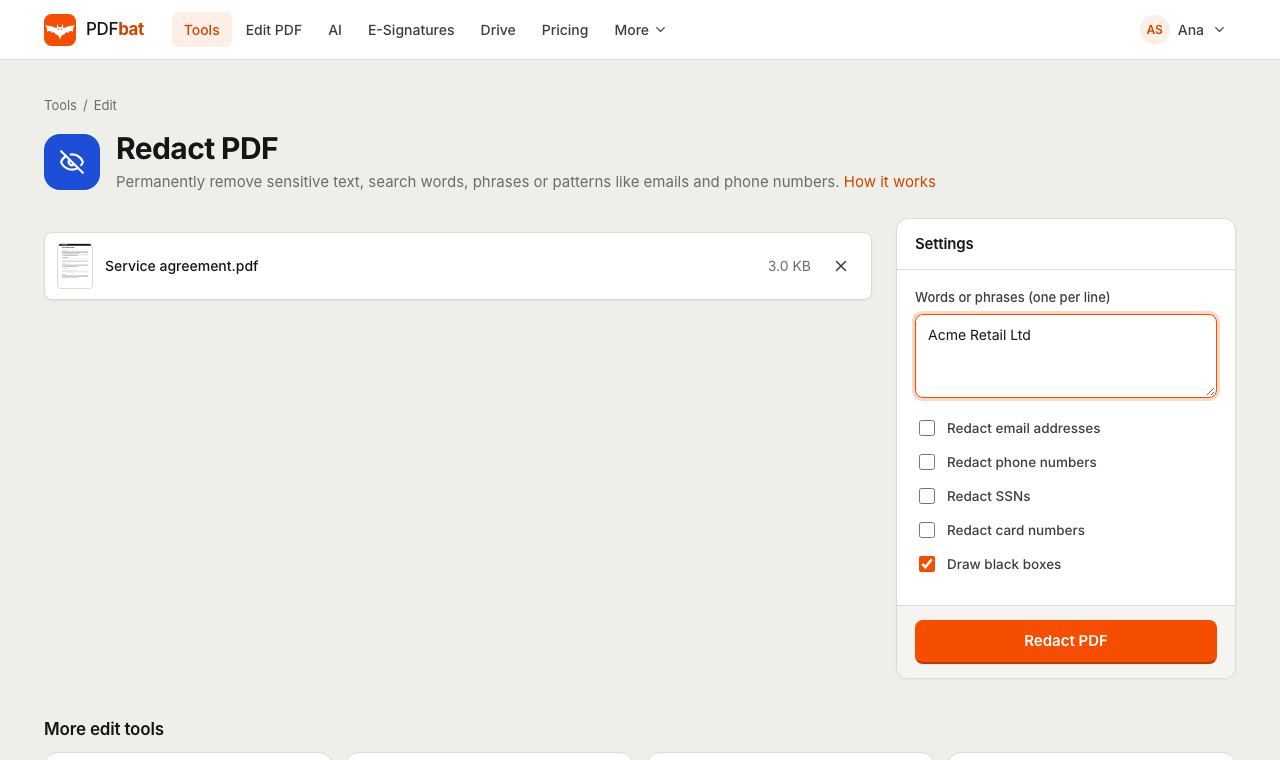 Redact PDFPermanently remove names, emails, phone numbers and card numbers from a PDF.
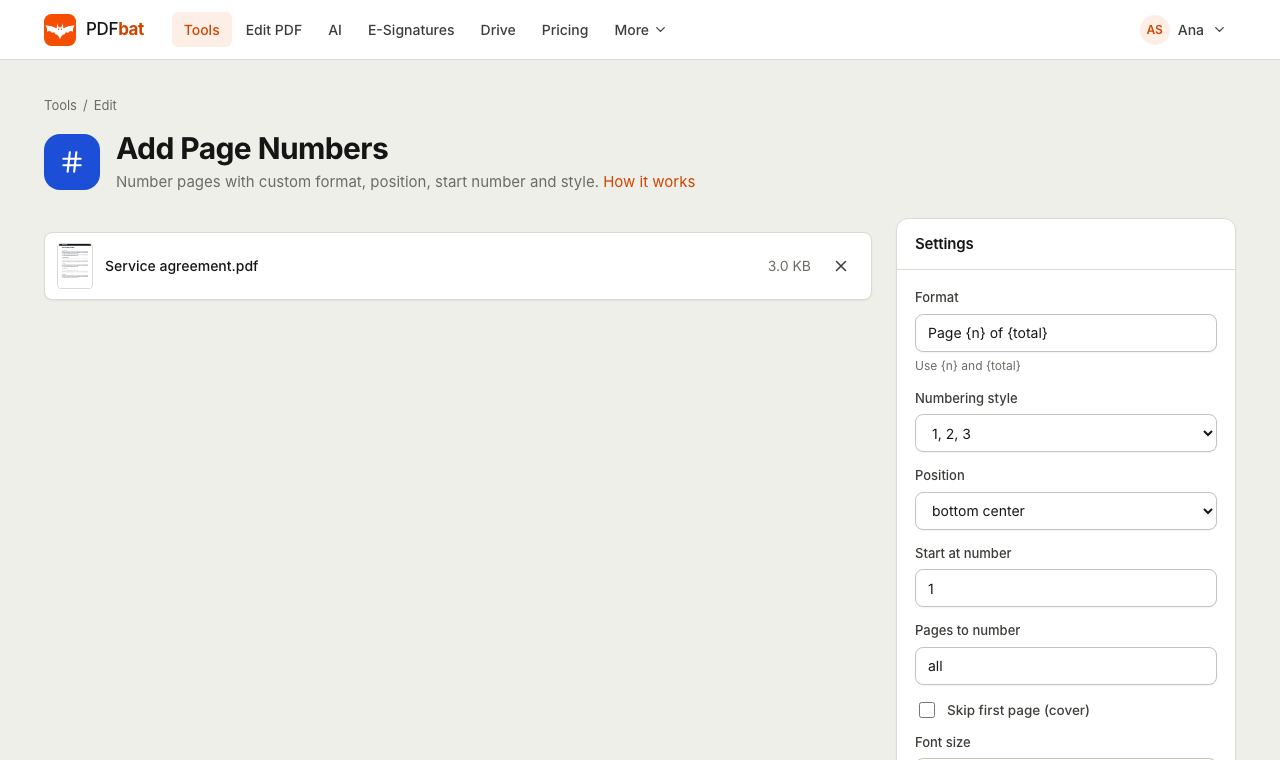 Add Page NumbersNumber PDF pages with your own format, position, start number and Roman numerals.
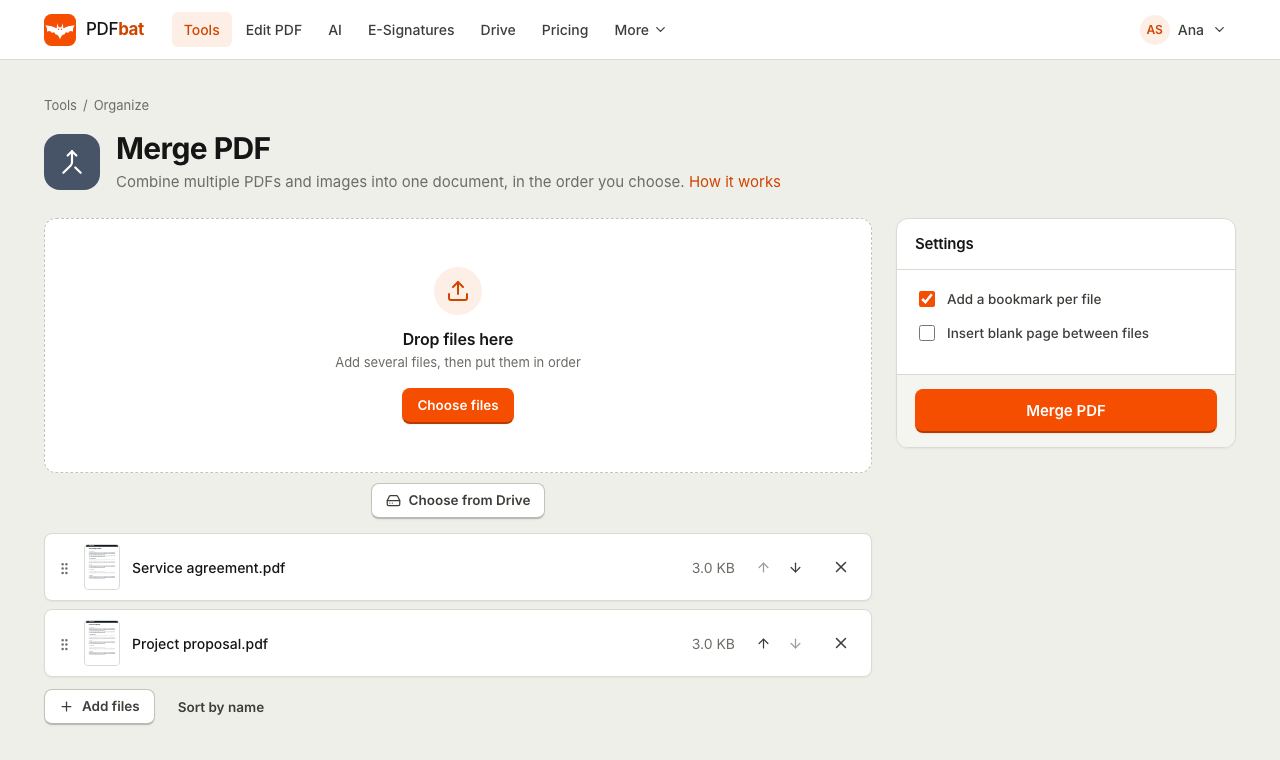 Merge PDFCombine PDFs, images and ebooks into one file in the order you choose, with a bookmark per file.
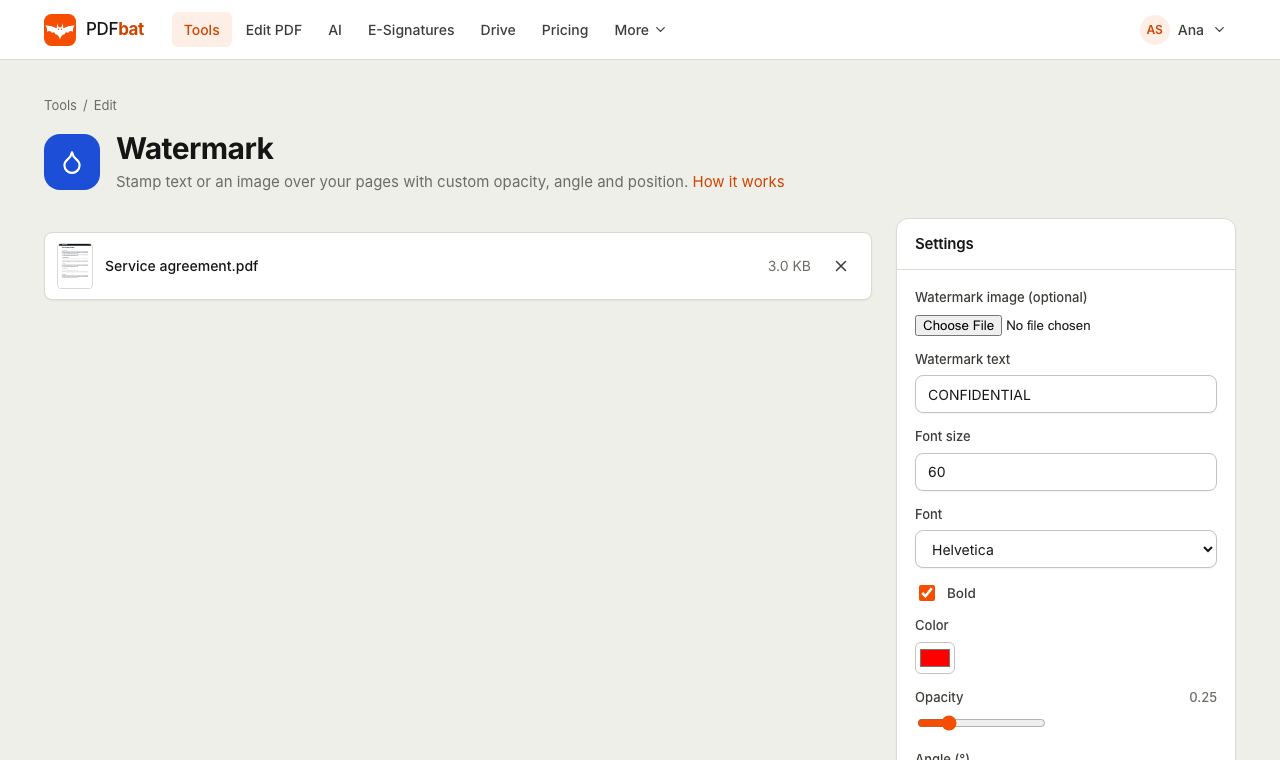 Watermark PDFStamp text or a logo on your pages with custom opacity, angle and position.
 OCR PDFMake scanned PDFs searchable and copyable in 45 languages, with a second language for mixed documents.
 Free PDF Tools30+ tools to merge, split, compress, convert, protect, redact, number and OCR PDFs.
Try Bates Numbering free
Create a free account in seconds. No credit card, nothing to install, and it works on any device.