Delete pages from a PDF in a few seconds
Remove blank scans, cover sheets, old appendices or anything else you do not need. Type the pages to delete and PDFbat keeps every other page exactly as it was.
- Free plan, no credit card
- Nothing to install
- Works on phone, tablet and desktop
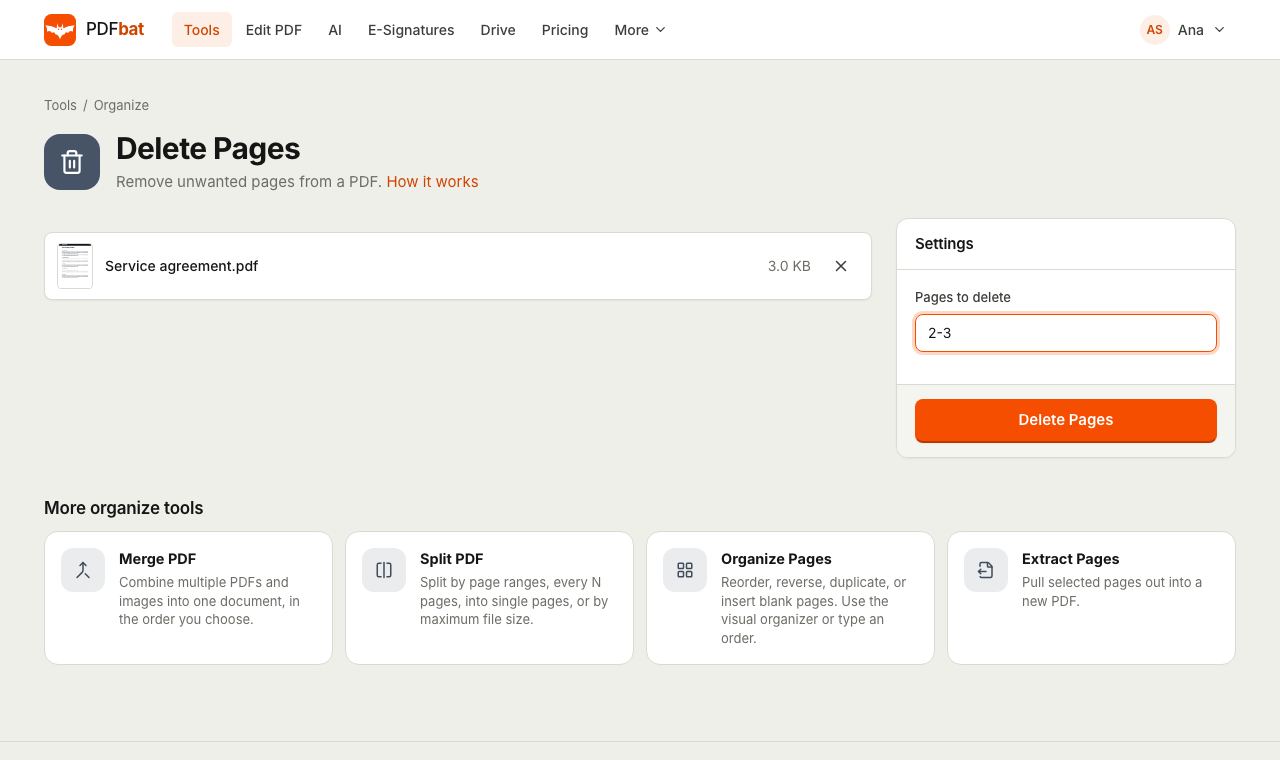
A shorter PDF without the pages you do not need
Scanners add blank backs, exported reports include cover pages nobody reads, and forms come with instruction pages that should not be submitted. Delete Pages removes them in one pass. You type the page numbers or ranges to remove, and the rest of the document stays in its original order with its text, links, form fields and images untouched.
It is the quickest way to tidy a file before you send it, upload it or ask someone to sign it, and a smaller page count often means a smaller file too.
Why delete pages with PDFbat
Remove many pages at once
List single pages and ranges together, such as 2, 5-7, 12, and they all go in one step.
Smart shortcuts
Use even to drop every blank back of a duplex scan, or 20-last to cut everything after page 19.
Safe by design
PDFbat will not delete every page, so you can never end up with an empty file by mistake.
The rest stays untouched
Remaining pages keep searchable text, links and full quality images.
Saved to your Drive
The edited PDF is stored in your private Drive, next to your other results.
How it works
- 1
Upload your PDF
Drop a PDF onto the page or pick it from your device or Drive.
- 2
Type the pages to delete
Enter page numbers and ranges, for example
2, 5-7, or a shortcut such aseven. - 3
Download the cleaner PDF
PDFbat removes those pages and gives you the new file, also saved to Drive.
How the Pages to delete field works
- Single pages
- Separate page numbers with commas or spaces, for example
1, 4. - Ranges
5-7removes pages 5, 6 and 7. Ranges and single pages can be mixed freely.- Open ended ranges
20-or20-lastremoves page 20 and everything after it.- Odd and even
- Type
evenoroddon its own to remove every even or every odd page. This is ideal for duplex scans with blank backs. - Duplicates ignored
- If you list a page twice, or ranges overlap, it is simply removed once.
- At least one page kept
- If your list covers every page, PDFbat stops and tells you, because a PDF needs at least one page.
- Clear error messages
- If a page does not exist, you see which part of the list is wrong and how many pages the file has.
Good reasons to delete pages
- Blank backs from a duplex scan: delete
evenwhen every back side is empty. - Cover and instruction pages: remove them before uploading a form to a portal.
- Outdated sections: drop an old appendix before sharing the latest version of a document.
- Private pages: remove pages with personal information that the recipient does not need. To hide parts of a page instead, use Redact PDF.
- Smaller files: fewer pages usually means a lighter file. Follow up with Compress PDF if you need it smaller still.
Prefer to see the pages?
If you are not sure of the page numbers, open the file in Organize PDF. It shows every page as a thumbnail with a delete button, plus rotate, duplicate and insert blank page options. To keep only a few pages rather than remove a few, Extract Pages is the faster route.
Frequently asked questions
How do I delete a single page from a PDF?
Upload the PDF, type the page number, for example 3, and run the tool. The new PDF contains every page except page 3.
Can I delete several pages at once?
Yes. Mix single pages and ranges, such as 2, 5-7, 12, and they are all removed in one step.
How do I remove blank pages from a duplex scan?
If every back side is blank, type even. If only some are blank, list their page numbers, or use Organize PDF to see them as thumbnails.
Can I delete every page?
No. A PDF must have at least one page, so PDFbat asks you to keep at least one.
Does deleting pages affect the rest of the document?
No. The remaining pages are kept exactly as they were, in their original order.
Can I undo a deletion?
Your original file is not changed. If you uploaded it from Drive or kept a copy, just run the tool again with a different list.
Related features and tools
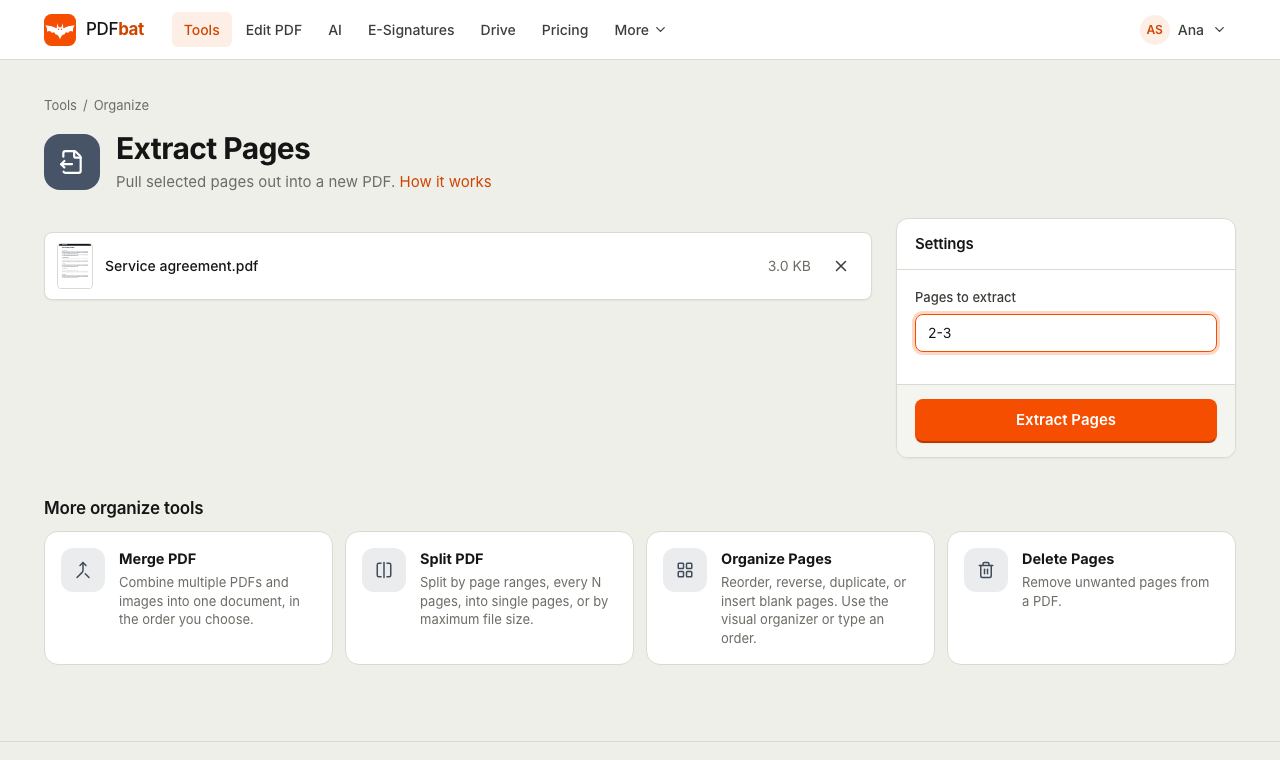 Extract PDF PagesPull selected pages into a new PDF using numbers, ranges, odd, even or last.
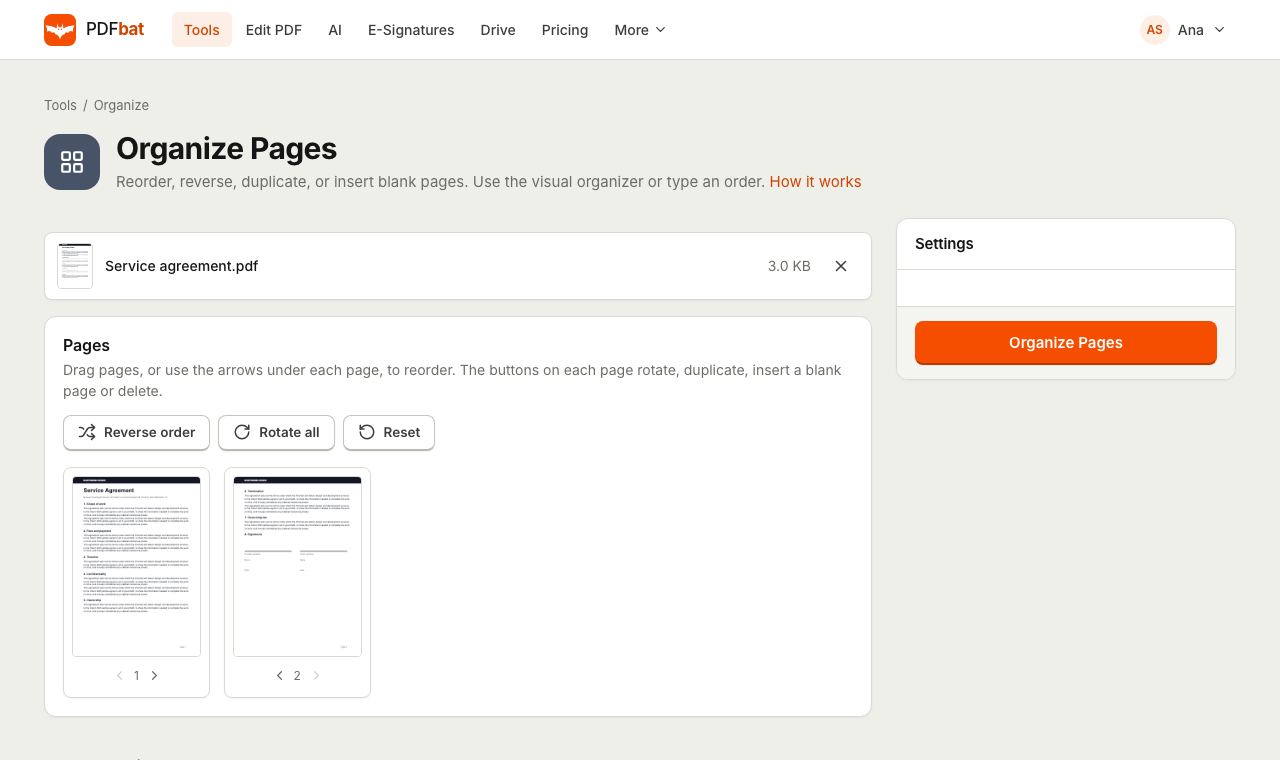 Organize PDFRearrange, rotate, duplicate, delete and insert blank pages with a visual drag and drop organizer.
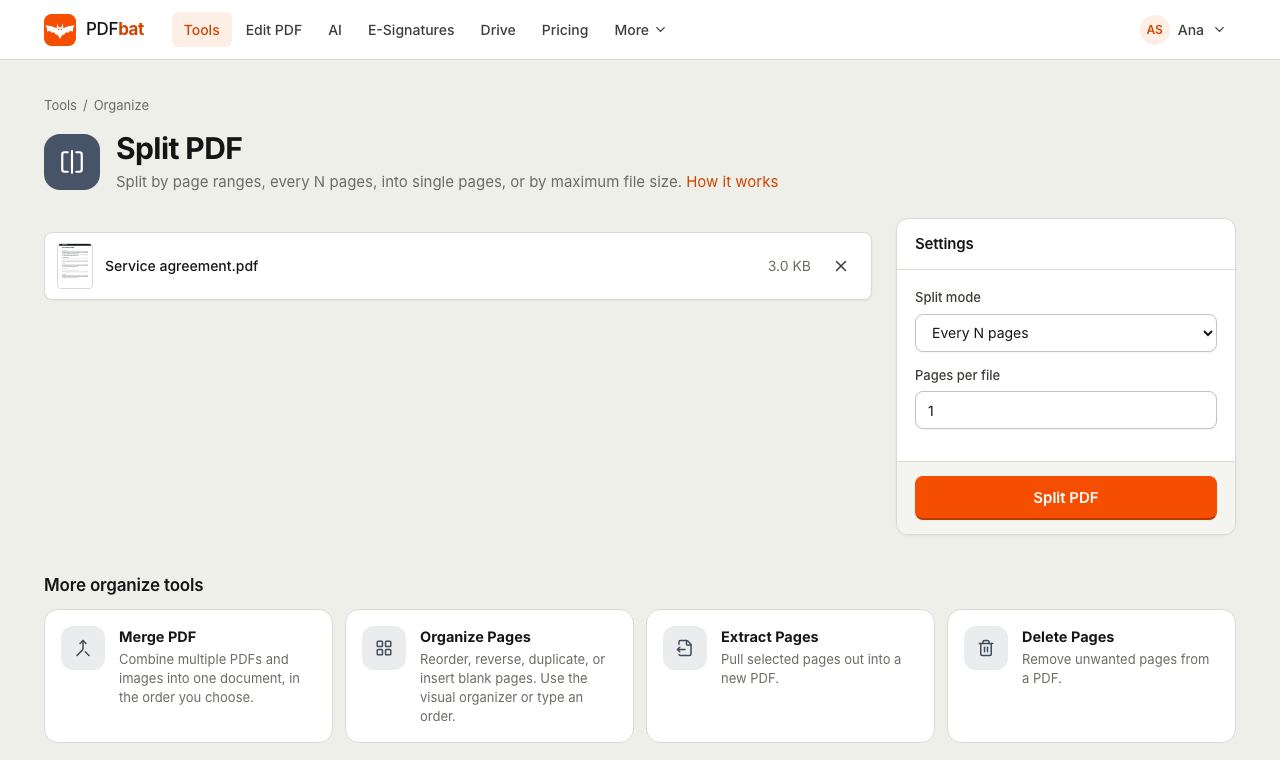 Split PDFSplit a PDF every N pages, by custom ranges, into single pages, by file size or into odd and even.
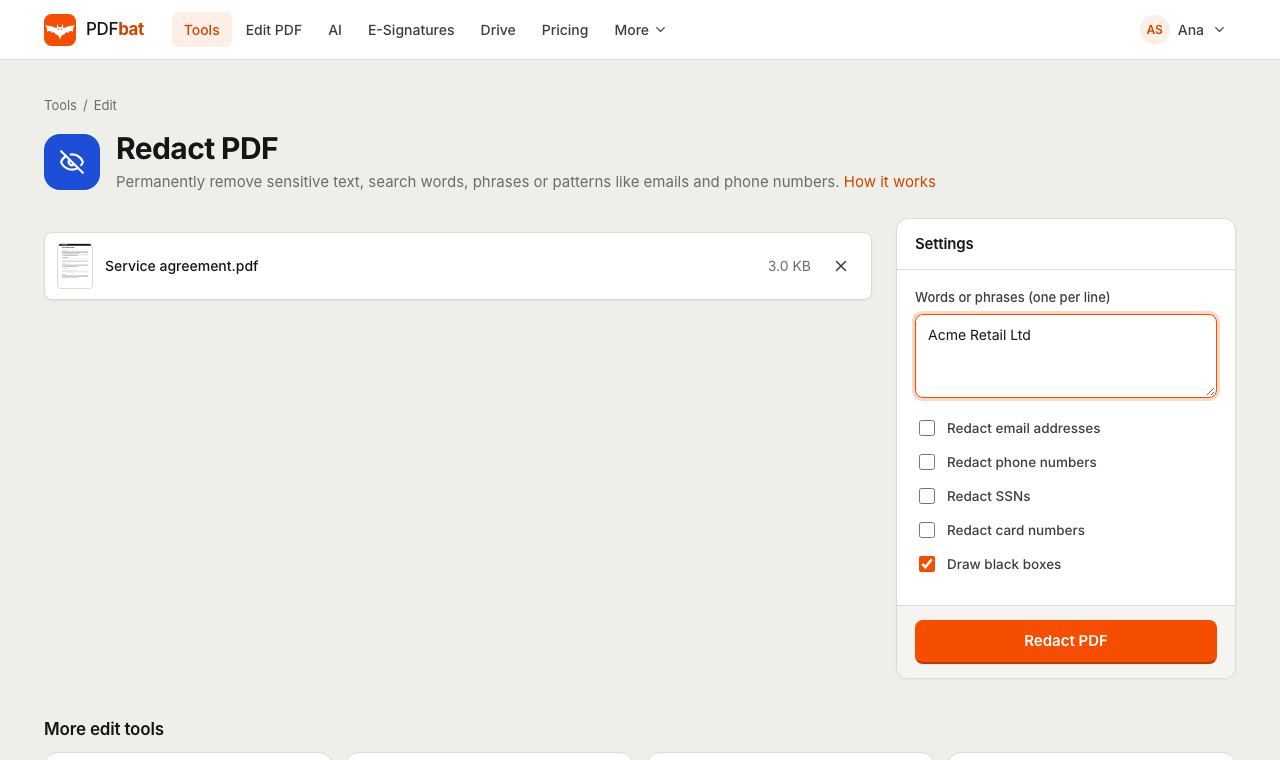 Redact PDFPermanently remove names, emails, phone numbers and card numbers from a PDF.
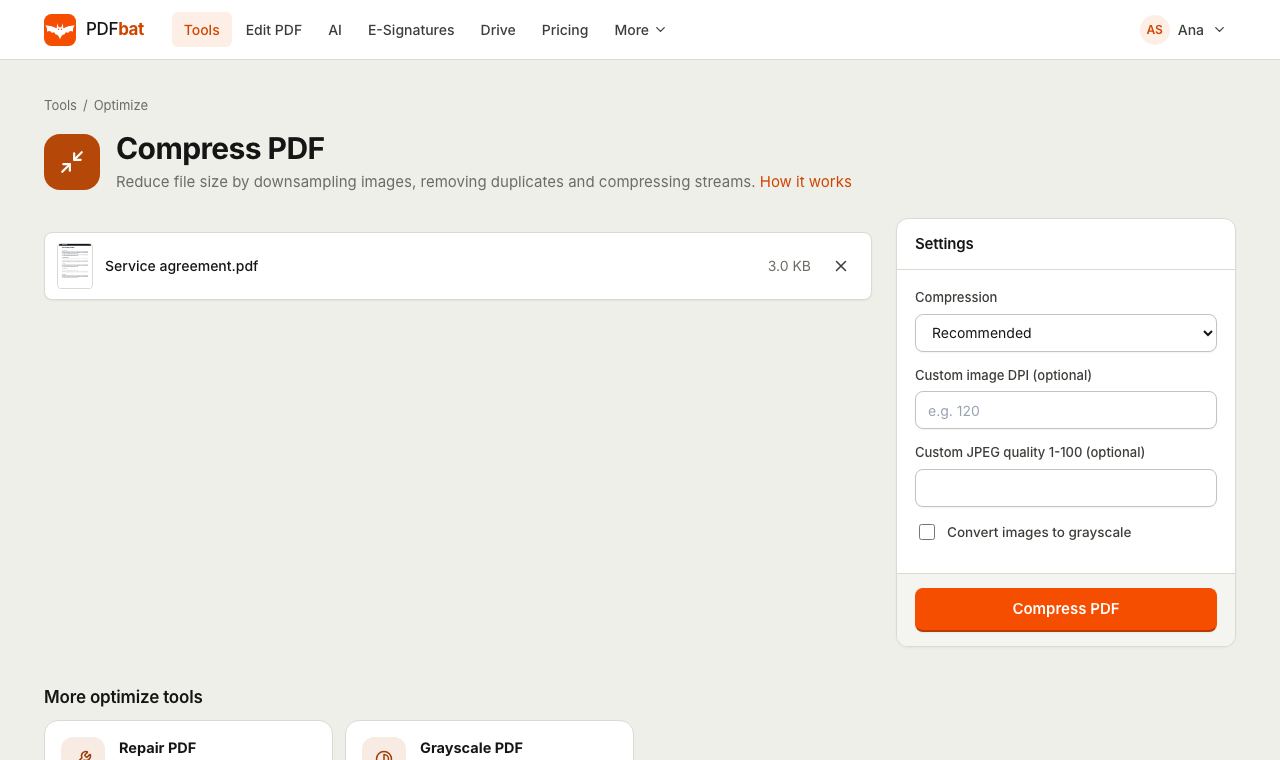 Compress PDFShrink PDFs for email and upload portals with four levels, custom DPI and grayscale.
 Free PDF Tools30+ tools to merge, split, compress, convert, protect, redact, number and OCR PDFs.
Try Delete PDF Pages free
Create a free account in seconds. No credit card, nothing to install, and it works on any device.