Convert PDF to JPG or PNG in high quality
Turn every page, or just the pages you pick, into sharp images for slides, social posts, websites and upload forms. Choose the resolution, format and quality yourself.
- Free plan, no credit card
- Nothing to install
- Works on phone, tablet and desktop
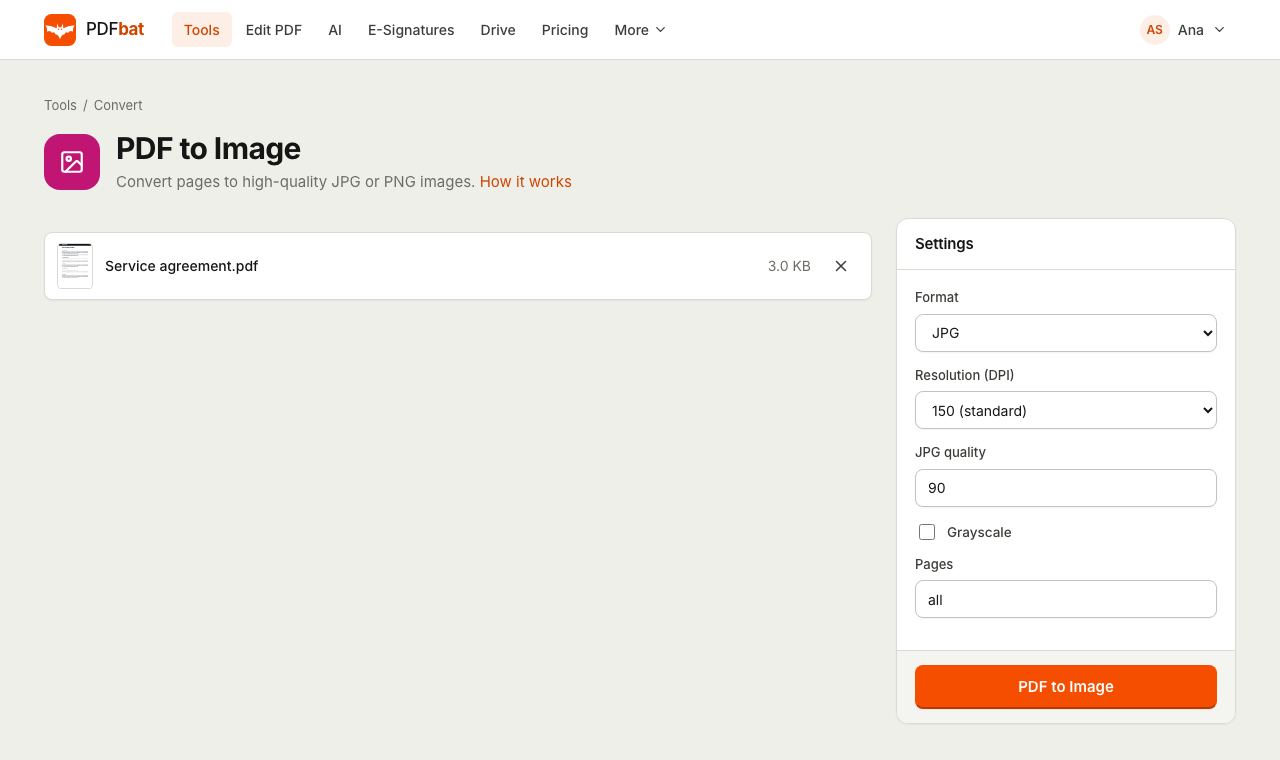
Page images, rendered properly
PDFbat renders each page exactly as a PDF reader would draw it, including text, vector graphics, images and form content, then saves it as a JPG or PNG at the resolution you choose. One page gives you one image file. Several pages arrive together in a ZIP, named in page order so they sort correctly.
If you want the original photos that were placed inside a PDF rather than pictures of whole pages, use Extract Images instead.
Images that fit where you need them
JPG or PNG
JPG for small files and photos, PNG for crisp text, diagrams and screenshots without compression artifacts.
Up to 600 DPI
From light 72 DPI previews to 600 DPI images with enough detail for print and zooming.
Just the pages you need
Export all pages, odd or even pages, or ranges like 1-3 or 10-last.
Neat ZIP for many pages
Files are named like report-page-001.jpg, so they stay in order in any folder or upload form.
Saved to your Drive
The result is kept in your private Drive so you can download it again on another device.
How it works
- 1
Upload your PDF
Drop it onto the page or pick it from your computer, phone or Drive.
- 2
Pick format, resolution and pages
Choose JPG or PNG, a DPI from 72 to 600, an optional JPG quality and grayscale, and which pages to convert.
- 3
Download your images
Get a single image for one page or a ZIP for several. Each file is also saved to Drive.
Every option explained
- Format
- JPG (default) gives small files and suits photos and scans. PNG is lossless, so text edges and line art stay perfectly sharp, at a larger size.
- Resolution: 72 DPI (screen)
- Small, fast images for previews, chat messages and thumbnails.
- Resolution: 150 DPI (standard)
- The default. Clear on laptops and phones and a good fit for slides and web pages.
- Resolution: 300 DPI (print)
- Print quality. An A4 or Letter page becomes roughly 2500 by 3500 pixels.
- Resolution: 600 DPI (high)
- Very large images for detailed drawings, small print or heavy zooming.
- JPG quality
- Shown when the format is JPG. Default 90. Lower values make smaller files with more visible compression; 75 to 90 suits most uses.
- Grayscale
- Renders the pages in shades of gray, which makes files smaller and is often required by document portals.
- Pages
- Default all. Also accepts odd, even, single pages and ranges separated by commas, such as 1, 3-5, 8-last.
Popular uses
- Posting a page of a report, menu or flyer on Instagram, LinkedIn or a website.
- Adding PDF pages to PowerPoint, Keynote or Google Slides as pictures.
- Uploading a certificate or ID to a portal that only accepts JPG.
- Making thumbnails or previews of documents for a catalog or intranet.
Tips for the best result
- For pages that are mostly text, PNG at 150 DPI often looks sharper than JPG and stays a reasonable size.
- If a portal needs a JPG under a size limit, try 150 DPI, quality 75 and grayscale.
- Converting a single page? Type its number in Pages and you get one image instead of a ZIP.
- Going the other way? JPG to PDF turns images back into a PDF.
PDFbat compared with Adobe Acrobat Pro
| Feature | PDFbat | Adobe Acrobat Pro |
|---|---|---|
| Price | Free plan, Pro $4/mo | $19.99/mo, annual plan |
| Export pages to JPG and PNG | Yes | Yes |
| Choose DPI and pages | Yes | Yes |
| Works in any browser without installing software | Yes | Desktop app for full options |
| Same conversion through an API | Yes | Sold separately |
Competitor details reflect their public plan pages in November 2026. Check their sites for current terms.
Frequently asked questions
Is PDF to JPG free?
Yes. The free plan includes 10 tool tasks a day on PDFs up to 25 MB. Pro removes the daily limit and accepts files up to 100 MB.
Which resolution should I choose?
150 DPI for screens, slides and web pages, 300 DPI for printing, and 600 DPI only when you need to zoom into fine detail.
Why did I get a ZIP file?
When more than one page is converted, the images are bundled in a ZIP so they download together and stay in order. Convert a single page to get one image file.
JPG or PNG: which is better?
JPG is smaller and suits photos and scans. PNG is lossless and keeps text and line art perfectly sharp, but files are larger.
Can I convert only some pages?
Yes. Type page numbers and ranges in Pages, for example 2, 5-7 or odd.
Does it work for password protected PDFs?
Remove the password first with Unlock PDF, then convert the unlocked copy.
Can I convert PDFs to images from my own app?
Yes. The PDFbat API runs the same conversion with the same options, with 250 free calls a month.
Related features and tools
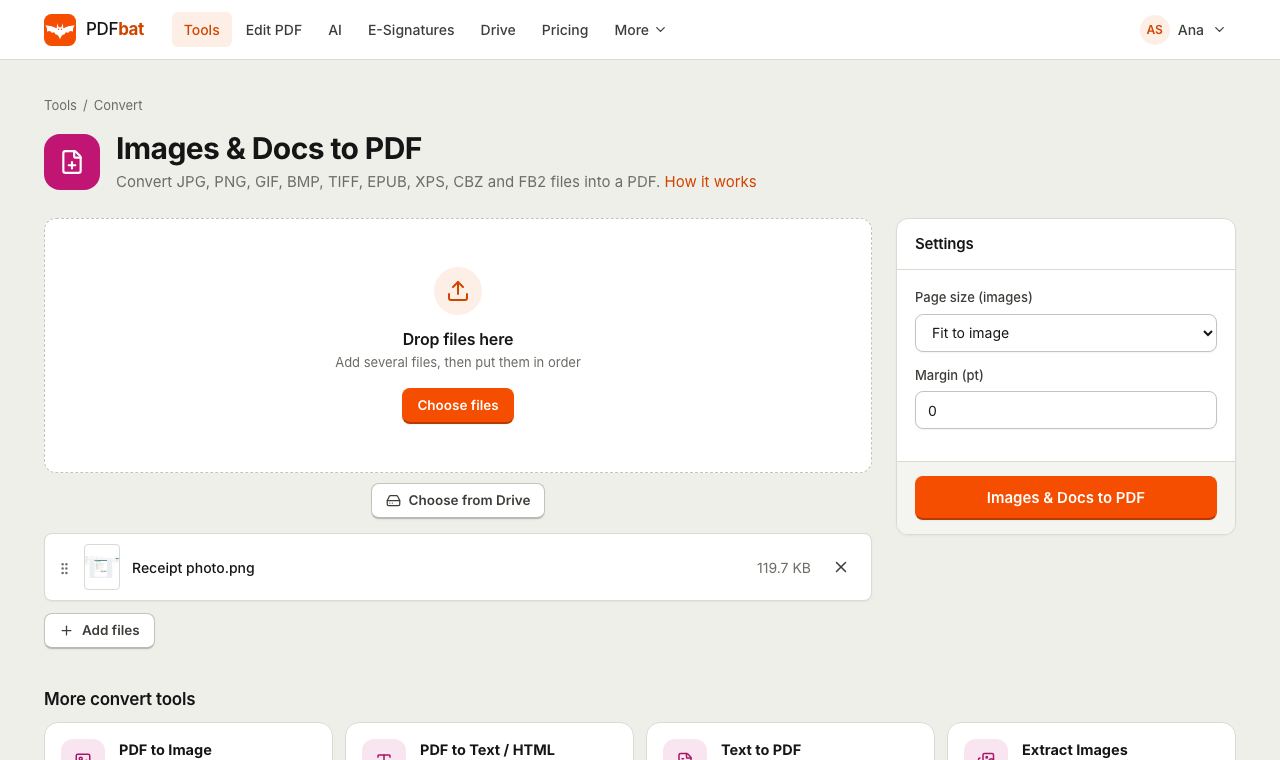 JPG to PDFTurn JPG, PNG, TIFF and other images, plus EPUB, XPS and CBZ files, into one PDF.
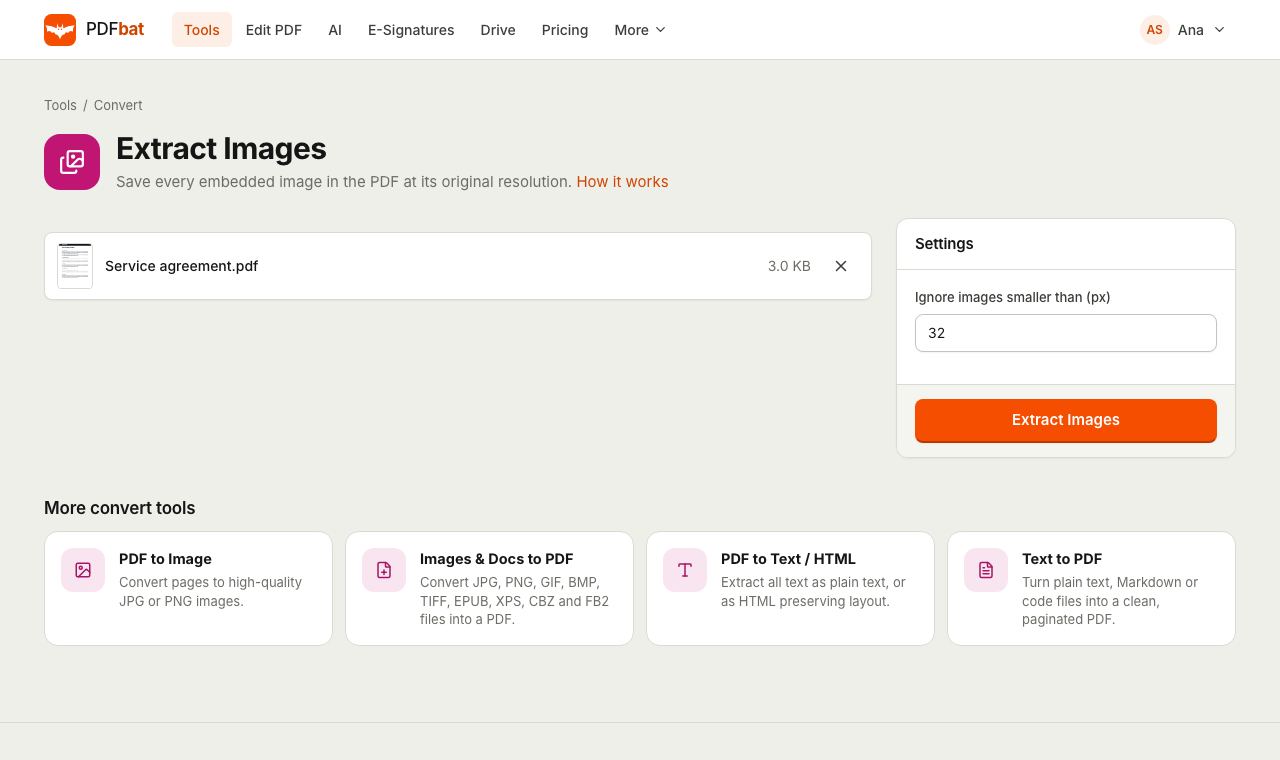 Extract Images from PDFSave every photo and graphic inside a PDF at its original resolution.
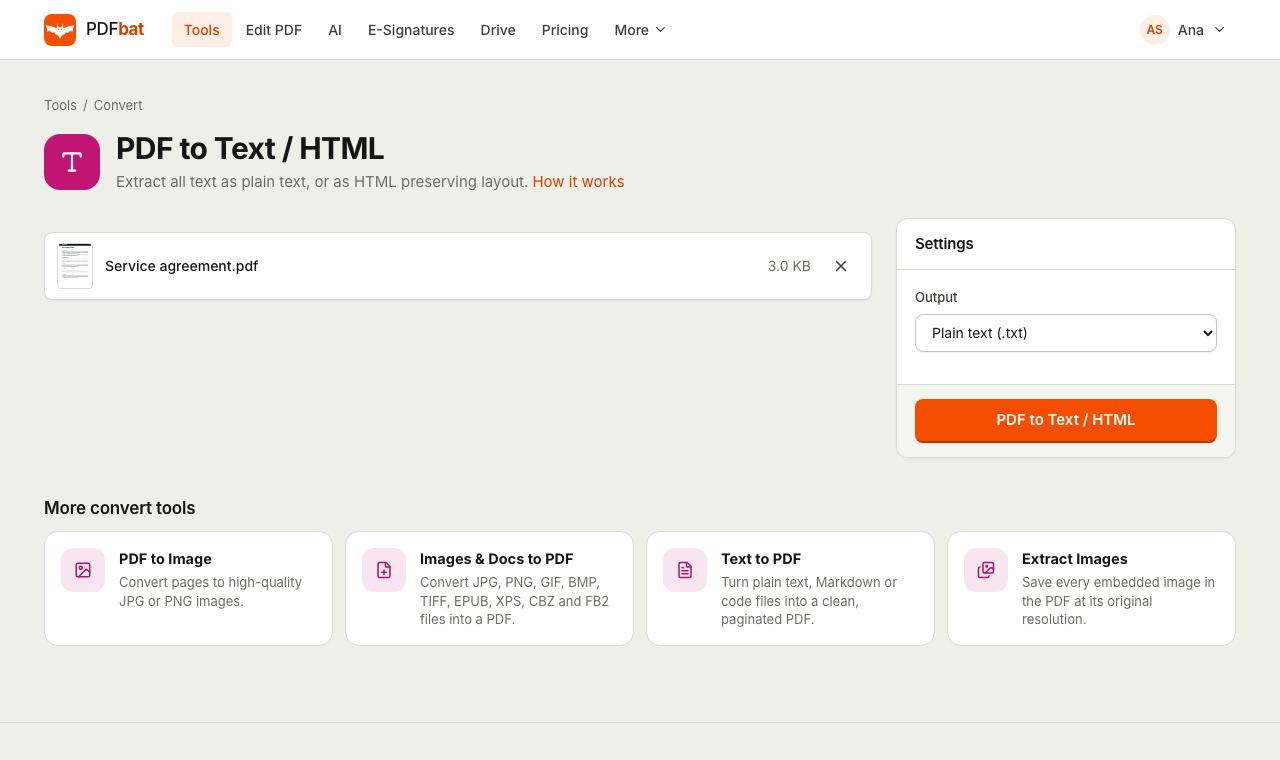 PDF to TextExtract all text from a PDF as plain text, layout preserving HTML or structured JSON.
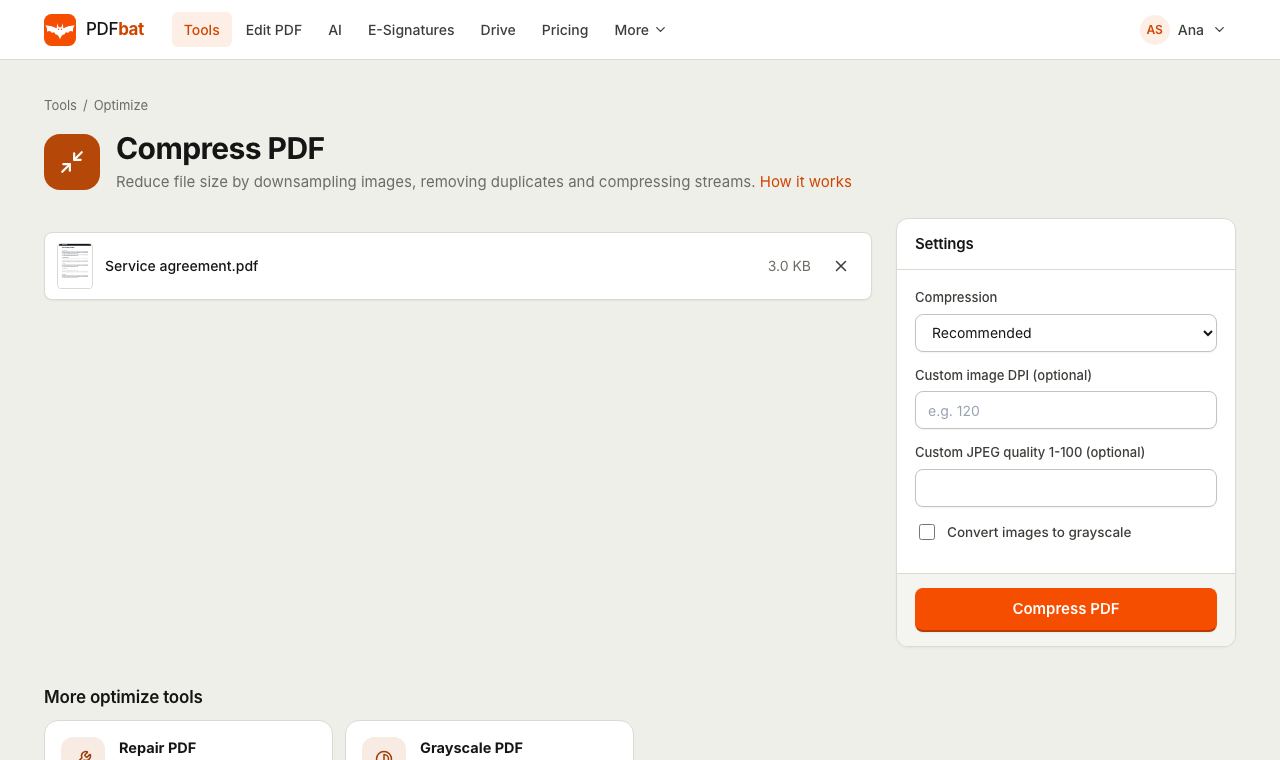 Compress PDFShrink PDFs for email and upload portals with four levels, custom DPI and grayscale.
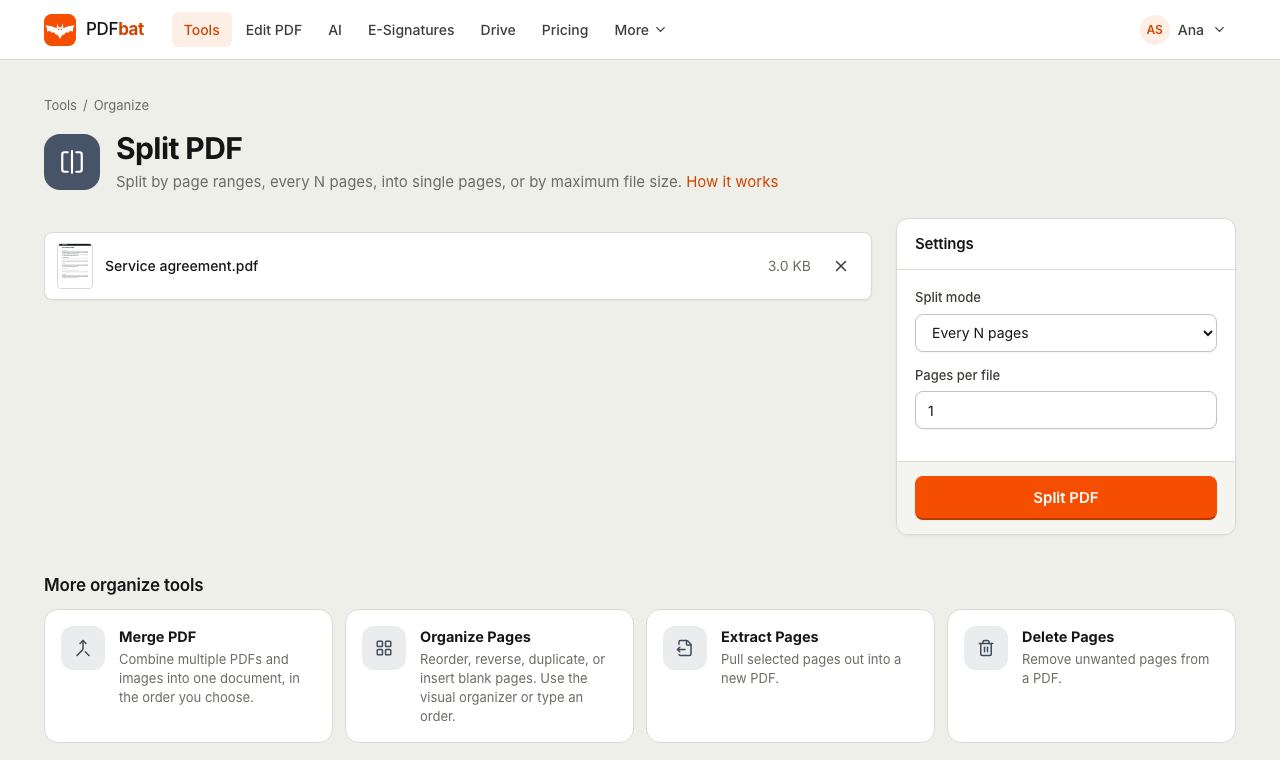 Split PDFSplit a PDF every N pages, by custom ranges, into single pages, by file size or into odd and even.
 Free PDF Tools30+ tools to merge, split, compress, convert, protect, redact, number and OCR PDFs.
Try PDF to JPG free
Create a free account in seconds. No credit card, nothing to install, and it works on any device.