Extract images from a PDF in their original quality
Get back the photos, logos and illustrations placed inside a PDF, exactly as they were embedded. No screenshots, no cropping, no loss of quality.
- Free plan, no credit card
- Nothing to install
- Works on phone, tablet and desktop
The real images, not pictures of pages
Taking a screenshot of a PDF gives you a lower resolution copy with whatever surrounds the picture. Extract Images goes into the file itself, finds every embedded image object and saves it on its own.
Photos stored as JPEG are written out byte for byte, so they are identical to what the author placed in the document. Other images, such as graphics with transparency or images stored in other formats, are saved as lossless PNG. If the same logo appears on every page, you get it once, not fifty times.
Why extract instead of screenshot
Original resolution
Images keep their full pixel size, often far more than what you see on screen.
JPEGs untouched
JPEG photos are copied out unchanged, with no re-compression.
No duplicates
Images reused across pages are saved only once.
Skip tiny graphics
Ignore icons, bullets and spacer images below a size you choose.
Everything in one ZIP
Files are named by page number, so you can tell where each image came from.
How it works
- 1
Upload the PDF
Drop it onto the page or pick it from your computer, phone or Drive.
- 2
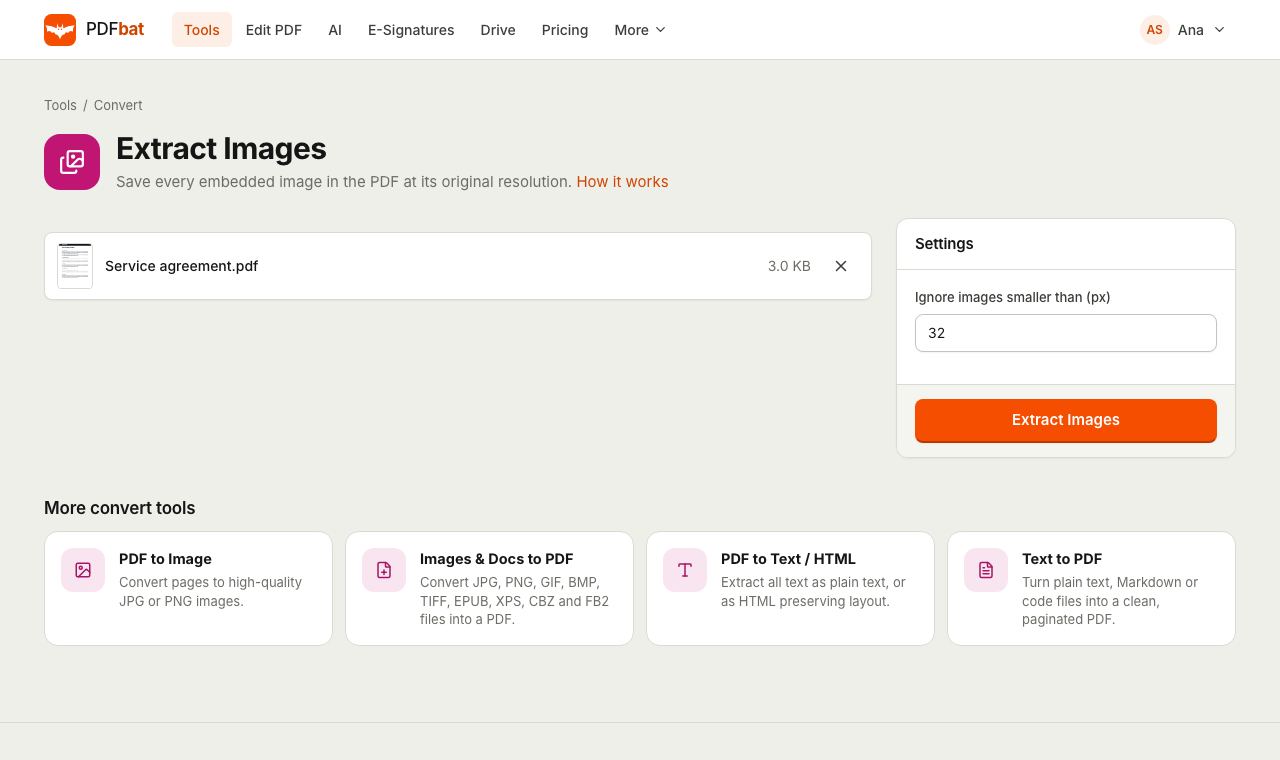
Set a minimum size
Keep the default of 32 pixels to skip tiny graphics, raise it to ignore logos, or set 0 to get everything.
- 3
Download the ZIP
Get every image in one ZIP file, also saved to your Drive.
How it works
- Ignore images smaller than (px)
- The only option. Images narrower or shorter than this many pixels are skipped. Default 32. Try 200 to keep only photos and large illustrations.
- JPEG passthrough
- Images stored with JPEG compression are saved as .jpg files with their original data, so quality is untouched.
- Lossless PNG for the rest
- Other images are decoded and saved as .png so no detail is lost.
- Clear file names
- Each file is named like brochure-p3-7.jpg: the PDF name, the page it was first found on and a running number.
- Duplicate detection
- An image object shared by many pages is extracted once.
- Helpful errors
- If the PDF contains no images at all, PDFbat says so instead of giving you an empty ZIP.
Popular uses
- Recovering product photos from a supplier catalog or price list.
- Reusing charts and illustrations from your own reports in slides.
- Getting the logo from a brand guidelines PDF.
- Collecting photos from a property listing, menu or event brochure.
Tips
- Vector graphics such as charts drawn in Excel or logos made in Illustrator are not images inside the PDF. Capture those with PDF to JPG at 300 DPI.
- A scanned PDF holds one big image per page, so extracting gives you the original scans.
- Only reuse images you have the right to use.
- Want smaller images inside the PDF instead? Use Compress PDF.
Frequently asked questions
Is extracting images free?
Yes. The free plan includes 10 tool tasks a day on PDFs up to 25 MB. Pro removes the daily limit and accepts files up to 100 MB.
Are the images the original quality?
Yes. JPEG images are copied out exactly as embedded and everything else is saved as lossless PNG at its stored resolution.
Why are some graphics missing?
Charts, shapes and many logos are drawn as vector graphics, not stored as images. Convert those pages with PDF to JPG instead.
Why did I get an error that no images were found?
The PDF contains only text and vector art, or every image is smaller than your minimum size. Lower the minimum and try again.
What format will the images be in?
JPEG images stay .jpg. Everything else is saved as .png. All files come in one ZIP.
Can I extract images from a password protected PDF?
Remove the password first with Unlock PDF, then extract from the unlocked copy.
Related features and tools
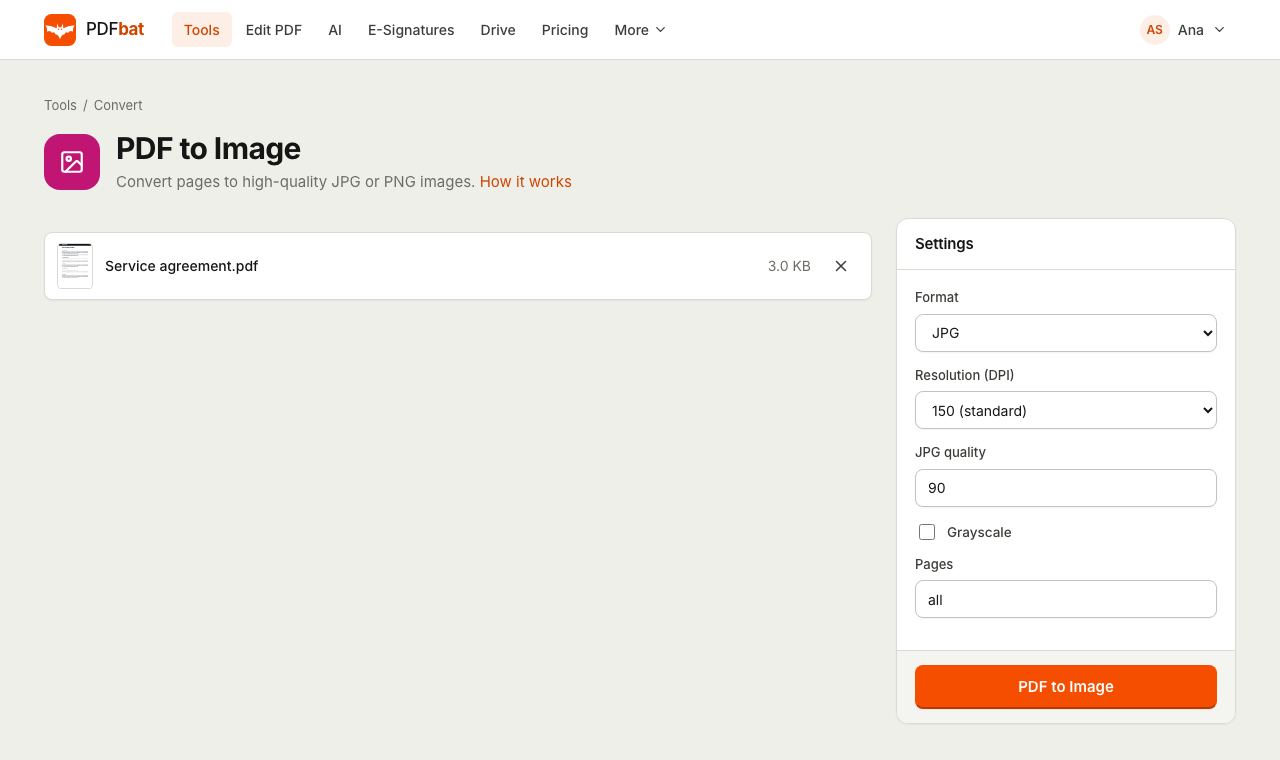 PDF to JPGTurn PDF pages into JPG or PNG images at up to 600 DPI.
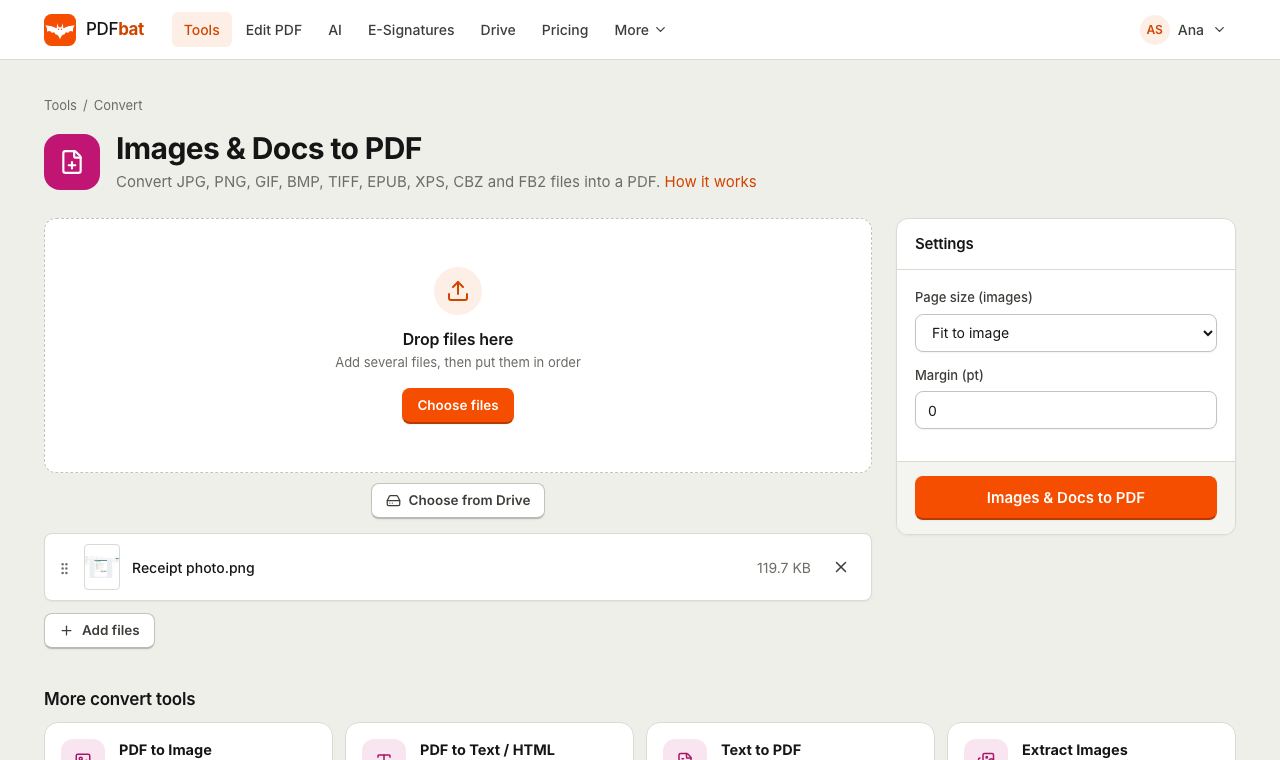 JPG to PDFTurn JPG, PNG, TIFF and other images, plus EPUB, XPS and CBZ files, into one PDF.
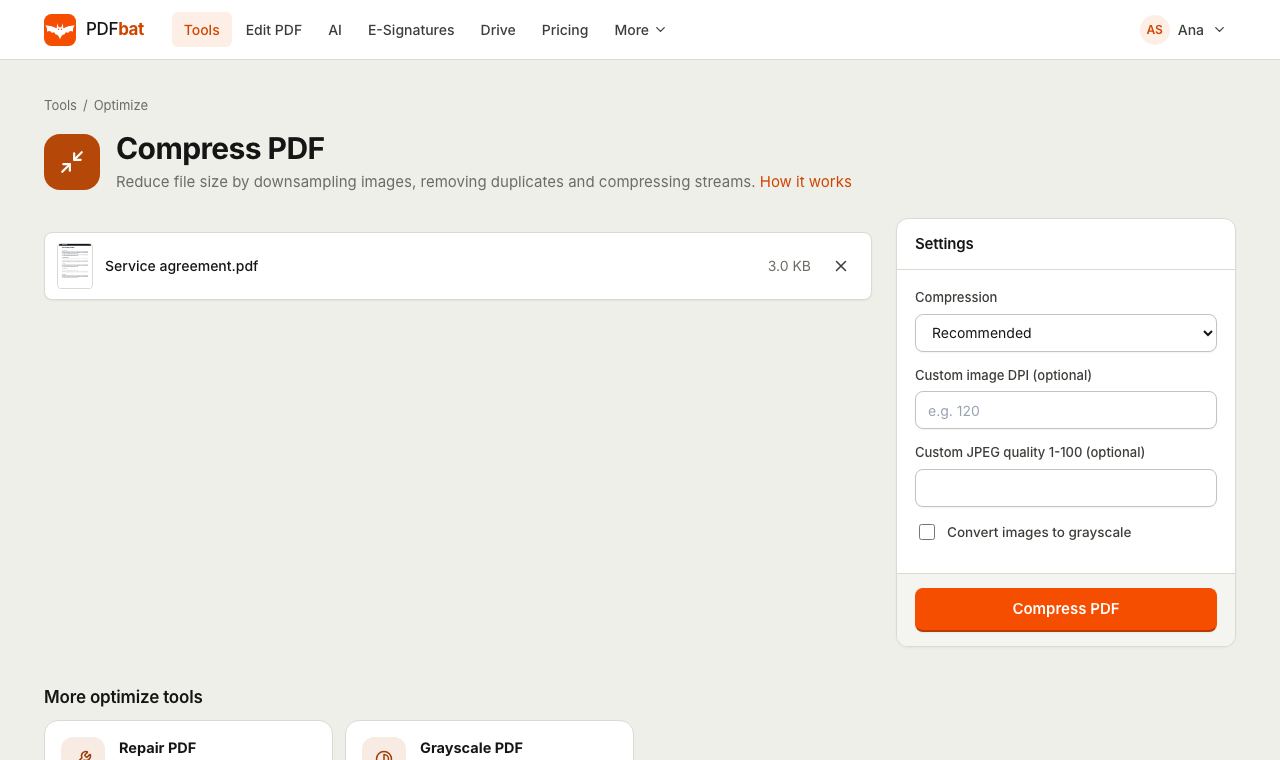 Compress PDFShrink PDFs for email and upload portals with four levels, custom DPI and grayscale.
 PDF to TextExtract all text from a PDF as plain text, layout preserving HTML or structured JSON.
 Unlock PDFRemove the password and restrictions from a PDF you have the password for.
 Free PDF Tools30+ tools to merge, split, compress, convert, protect, redact, number and OCR PDFs.
Try Extract Images from PDF free
Create a free account in seconds. No credit card, nothing to install, and it works on any device.