Edit PDF metadata: title, author, subject and keywords
See the hidden properties stored in a PDF, fix a wrong title or author, add keywords for search, or remove every property before you publish or share the file.
- Free plan, no credit card
- Nothing to install
- Works on phone, tablet and desktop
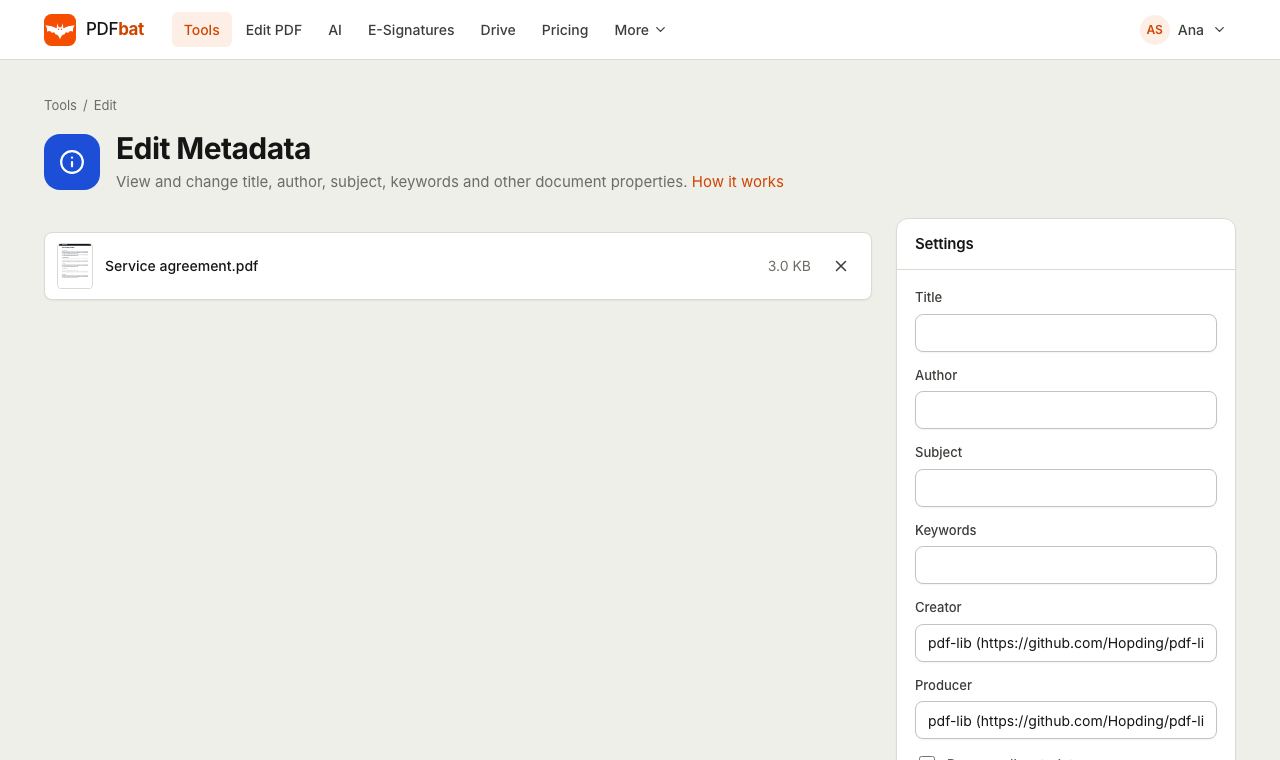
The information hidden in every PDF
Besides its pages, a PDF stores document properties: a title, an author, a subject, keywords, the app that created it and the software that produced the file. Viewers show the title in the window or tab, search engines often use it as the result headline, and document systems use author and keywords to sort and find files.
Those properties are often wrong or revealing. A report exported from a template may still carry a title like Untitled 3 or the name of a previous author. PDFbat reads the current values when you upload, shows them in the form, and lets you change or clear any of them.
Clean, accurate document properties
See current values first
Fields are filled in with what the file already contains, so you edit rather than guess.
Better search results
A proper title and keywords help search engines and document libraries describe and find your PDF.
Remove personal details
Strip author names and software details before you publish a file publicly.
Remove everything at once
One checkbox clears title, author, subject, keywords, creator and producer.
Pages untouched
Only the properties change. Page content, forms and quality stay exactly the same.
How it works
- 1
Upload your PDF
Drop the file on the page. PDFbat reads its current properties and shows them in the form.
- 2
Edit or clear the fields
Change any value, empty a field to clear it, or tick Remove all metadata to wipe them all.
- 3
Download
Save the updated PDF. The modification date is set to the moment you saved it.
Every field explained
- Title
- The document name shown by many viewers in the title bar and used by search engines as a headline.
- Author
- The person or organization responsible for the document.
- Subject
- A short description of what the document is about.
- Keywords
- Search terms separated by commas, for example invoice, 2026, Acme. Each term is stored separately.
- Creator
- The application that created the original content, such as a word processor or design tool.
- Producer
- The software that wrote the PDF file itself.
- Remove all metadata
- Clears all six properties in one step. Other fields are ignored when this is ticked.
- Modification date
- Updated automatically to the time you save, so the file shows when it was last changed.
Why metadata matters
- Publishing on a website: search engines may show the PDF title in results, so a clear title such as 2026 Product Catalog beats a file name.
- Sharing outside your company: remove internal author names and template details first.
- Document management: consistent author and keywords make large archives easier to filter.
- Accessibility: screen readers and viewers can announce the document title instead of the file name.
Tips
- Metadata is separate from what is printed on the page. To hide names or numbers that appear in the content, use Redact PDF.
- Keep titles short and descriptive, around 60 characters, so they display fully in browser tabs and search results.
- Tools you run later can update the Producer field. Edit metadata as the final step before publishing.
PDFbat compared with Adobe Acrobat Pro
| Feature | PDFbat | Adobe Acrobat Pro |
|---|---|---|
| Price | Free plan, Pro $4/mo | $19.99/mo, annual plan |
| Edit title, author, subject and keywords | Yes | Yes |
| Remove all properties in one click | Yes | Through the remove hidden information tool |
| Works in any browser, nothing to install | Yes | Desktop app |
Competitor details reflect their public product pages in November 2026. Check their sites for current terms.
Frequently asked questions
Can I see the metadata before changing it?
Yes. When you upload a PDF, PDFbat reads its title, author, subject, keywords, creator and producer and fills them into the form.
How do I remove the author from a PDF?
Clear the Author field and download, or tick Remove all metadata to clear every property at once.
How should I enter keywords?
Separate them with commas, such as contract, 2026, signed. Each keyword is saved as its own entry.
Does editing metadata change the pages?
No. Only the document properties and the modification date change. Pages, forms and quality are not touched.
Will the new title show in the browser tab?
Many viewers, including most browser PDF viewers, show the document title when it is set.
Is it free?
Yes. The free plan includes 10 tool tasks a day for files up to 25 MB. Pro is $4 a month with unlimited tasks.
Related features and tools
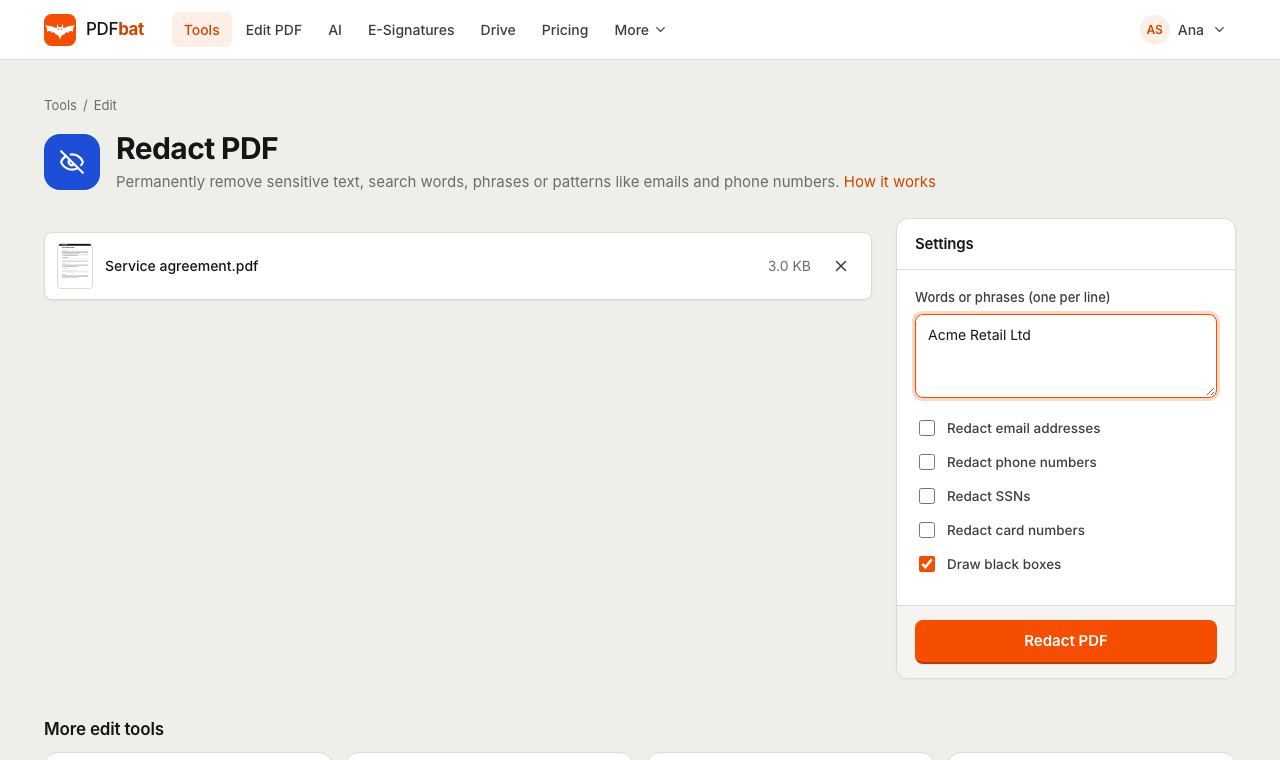 Redact PDFPermanently remove names, emails, phone numbers and card numbers from a PDF.
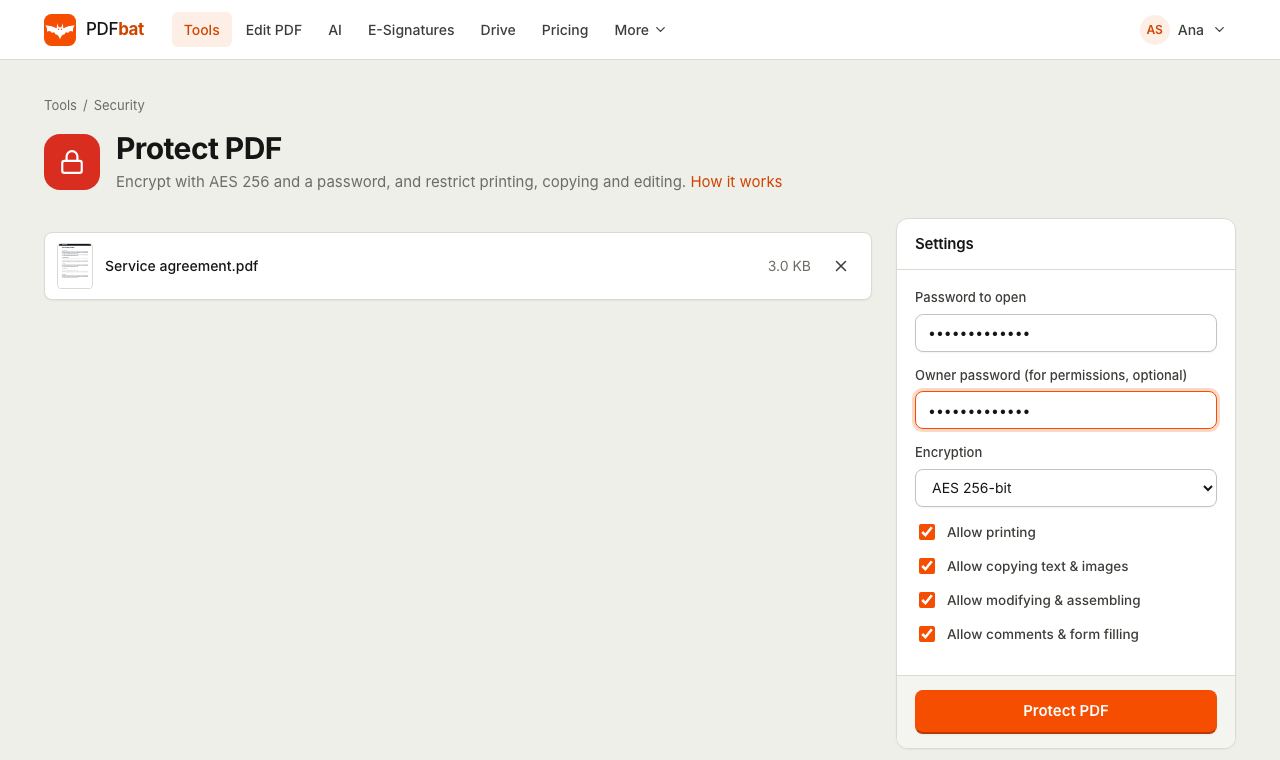 Protect PDFLock a PDF with an AES 256 password and control printing, copying and editing.
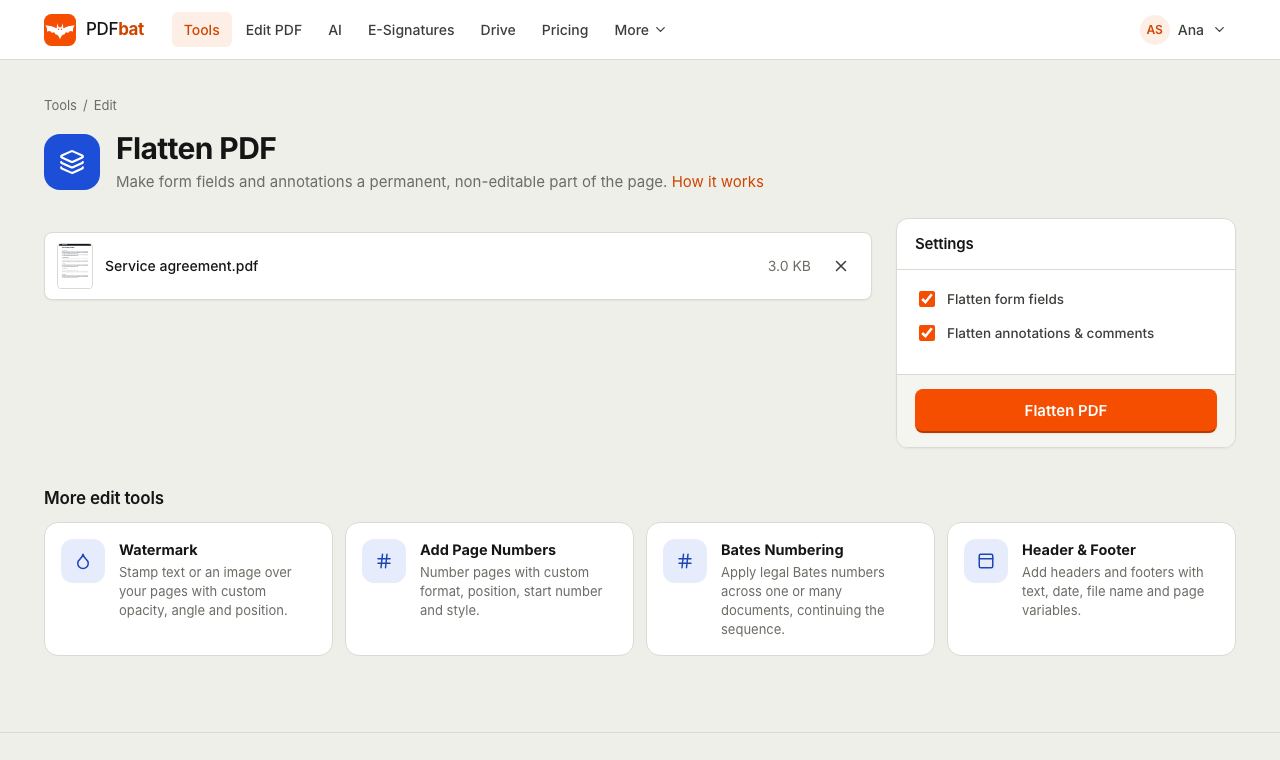 Flatten PDFLock filled forms, comments and annotations permanently into the page.
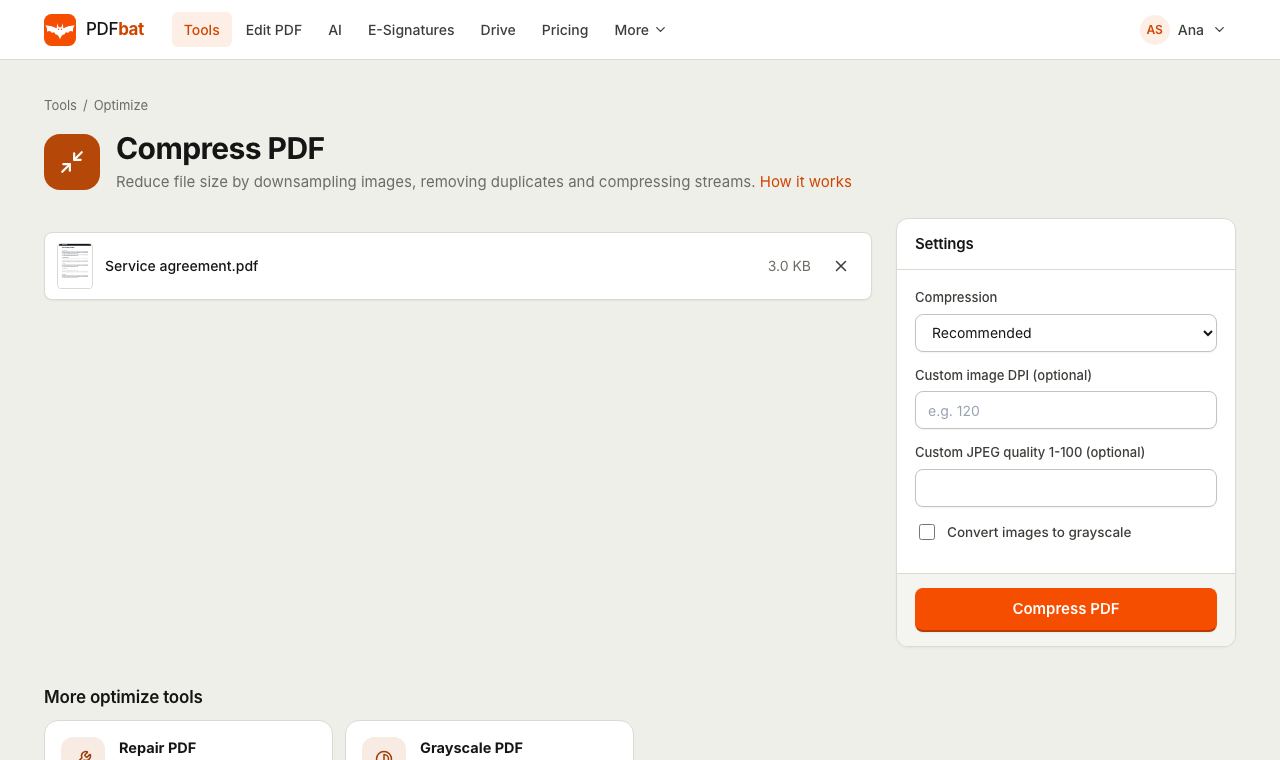 Compress PDFShrink PDFs for email and upload portals with four levels, custom DPI and grayscale.
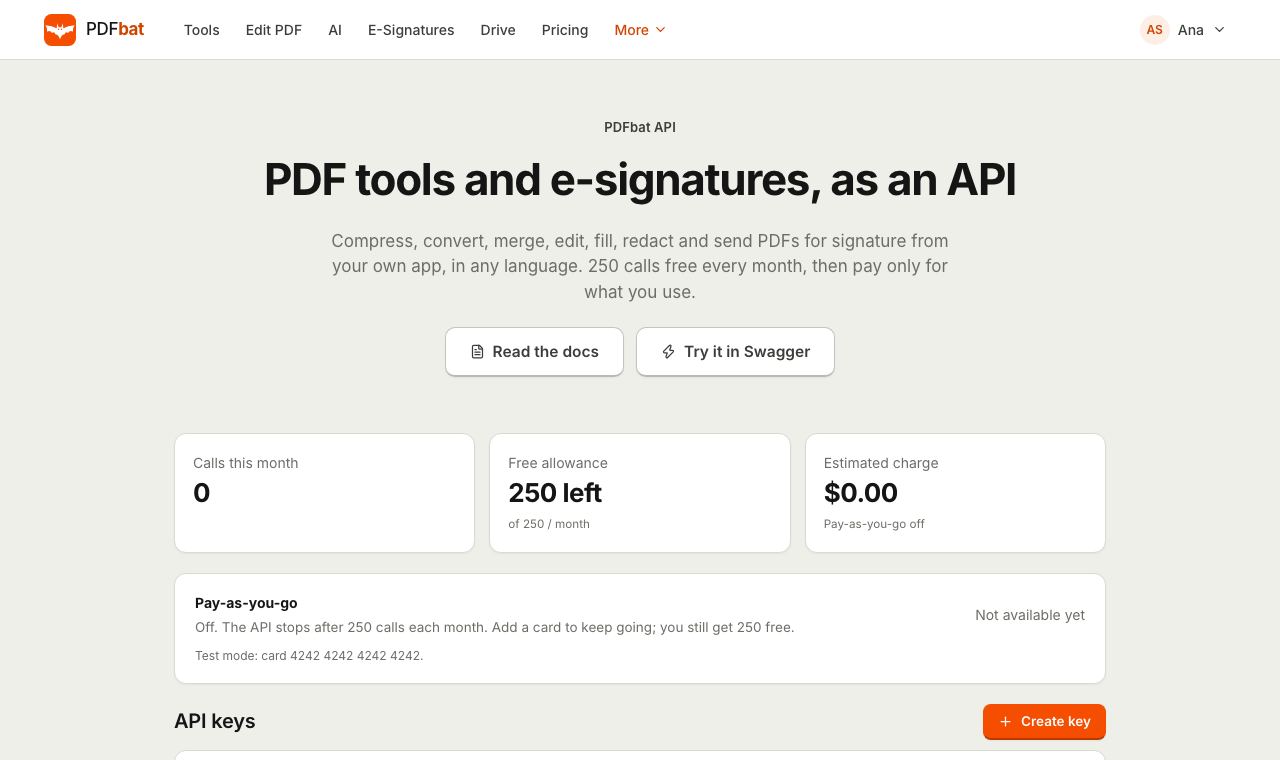 PDF APIA REST API for every PDF tool, editing, forms, e signatures, templates, Drive and webhooks. 250 free calls a month.
 Free PDF Tools30+ tools to merge, split, compress, convert, protect, redact, number and OCR PDFs.
Try Edit PDF Metadata free
Create a free account in seconds. No credit card, nothing to install, and it works on any device.