Combine odd and even page scans into one PDF
Scanned the fronts of a stack, then flipped it and scanned the backs? Alternate and Mix weaves the two files together page by page, and can reverse the backs so everything lands in the right order.
- Free plan, no credit card
- Nothing to install
- Works on phone, tablet and desktop
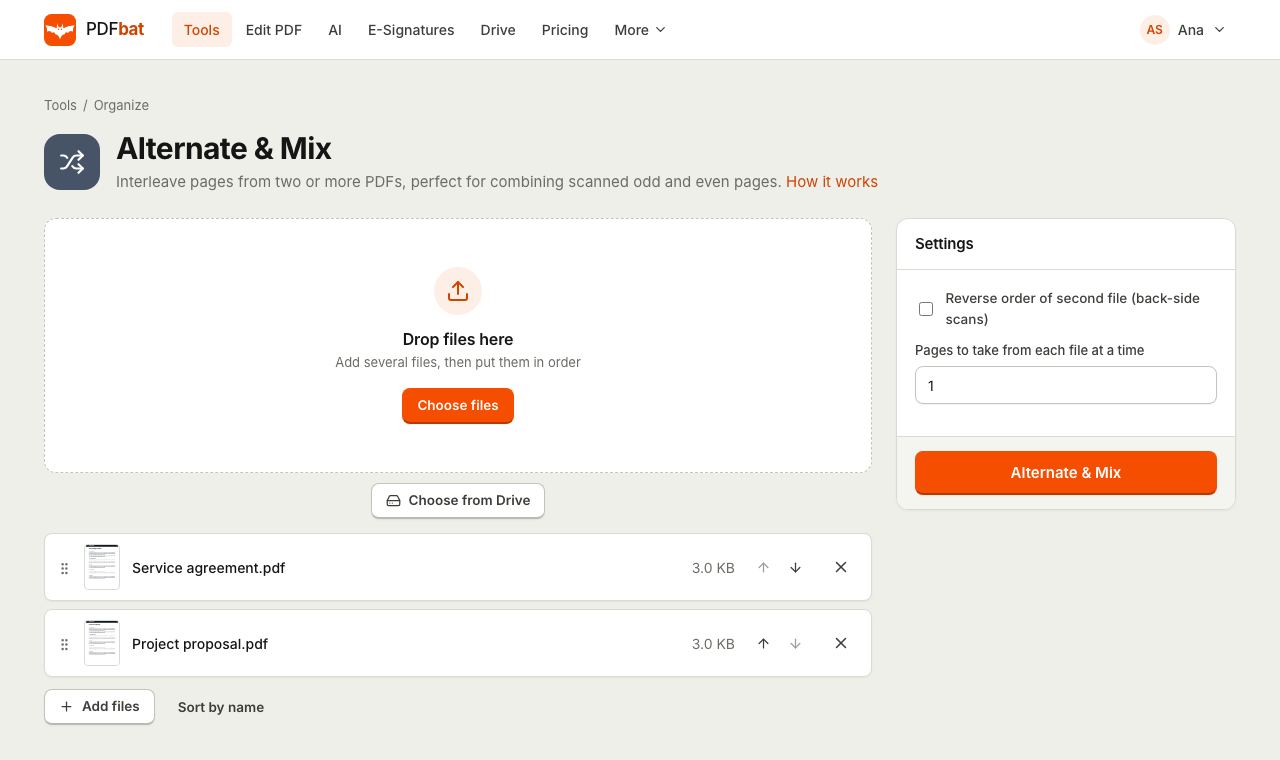
Double sided documents from a single sided scanner
Many office scanners and home all in ones only scan one side of a page. The usual workaround is to scan all the fronts, flip the stack, and scan all the backs. That leaves you with two files: pages 1, 3, 5 in one, and pages 2, 4, 6 in the other, often with the backs in reverse order because of how the stack was flipped.
Alternate and Mix fixes that in one step. It takes a page from the first file, then a page from the second, then the next from the first, and so on until every page is used. Tick one box to reverse the second file and the back sides fall into place. The pages are copied as they are, so nothing is re-scanned or recompressed.
Why use Alternate and Mix
Perfect page order
Fronts and backs are interleaved automatically, giving you 1, 2, 3, 4 instead of two half documents.
Reverse the back sides
One checkbox reverses the second file, matching how a flipped stack comes out of the scanner.
More than two files
Mix three or more PDFs in rotation, for example to interleave translations or alternate answer sheets.
Take pages in groups
Take two or more pages from each file at a time when your documents alternate in blocks.
Saved to your Drive
The combined PDF is stored in your private Drive automatically.
How it works
- 1
Upload the files in order
Add the fronts PDF first and the backs PDF second. Reorder them in the list if needed.
- 2
Set the options
Tick Reverse order of second file if the backs were scanned last page first. Change Pages to take from each file at a time if needed.
- 3
Download one document
PDFbat interleaves the pages into a single PDF that is also saved to your Drive.
Options explained
- File order
- The first file in the list provides the first page of the result. Drag files or use the arrows to change which file goes first.
- Reverse order of second file (back side scans)
- Off by default. When on, the second file is read from its last page to its first before mixing. Use it when you flipped the whole stack to scan the backs, which puts the last back side on top.
- Pages to take from each file at a time
- Default 1. Set 2 and the result takes two pages from the first file, then two from the second, and so on. Useful when documents alternate in pairs or larger blocks.
- Uneven lengths handled
- If one file runs out of pages first, the remaining pages from the other files are added at the end in order, so nothing is lost.
- Two or more files
- At least two PDFs are needed. With three or more, pages are taken from each file in turn. The reverse option applies to the second file only.
A worked example
You have a 5 sheet double sided contract. You scan the fronts and get fronts.pdf with pages 1, 3, 5, 7, 9. You flip the stack and scan the backs, getting backs.pdf with pages 10, 8, 6, 4, 2 because the last sheet is now on top.
Upload fronts.pdf first and backs.pdf second, tick Reverse order of second file, and run the tool. The result reads 1, 2, 3, 4, 5, 6, 7, 8, 9, 10.
More uses and tips
- Bilingual documents: alternate pages of an original and its translation for side by side review.
- Answer sheets: put each question page next to its answer page.
- Some back sides came out upside down? Run Rotate PDF on
evenpages with 180 degrees afterwards. - Blank backs in the mix? Remove them with Delete Pages.
- Make the finished scan searchable with OCR PDF.
- If you simply want one file after another, use Merge PDF instead.
Frequently asked questions
What does Alternate and Mix do?
It builds one PDF by taking pages from each uploaded file in turn: page 1 of the first file, page 1 of the second, page 2 of the first, and so on.
When should I tick Reverse order of second file?
When you scanned the backs by flipping the whole stack, so the second file starts with the last back side. Reversing it puts the backs in the right order.
What happens if the files have different page counts?
Pages are interleaved while both files have pages left, then the remaining pages of the longer file are added at the end.
Can I mix more than two PDFs?
Yes. With three or more files, pages are taken from each file in rotation, in the order the files appear in the list.
How is this different from Merge PDF?
Merge PDF appends whole files one after another. Alternate and Mix interleaves their pages.
Does it reduce scan quality?
No. Pages are copied as they are, without re-rendering or recompression.
Related features and tools
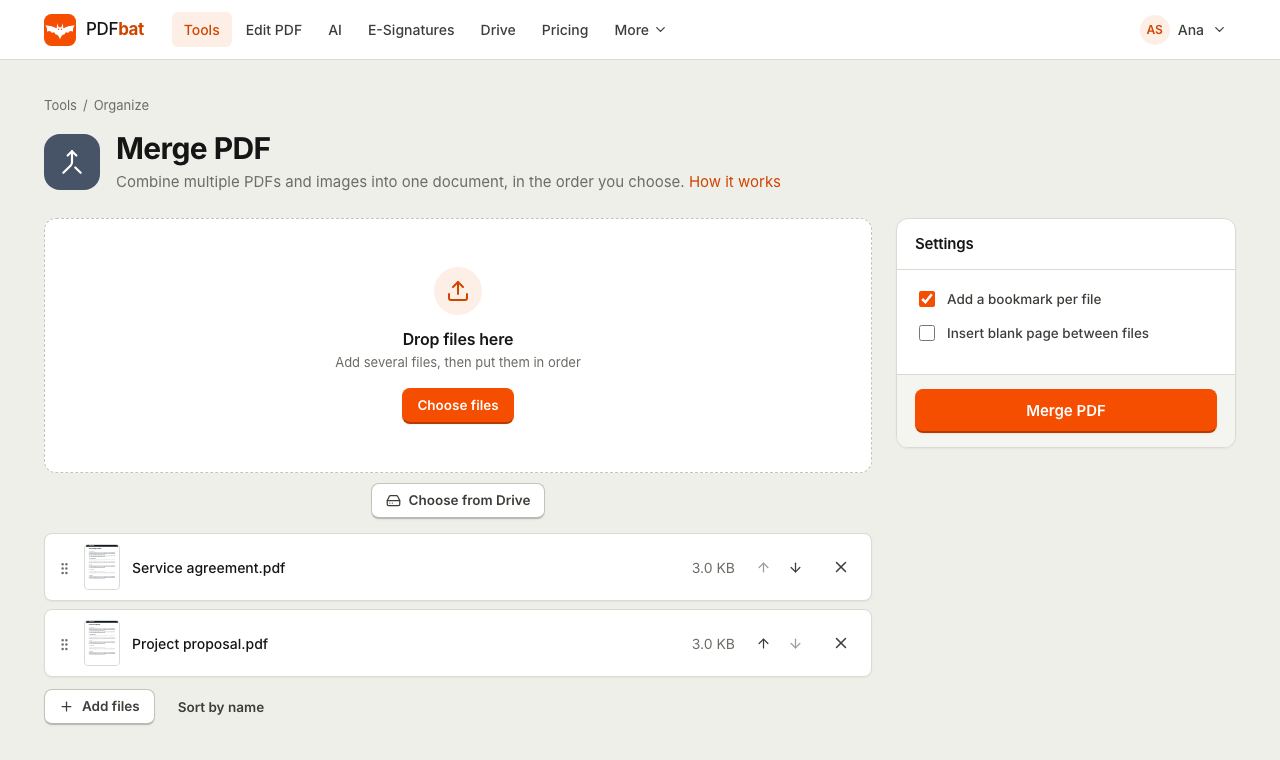 Merge PDFCombine PDFs, images and ebooks into one file in the order you choose, with a bookmark per file.
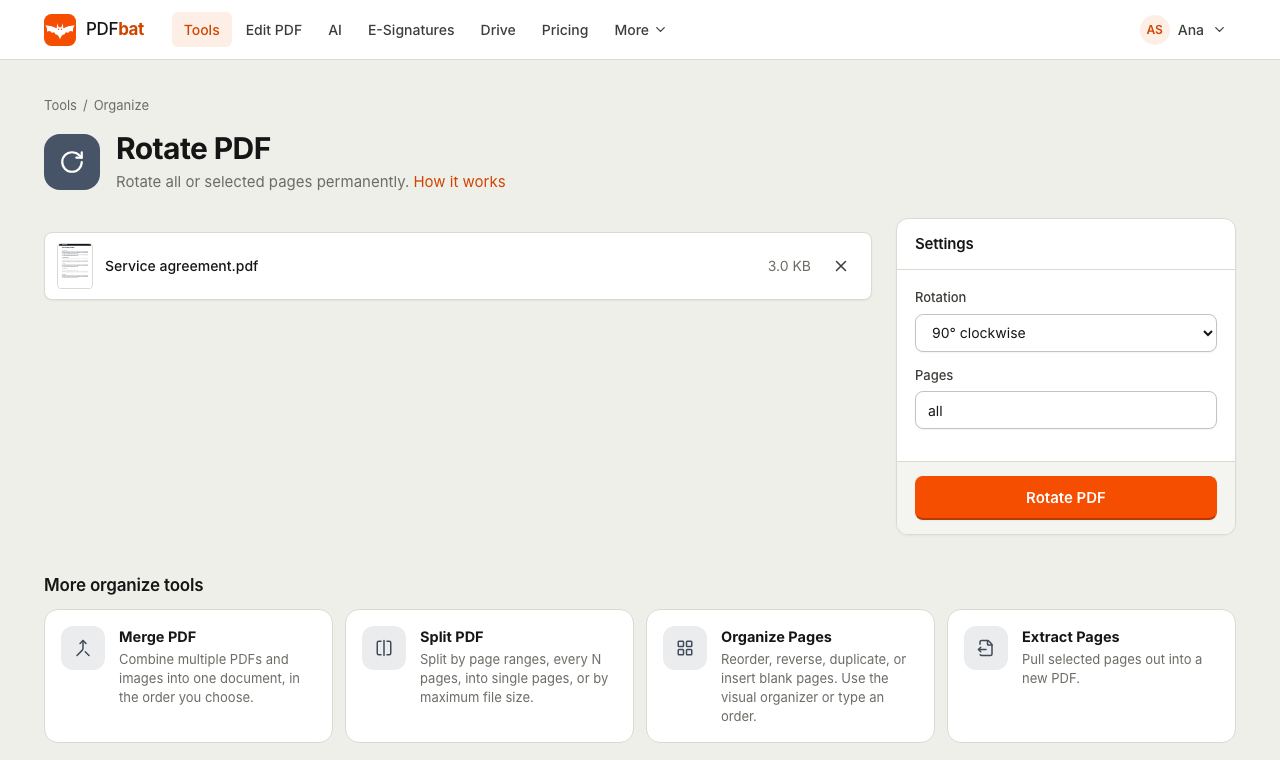 Rotate PDFRotate all pages or selected pages 90 or 180 degrees and save it permanently.
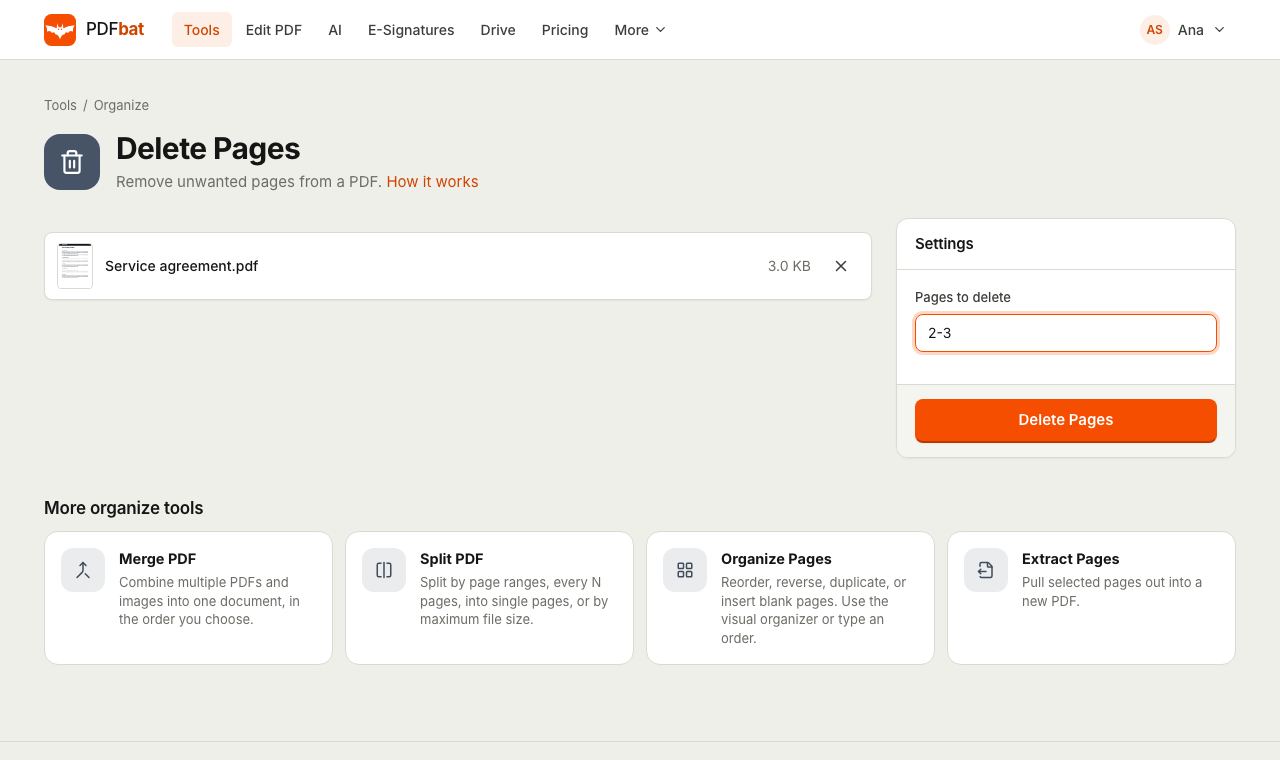 Delete PDF PagesRemove unwanted pages from a PDF by number or range, in one step.
 OCR PDFMake scanned PDFs searchable and copyable in 45 languages, with a second language for mixed documents.
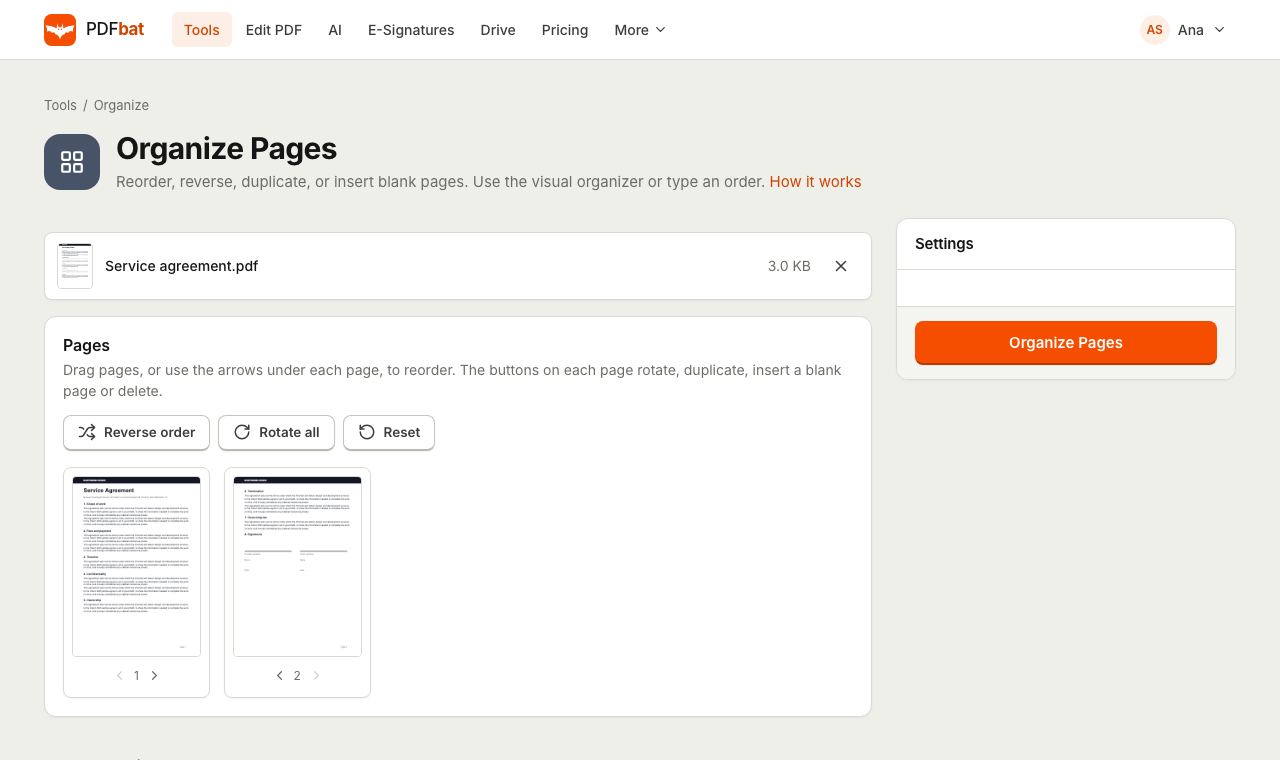 Organize PDFRearrange, rotate, duplicate, delete and insert blank pages with a visual drag and drop organizer.
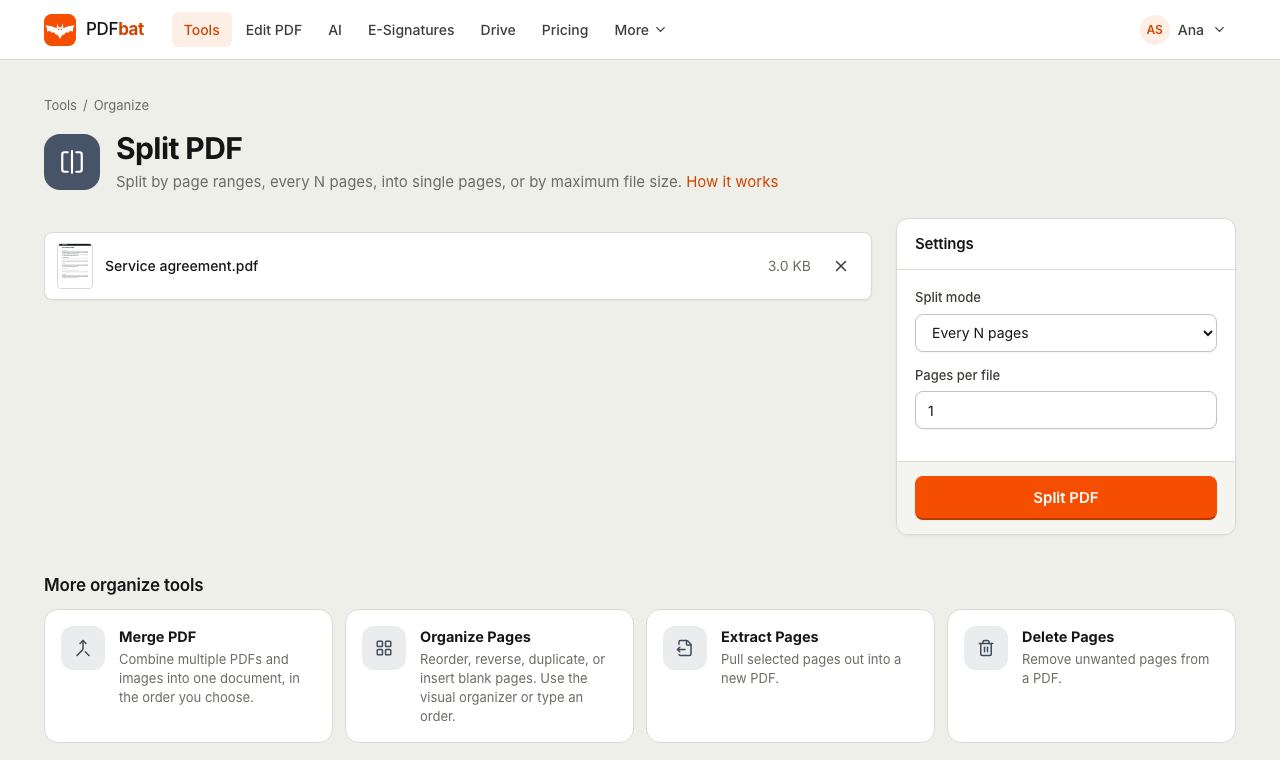 Split PDFSplit a PDF every N pages, by custom ranges, into single pages, by file size or into odd and even.
Try Alternate and Mix PDF free
Create a free account in seconds. No credit card, nothing to install, and it works on any device.