Repair PDF files that will not open
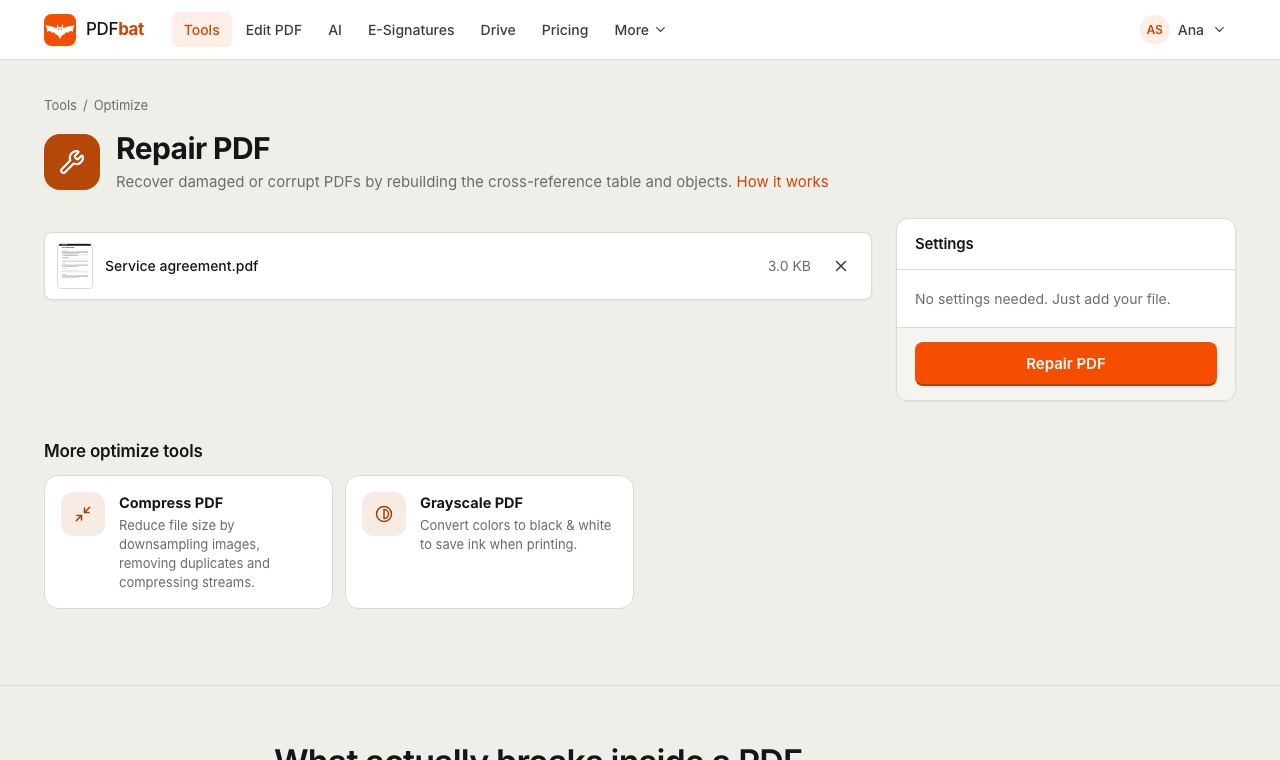
Fix PDFs that show errors, load blank pages or refuse to open after a broken download or a crashed save. Upload the file and PDFbat rebuilds its internal structure in seconds.
- Free plan, no credit card
- Nothing to install
- Works on phone, tablet and desktop
What actually breaks inside a PDF
A PDF is a collection of numbered objects (pages, fonts, images, text streams) plus a cross reference table that tells a viewer where each object starts in the file. When a download is cut short, an email gateway rewrites an attachment, or an app crashes while saving, that table often ends up pointing to the wrong places. The content is usually still there, but the viewer can no longer find it.
PDFbat opens the file with a tolerant parser that scans the whole document for objects instead of trusting the broken table. It then writes a brand new, clean file: a fresh cross reference table, unused and orphaned objects removed, and every stream recompressed. The result is a standard PDF that opens normally in Acrobat Reader, Preview, Chrome and every other viewer.
Get your document back without starting over
Rebuilds the file structure
The cross reference table and object layout are reconstructed from what is actually in the file, not from the damaged index.
Opens everywhere again
The repaired file is saved as a clean, standards based PDF that desktop and mobile viewers accept.
One click, no settings
There is nothing to configure. Upload the file and download the repaired copy.
Ready for other tools
A file that failed in another tool often works after a repair. Send it straight into compress, merge or the editor.
Saved to your Drive
The repaired copy is stored in your private Drive next to your other results, so you never lose it twice.
How it works
- 1
Upload the damaged PDF
Drop the file on the page or pick it from your device or Drive. Free accounts handle files up to 25 MB, Pro up to 100 MB.
- 2
Run Repair
PDFbat scans the file for every readable object and writes a new document with a clean structure. Most files take a few seconds.
- 3
Download and check
Open the repaired PDF in your usual viewer. Download it, share it from Drive, or open it in another PDFbat tool.
What the repair does
- Cross reference rebuild
- A new object index is written from scratch, which fixes the most common cause of "file is damaged" and "could not be opened" errors.
- Object recovery
- Every object the parser can still read is kept: pages, text, fonts, images and form fields.
- Garbage collection
- Orphaned and unreachable objects left behind by failed saves are dropped, and the remaining objects are compacted.
- Stream cleanup and compression
- Content streams are cleaned and recompressed, which often makes the repaired file a little smaller as well.
- No options to get wrong
- The tool has no settings. It always produces a new file and never changes your original upload.
- API access
- Run the same repair from your own code through the PDFbat API, useful for cleaning files before automated processing.
Common situations where repair helps
- An email attachment will not open after passing through a mail server or a security scanner that changed the file.
- A download stopped early and the viewer reports a damaged or truncated file.
- A PDF exported from a scanner or old software opens in one viewer but not another.
- Another tool reports an error such as an invalid or unreadable PDF. Repair first, then try the tool again.
- Pages show up blank in some apps because their content streams are hard to locate.
Tips when a file is badly damaged
Repair recovers what is physically present in the file. If part of the file was never downloaded, those bytes simply do not exist, and the pages stored in them cannot come back. In that case download the original again from its source and repair the new copy if it still has problems.
- If the PDF is password protected, use Unlock PDF with the password after repairing.
- If the repaired file is still large, run Compress PDF on it.
- If only some pages came back readable, use Extract Pages to save the good ones into a new document.
- For scanned files that open but cannot be searched, run OCR after the repair.
Frequently asked questions
Can PDFbat repair any corrupt PDF?
It can fix most structural damage, such as a broken cross reference table or leftover objects from a failed save. It cannot recreate data that is missing from the file, for example the end of a download that never finished.
Will repairing change how my document looks?
No. Repair keeps the pages, text, fonts and images it can read and only rewrites the file structure around them.
Is my original file changed?
No. PDFbat always creates a new repaired copy and saves it to your Drive. Your upload is left as it was.
Is Repair PDF free?
Yes. The free plan includes 10 tool tasks a day for files up to 25 MB. Pro removes the daily limit and accepts files up to 100 MB for $4 a month.
Can I repair a password protected PDF?
Repair works on the file structure. If the file is encrypted and you know the password, unlock it first with Unlock PDF, then repair the unlocked copy if needed.
Does it work on my phone?
Yes. The tool runs in Safari and Chrome on iPhone and Android. Upload the file, run Repair and download the result.
Related features and tools
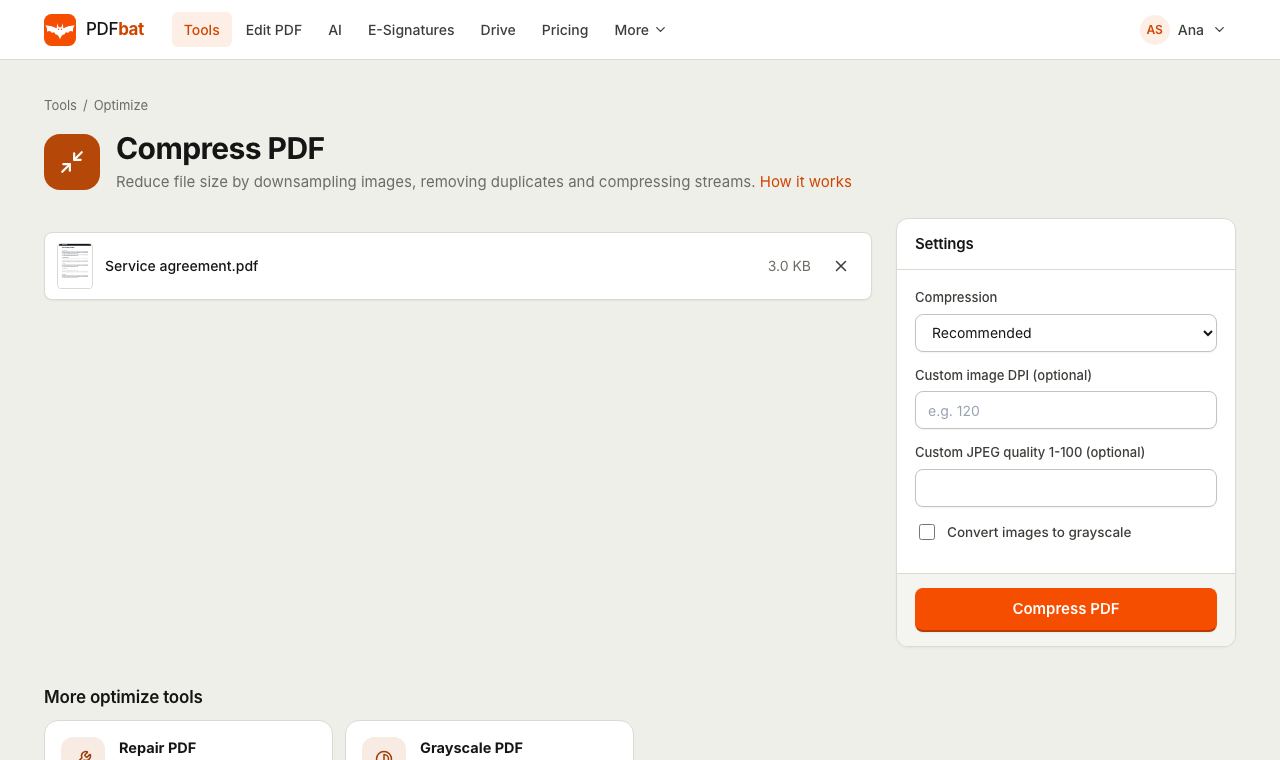 Compress PDFShrink PDFs for email and upload portals with four levels, custom DPI and grayscale.
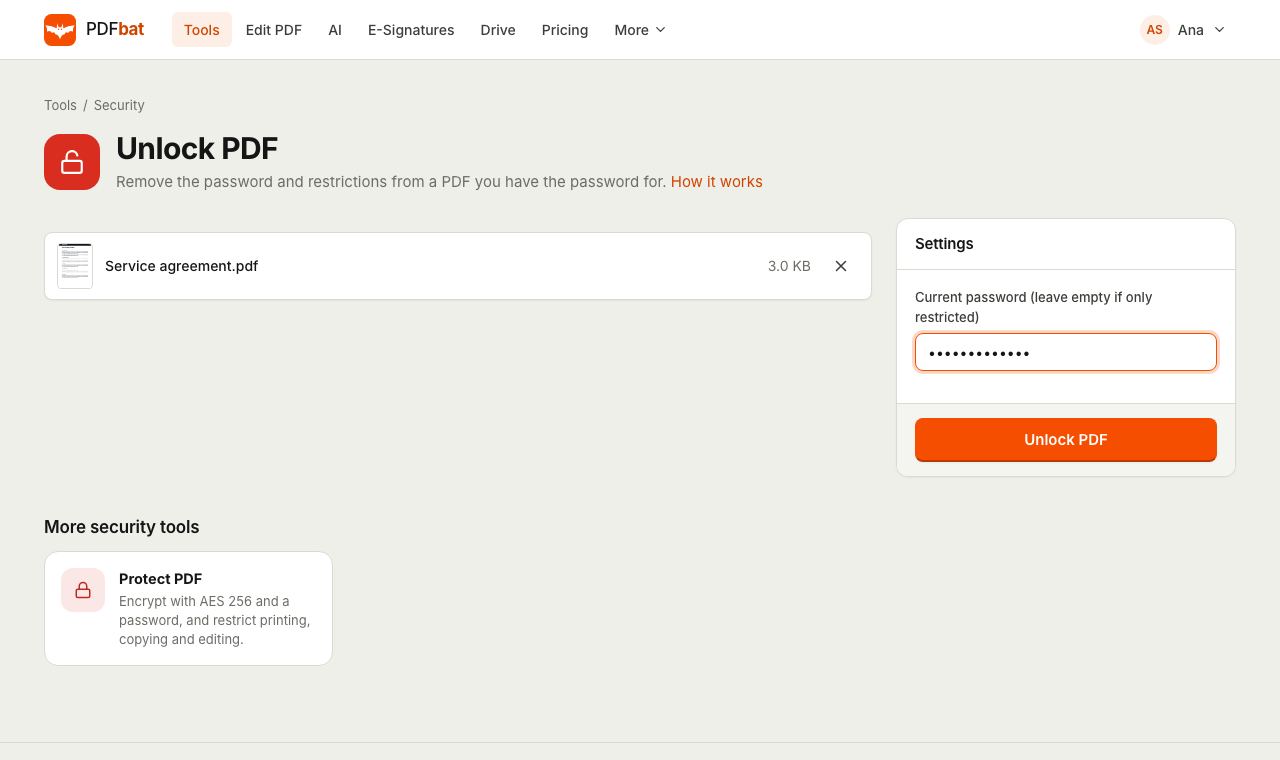 Unlock PDFRemove the password and restrictions from a PDF you have the password for.
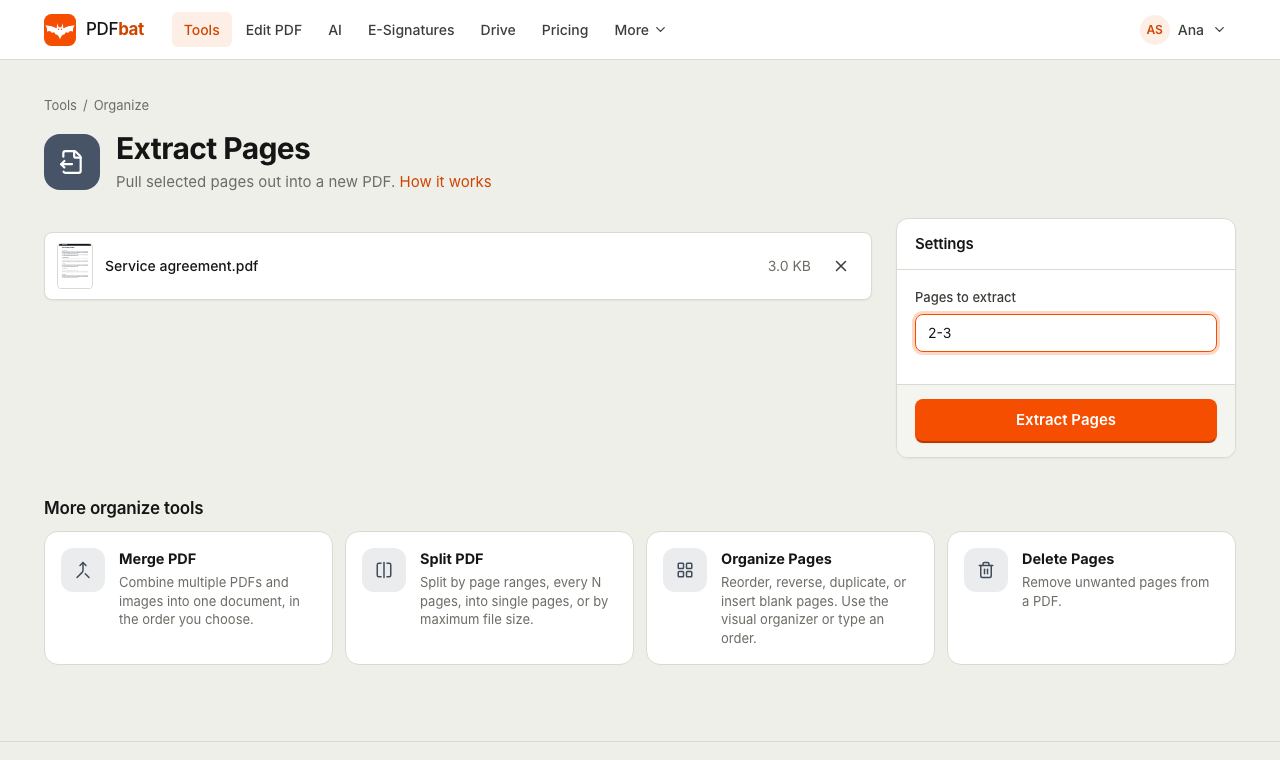 Extract PDF PagesPull selected pages into a new PDF using numbers, ranges, odd, even or last.
 OCR PDFMake scanned PDFs searchable and copyable in 45 languages, with a second language for mixed documents.
 PDF EditorEdit existing text, add text in any language, images, shapes, highlights, redactions, links and comments.
 Free PDF Tools30+ tools to merge, split, compress, convert, protect, redact, number and OCR PDFs.
Try Repair PDF free
Create a free account in seconds. No credit card, nothing to install, and it works on any device.