Extract invoice data from a PDF to CSV or JSON
Upload an invoice, receipt or statement, even a scan, and PDFbat AI returns the vendor, number, dates, line items, tax and totals as a spreadsheet ready CSV or structured JSON. No templates to build.
- CSV or JSON output
- Works on scans
- No template setup
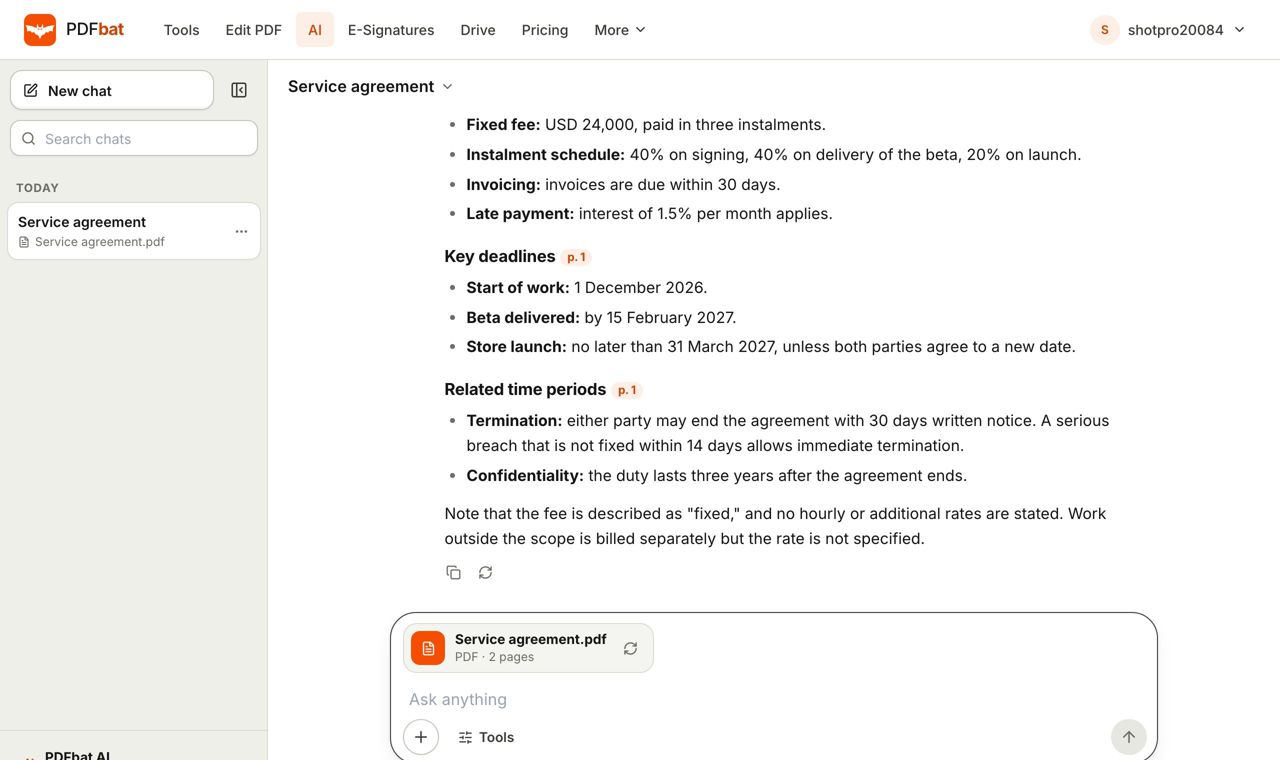
Stop retyping invoices into a spreadsheet
Accounts payable, bookkeeping and expense claims all begin the same way: someone opens an invoice and types the supplier, number, date and total into a sheet. Every layout is different, so classic rule based extractors need a template for each supplier. PDFbat AI reads the page the way a person does and finds the fields wherever they sit.
Upload one invoice or a batch of pages. You get the header details (vendor, customer, invoice number, issue and due dates, currency), the line items (description, quantity, unit price, line total), and the tax and grand totals. Download the result as CSV for Excel or Google Sheets, or as JSON for your own system.
It also works on photos and scans because pages go through OCR first. The same approach covers receipts, purchase orders, bank statements and forms. Each result can be checked against the page, so you review exceptions rather than retype everything.
What you get
CSV for spreadsheets
One row per line item, ready for Excel, Google Sheets or your accounting import.
JSON for developers
Structured fields you can pass straight to a database or workflow.
Scans and photos
Paper invoices and phone photos are read with OCR first.
No templates
Different supplier layouts need no setup. Describe the fields you want or use the defaults.
Many languages
Invoices in different languages and currencies can be read in one pass.
Pay for what you use
200 free AI credits a month, 4,000 on Pro, and credit packs that never expire.
How to extract invoice data
- 1
Upload the invoice
Open PDFbat AI and drop in a PDF, a scan or a photo. Up to 300 pages work in one go.
- 2
Choose extract data
Pick Extract data, then choose CSV or JSON. Name any specific fields you want, such as PO number or VAT ID.
- 3
Download and check
Download the file and spot check totals against the source page. Import into your sheet or system.
Fields and formats
- Header fields
- Vendor, customer, addresses, invoice number, issue date, due date, currency and payment terms.
- Line items
- Description, quantity, unit price and amount for every row, even across pages.
- Taxes and totals
- Subtotal, tax lines, discounts, shipping and the total due.
- Custom fields
- Ask for a field by name, for example "purchase order" or "bank IBAN".
- CSV and JSON
- Choose the format that suits your next step.
- Other documents
- Receipts, statements, purchase orders and forms.
- API access
- Run the same extraction from code with the PDFbat API.
- Assistants
- Use PDFbat tools from Claude and other assistants through the MCP server.
Where this saves time
- Month end bookkeeping: drop a folder of supplier invoices and get one CSV.
- Expense reports: turn receipt photos into rows with date, merchant and amount.
- Audit and reconciliation: compare extracted totals with your ledger.
- Developers: feed invoice JSON into an ERP or accounting API.
Accuracy and checking your results
AI extraction is fast, but it is not infallible. Poor scans, handwriting and unusual layouts can cause mistakes. Always verify amounts, tax and bank details before paying or posting. Because the source is a PDF, you can open the page next to the extracted row. For repeat suppliers with identical layouts, a quick spot check is usually enough. If a scan is blurry, improve it or run OCR with the right language first.
Frequently asked questions
Can I extract invoice data to Excel?
Yes. Choose CSV and open it in Excel or Google Sheets.
What is the JSON option for?
JSON gives structured fields for developers and automations, which you can send to a database or accounting system.
Does it work on scanned invoices?
Yes. Scanned pages and photos are read with OCR first.
Do I need to set up a template for each supplier?
No. The AI reads each layout as it comes.
How much does it cost?
Free accounts get 200 AI credits a month and Pro gets 4,000. Each action costs credits based on its size. Credit packs start at $5 and never expire.
How long can the document be?
Up to 300 pages.
Can I automate this?
Yes. Use the PDFbat API, which includes 250 free calls a month.
Related features and tools
AI PDFChat with a PDF, summarize, translate, extract data, review contracts and redact personal data with AI.Chat with PDFAsk questions about any PDF and get answers that cite the page, including scanned documents, up to 300 pages. OCR PDFMake scanned PDFs searchable and copyable in 45 languages, with a second language for mixed documents.
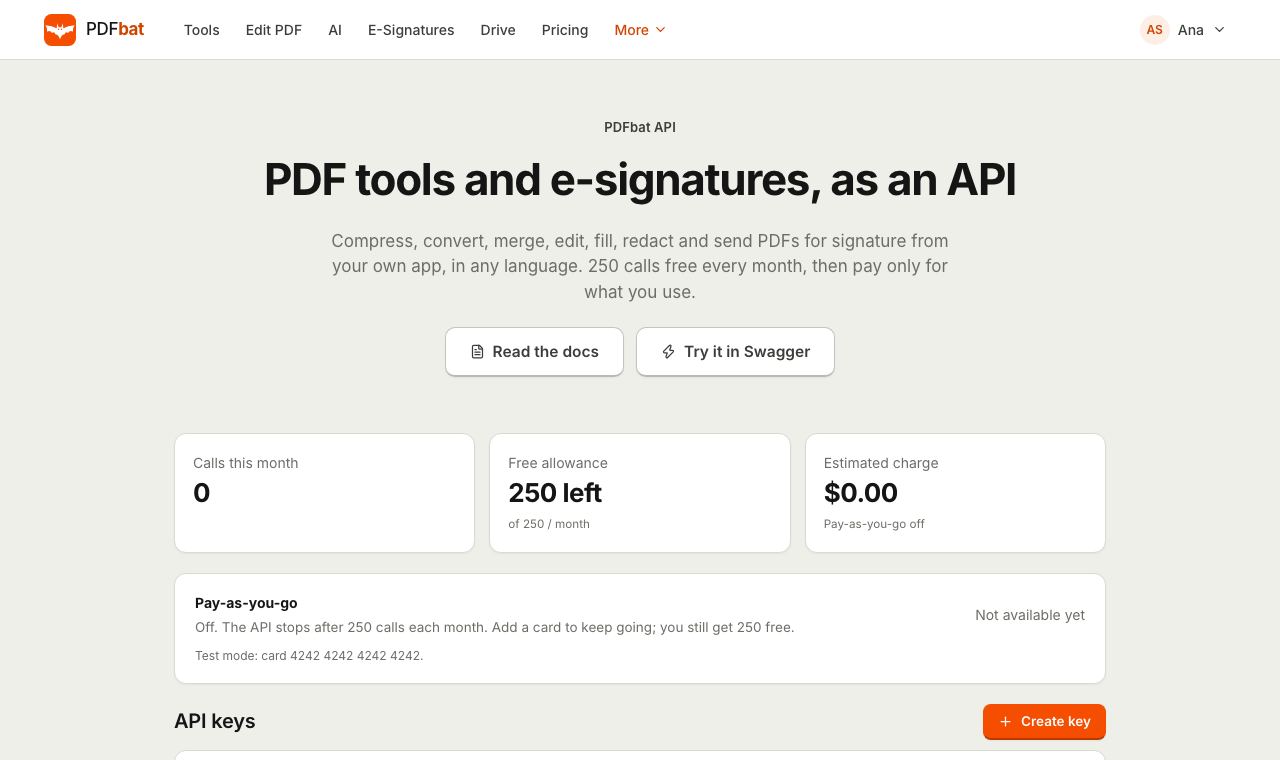 PDF APIA REST API for every PDF tool, editing, forms, e signatures, templates, Drive and webhooks. 250 free calls a month.MCP serverConnect Claude, ChatGPT, Cursor and any MCP client to PDFbat so your AI assistant can run PDF tools, use Drive and send documents for signature.
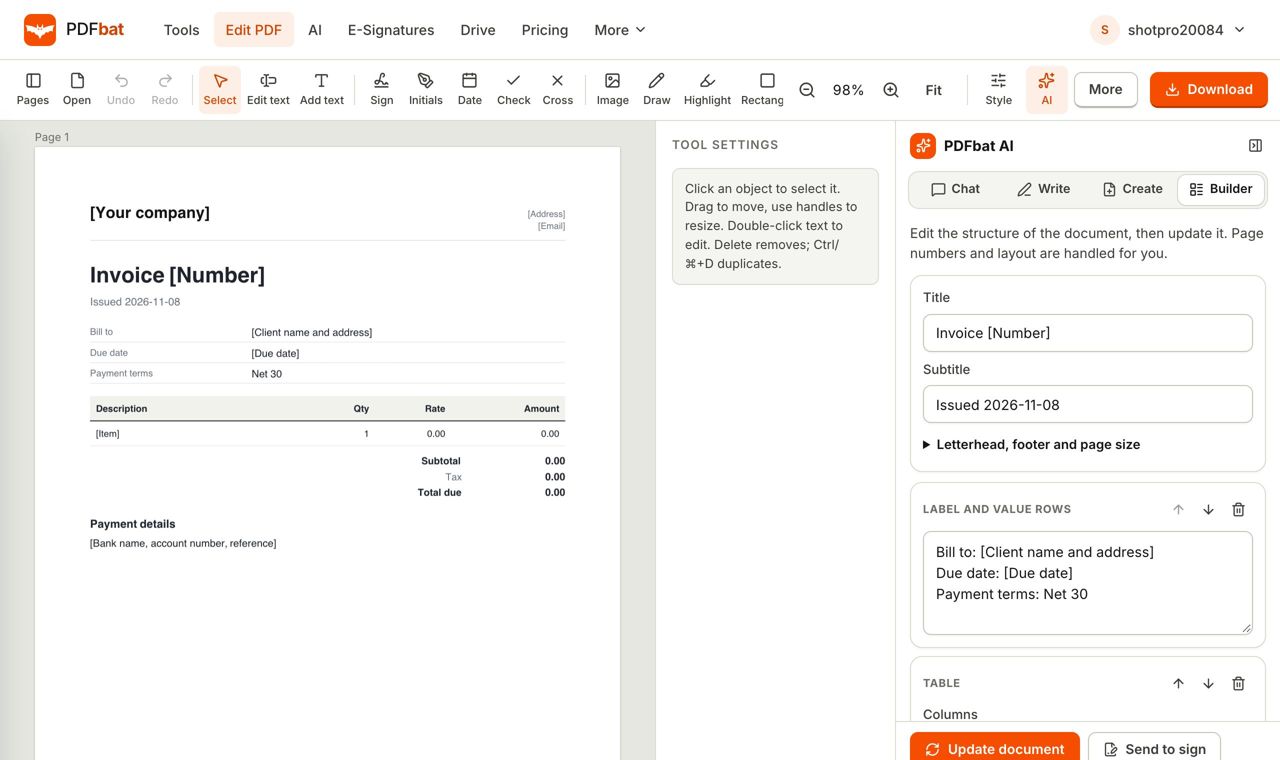 Create Invoice PDF FreeCreate a professional invoice PDF for free from a template, fill in your details, add your logo and download or send it.
Turn your invoices into data
Upload an invoice, choose CSV or JSON and download structured data in minutes.