Edit a PDF in Hindi, Tamil, Malayalam and other Indian languages
PDFbat edits existing Indian language text in a PDF online and shapes every script correctly, so conjuncts, vowel signs and ligatures look the way a native reader expects, and the text stays searchable.
- Nine Indian scripts and more
- Correct conjuncts and vowel signs
- Searchable and copyable
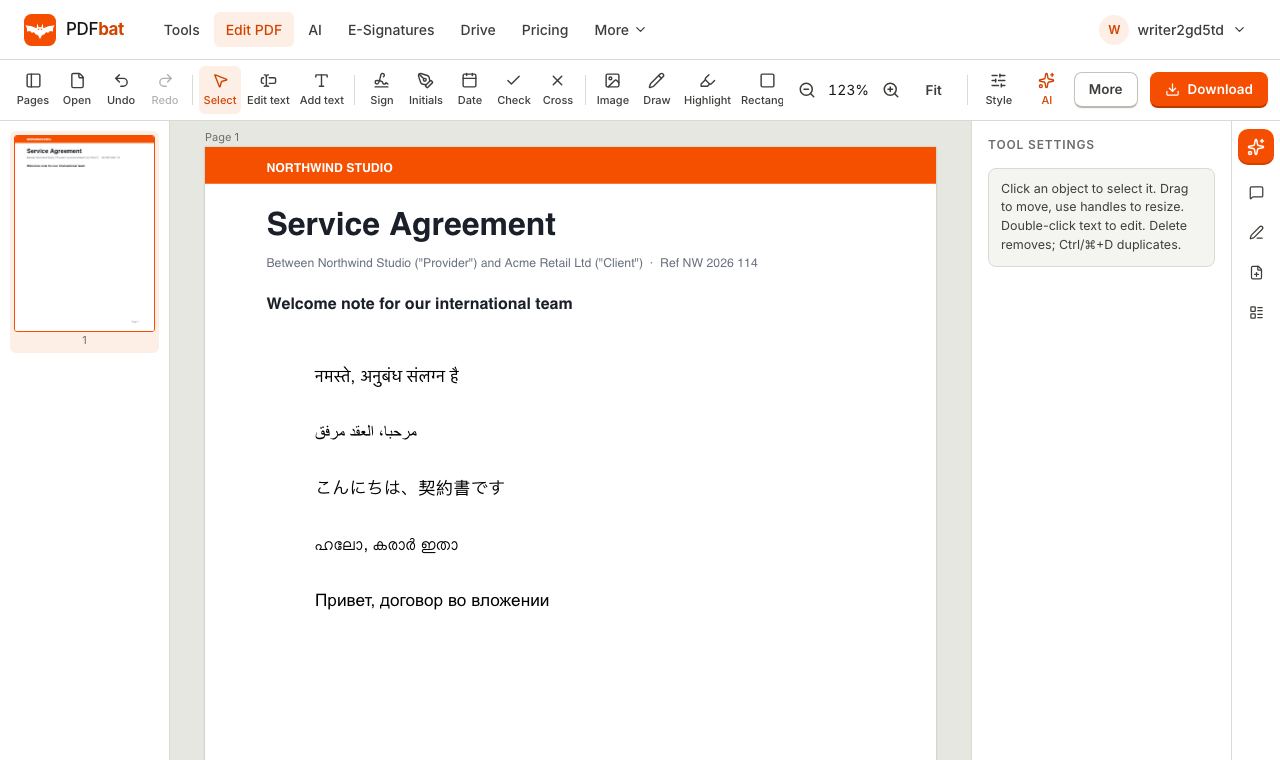
Why Indian language PDFs break in ordinary editors
Indian scripts are not written one character after another. In Devanagari the short i vowel sign is drawn before the consonant it follows in sound. Tamil and Malayalam join consonants into ligatures. Telugu and Kannada stack subscript consonants under the base letter. If an editor simply places Unicode characters side by side, the result is broken syllables, floating vowel signs and empty boxes where the font has no glyph.
PDFbat shapes every Indic run with HarfBuzz and draws it with a matching Noto font, so Hindi and Marathi conjuncts, Tamil and Malayalam ligatures, Bengali reordered vowels, Gujarati and Gurmukhi (Punjabi) marks, and Telugu and Kannada stacked letters all land where they belong. Because the original Unicode text is saved alongside the glyphs, you can search for a word, copy a line and paste it into WhatsApp or Word and get the right text.
This matters for the documents people actually edit: school and college certificates, land and rent records, marriage and income certificates, application forms, notices and price lists. You can fix a name, a date or an address in place, without retyping the whole page or rebuilding it in a word processor.
What you can do
Nine major Indian languages
Hindi, Tamil, Malayalam, Bengali, Telugu, Kannada, Marathi, Gujarati and Punjabi, plus Odia, Assamese, Nepali, Sinhala and more.
Correct conjuncts and vowel signs
HarfBuzz shaping places ligatures, matras and stacked consonants the way native readers expect.
Edit existing text
Click a line, retype the name, date or amount and the old text is removed from the page.
Search and copy
The saved PDF keeps real Unicode text, so find, copy and paste and screen readers work in your language.
English and Indian text together
Mix English numbers, names and your language on one line. Each run picks the right font automatically.
Works on your phone
Edit in Chrome or Safari using your phone keyboard in Hindi, Tamil or any other layout. Nothing to install.
How to edit a PDF in an Indian language
- 1
Open the PDF
Open the PDFbat editor and drop in your file or pick it from your Drive. Free for files up to 25 MB.
- 2
Edit or add text
Choose Edit text and click the line to change, or Add text to place new words. Type with your usual Hindi, Tamil, Malayalam or other keyboard.
- 3
Download the result
Fonts are chosen and embedded when you download. The PDF is also saved to your Drive.
Scripts covered
PDFbat bundles over 100 Noto font families. For India and nearby regions that includes:
- Devanagari
- Hindi, Marathi, Sanskrit, Nepali and Konkani, with conjuncts such as क्ष, त्र and ज्ञ formed correctly.
- Tamil and Malayalam
- Tamil vowel signs that split around a consonant, and Malayalam chillu letters and conjunct ligatures.
- Telugu and Kannada
- Stacked subscript consonants and vowel signs placed in the right position.
- Bengali and Assamese
- Reordered vowels and the Bengali conjunct system, including the Assamese letters.
- Gujarati and Gurmukhi
- Gujarati and Punjabi in Gurmukhi script, including marks such as tippi and addak.
- Odia, Sinhala and more
- Odia, Sinhala, Ol Chiki (Santali), Meetei Mayek and other regional scripts.
- Fonts you do not need to install
- Everything is on the server. Only the glyphs you use are embedded, so the file opens correctly on any phone or computer.
- OCR for scanned pages
- OCR supports Hindi and Tamil among 45 languages, so a scan can be made editable.
Common Indian language edits
- Certificates and marksheets: correct a name spelling or a date in Hindi, Marathi or Gujarati.
- Government forms and notices: fill in a Tamil, Telugu or Kannada application and sign it with Fill and Sign.
- Invoices and price lists: change an amount or an item in a Malayalam or Bengali bill.
- School and temple circulars: update an event date or timing and download a clean PDF to share.
Tips for the best result
Type with your device keyboard or an input method such as Google Indic keyboard, Gboard or the Windows and macOS language keyboards. PDFbat receives the same Unicode text any other app would.
If the original document used a fancy font, the edited line uses the closest Noto font so every character can be drawn. For a uniform look, retype the whole line or paragraph instead of one word. Legacy fonts that are not Unicode, once common for Hindi in print shops, cannot be edited as text. Convert the page with OCR first.
Frequently asked questions
Can I edit Hindi text in a PDF for free?
Yes. The editor is on the free plan with 10 tool tasks a day and files up to 25 MB. Pro is $4 a month for unlimited tasks.
Will Tamil and Malayalam letters look correct?
Yes. Every Indic run is shaped with HarfBuzz, so vowel signs, ligatures and conjuncts are formed and positioned correctly.
Which Indian languages are supported?
Hindi, Marathi, Nepali, Bengali, Assamese, Punjabi (Gurmukhi), Gujarati, Odia, Tamil, Telugu, Kannada, Malayalam and Sinhala, plus several regional scripts.
Can I edit a scanned Hindi or Tamil document?
Run OCR with the right language first to get a text layer, then edit. You can also whiteout an area and add new text over it.
Is the text searchable after I edit?
Yes. PDFbat writes the real Unicode text into the file, so search, copy and screen readers work.
Can I type from my phone?
Yes. Open the editor in your phone browser and use your normal Hindi, Tamil or other keyboard.
Related features and tools
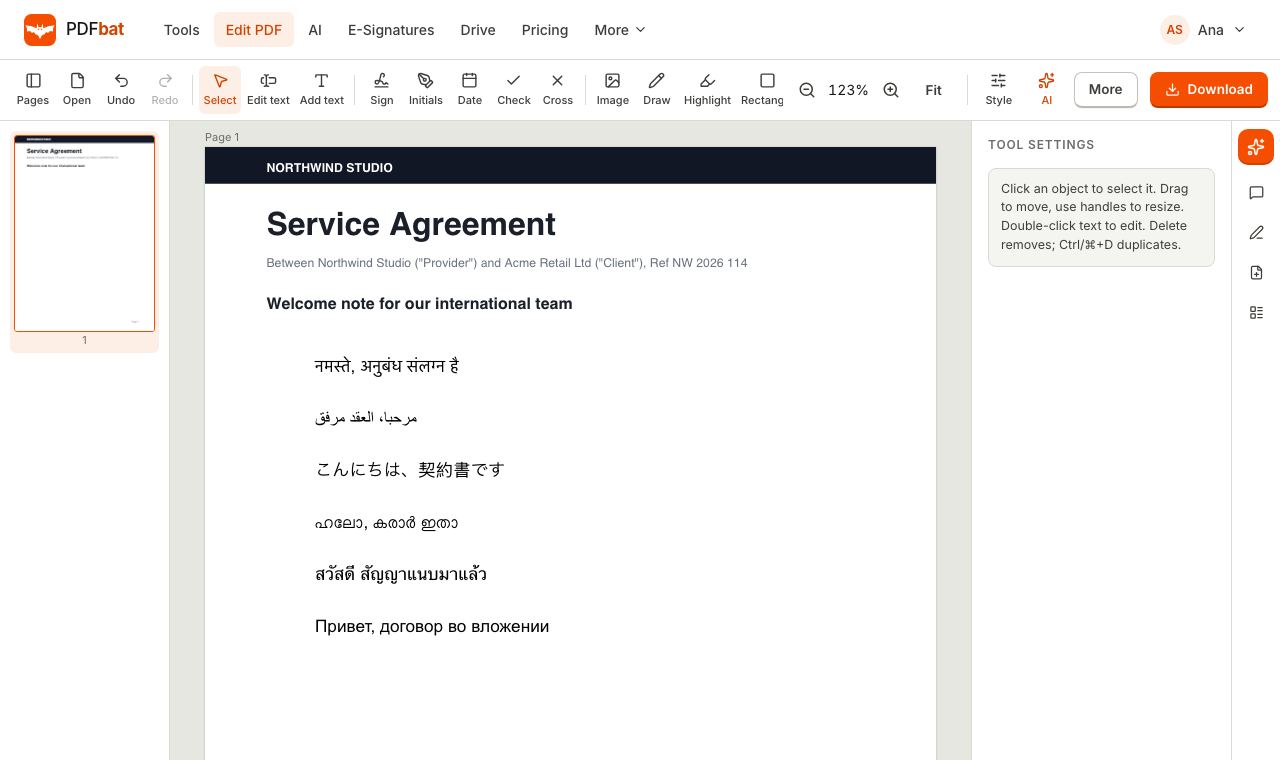 Every languageType in Hindi, Arabic, Chinese, Thai, Tamil and every other script, with correct shaping and searchable text.
 PDF EditorEdit existing text, add text in any language, images, shapes, highlights, redactions, links and comments.
 OCR PDFMake scanned PDFs searchable and copyable in 45 languages, with a second language for mixed documents.Edit Arabic PDFEdit Arabic, Hebrew, Persian and Urdu text in a PDF online, right to left, with joined letters and searchable output.
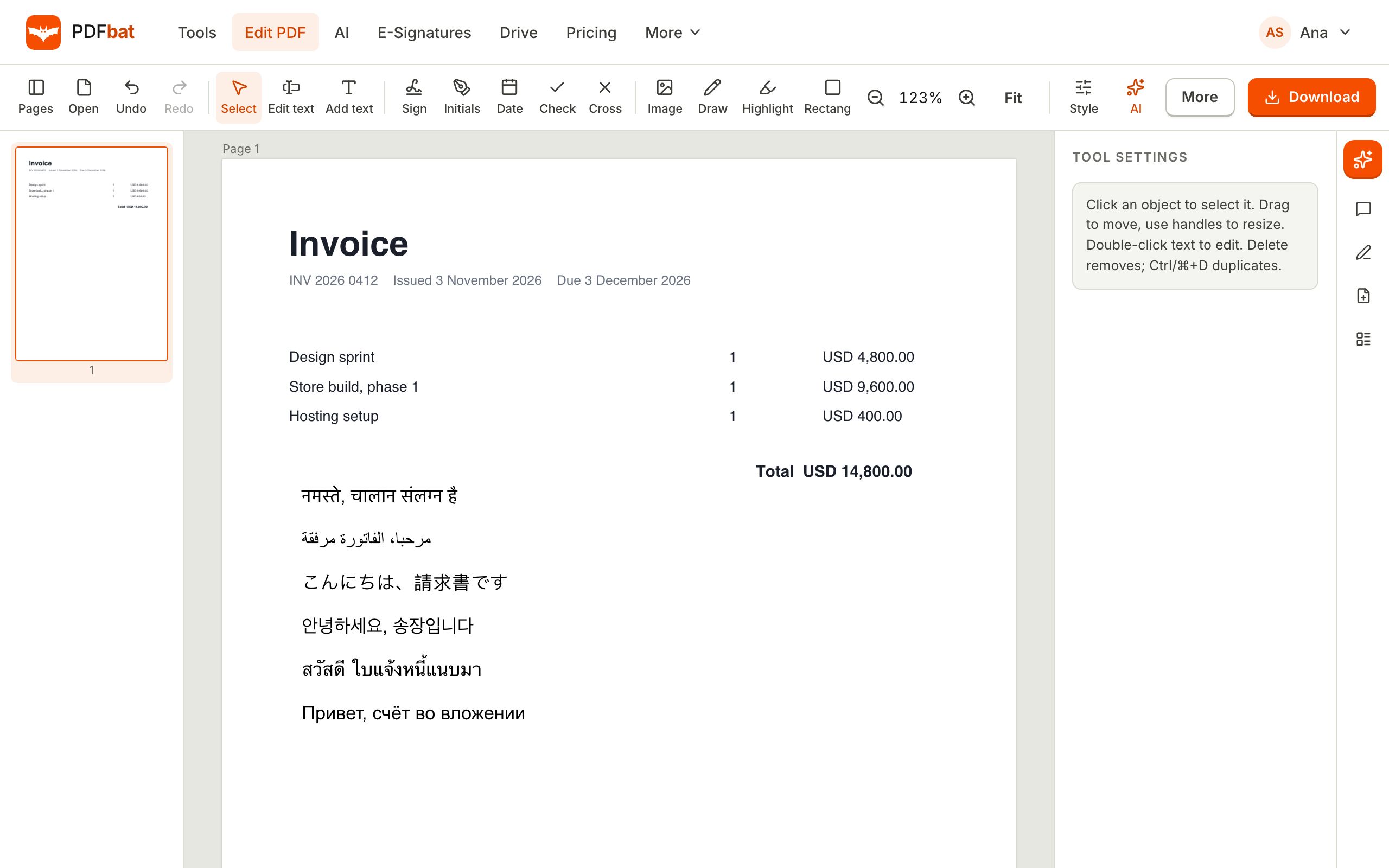 Translate PDFTranslate a whole PDF into another language and download a new, clean PDF that shows every script correctly.
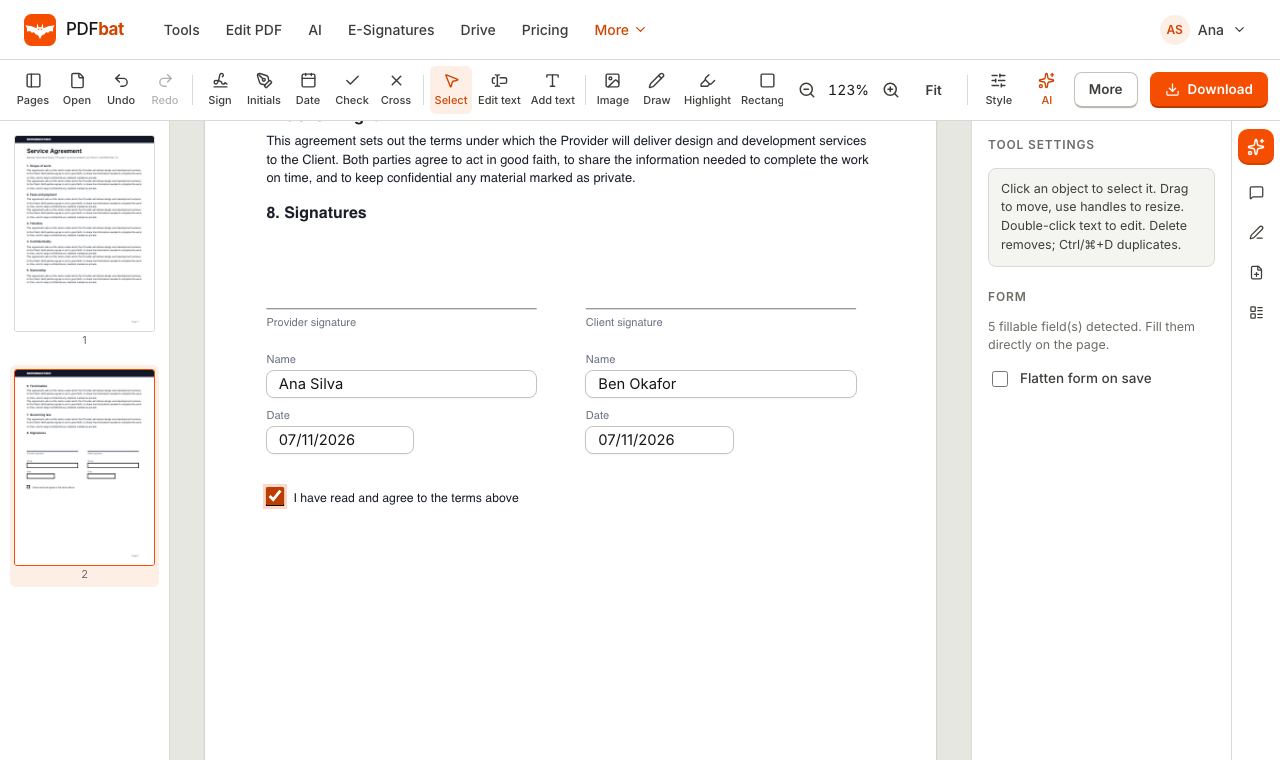 Fill and SignFill PDF forms, sign, add initials, dates and checkmarks, then flatten and download.
Edit your PDF in your own language
Open the editor, change the text in Hindi, Tamil, Malayalam or any Indian script and download a PDF that looks right.