Edit an Arabic PDF online, right to left
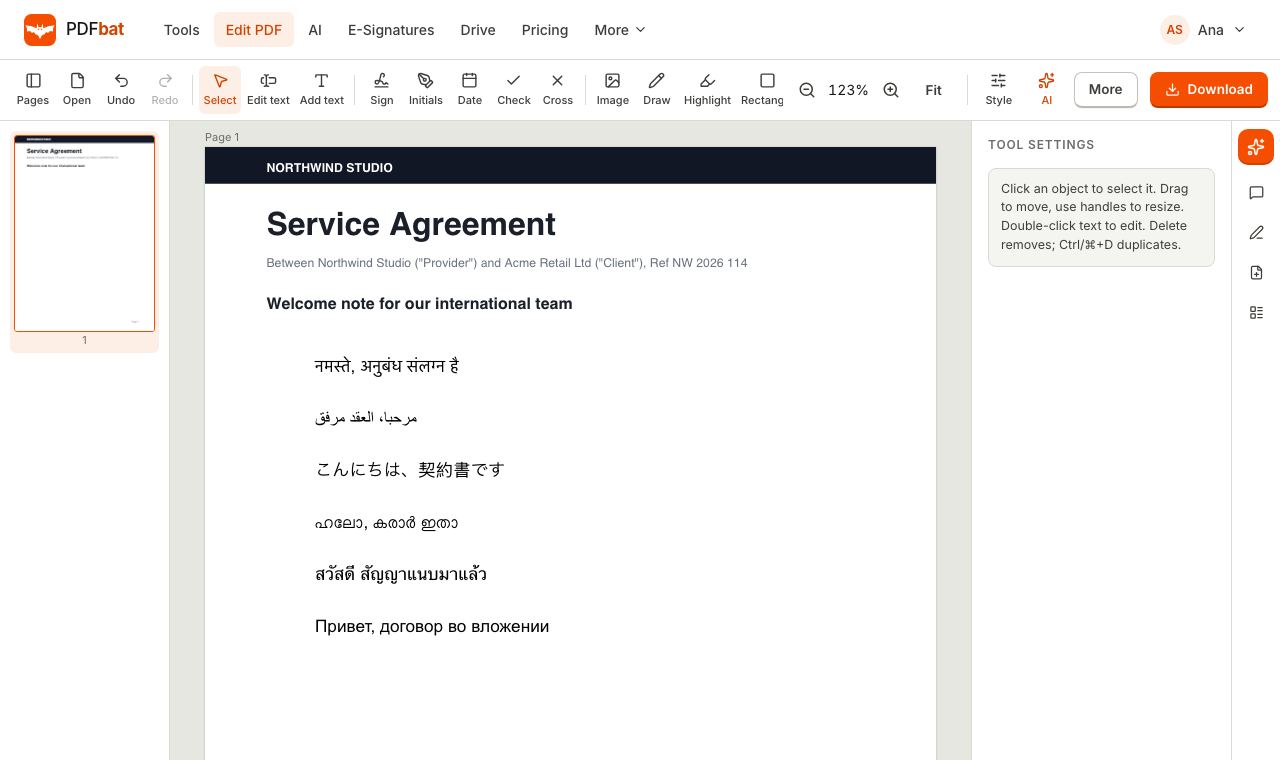
Yes, you can edit Arabic text in a PDF for free in your browser. PDFbat rewrites existing Arabic, Hebrew, Persian and Urdu text in place, joins the letters correctly and saves text you can still search and copy.
- Right to left shaping
- Letters joined correctly
- Text stays searchable
Why Arabic PDFs are so hard to edit
Arabic is a cursive script. Every letter changes shape depending on whether it sits at the start, middle or end of a word, and the whole line runs from right to left while numbers and Latin words inside it run left to right. Most online PDF editors treat each character on its own, so you get letters that are cut apart, words that appear backwards, or empty boxes where the font has no Arabic glyphs.
PDFbat handles Arabic, Hebrew, Persian (Farsi) and Urdu as first class text. When you click a line and retype it, the text is split into directional runs, matched to a Noto font that actually contains the letters, and shaped with HarfBuzz, the same engine browsers use. Letters join, diacritics land on the right base letter, and mixed lines such as an Arabic sentence with an English brand name or a date keep the correct order.
The saved file also keeps the real Unicode text behind the glyphs. That means you can search the PDF, copy a line and paste it into a message, and a screen reader hears the words in the right order instead of reversed gibberish.
What you get when you edit Arabic text
True right to left layout
Arabic, Hebrew, Persian and Urdu runs are ordered right to left, with numbers and Latin words placed correctly inside them.
Letters join properly
Initial, medial and final forms are chosen for you, so words read as connected script and not as loose letters.
Edit existing text in place
Click a line in the document, retype it and the old text is removed from the page. No retyping the whole contract.
Search and copy work
The saved PDF stores the original characters, so Ctrl+F finds Arabic words and copied text reads in the right order.
Mixed scripts on one page
Combine Arabic with English, French or numbers in the same line without switching tools or fonts by hand.
Nothing to install
Works in any modern browser on a laptop, tablet or phone, with no Arabic language pack or desktop app to set up.
How to edit an Arabic PDF online
- 1
Open the PDF in the editor
Go to the PDFbat editor and drop in your file or open it from your Drive. Files up to 25 MB are free.
- 2
Choose Edit text and click the line
Click the Arabic text you want to change, then type with your normal Arabic, Hebrew, Persian or Urdu keyboard. Pick a size and color if needed.
- 3
Download the saved PDF
PDFbat shapes and embeds the new text on download. A copy is kept in your Drive, and the text stays searchable.
Right to left features in detail
These are the pieces that make Arabic and other right to left PDFs behave correctly:
- Arabic and Urdu
- Naskh style text for Arabic, plus the extra letters and forms Urdu uses. Short vowel marks (tashkeel) stay attached to their letters.
- Persian (Farsi)
- Persian letters such as پ, چ, ژ and گ are covered, and Persian digits are drawn correctly.
- Hebrew
- Hebrew text runs right to left with its own Noto font, including points and niqqud where the font supports them.
- Bidirectional text
- Lines that mix right to left and left to right runs are ordered with the standard bidirectional rules, so a phone number inside an Arabic sentence stays readable.
- Add new text
- Beyond editing, use Add text to place Arabic labels, names or notes anywhere on the page, including on forms.
- Fill forms in Arabic
- Type Arabic into form fields or onto flat forms, then flatten the result so it cannot change.
- Embedded fonts
- Only the glyphs you use are embedded, so the file looks the same on every device without becoming heavy.
- Translate into Arabic
- Use AI translation to turn a document into Arabic, then fix any wording in the editor.
Tips for clean Arabic edits
- Edit one line at a time and check the result before moving on. Short edits keep the original line width and spacing.
- If the original PDF used a decorative font, the edited line uses a close Noto font so every letter can be drawn. Retype the whole line if you want it to look uniform.
- Scanned Arabic documents have no live text to click. Run OCR first, which supports Arabic, Persian and Urdu, then edit.
- Type numbers the way your document does. Western digits and Arabic Indic digits are both drawn correctly.
When to use another tool
If you only need the words out of a PDF, PDF to Text exports the characters with their original order. If you need someone else to sign an Arabic contract, send it with e signatures: signers type or draw their signature in the browser and do not need an account.
Frequently asked questions
Can I edit Arabic text in a PDF for free?
Yes. The editor is part of the free plan, which includes 10 tool tasks a day and files up to 25 MB. Pro is $4 a month for unlimited tasks and files up to 100 MB.
Will the Arabic letters join correctly?
Yes. Text is shaped with HarfBuzz, so letters take their initial, medial and final forms and diacritics sit on the right letter.
Does it work for Hebrew, Persian and Urdu too?
Yes. Hebrew, Persian and Urdu are ordered right to left and use fonts that contain their letters, just like Arabic.
Can I edit a scanned Arabic PDF?
A scan is a picture, so run OCR first to create a text layer in Arabic, Persian or Urdu, then edit. You can also whiteout an area and add new text on top.
Why does my Arabic text look reversed in other editors?
Many editors place characters left to right and skip shaping. PDFbat orders runs with bidirectional rules and writes the real Unicode text into the file, so it reads correctly.
Can I copy Arabic text out of the edited PDF?
Yes. The saved PDF keeps the original characters, so copy and paste, search and screen readers all see the words in the right order.
Do I need to install Arabic fonts?
No. The fonts live on the PDFbat server and only the glyphs you use are embedded in your file.
Related features and tools
Every languageType in Hindi, Arabic, Chinese, Thai, Tamil and every other script, with correct shaping and searchable text. PDF EditorEdit existing text, add text in any language, images, shapes, highlights, redactions, links and comments.
 OCR PDFMake scanned PDFs searchable and copyable in 45 languages, with a second language for mixed documents.
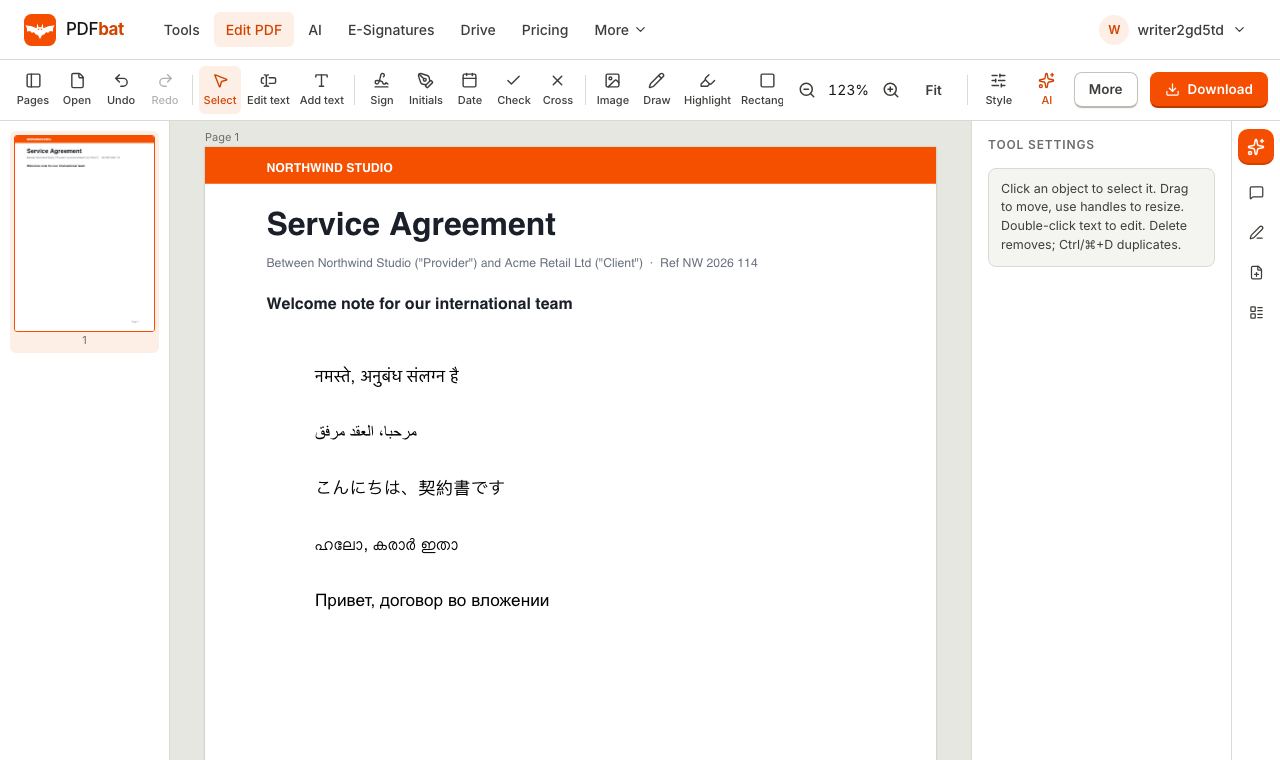 Edit PDF in Indian LanguagesEdit Hindi, Tamil, Malayalam, Bengali, Telugu, Kannada, Marathi, Gujarati and Punjabi text in a PDF with correct shaping.
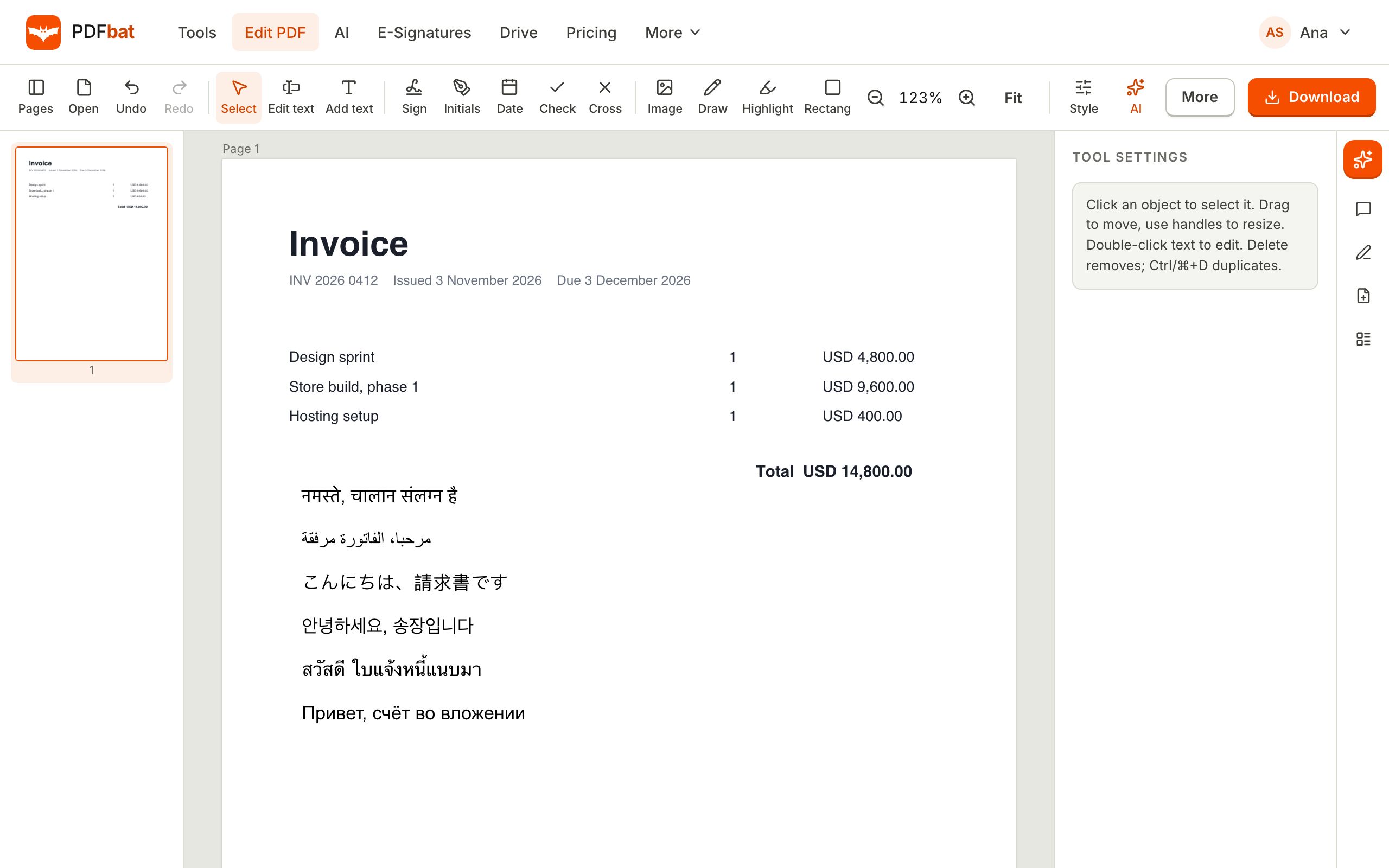 Translate PDFTranslate a whole PDF into another language and download a new, clean PDF that shows every script correctly.
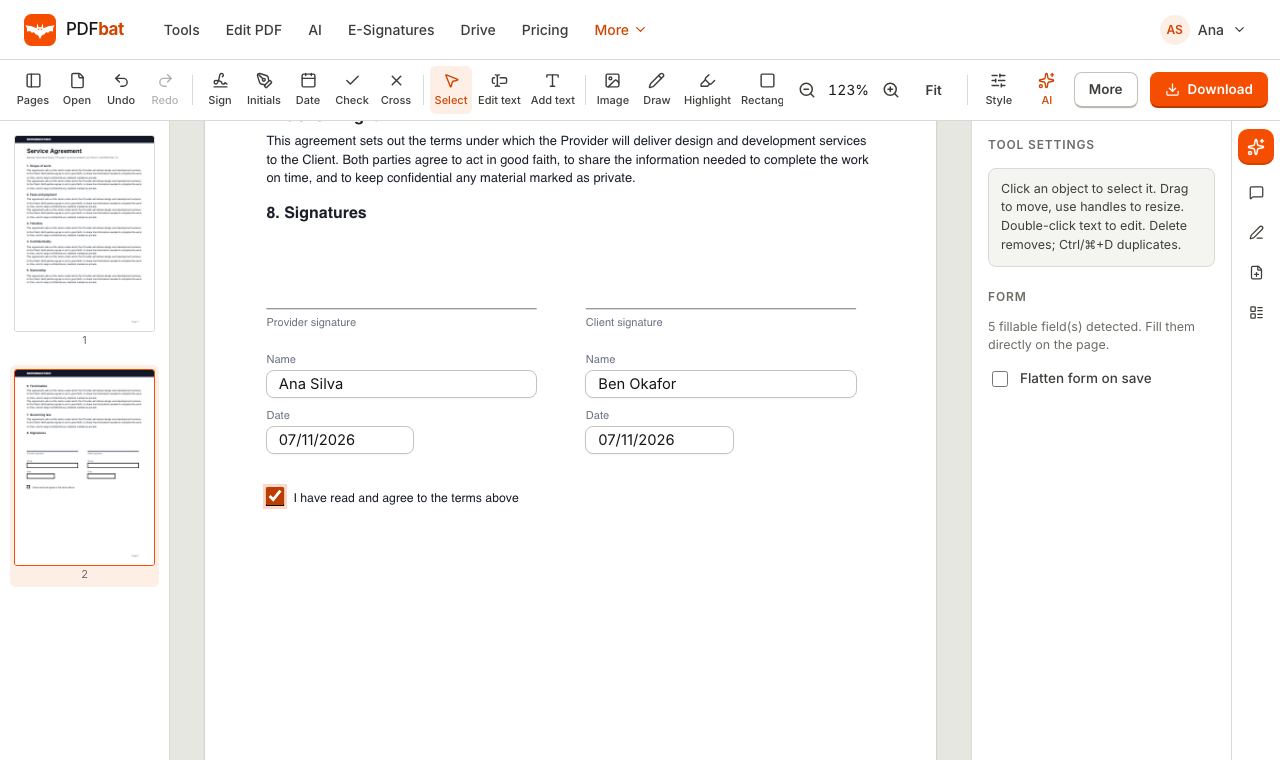 Fill and SignFill PDF forms, sign, add initials, dates and checkmarks, then flatten and download.
Edit your Arabic PDF now
Open the editor, click a line of Arabic, Hebrew, Persian or Urdu and download a PDF that reads correctly from right to left.