Sign a PDF on your Android phone or tablet
Open the PDF in Chrome, draw your signature with your finger or stylus, add the date and download the signed file. No app from the Play Store, no account needed for the people you send it to.
- Works in Chrome
- No Play Store app
- Free to start
Sign from the phone you already have
A contract arrives on WhatsApp, a landlord emails a rental form, a school sends a permission slip. On Android you can sign all of them without a printer, a scanner or a laptop. PDFbat runs in Chrome, Samsung Internet and other modern browsers, so there is nothing to download and your phone storage is untouched.
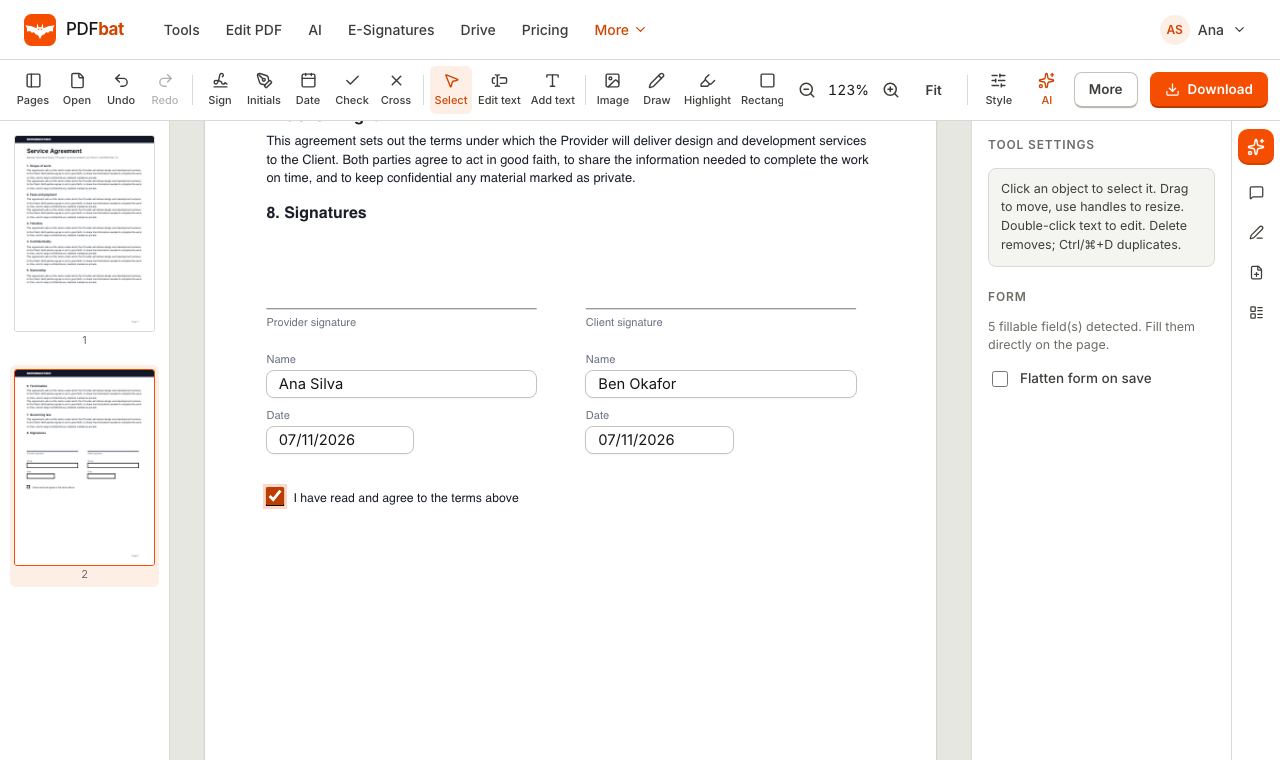
Open Fill and Sign, pick the PDF from your phone, Google Drive or downloads, tap Sign and draw your signature with your finger or an S Pen. Place it on the line, resize it, add the date and initials, and download. If the form has real fields, you type straight into them. If it is flat, you tap and type where the answers go.
When more than one person needs to sign, use Send for signature instead. Add each signer, drop a signature field where it belongs and PDFbat emails them a link. They sign on their own phone in the browser. You get a sealed PDF with an audit trail when everyone is done.
Why sign on Android this way
Nothing to install
Works in Chrome on phones and tablets. No app permissions, no storage used, no updates.
Finger, stylus or upload
Draw with your finger or S Pen, type your name in a handwriting style, or upload a photo of your signature.
Date, initials, checks
Add today's date, initials, ticks and crosses and move them into place.
Send to other signers
Signers open a link and sign in their browser, with no PDFbat account.
Saved to Drive
Every download is kept in your private Drive, ready to share from your phone.
Any language
Fill forms in Hindi, Arabic, Tamil and other scripts with your Android keyboard.
How to sign a PDF on Android
- 1
Open Fill and Sign in Chrome
Go to Fill and Sign and choose the PDF from your phone, Google Drive or Downloads.
- 2
Draw your signature
Tap Sign, draw with your finger or stylus and tap the spot on the page. Drag corners to resize, then add the date and initials if needed.
- 3
Download and share
Download the signed PDF, then share it through WhatsApp, Gmail or any app. A copy stays in your Drive.
Everything in Fill and Sign on Android
- Signature dialog
- Draw, type or upload, with a choice of ink color and a Save for next time option.
- Initials and date
- Separate marks for initials and for today's date.
- Form filling
- Text fields, checkboxes, radio buttons and dropdowns work on the page.
- Add text
- Tap any line on a flat PDF or scan to type an answer.
- Flatten on save
- Merge values into the page so the form cannot be edited again. See Flatten PDF.
- Send for signature
- Collect signatures from others with reminders and a signing order. See e signatures.
- Full editor
- Edit text, add images and redact in the same app. See the PDF editor.
Tips for signing on a phone screen
- Turn the phone to landscape for wide forms and pinch to zoom before placing a signature.
- Draw slowly and large, then shrink the signature to fit. A bigger drawing looks smoother when resized down.
- If the PDF came as a photo of paper, run OCR or use Add text for answers on the printed lines.
- Keep Save for next time on so you do not redraw your signature on every form.
Fill and Sign or Send for signature
Use Fill and Sign when only you need to sign. It is instant and the free plan covers it. Use Send for signature when other people must sign too. The free plan allows 3 envelopes a month and Pro at $4 a month removes that limit. Signers never need an account, and the final PDF is digitally sealed with a certificate of completion.
Frequently asked questions
Can I sign a PDF on Android for free?
Yes. Fill and Sign is on the free plan with 10 tool tasks a day and files up to 25 MB.
Do I need to install an app?
No. It runs in Chrome and other browsers on Android.
Can I sign with an S Pen or stylus?
Yes. Draw with a stylus or your finger.
How do I sign a PDF from WhatsApp?
Save the PDF to your phone, open Fill and Sign in Chrome, pick the file, sign and download. Then share it back on WhatsApp.
Can the other person sign on their phone too?
Yes. Send them a signing link with Send for signature. They sign in their browser without an account.
Is an Android signature legally valid?
Electronic signatures are accepted for many everyday agreements. For proof of who signed and when, use e signatures with its audit trail. Some document types have special rules.
Related features and tools
Fill and SignFill PDF forms, sign, add initials, dates and checkmarks, then flatten and download.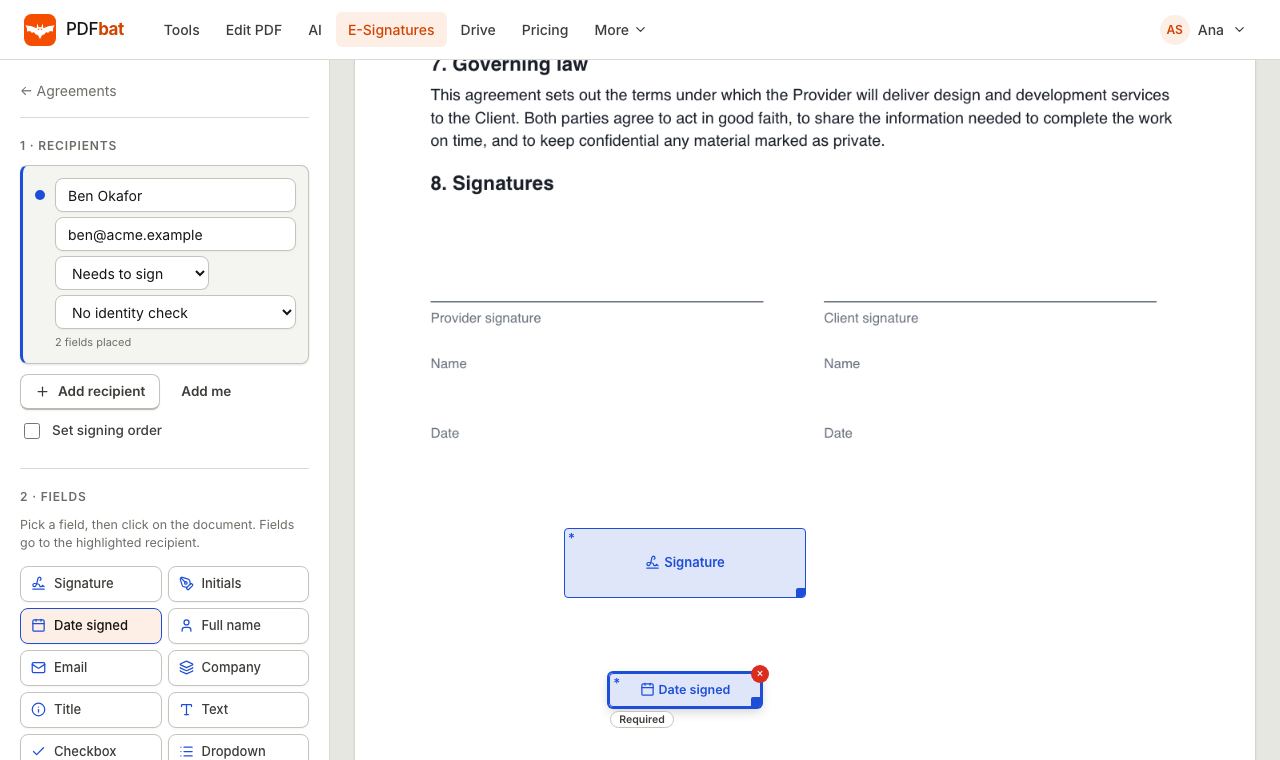 E-SignaturesSend PDFs for legally binding e signatures with signing order, identity checks, reminders and a sealed final PDF.
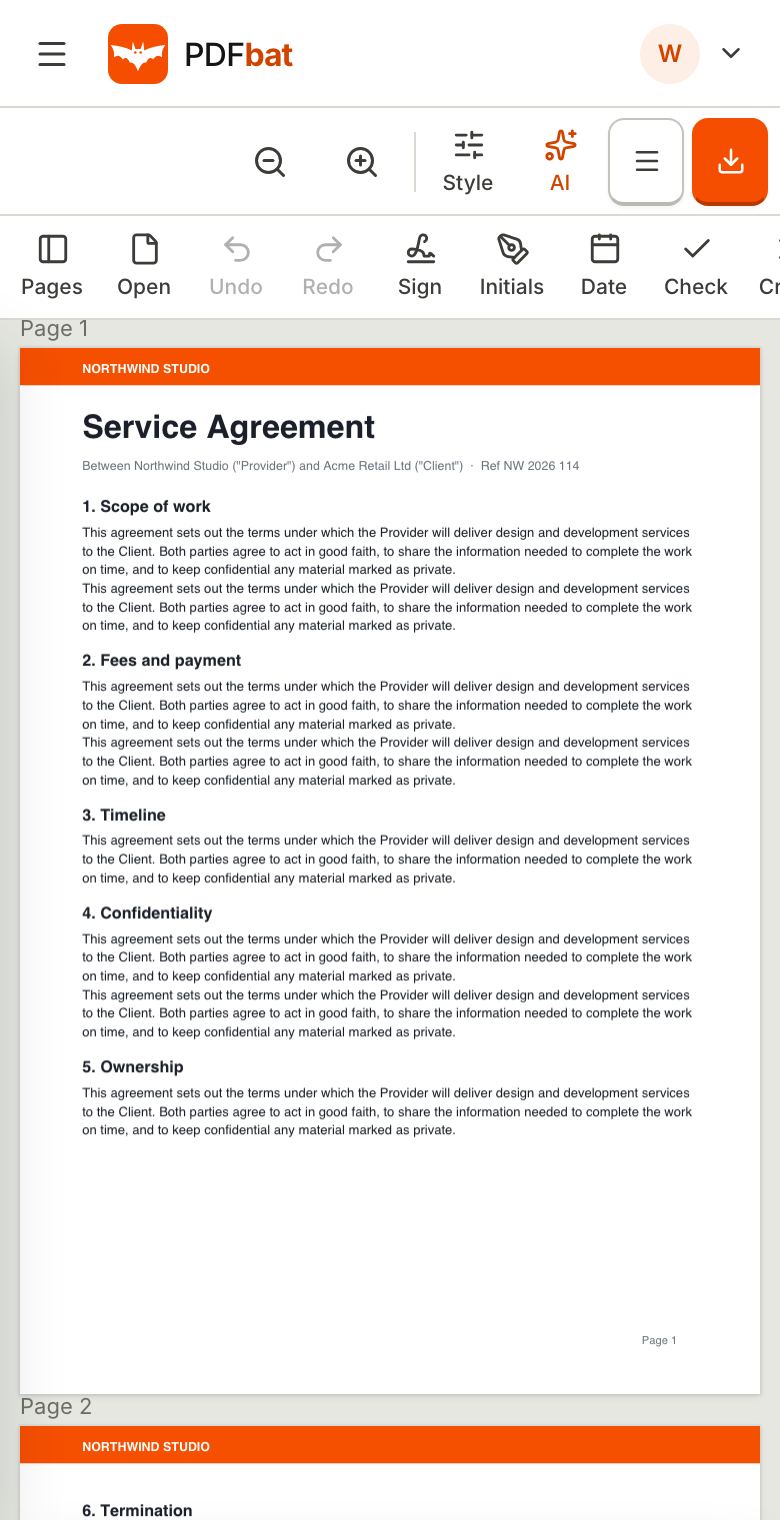 Sign PDF on iPadSign a PDF on iPad or iPhone with your finger or Apple Pencil in Safari, or send it to others to sign.
 Edit PDF on iPad and iPhoneEdit PDF text, add images, sign and annotate on iPad and iPhone in Safari, with nothing to install.
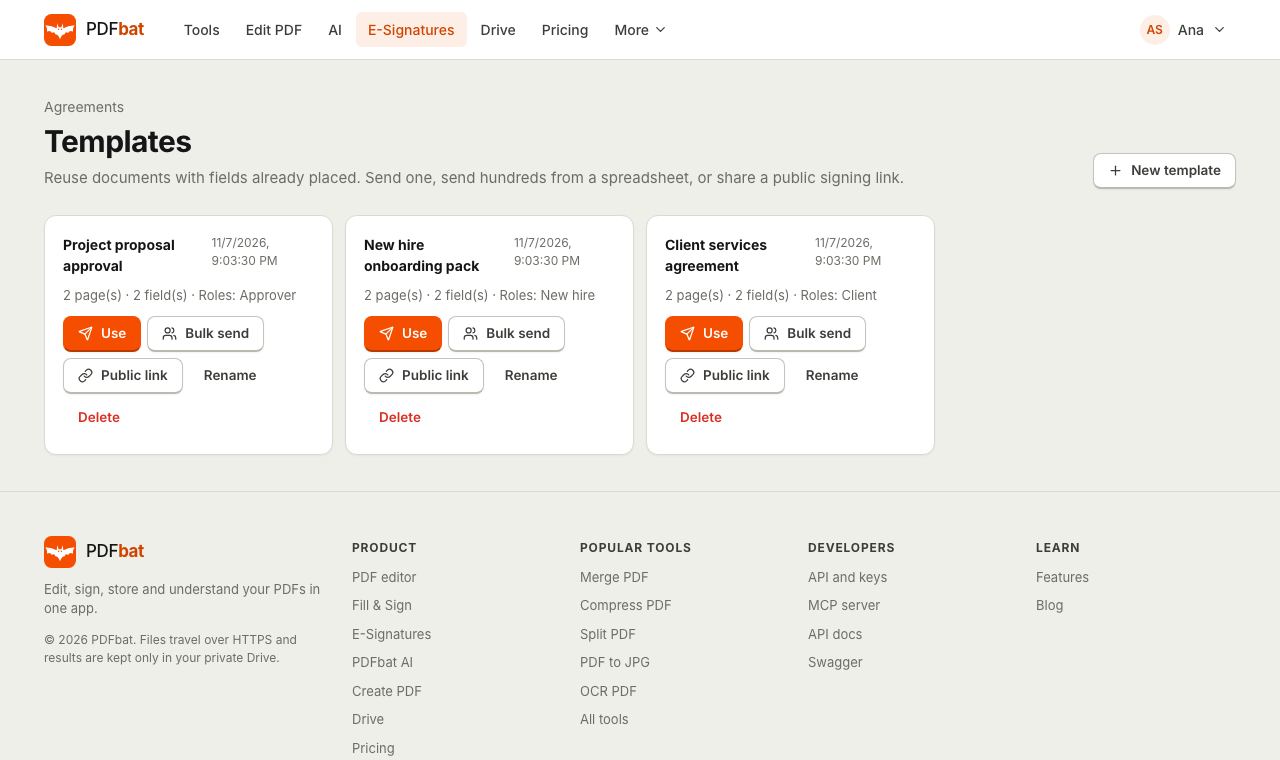 Templates and Bulk SendSave any envelope as a reusable template, send it to hundreds of people from a CSV, or publish a public signing link.
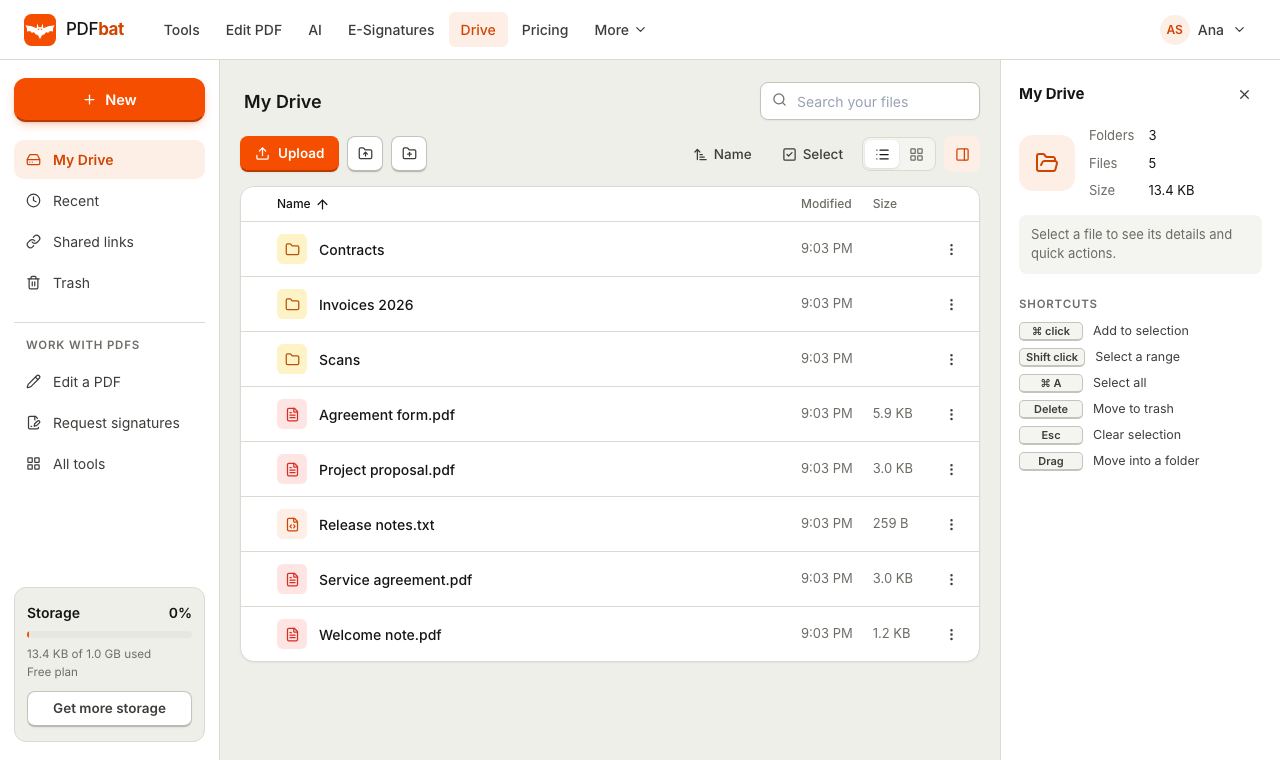 Cloud DrivePrivate cloud storage for PDFs with folders, share links and every tool result saved automatically.
Sign your PDF on Android now
Open Fill and Sign in Chrome, draw your signature and download the signed PDF.