A free PDF editor with no watermark
PDFbat never stamps a watermark on your files. The free plan lets you edit text, sign, annotate, redact and use every PDF tool with a username and password only, no credit card and no trial clock.
- No watermark on output
- No credit card
- Sign up with a username and password

The honest version of free
Search for a free PDF editor and you will find plenty that let you do all the work and then add a logo across the page, or ask for a credit card before the download button works. Others are free only for a seven day trial. It is a fair way to run a business, but it wastes your time when you only need to fix one line on a form.
PDFbat is different on the point that matters most: the files you download are yours, clean, with no watermark, on the free plan. You create an account with just a username and password, open a PDF in your browser and edit it. There is nothing to install and no payment details to enter.
Free does have limits, and we state them plainly so you can decide whether they fit. The free plan covers every PDF tool with 10 tool tasks a day, files up to 25 MB, 3 signature envelopes a month, 1 GB of Drive storage, OCR and 200 AI credits a month. Pro costs $4 a month and removes the daily task limit.
What the free plan includes
No watermark, ever
Downloaded PDFs are clean. We do not add our name, a banner or a logo to your pages.
Real text editing
Click existing text and rewrite it, add text, images, shapes, highlights, links and comments.
Sign and fill forms
Draw, type or upload a signature, add dates and checkmarks, and fill form fields.
Every PDF tool
Merge, split, compress, rotate, convert, OCR, redact, protect and more, all on the free plan.
No credit card
Sign up needs only a username and password. You are never switched to a paid plan by surprise.
1 GB Drive included
Every download is saved to your private Drive so you can find it again.
Edit a PDF free in three steps
- 1
Create a free account
Pick a username and password. No email confirmation is needed to start, and no card is asked for.
- 2
Open your PDF
Go to the editor, drop in a file up to 25 MB and edit text, add a signature or annotate.
- 3
Download a clean PDF
Download the result with no watermark. A copy also stays in your Drive.
Free plan limits at a glance
Here is exactly what you get, and where Pro takes over:
- Tool tasks
- 10 a day on Free. Unlimited on Pro. A task is one run of a tool or one download from the editor.
- File size
- Up to 25 MB on Free and up to 100 MB on Pro.
- Signature envelopes
- 3 a month on Free. Unlimited on Pro. Signers never need an account. See e signatures.
- Drive storage
- 1 GB on Free and 10 GB on Pro, for your edited and signed files. See Cloud Drive.
- OCR
- Included on Free, so scanned PDFs become searchable. See OCR.
- AI credits
- 200 a month on Free and 4,000 a month on Pro. Credit packs of $5, $10 and $25 never expire. See AI PDF.
- Every language
- Edit and add text in any script, including right to left. See every language.
- API
- 250 free API calls a month, then pay as you go. See the PDF API.
What no watermark means in practice
- No logo or banner appears on any page of the edited, signed or converted file.
- You do not need to upgrade just to unlock the download button.
- Signed documents carry your signature, not ours. The sealed certificate for e signature envelopes is a separate page you choose to keep.
- You can hit the daily limit, but hitting it never changes what a file looks like. The tool waits until the next day or you move to Pro.
When Pro makes sense
If you edit PDFs every day, send many documents for signature, or work with files over 25 MB, Pro for $4 a month removes the limits. Many people never need it. If you edit a form now and then, the free plan is enough, and you can try it right now at /editor.html.
Frequently asked questions
Is PDFbat really free with no watermark?
Yes. The free plan adds no watermark to any file you download. It has daily and monthly limits, listed on this page and on the pricing page.
Do I need a credit card to start?
No. Sign up needs only a username and password.
What happens when I use my 10 daily tasks?
You can keep working in the editor and wait until the next day for more tasks, or upgrade to Pro for $4 a month to remove the limit.
Can I edit the existing text, or only add new text?
Both. Click existing text to rewrite it, or add new text anywhere. Scanned pages need OCR first.
Is there a trial that ends?
No. The free plan does not expire. Pro is optional and billed monthly.
Are my files private?
Files travel over HTTPS and are stored in your private Drive. Nobody else can open them unless you share a link.
Is the free editor good for signing?
Yes. Draw, type or upload a signature with Fill and Sign, or send documents to others with 3 free envelopes a month.
Related features and tools
PDF EditorEdit existing text, add text in any language, images, shapes, highlights, redactions, links and comments. Free PDF Tools30+ tools to merge, split, compress, convert, protect, redact, number and OCR PDFs.
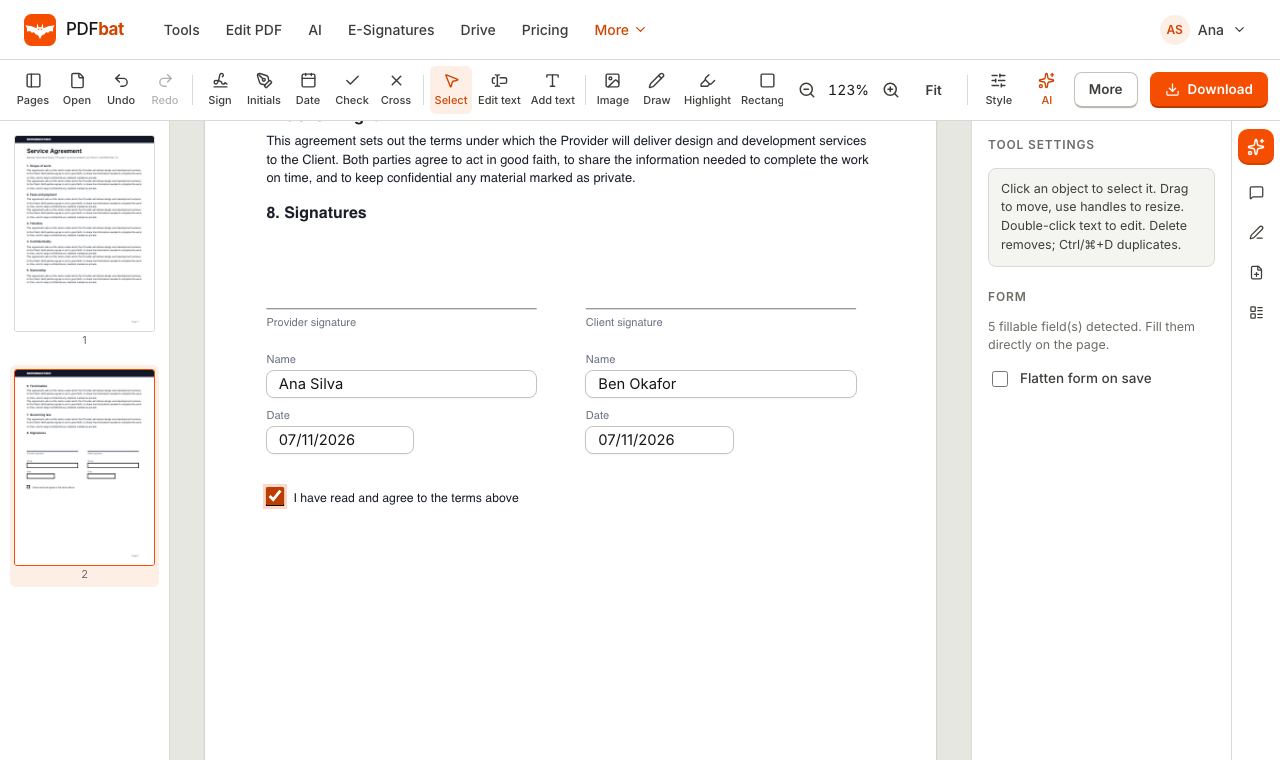 Fill and SignFill PDF forms, sign, add initials, dates and checkmarks, then flatten and download.
 OCR PDFMake scanned PDFs searchable and copyable in 45 languages, with a second language for mixed documents.
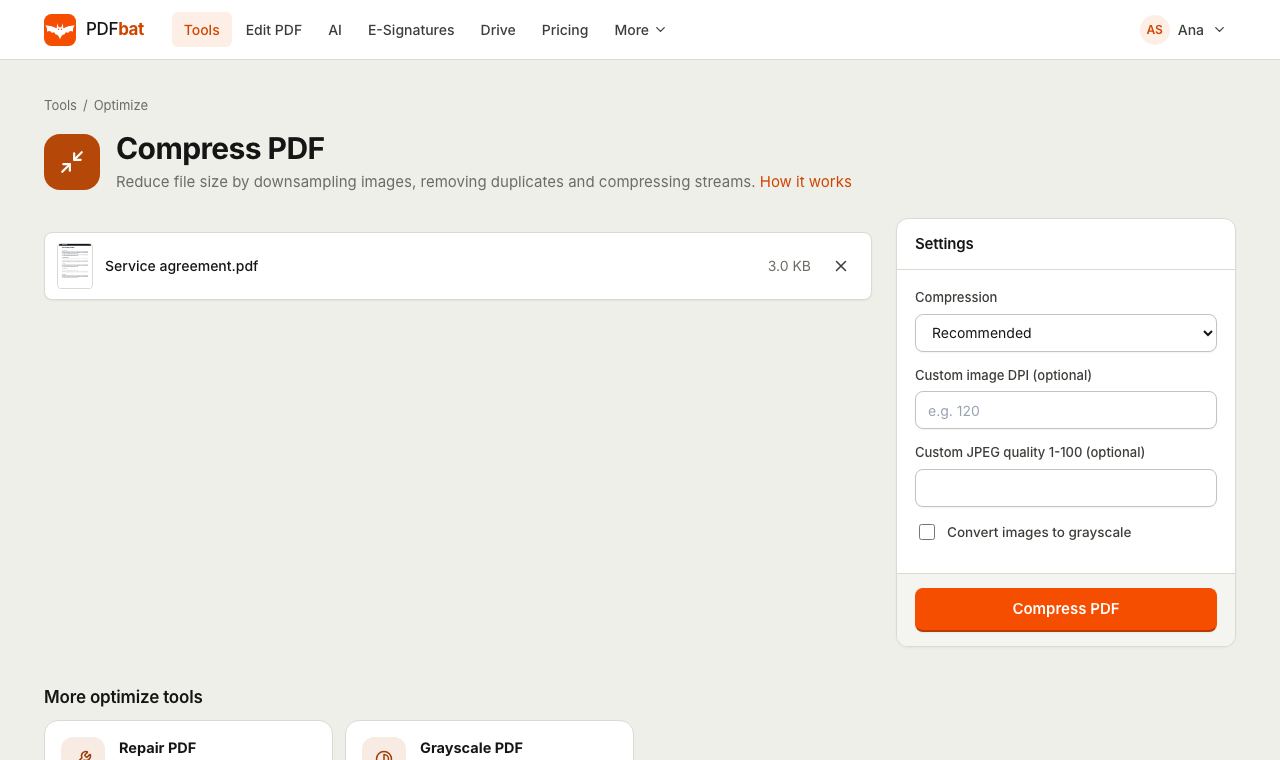 Compress PDFShrink PDFs for email and upload portals with four levels, custom DPI and grayscale.
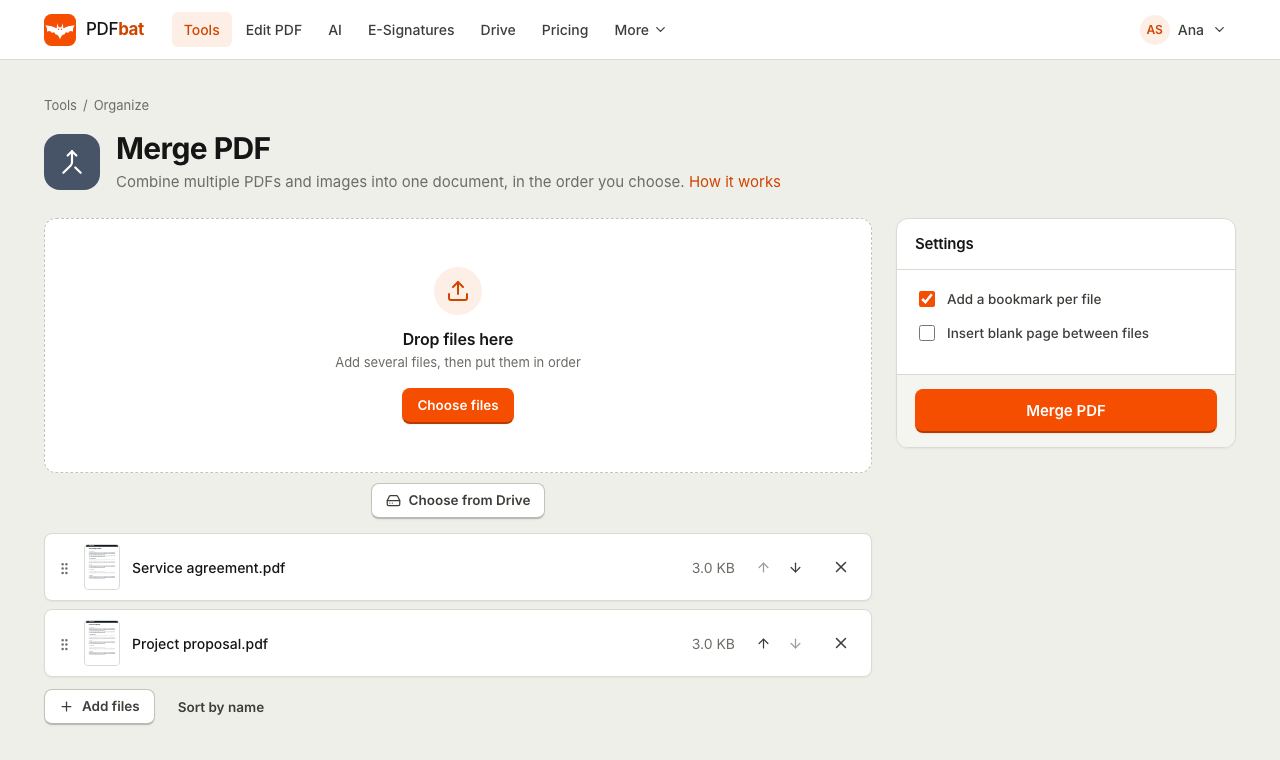 Merge PDFCombine PDFs, images and ebooks into one file in the order you choose, with a bookmark per file.
Edit your PDF with no watermark
Open the editor, make your changes and download a clean PDF. No card, no trial, nothing to install.