PDF guides that get the job done
Practical, step-by-step answers to the PDF questions people search for most.
 12 min read
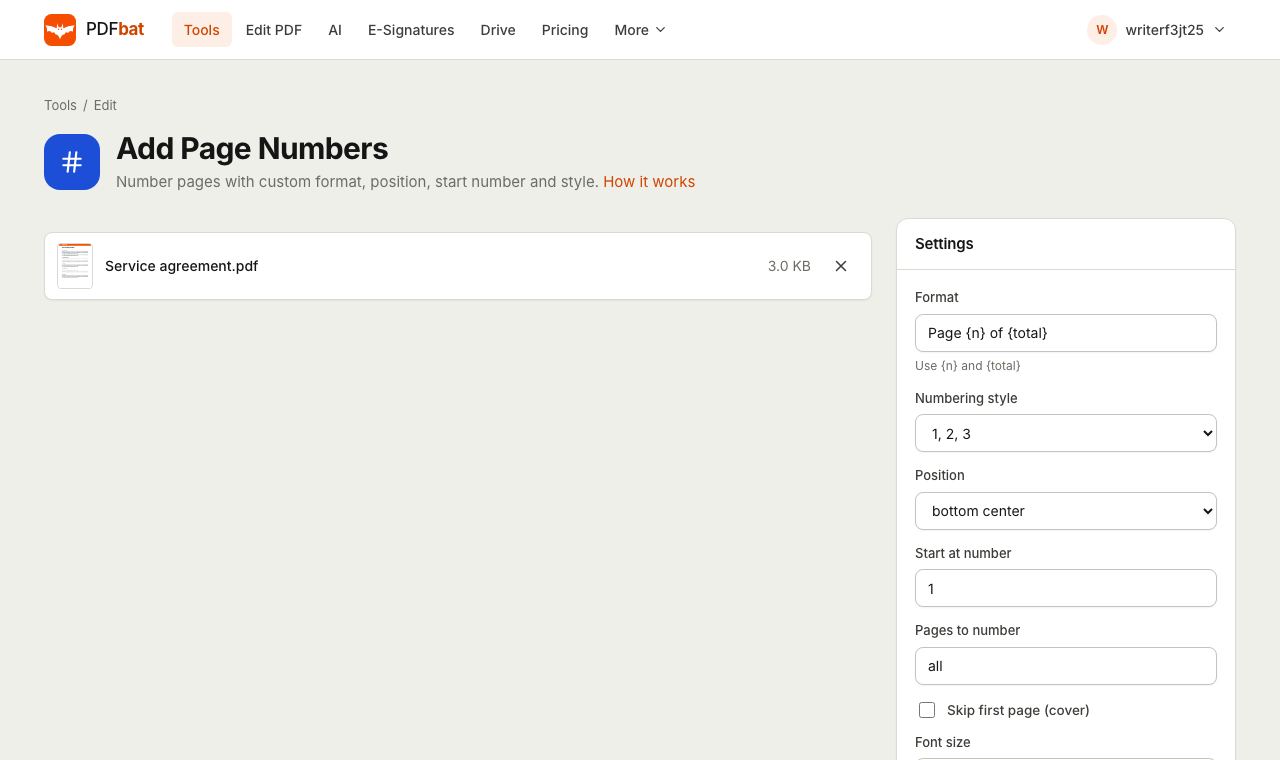
How to Add Page Numbers to a PDF Online (Page X of Y, Roman Numerals, Skip the Cover)
Add page numbers to any PDF in your browser. Choose the format, position, font and start number, use Roman numerals, and skip the cover page.
Read guide →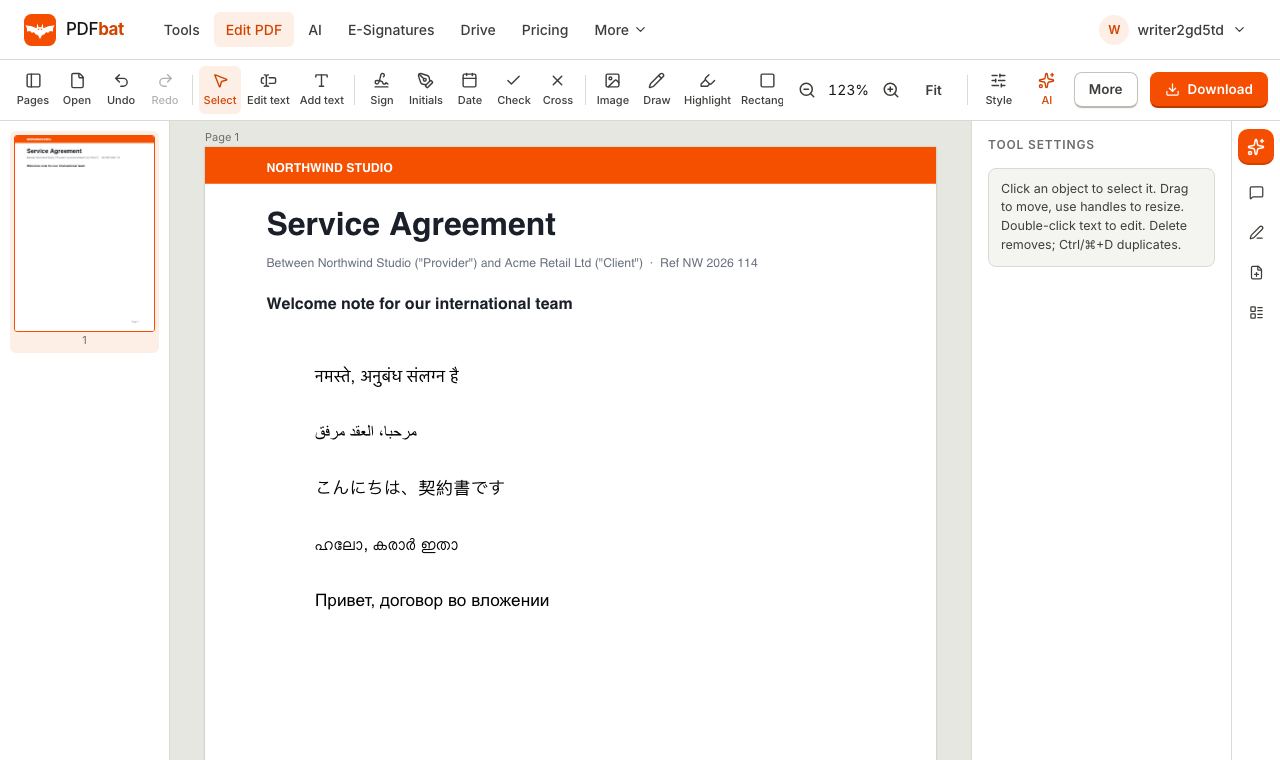 9 min read
How to Add Text in Any Language to a PDF (Arabic, Chinese, Hindi and More)
Typing Arabic, Hindi, Chinese or Tamil into a PDF often gives boxes or broken letters. Here is how to add text in any script that displays correctly.
Read guide →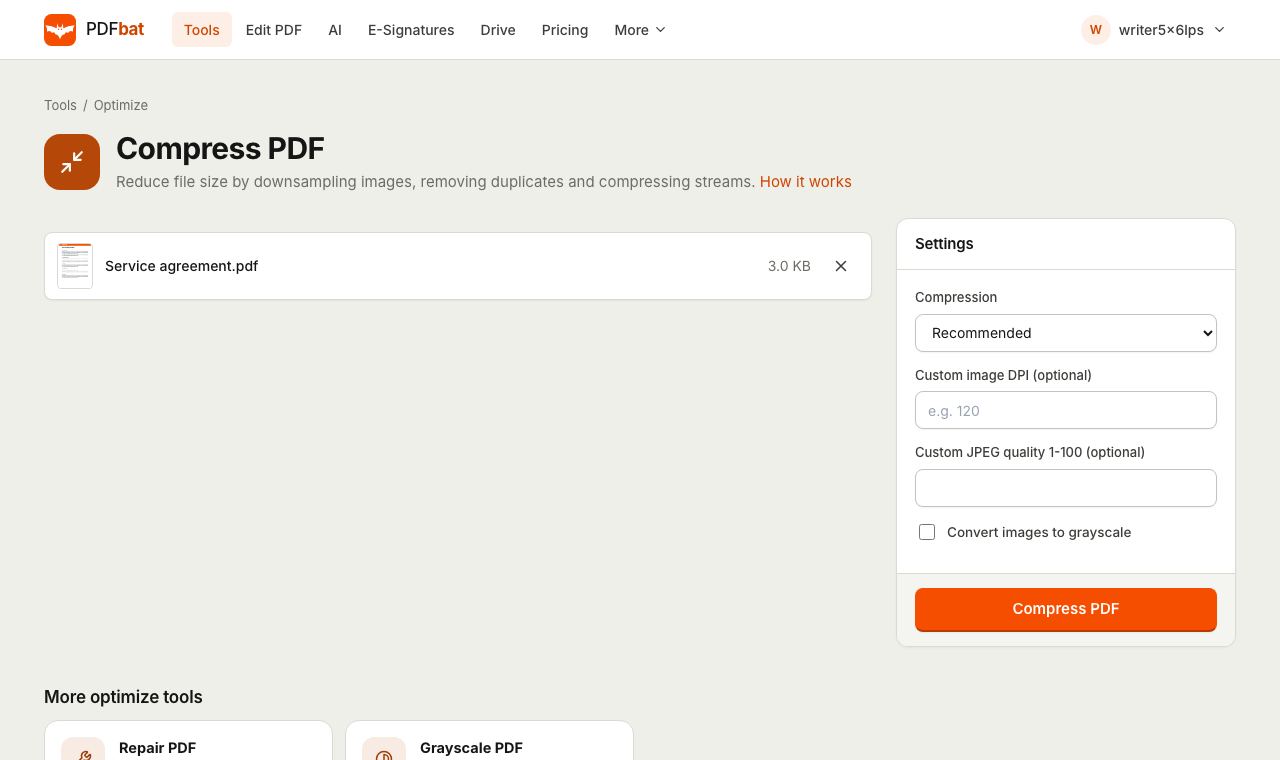 9 min read
How to Compress a PDF to 100 KB (or 200 KB) for Online Forms and Portals
Shrink a PDF under 100 KB or 200 KB for government, job and exam portals while keeping it readable. Exact settings, fixes and phone tips.
Read guide →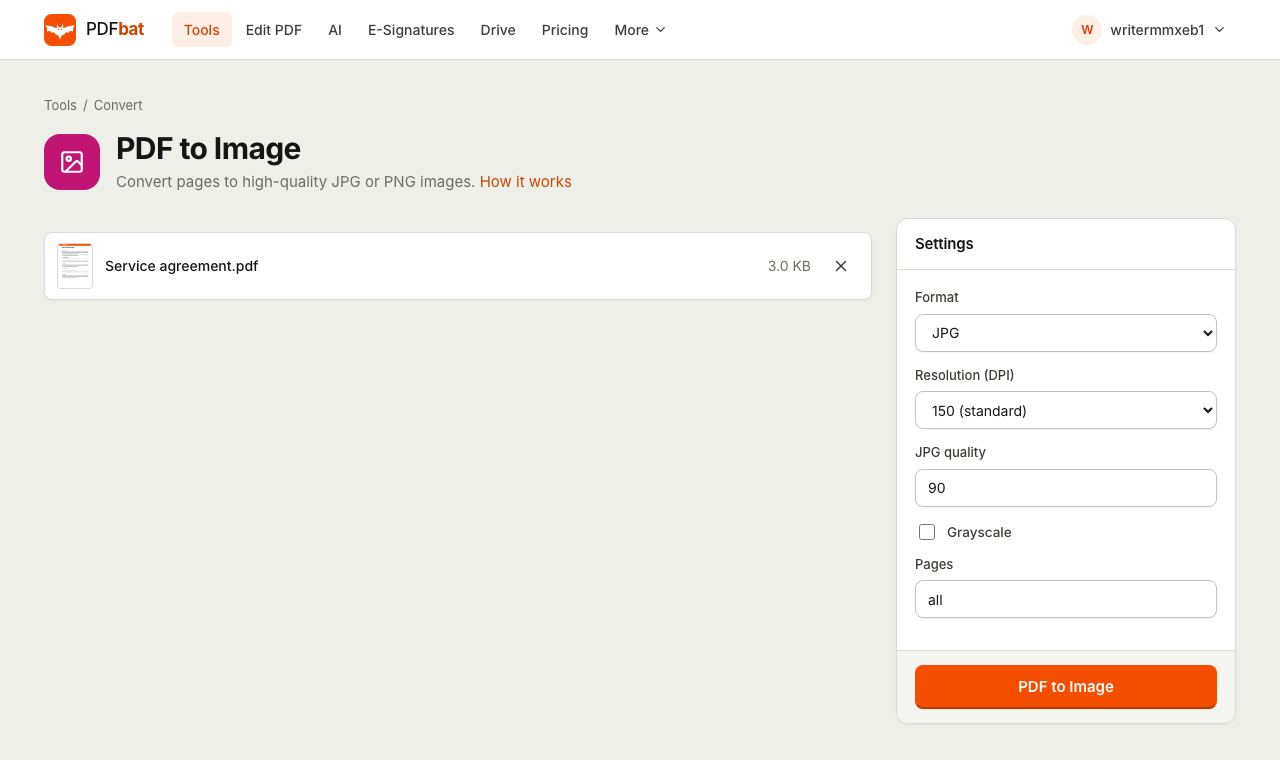 9 min read
How to Convert PDF to JPG in High Quality (300 DPI and Up) for Free
Turn PDF pages into sharp JPG or PNG images for slides, social posts, apps or printing. Pick the right DPI, format and quality for each use.
Read guide →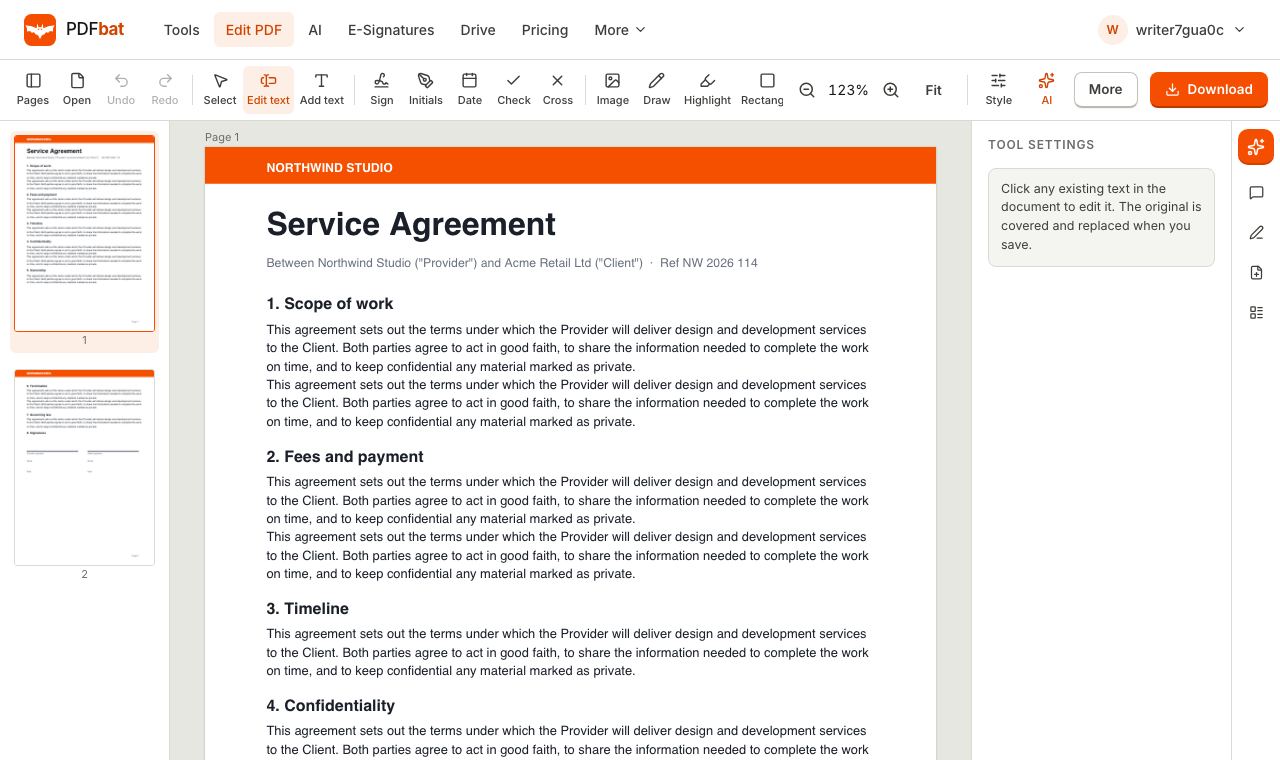 10 min read
How to Edit Text in a PDF Without Adobe Acrobat (Free, in Your Browser)
Change existing text in any PDF without Acrobat or installing software. A step by step guide for Windows, Mac, Chromebook, iPhone and Android.
Read guide →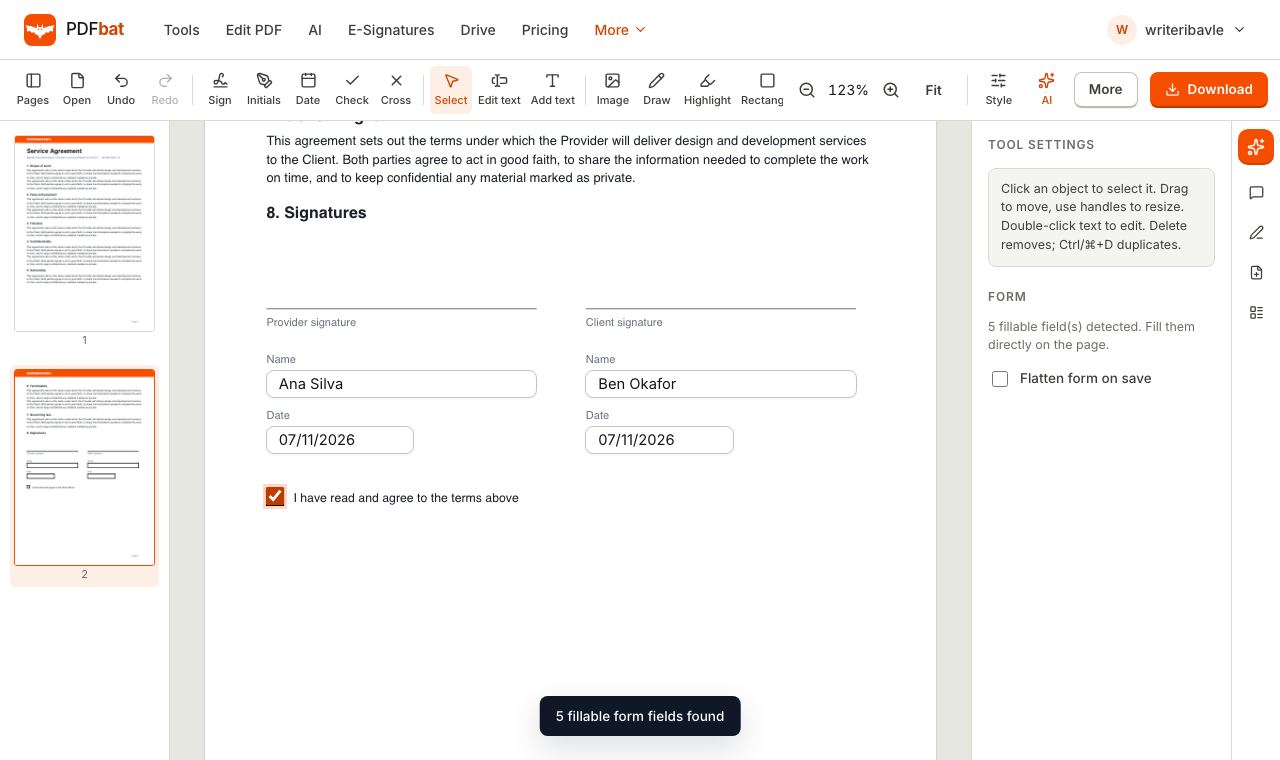 9 min read
How to Fill Out a PDF Form Online for Free (Even Forms Without Fields)
Type into PDF forms, tick boxes and pick from dropdowns, or add text to flat forms with no fields at all. No printing, no scanning, no software.
Read guide →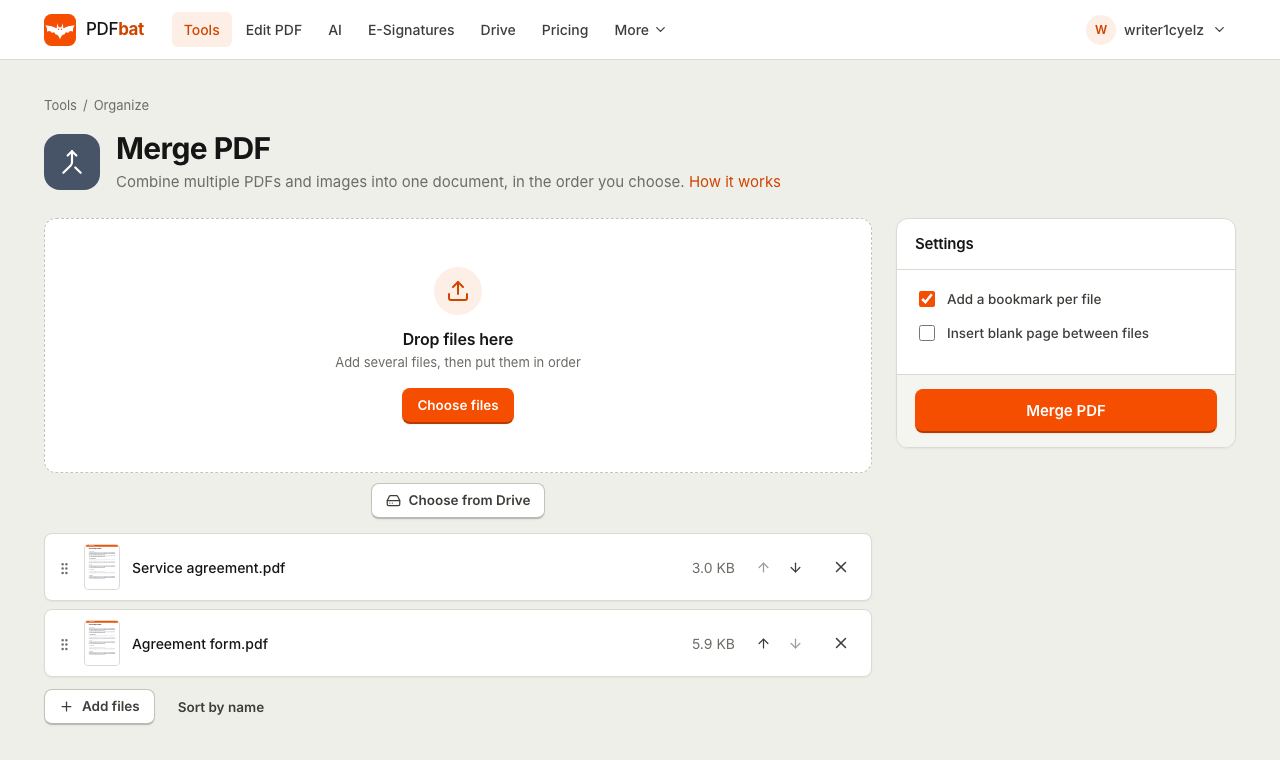 9 min read
How to Merge PDF Files Into One Without Installing Software
Combine PDFs and images into one document in the order you choose, with bookmarks. Free in your browser on Windows, Mac, iPhone and Android.
Read guide →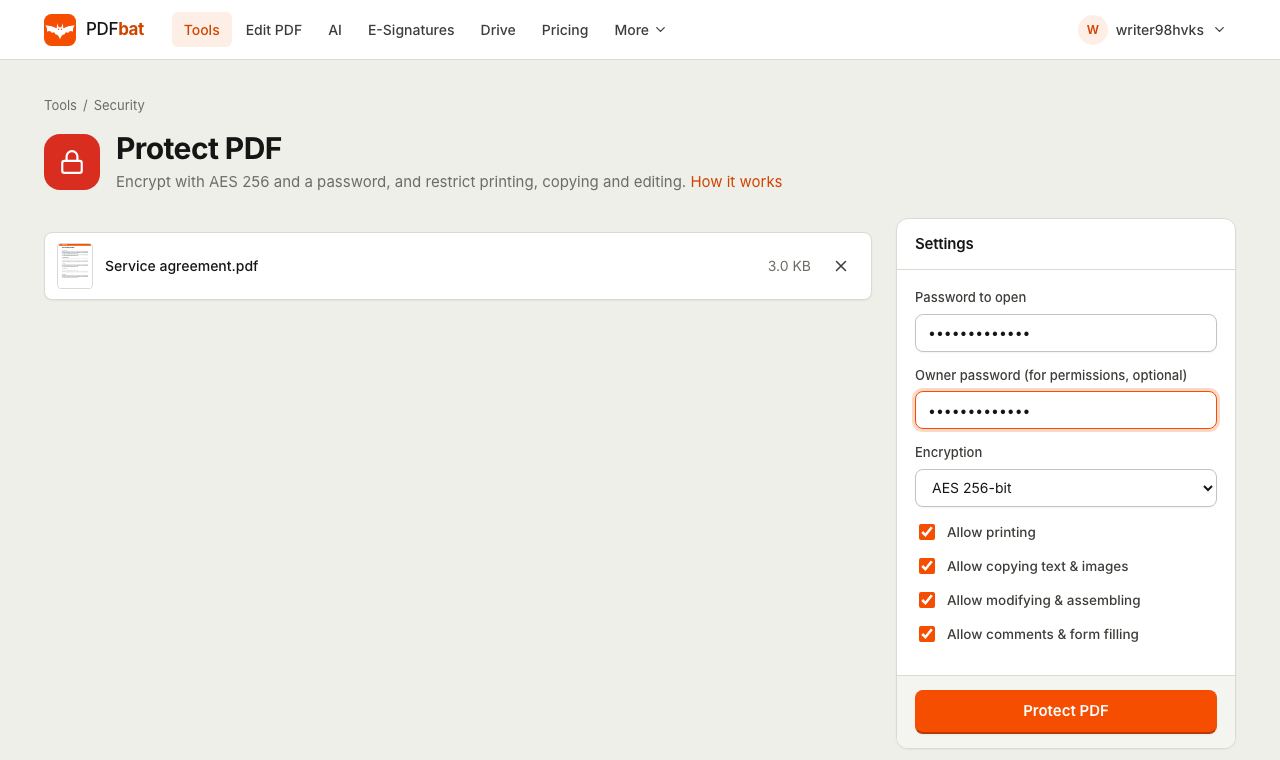 10 min read
How to Password Protect a PDF for Free (AES 256) and Block Printing or Copying
Encrypt a PDF with AES 256 so only people with the password can open it, and choose whether they can print, copy or edit. Works on any device.
Read guide →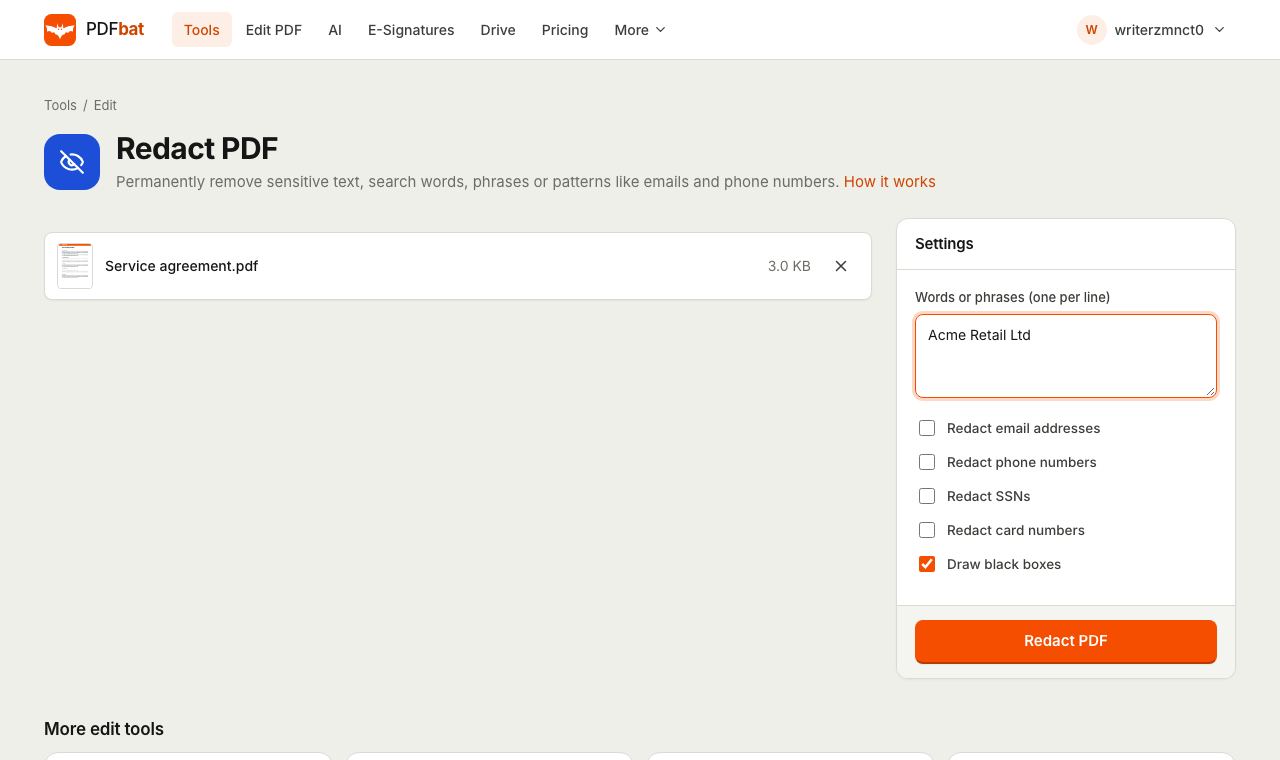 9 min read
How to Redact a PDF Permanently for Free (and Why Black Boxes Are Not Enough)
A black rectangle hides text but leaves it in the file. Learn how to permanently redact names, account numbers, emails and areas from any PDF.
Read guide →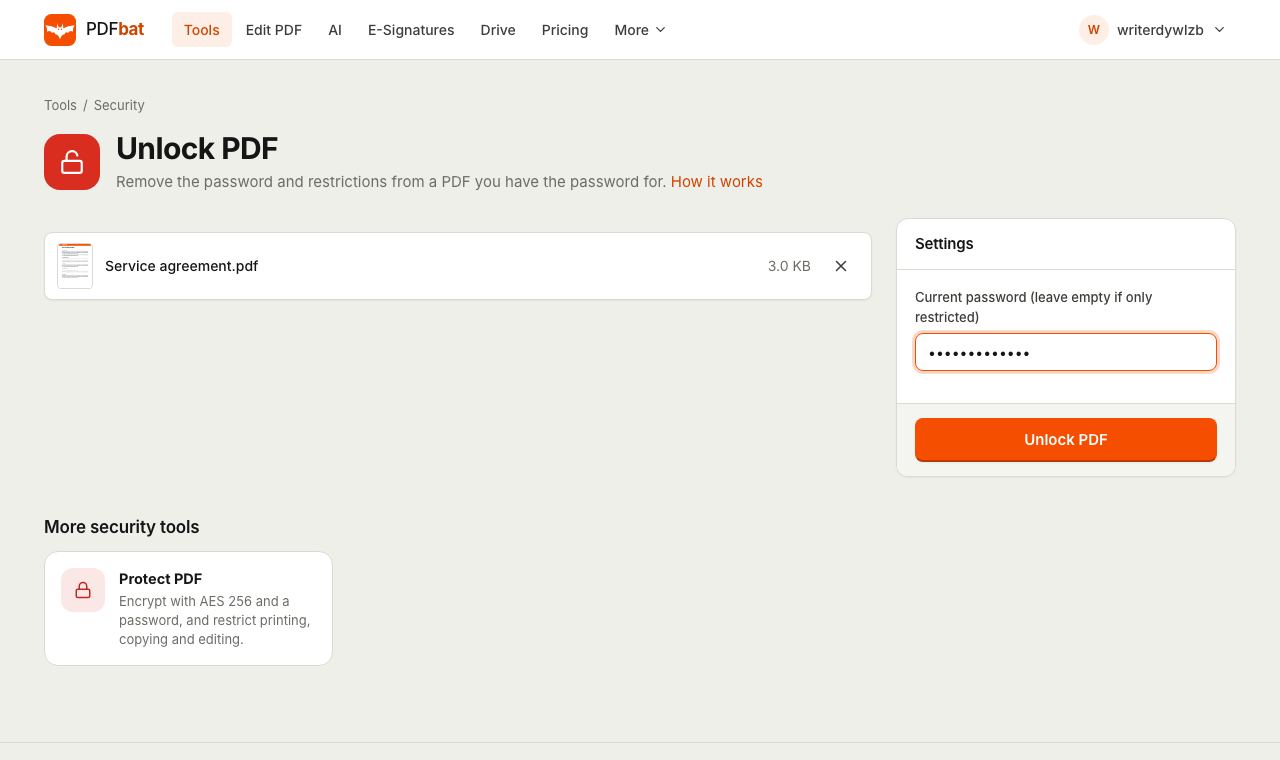 10 min read
How to Remove a Password From a PDF You Can Already Open (Free, Any Device)
Tired of typing a password every time you open a bank statement or payslip? Remove the password and print or copy restrictions in seconds.
Read guide →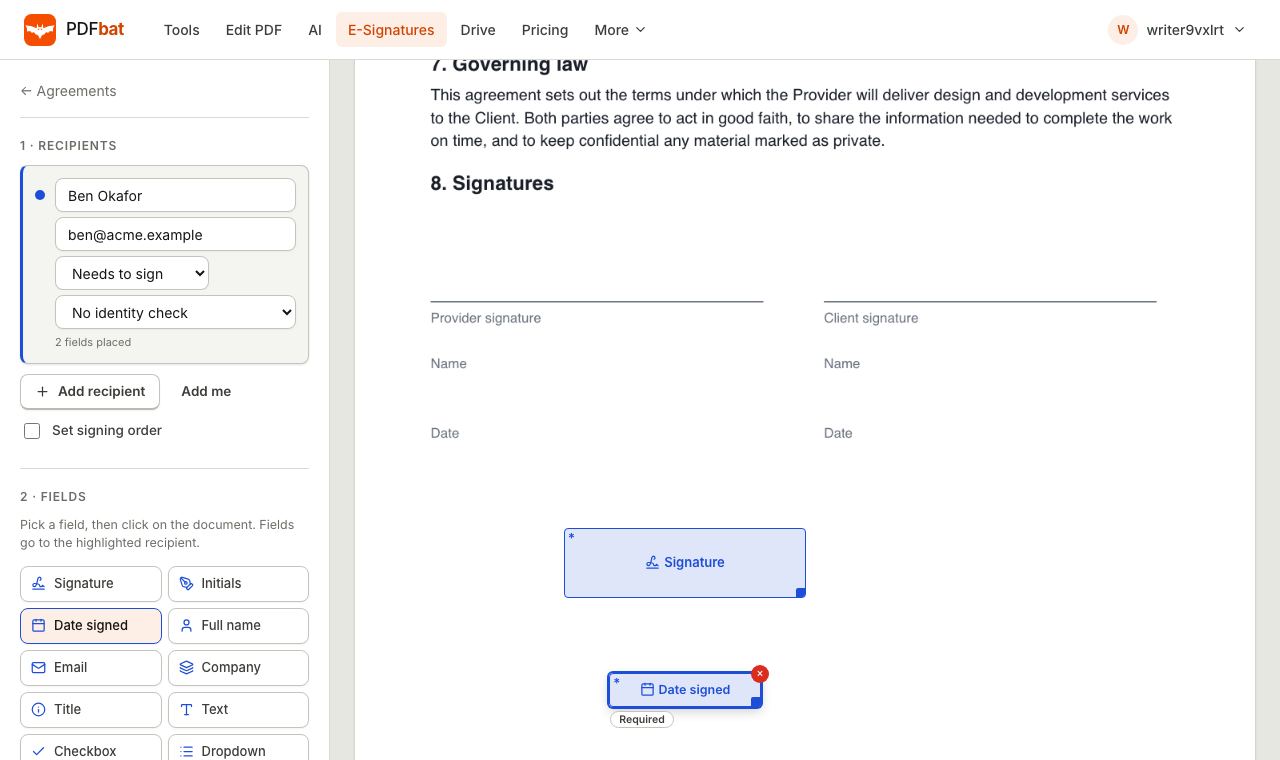 9 min read
How to Send a PDF for Signature for Free (A Simple DocuSign Alternative)
Get a PDF signed by one or many people, in order or all at once, with reminders, identity checks, an audit trail and a sealed final copy.
Read guide →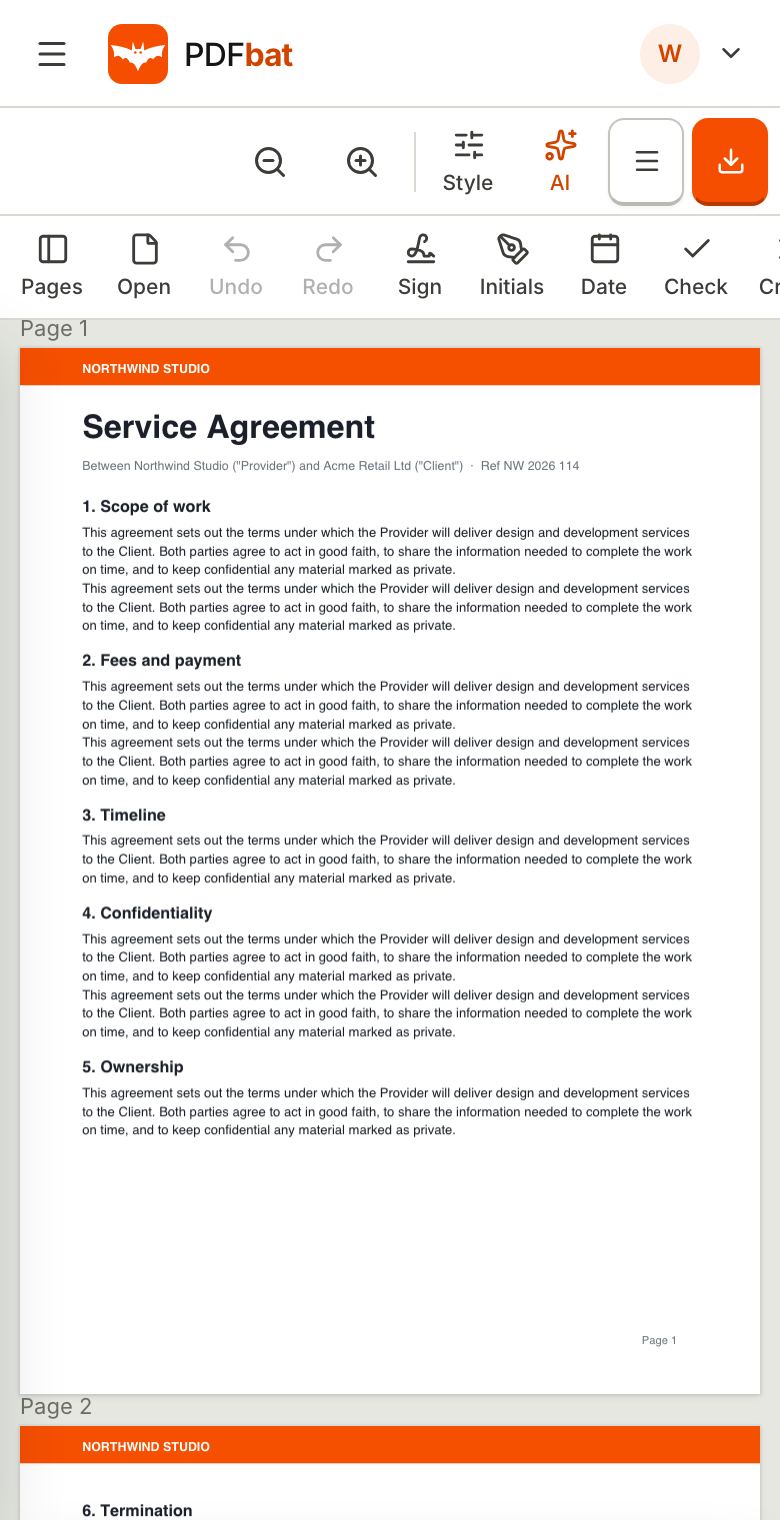 9 min read
How to Sign a PDF on iPhone or Android for Free (No App Needed)
Sign a PDF on your phone in about a minute. Draw, type or upload your signature, add the date, fill blanks and send it back from Safari or Chrome.
Read guide →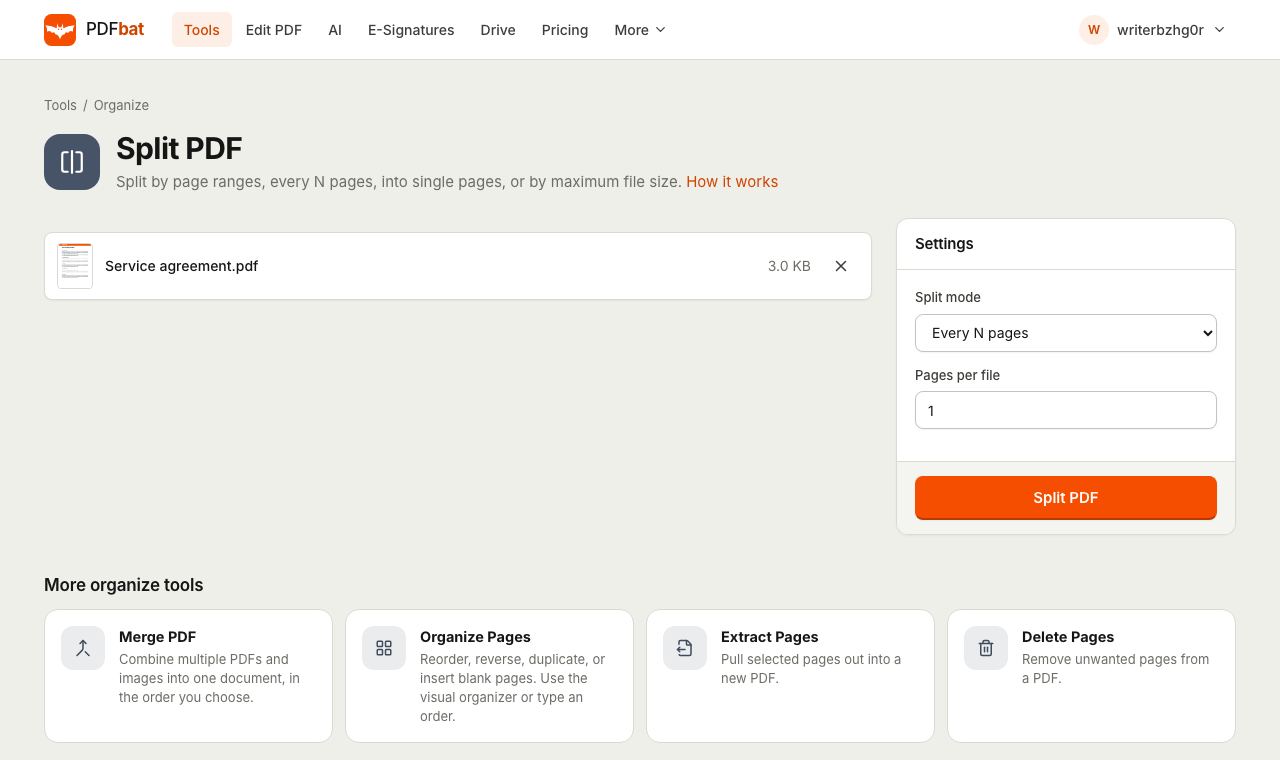 9 min read
How to Split a PDF Into Separate Pages or Files (Free, Online)
Save every page of a PDF as its own file, cut a document into chapters, or split by file size for email limits. Free in your browser, no install.
Read guide →